Create an account
Screenshots from
What it's for
Make your LookForParty account so you can find games near you, take a seat and host your own.
Who can use it
Players
On Web
How to do it
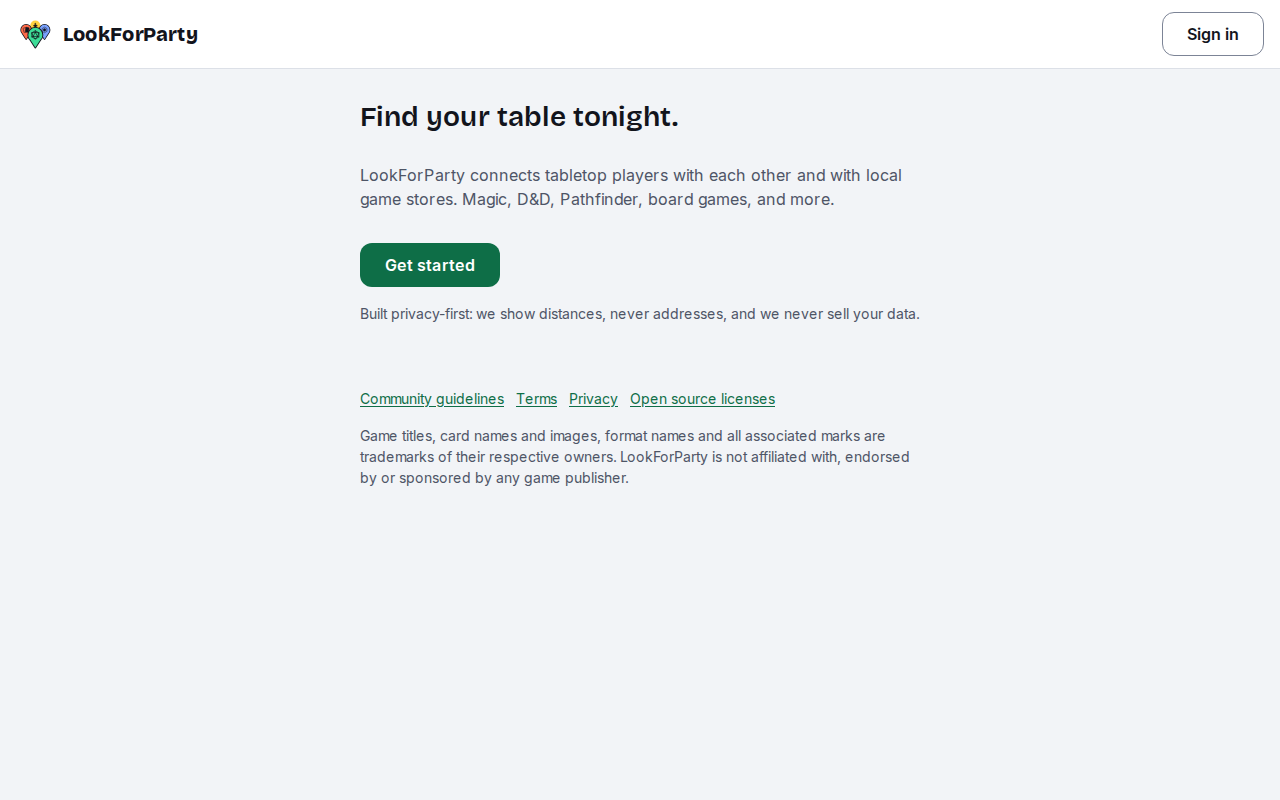
Go to LookForParty and press Get started.
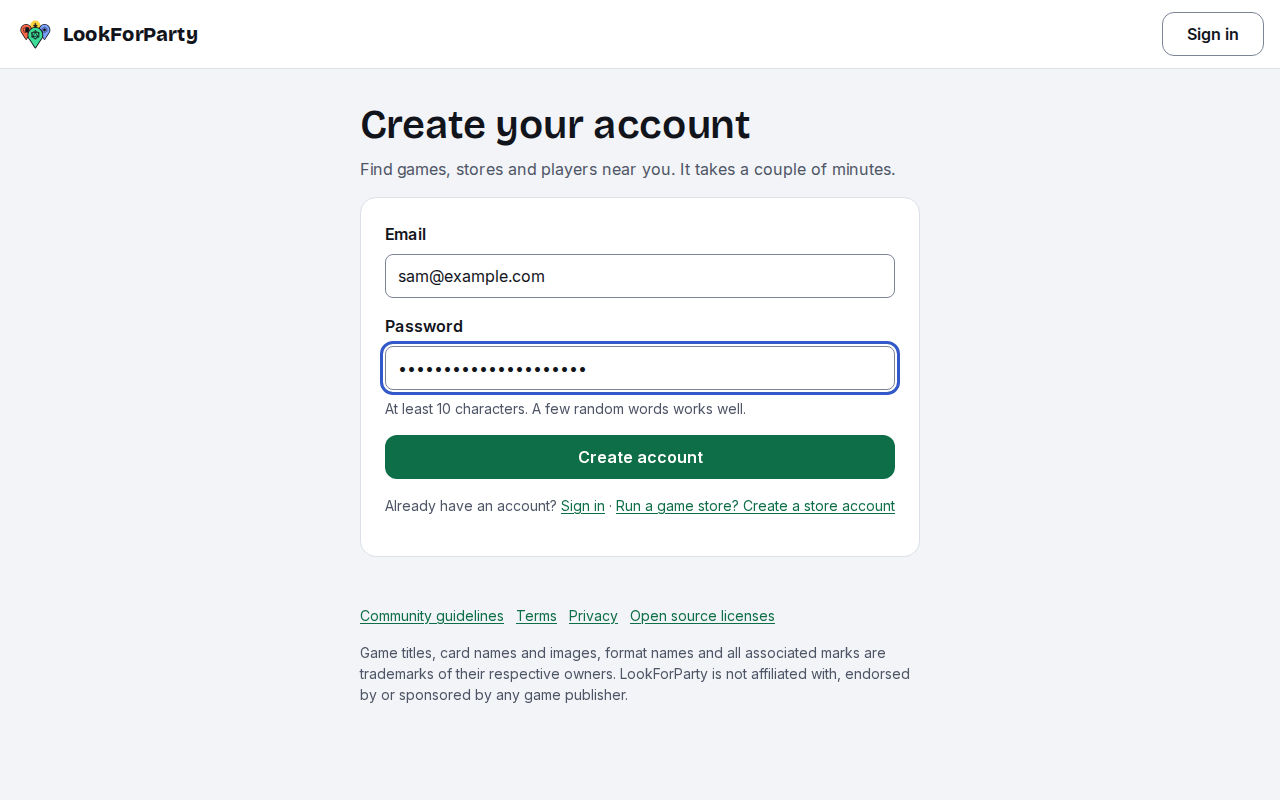
Enter your email address and choose a password, then press Create account.
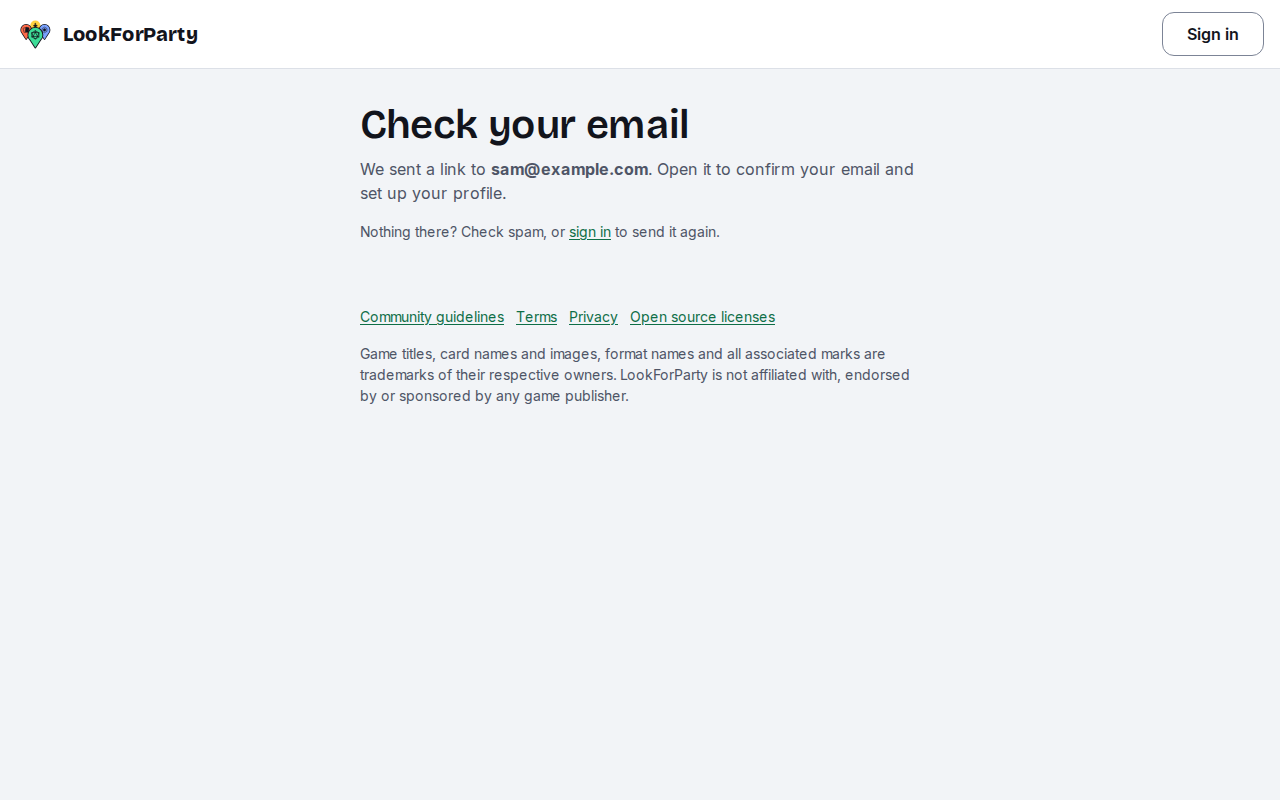
Check your email and open the link we send you. It confirms the address is yours.
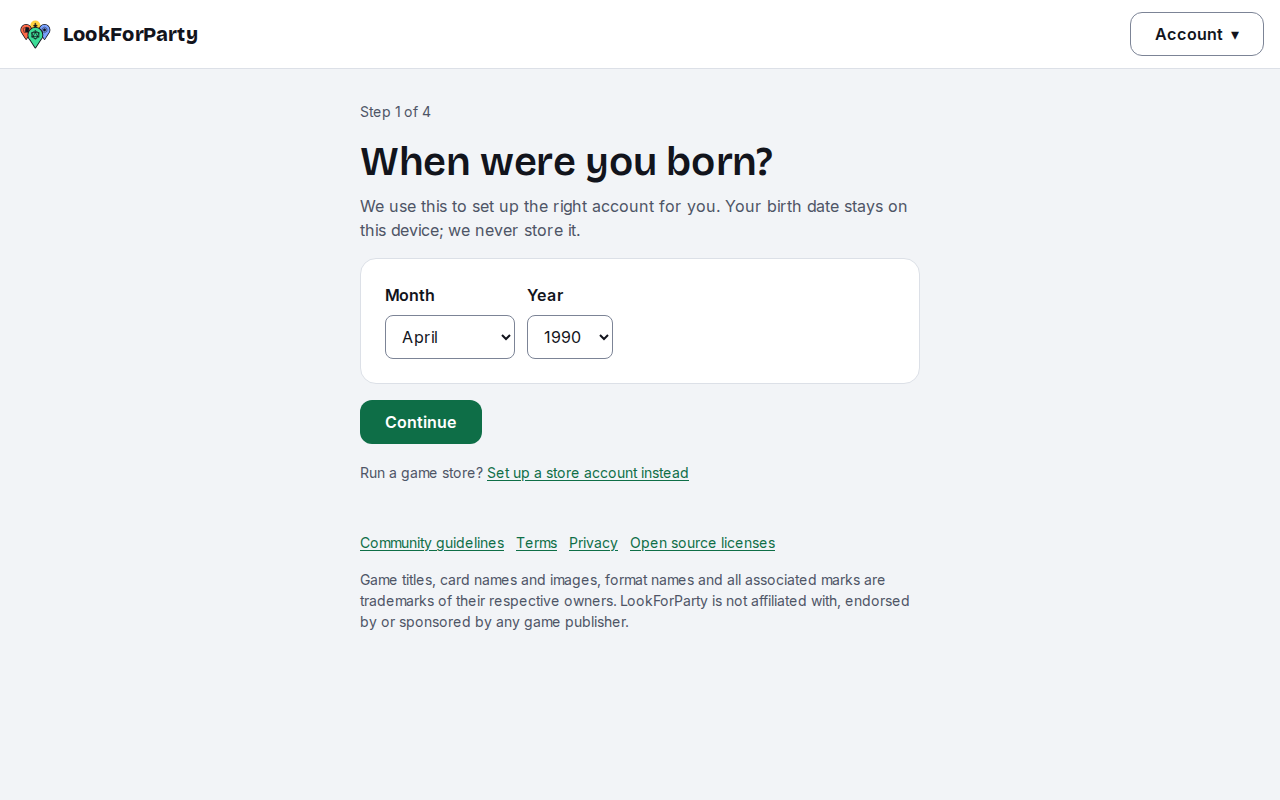
Pick the month and year you were born. Your birth date stays on your device: LookForParty only uses it to set up the right account for your age.
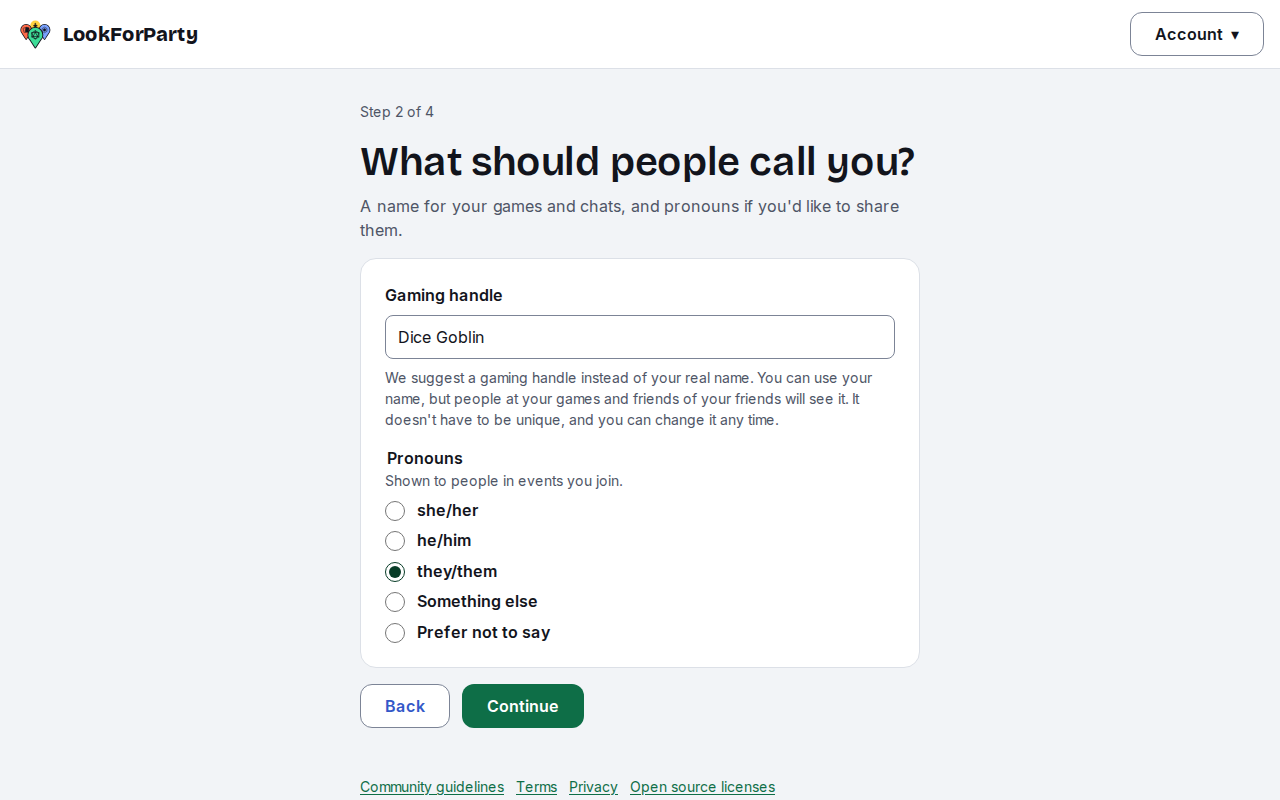
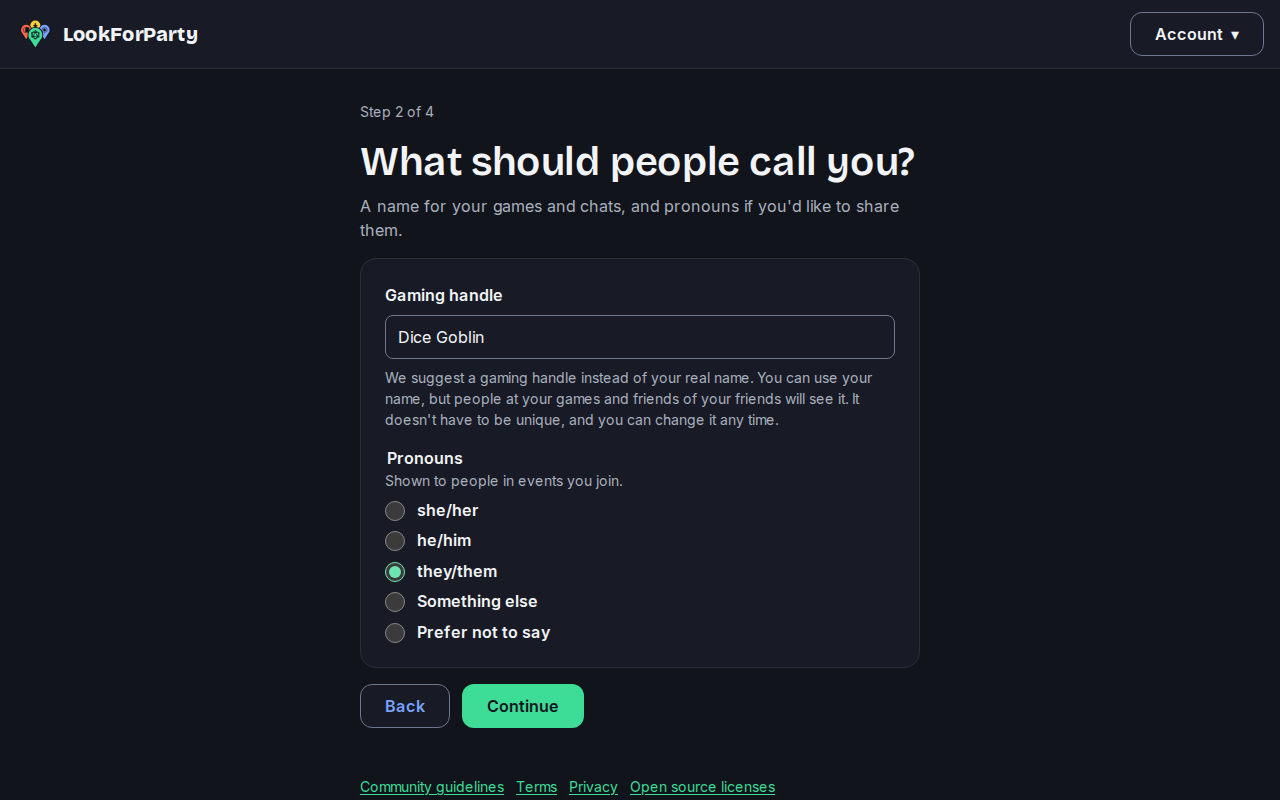
Choose a gaming handle. It's the name other players see, so it doesn't need to be your real name. Add your pronouns if you like.
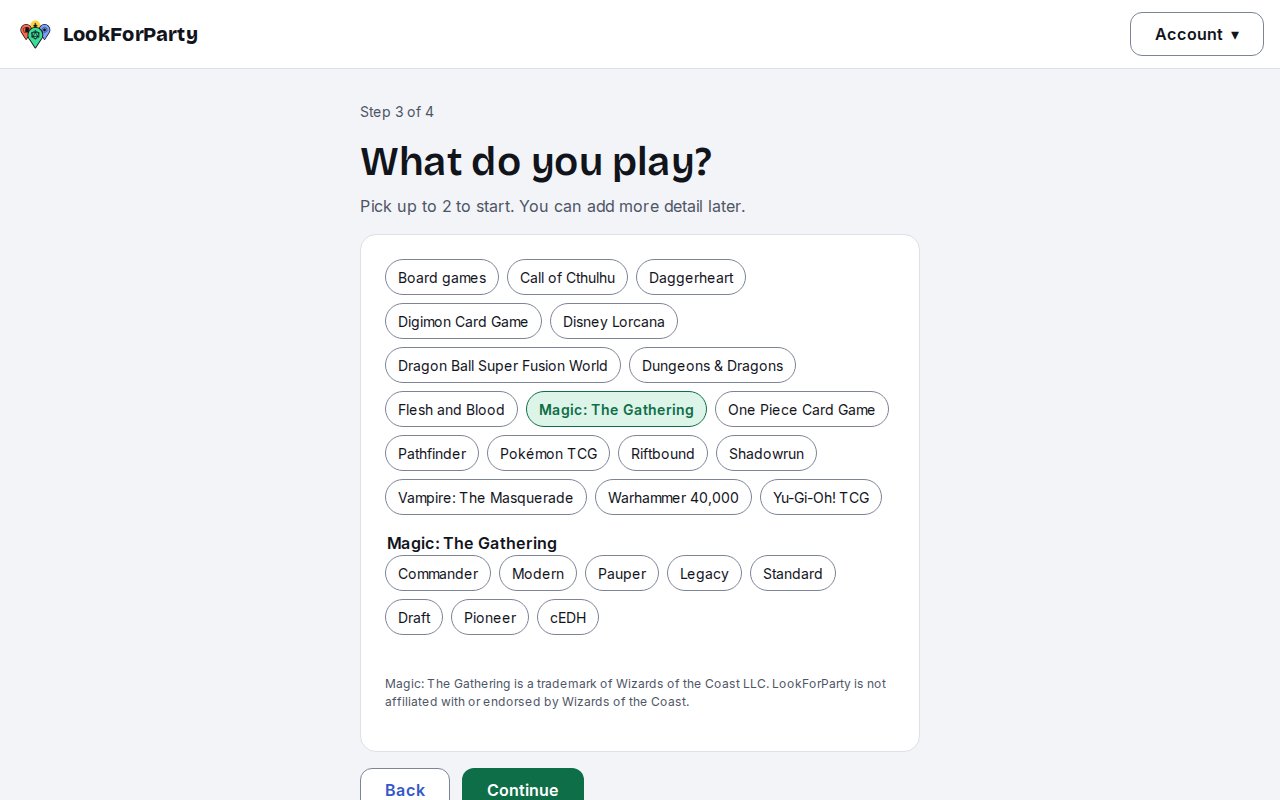
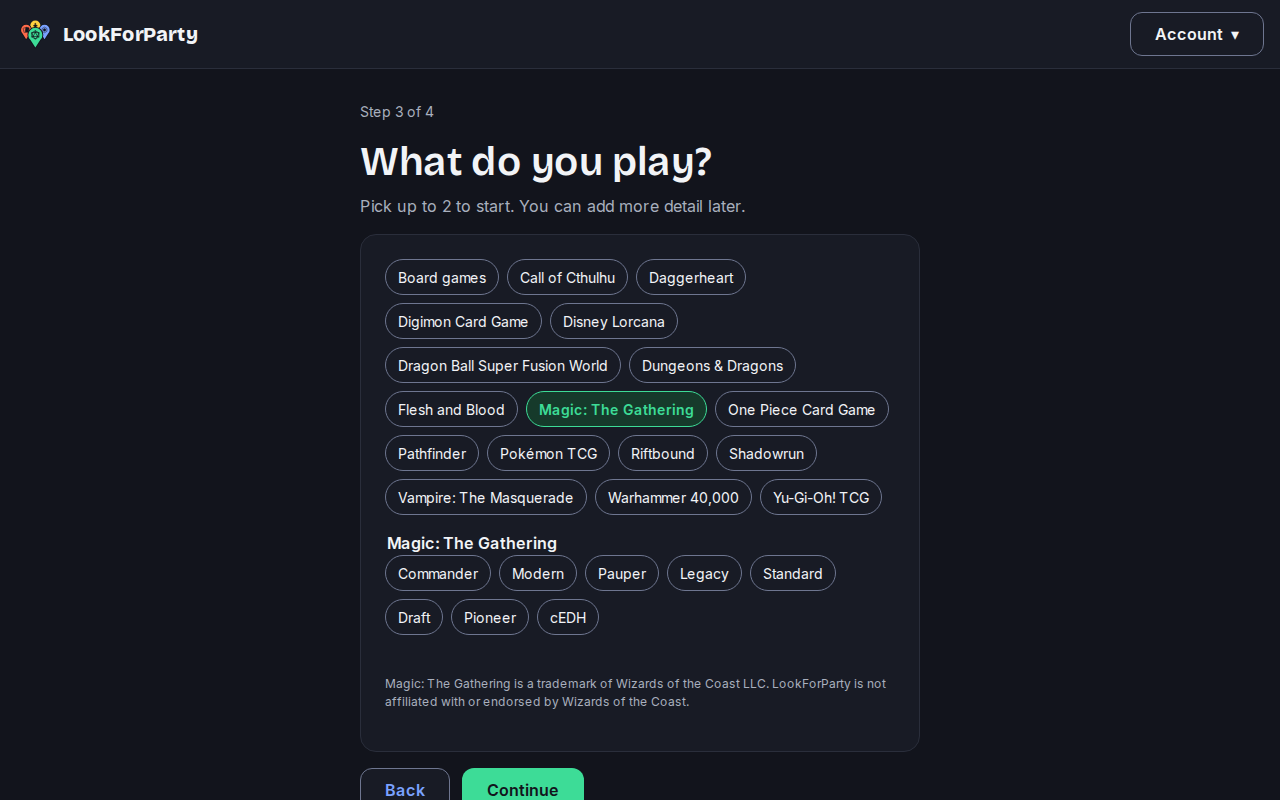
Pick the games you play. You can change them any time.
Read and agree to the terms, then press Create account.
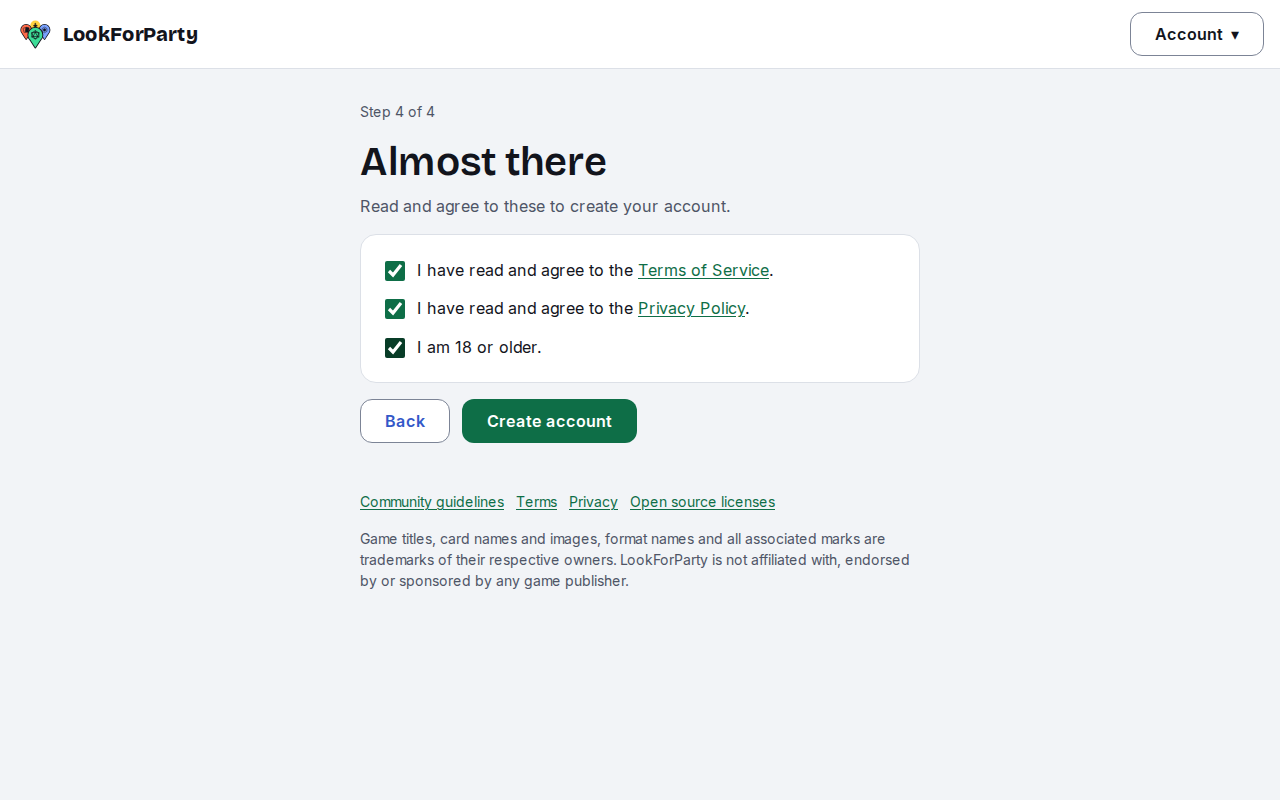
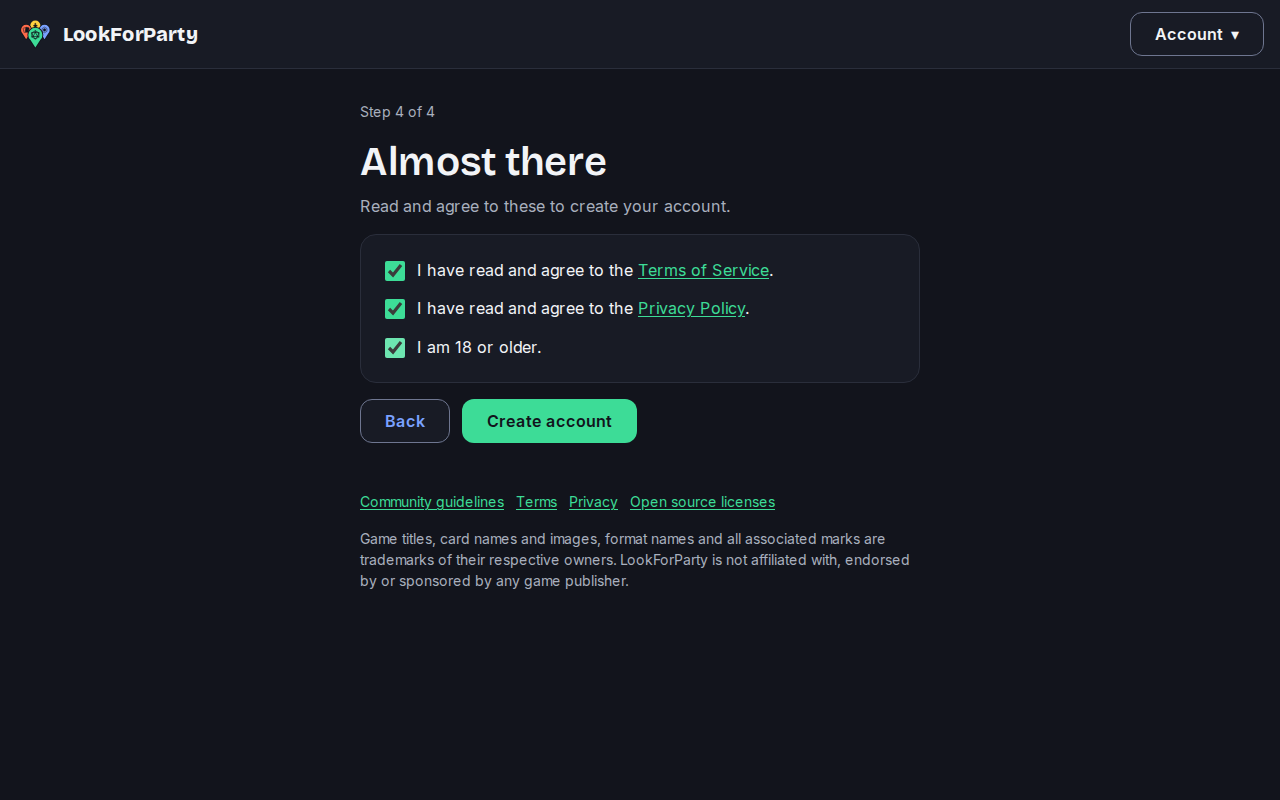
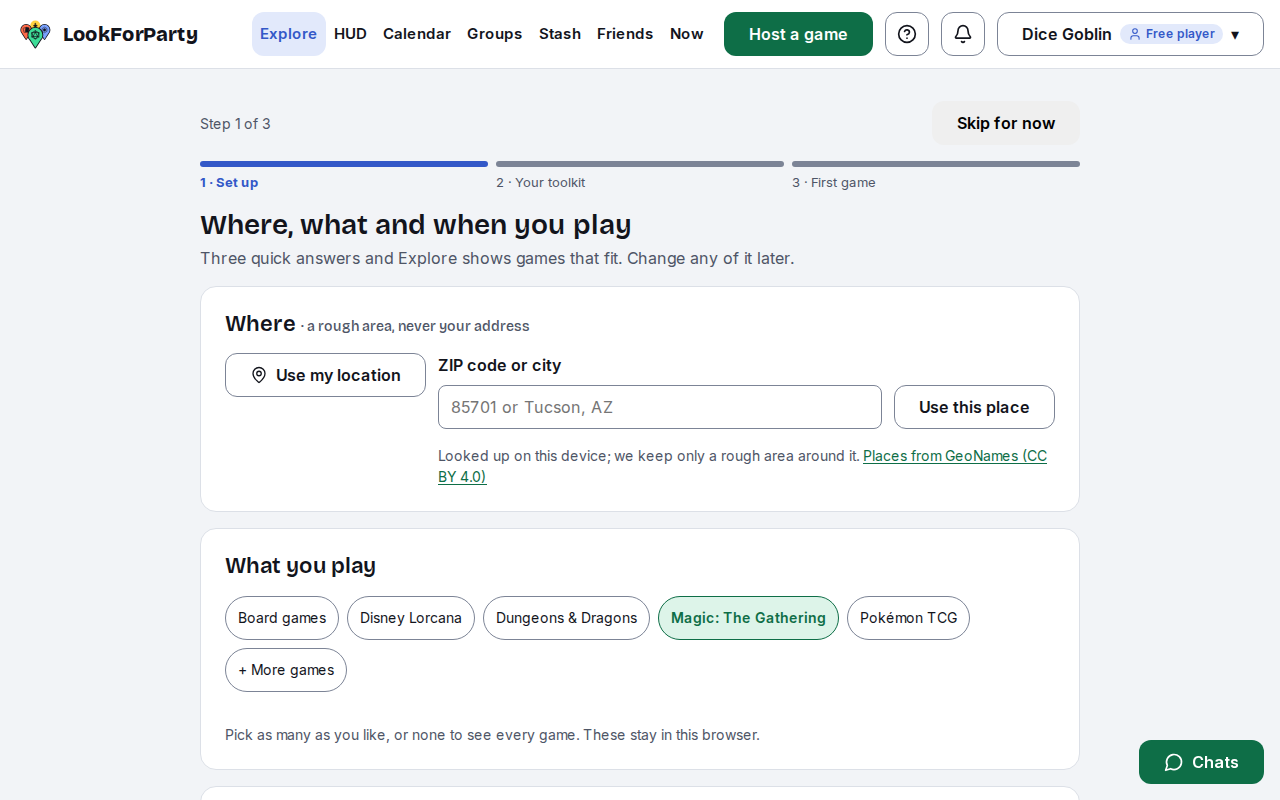
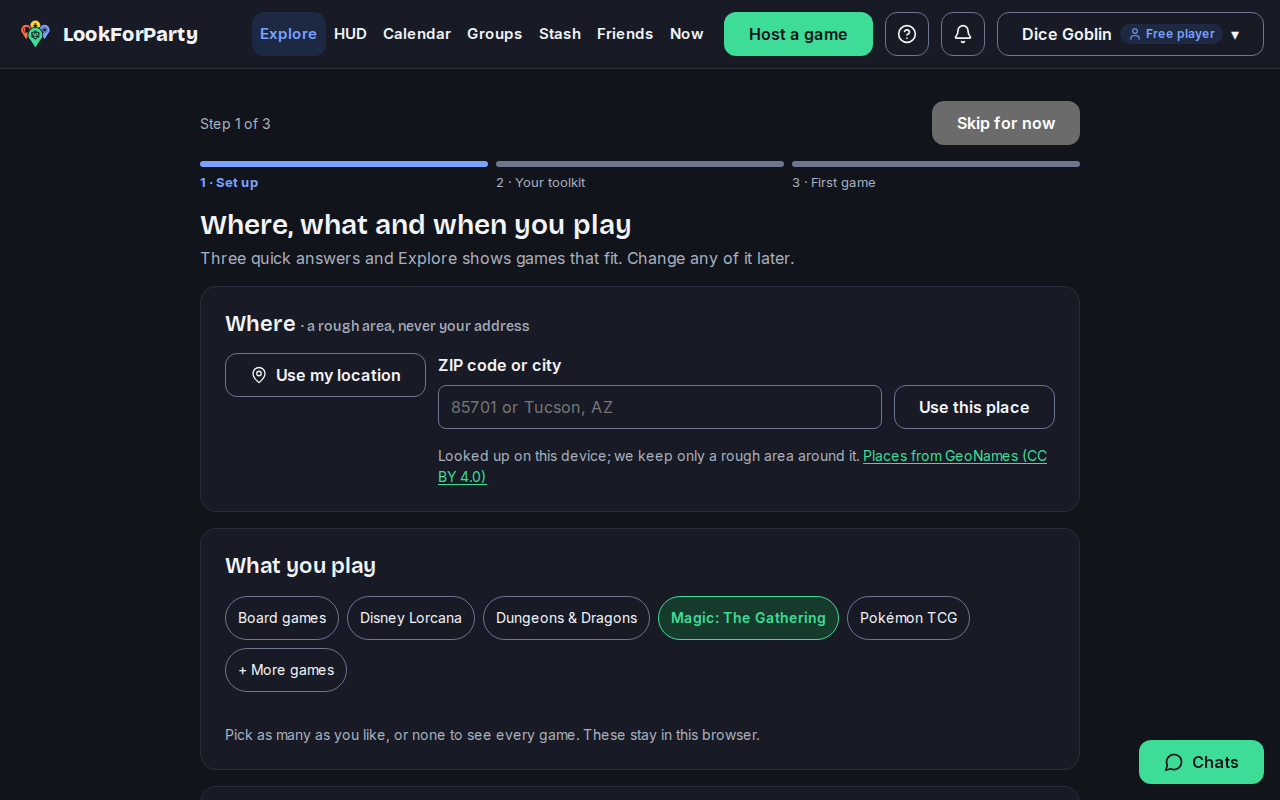
You're in. A short tour shows you how to set your area, your games and when you're free, so Explore can find games for you.
Something not match what you see? Tell us and we'll fix the guide.