Claim your store
Screenshots from
What it's for
Claim your store's listing so you can edit it, publish events as the store and add your staff. Listing and claiming are free.
Who can use it
Stores
On Web
How to do it
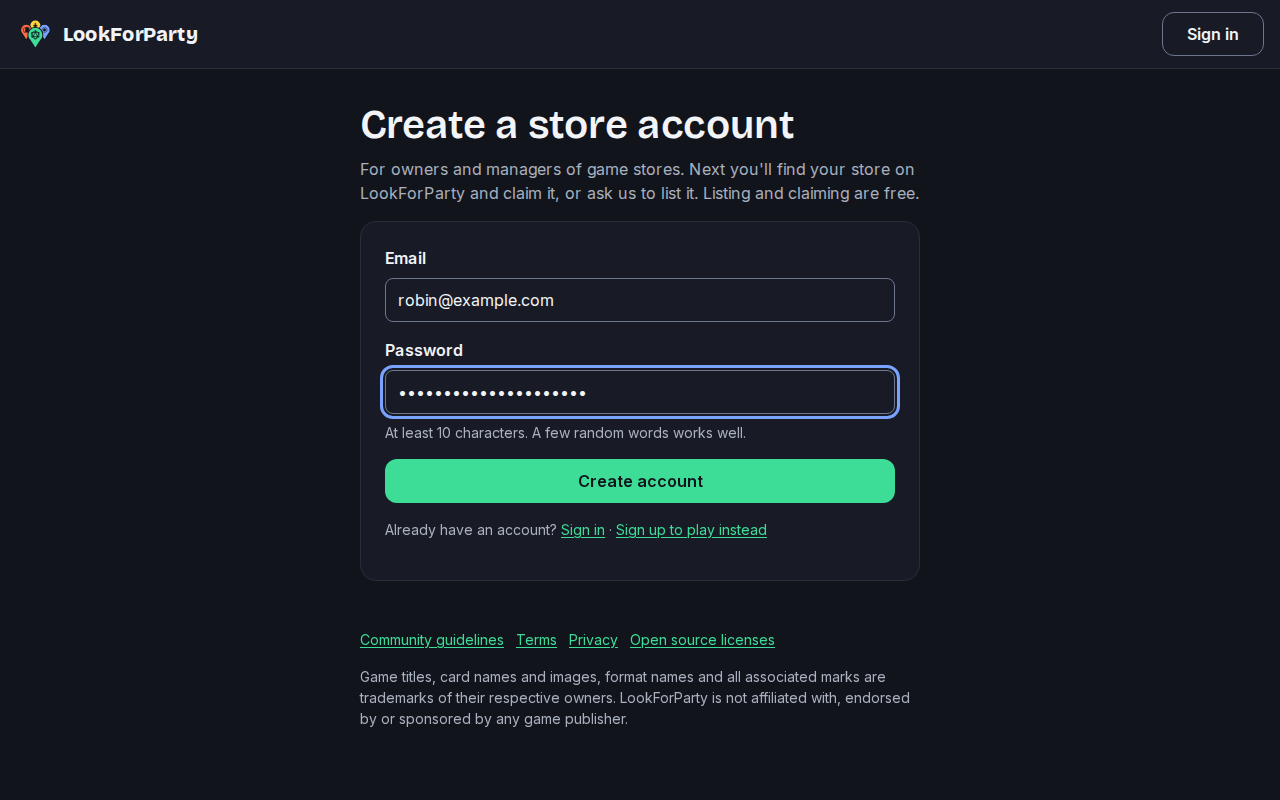
Store accounts are separate from player accounts. On the sign-up page, choose "Run a game store? Create a store account", then enter your email, choose a password and press Create account.
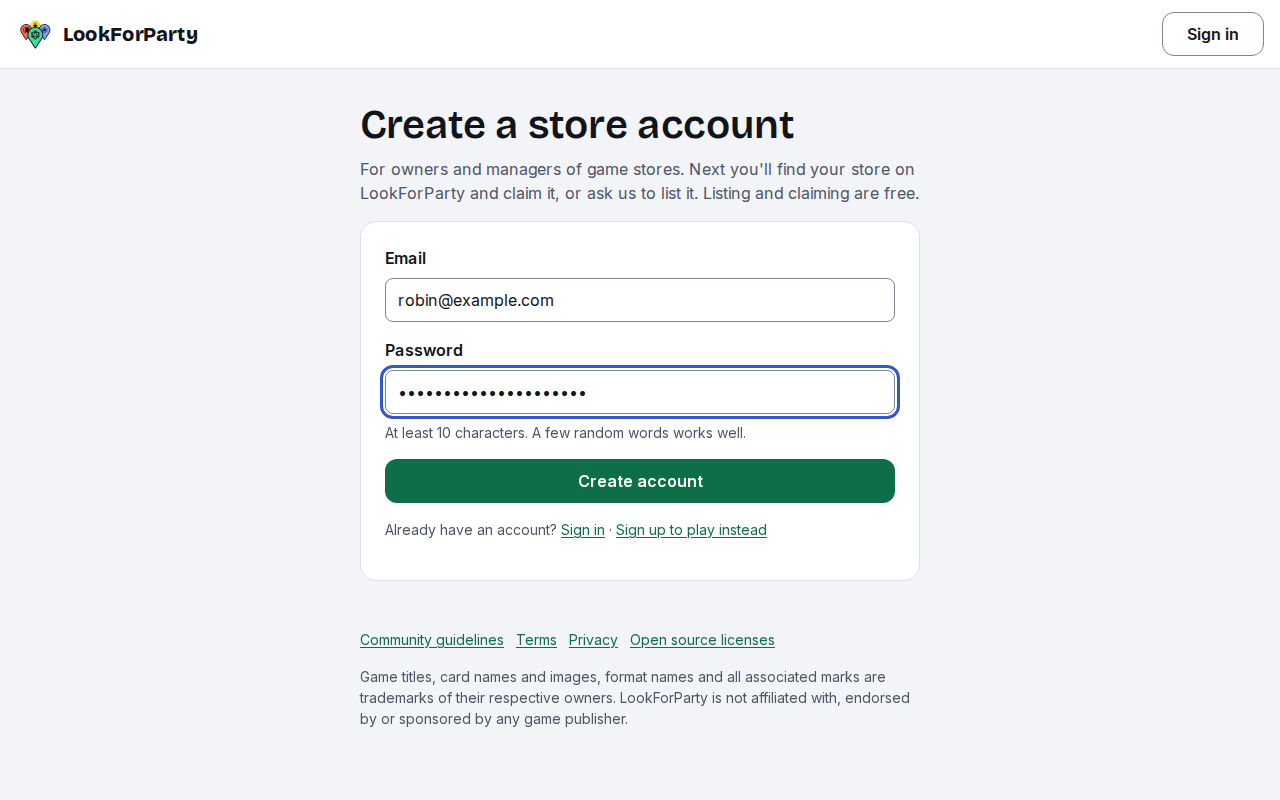
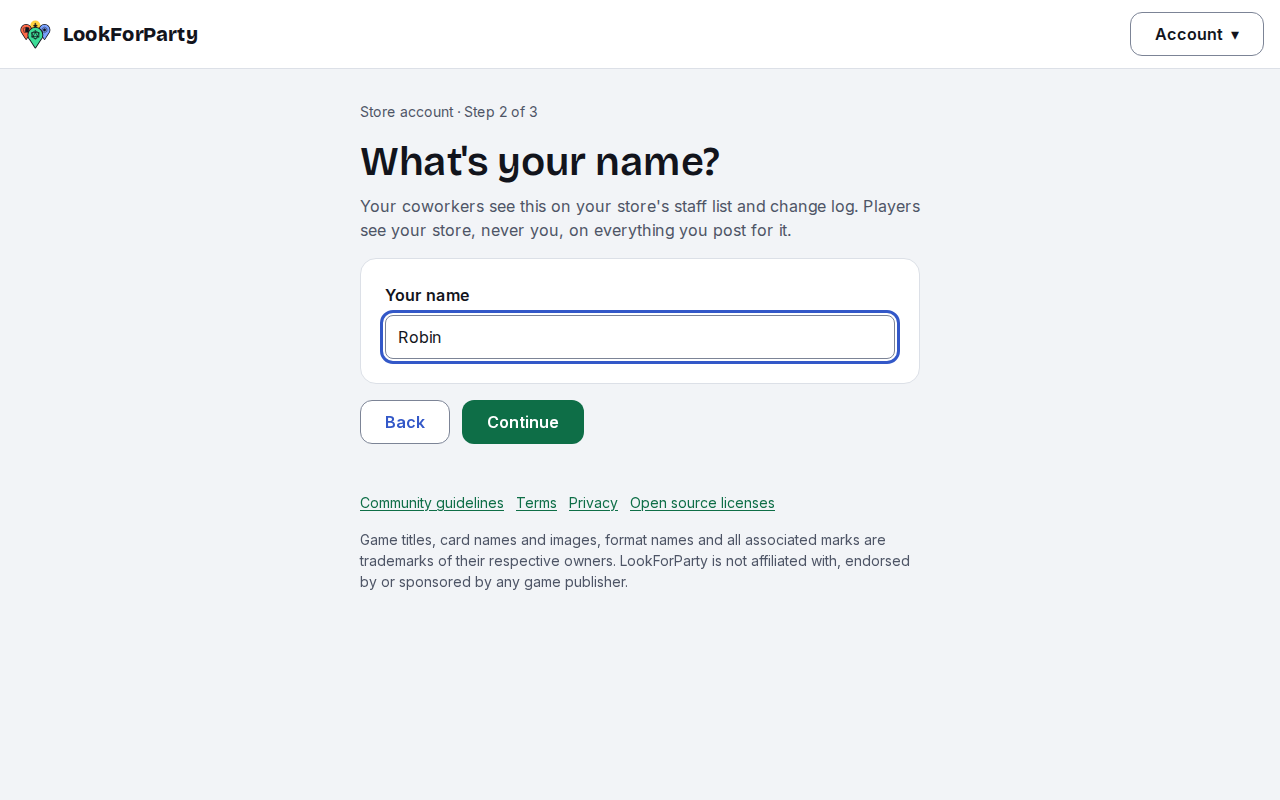
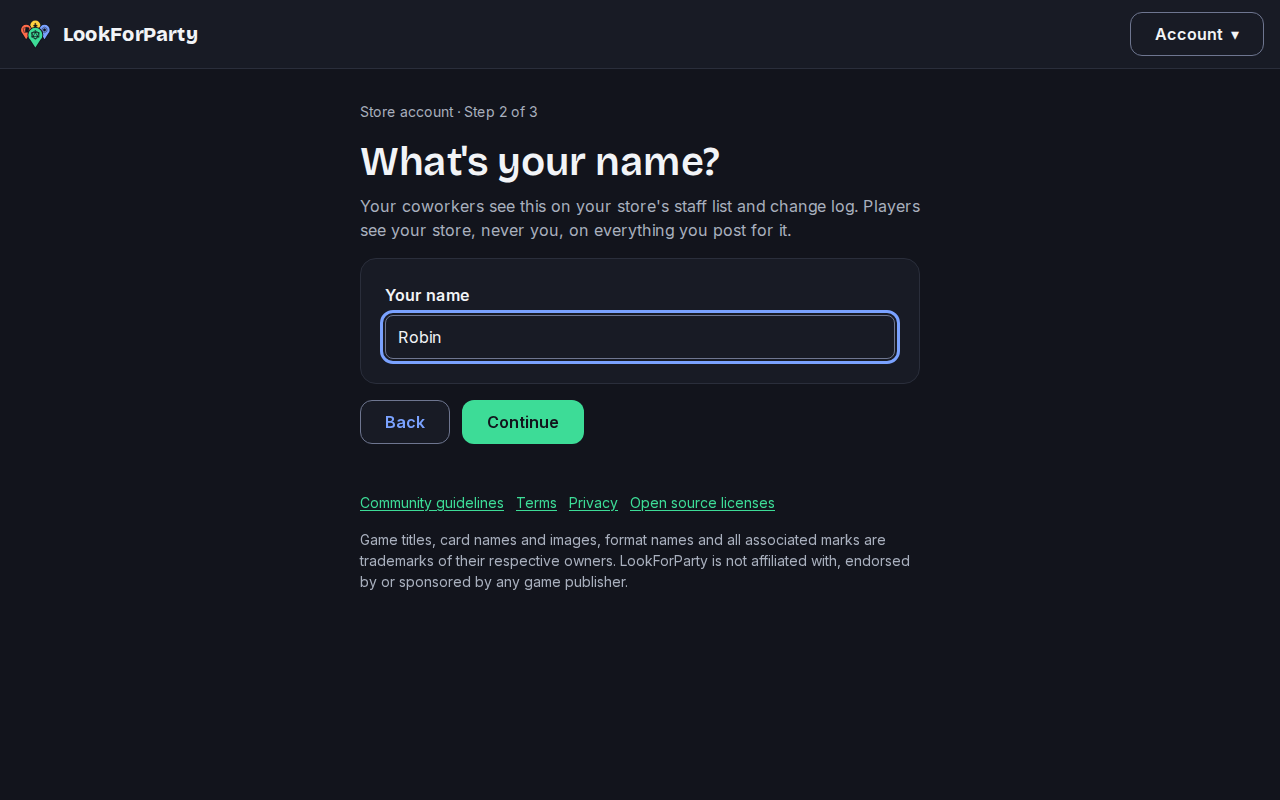
Open the link we email you. Store accounts are for adults, so pick the month and year you were born, then enter your name. Your coworkers see it on the staff list; players only ever see your store.
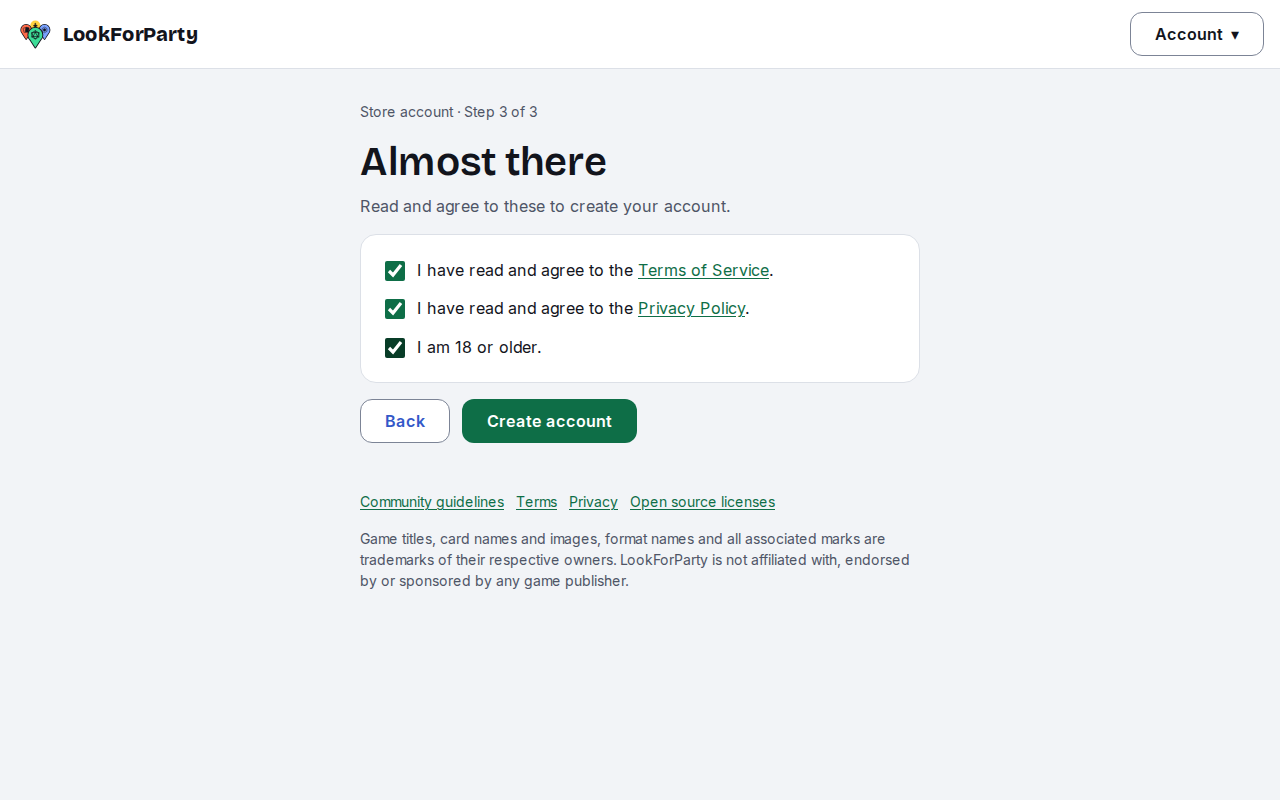
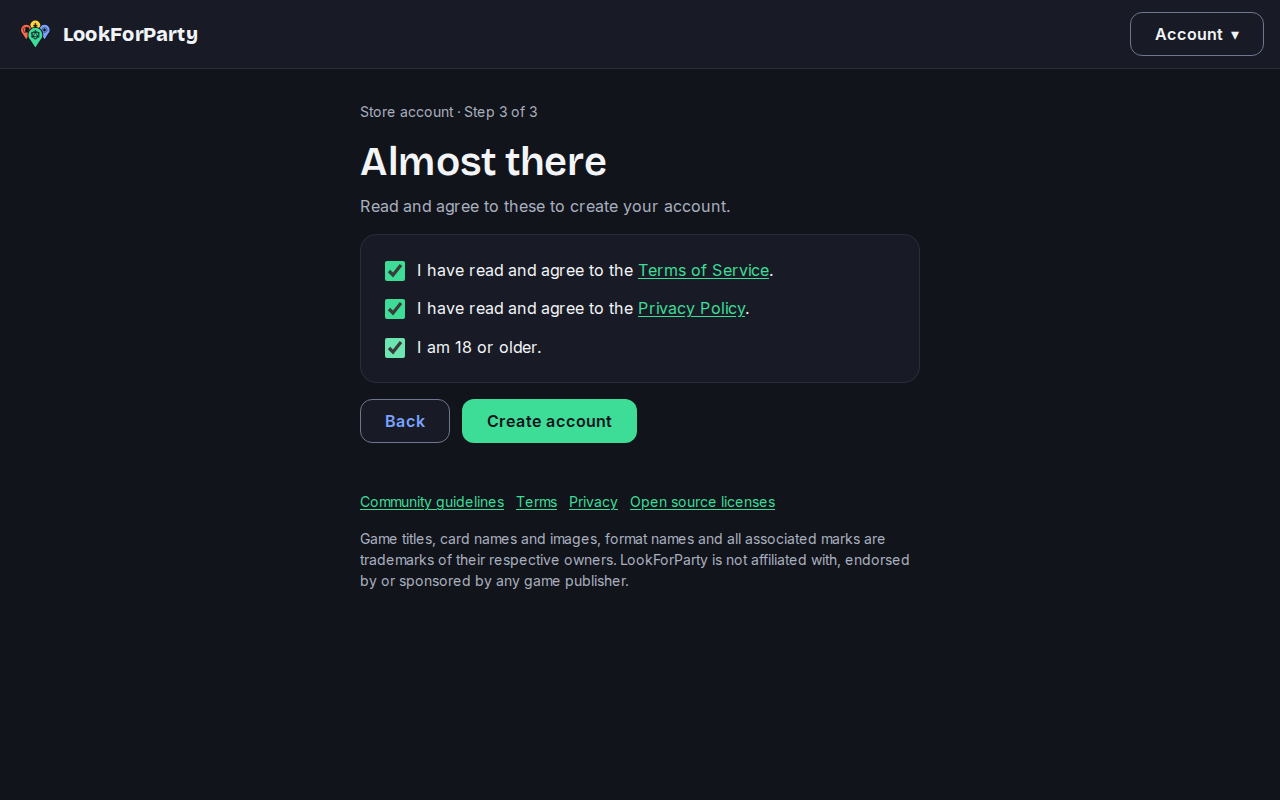
Read and agree to the terms, then press Create account.
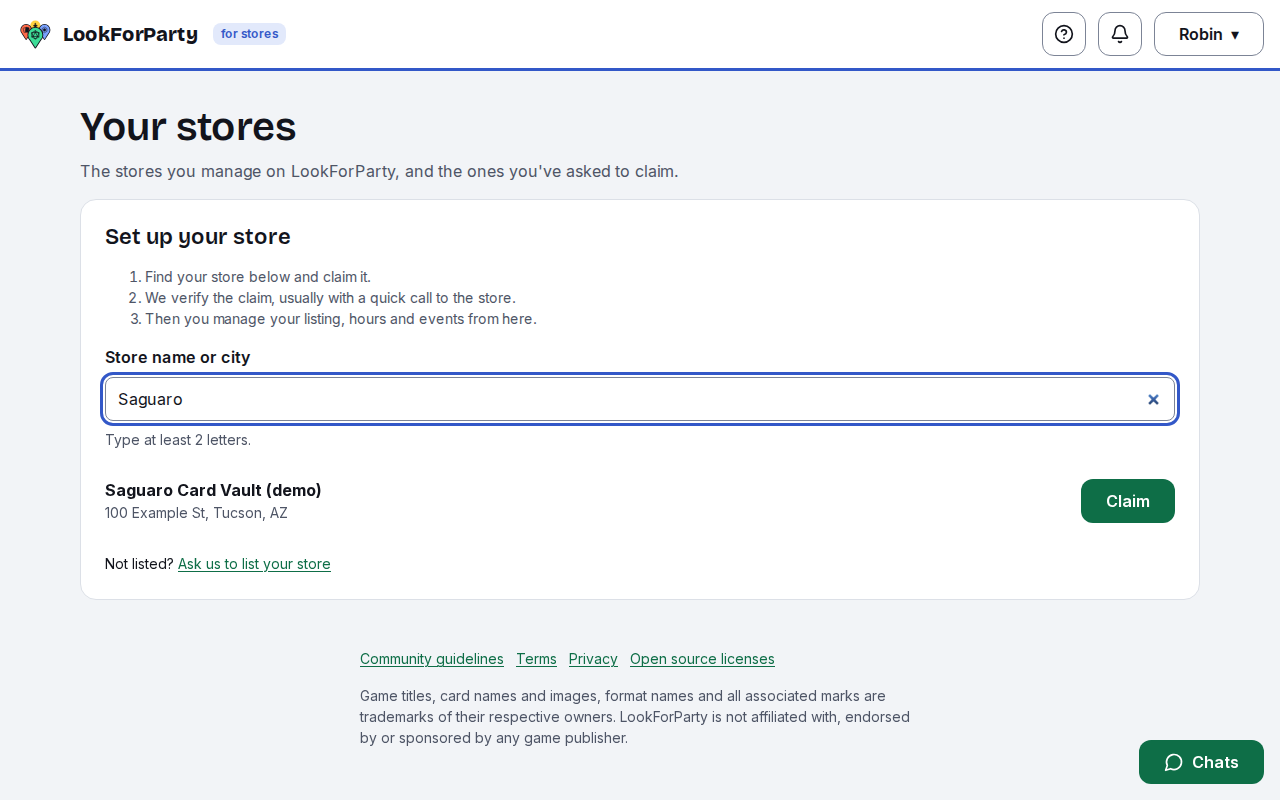
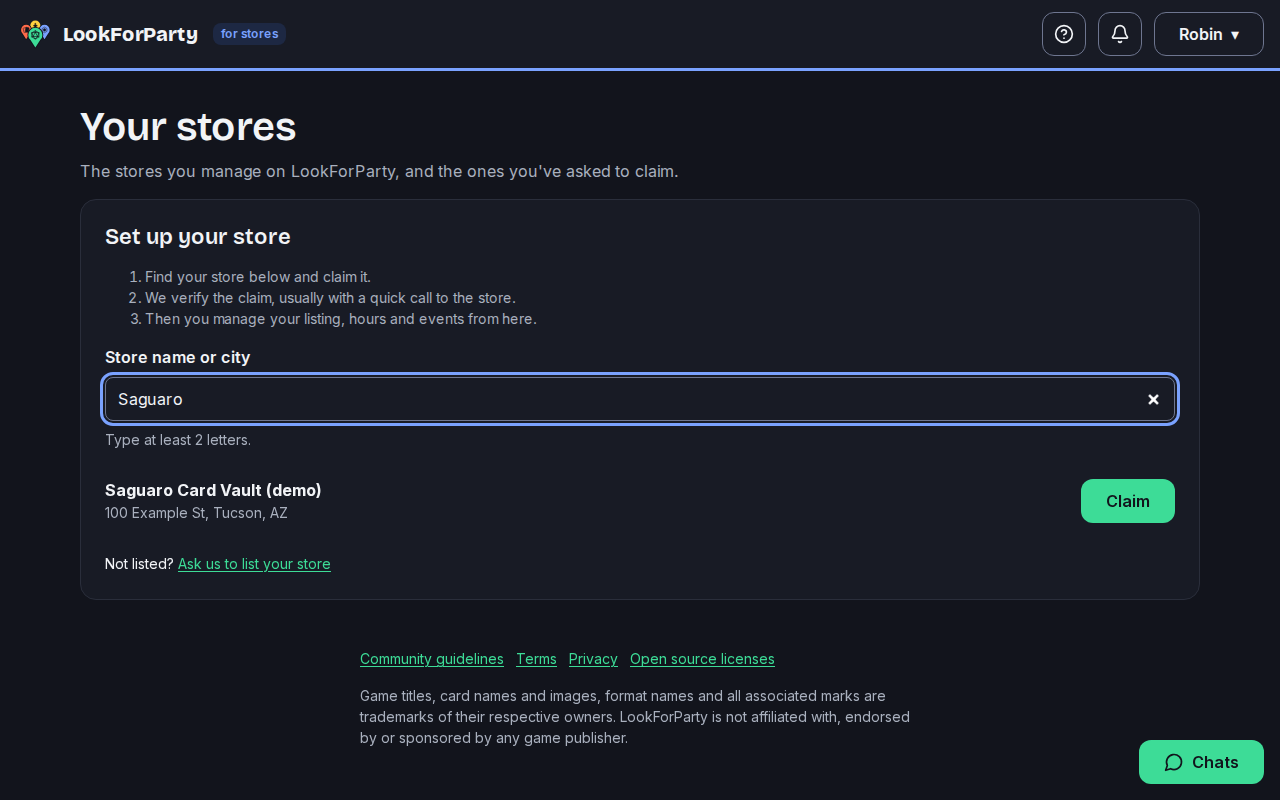
You land on Set up your store. Type your store's name or city, then press Claim next to your store.
Enter your business's name, and say whether you own the store or manage it for the owner. Then add anything that helps us verify you, like who to ask for when we call. Please don't send ID documents. Press Send claim.
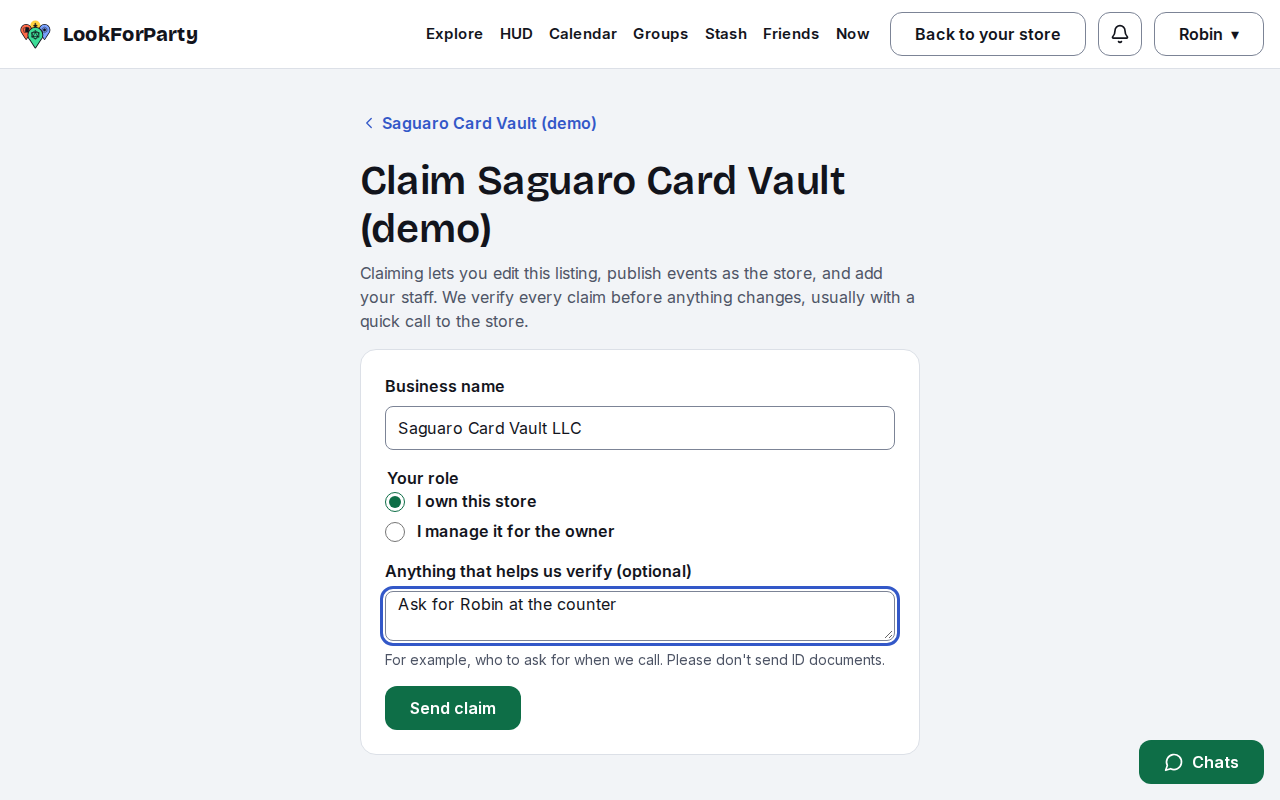
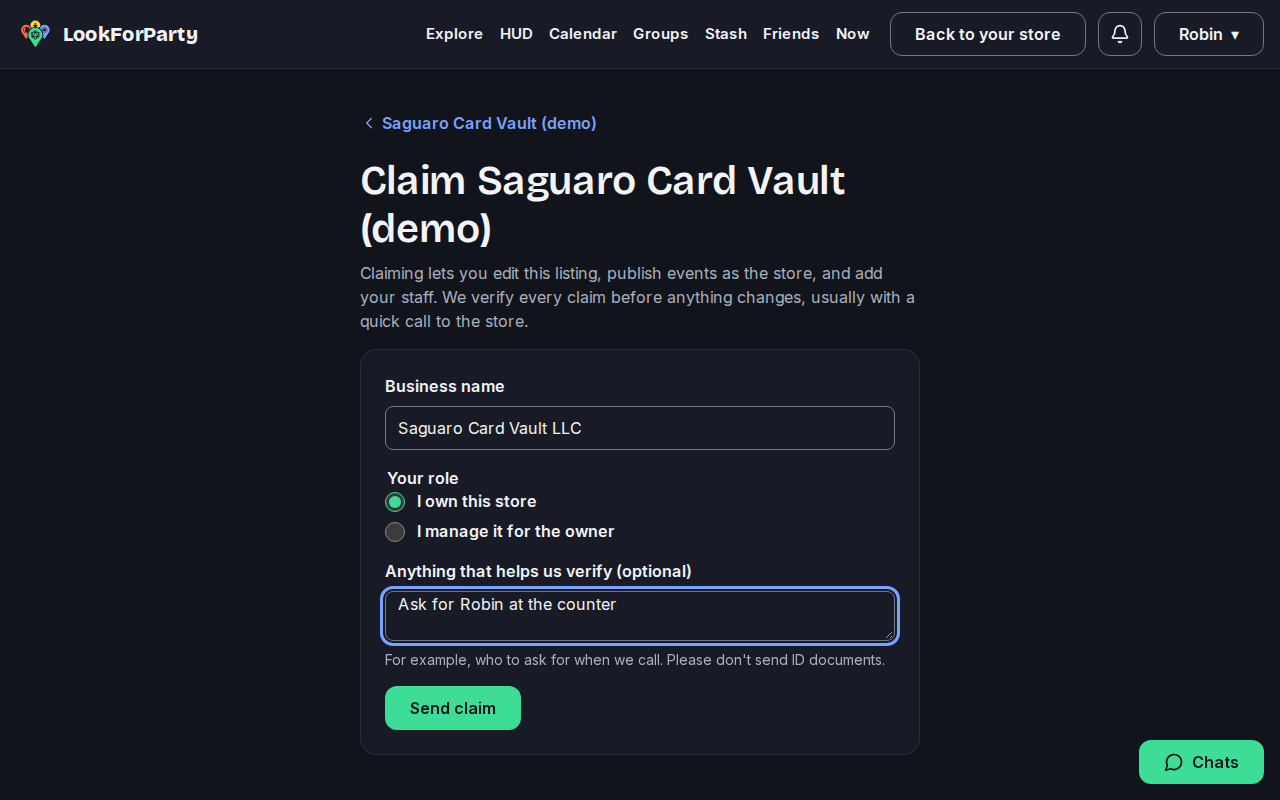
That's it for now. Someone from LookForParty verifies every claim before anything changes, usually by calling the store at its listed number.
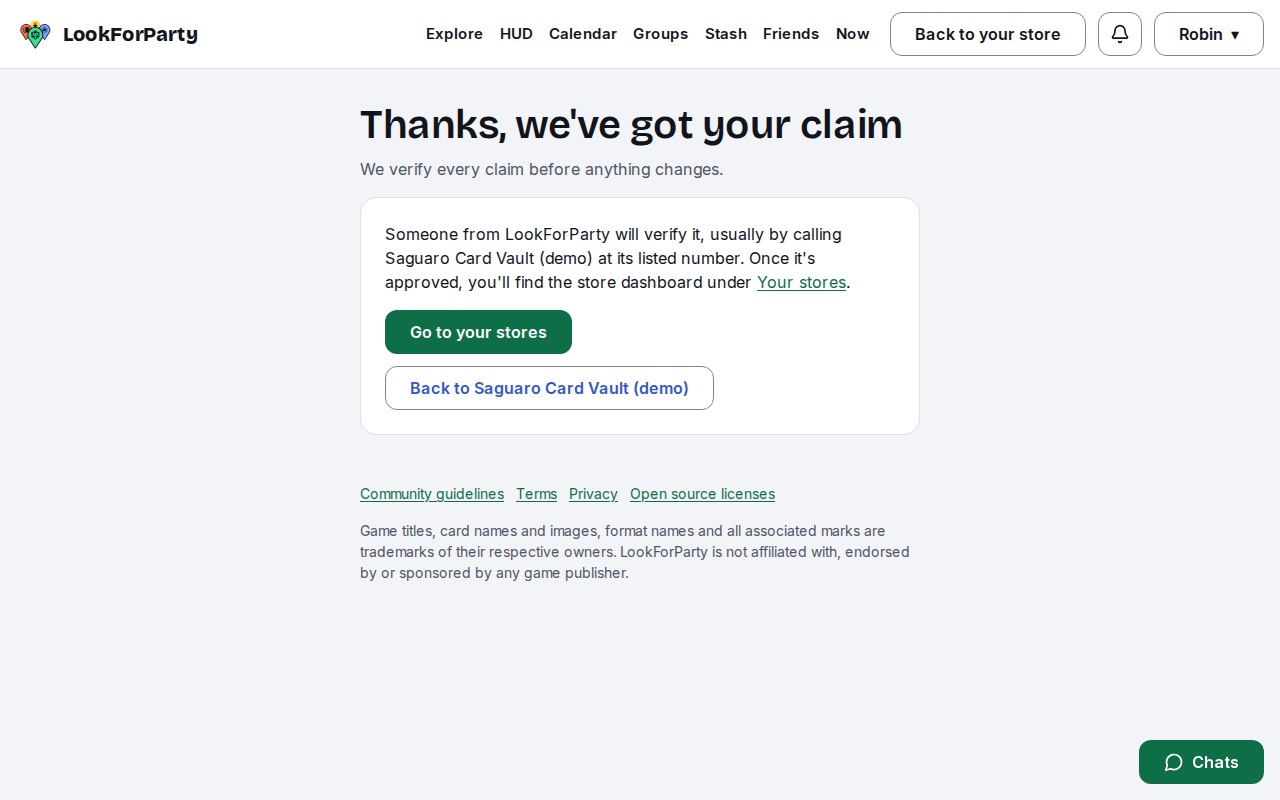
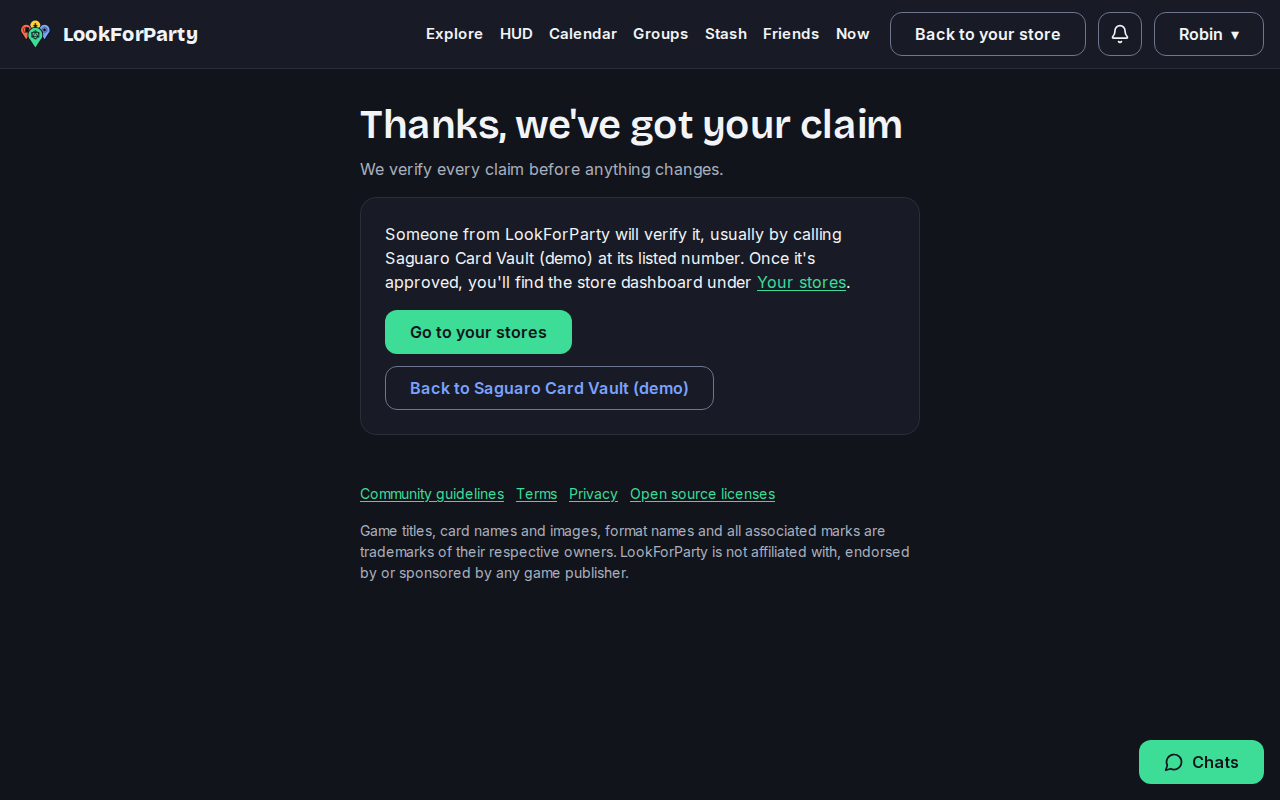
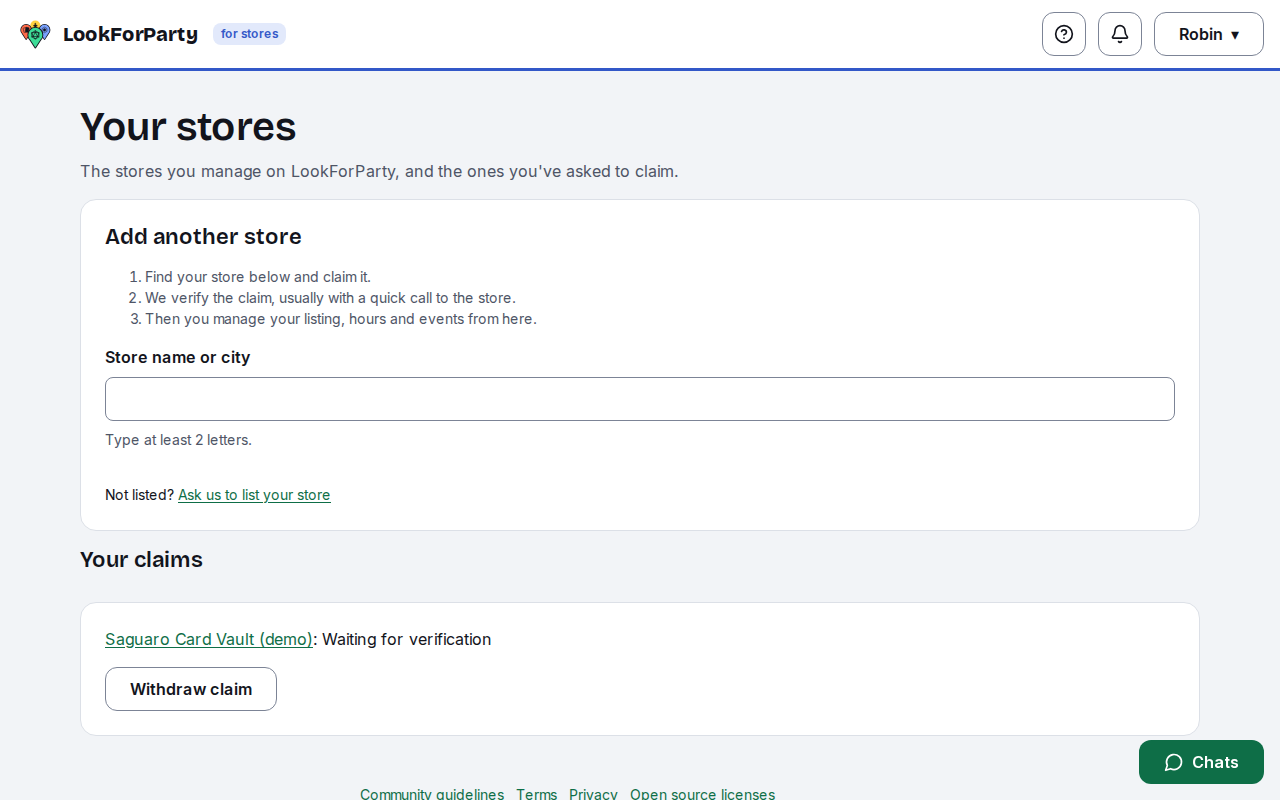
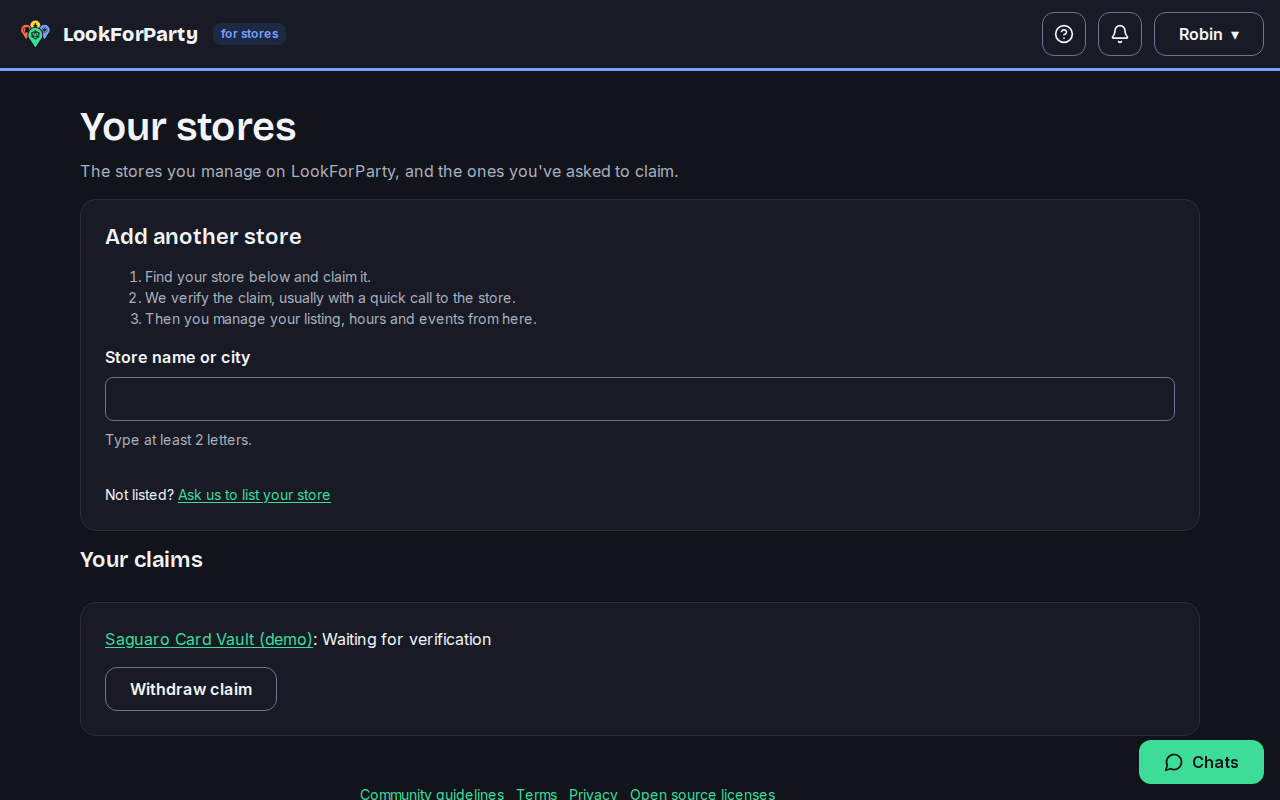
Your stores shows the claim as waiting for verification. Once it's approved, the store's dashboard opens from here. If your store isn't on LookForParty yet, press Ask us to list your store and send its details: once we've added it, you claim it the same way.
Next
Publish your store's events
Post your store's events so players nearby can find them and take a seat, then keep an eye on how many are coming. Events show the store as host, never the staff member who posted them.
Something not match what you see? Tell us and we'll fix the guide.