Publish your store's events
Screenshots from
What it's for
Post your store's events so players nearby can find them and take a seat, then keep an eye on how many are coming. Events show the store as host, never the staff member who posted them.
Who can use it
Stores, Store Basic, Store Pro, Store staff
On Web
How to do it
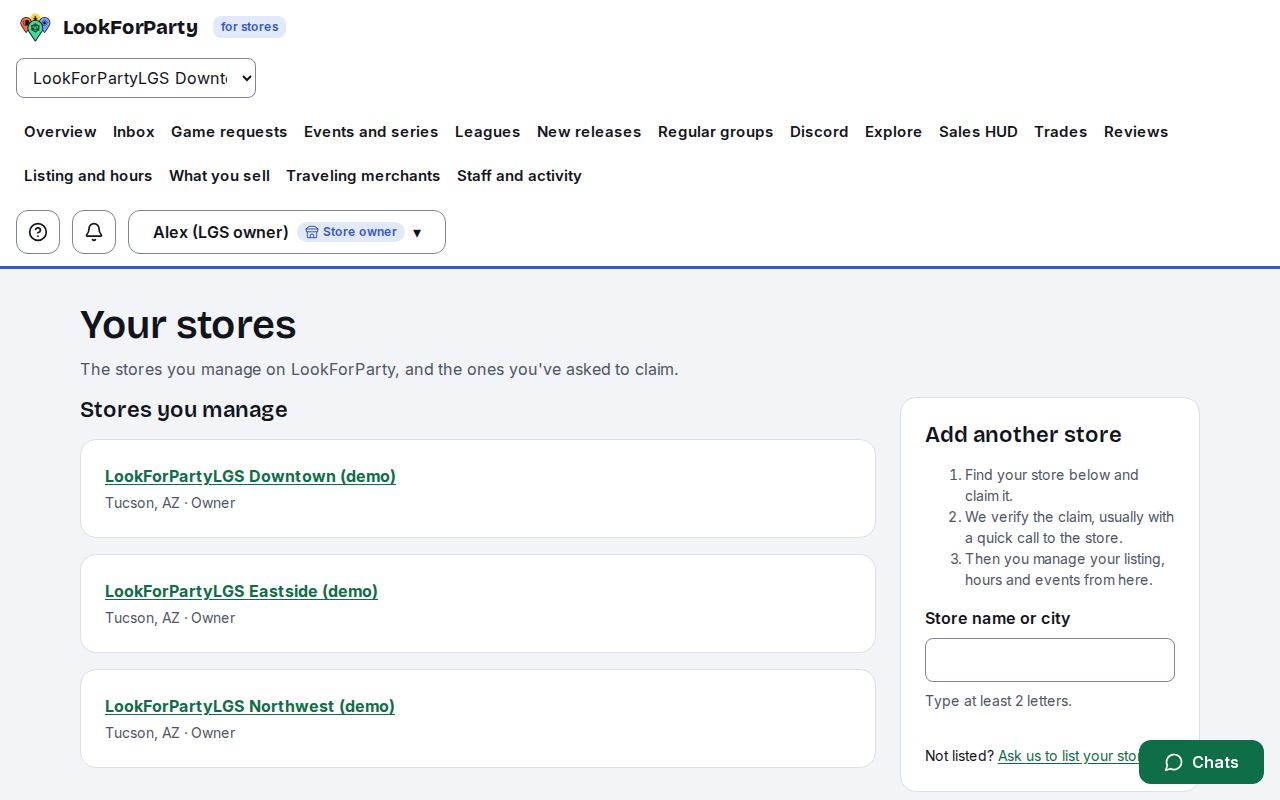
Sign in with your store account and open your store from Your stores.
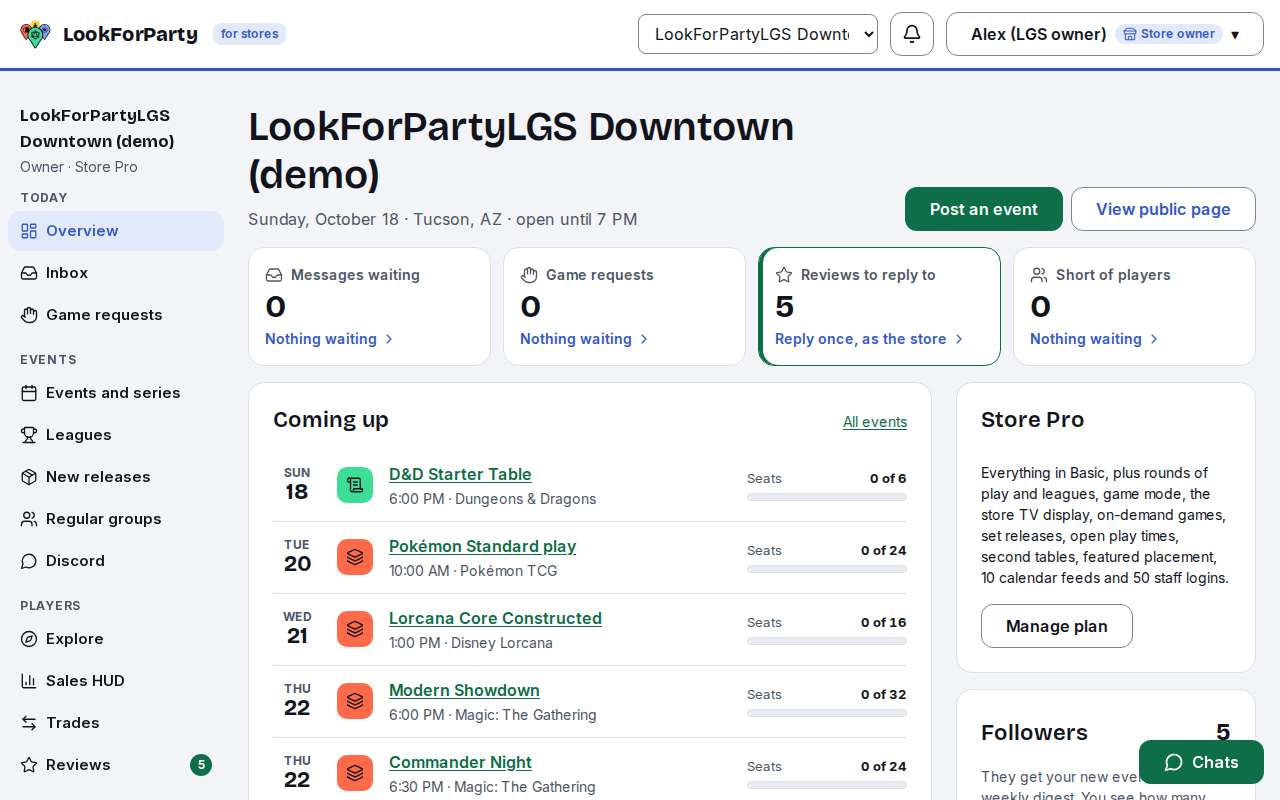
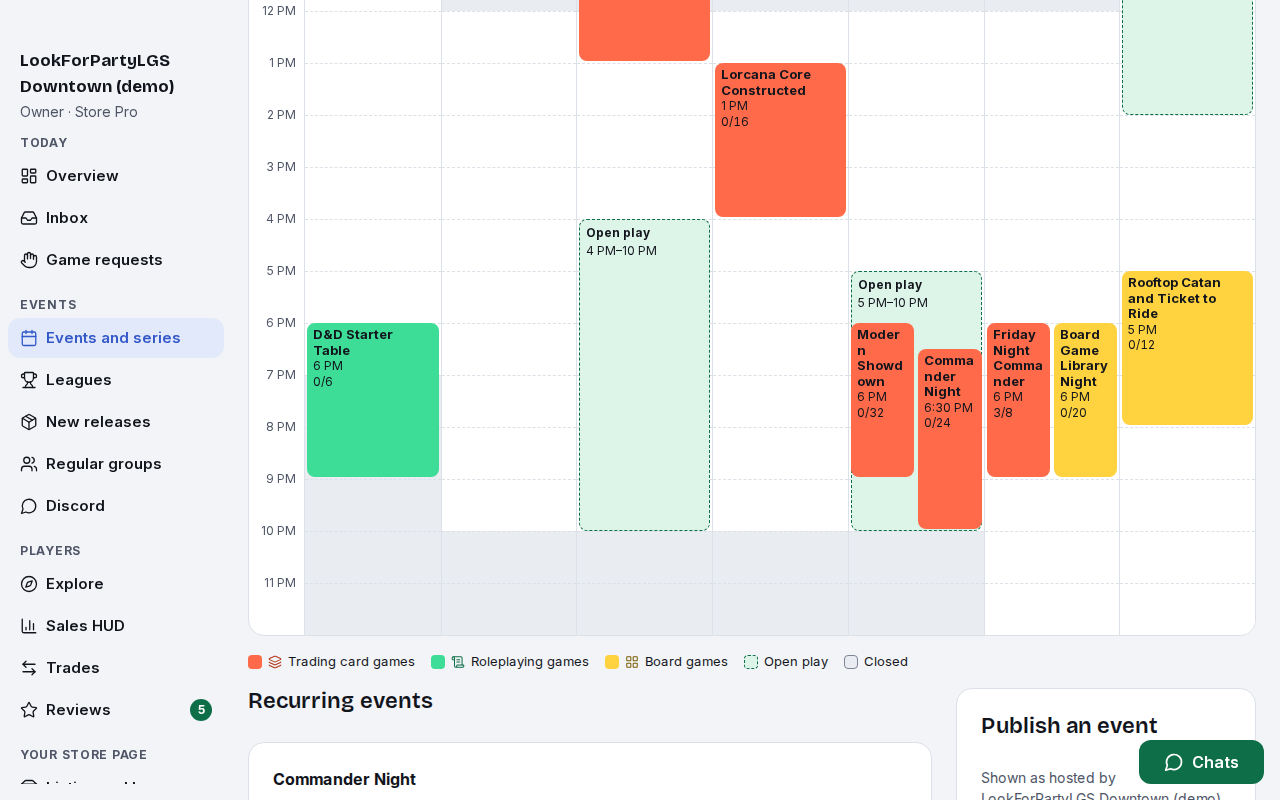
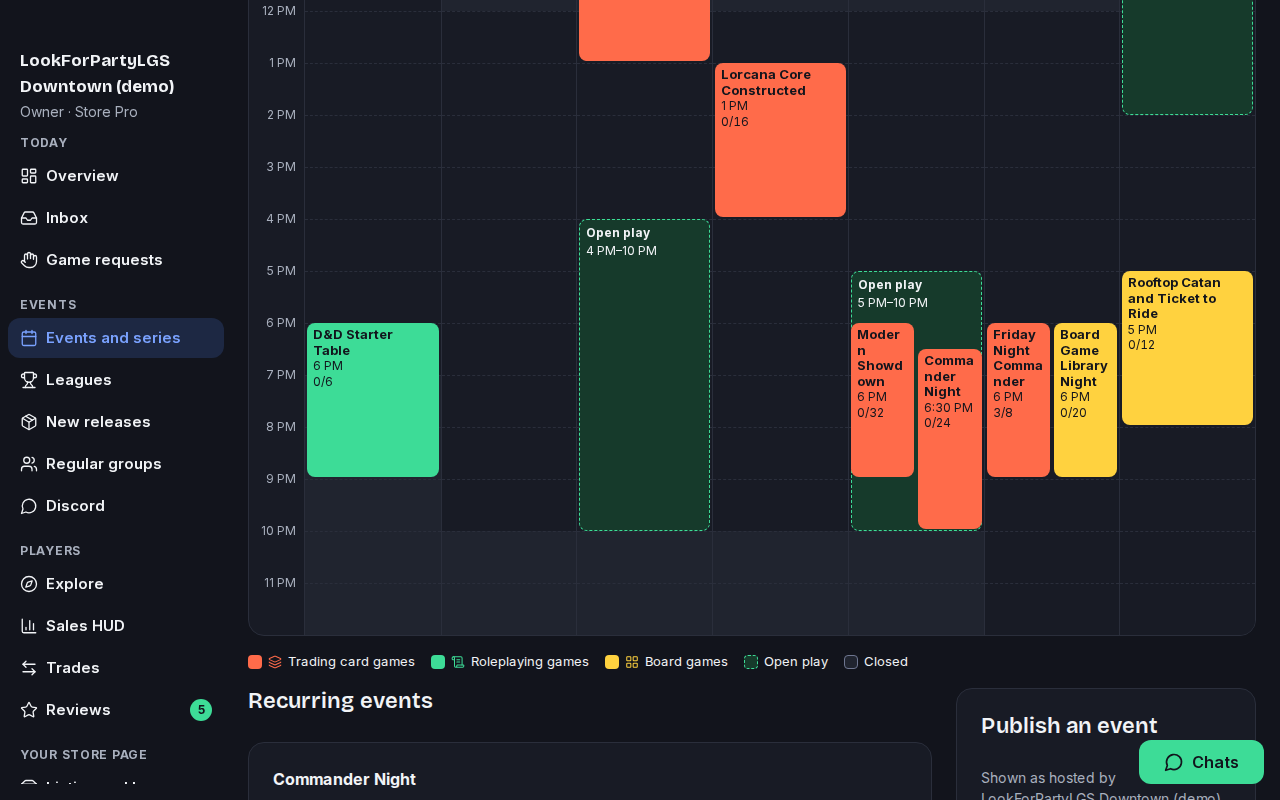
In the store's side menu, under Events, choose Events and series. It shows the week's events on a calendar, with the form to publish a new one below it.
Under Publish an event, pick the game and give the event a title. Add details if you like, such as the format or what to bring.
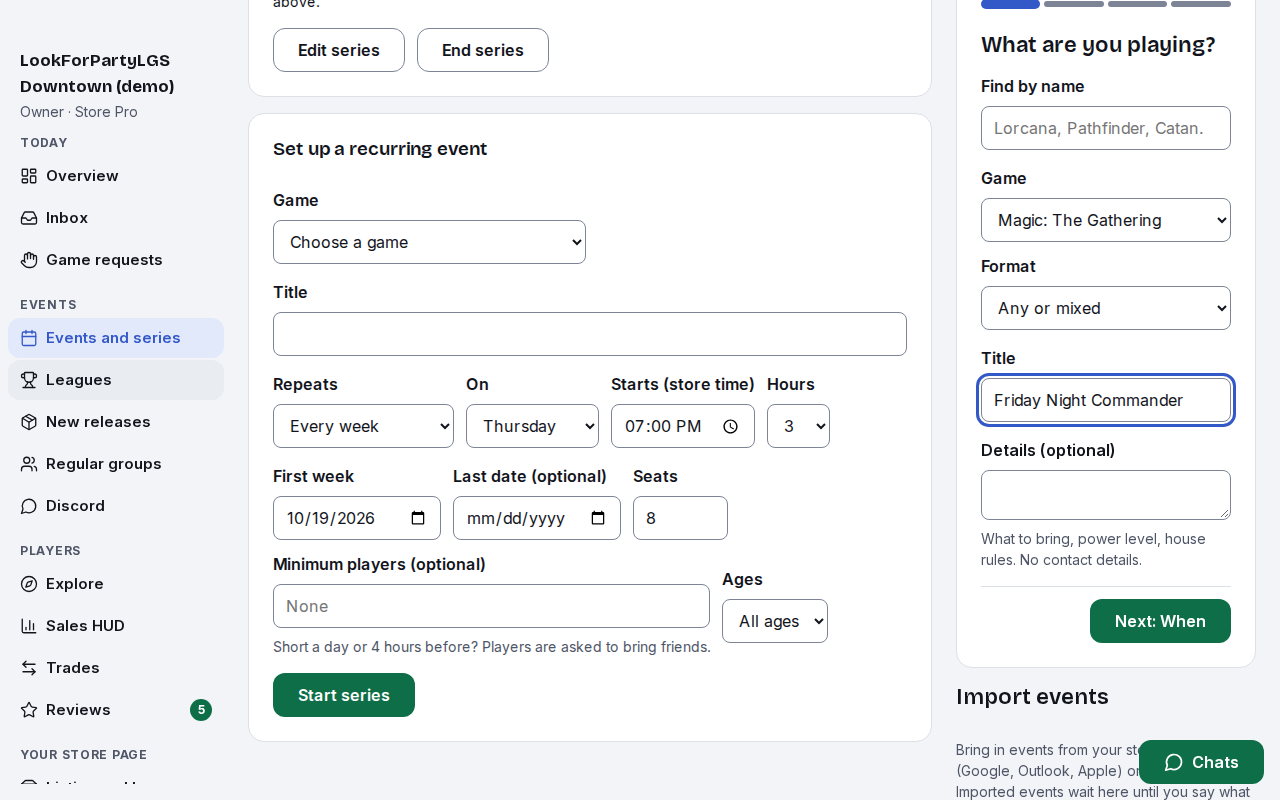
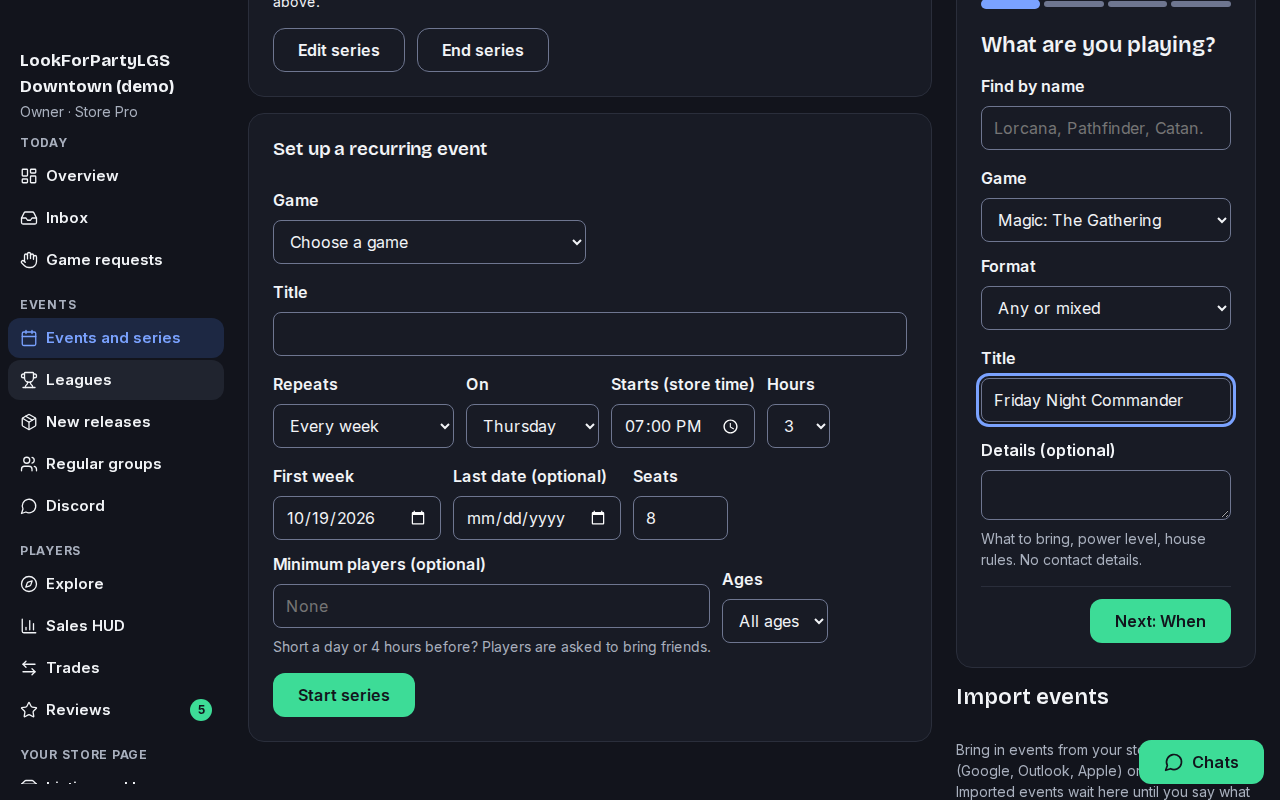
Press Next to choose when it starts and how long it runs.
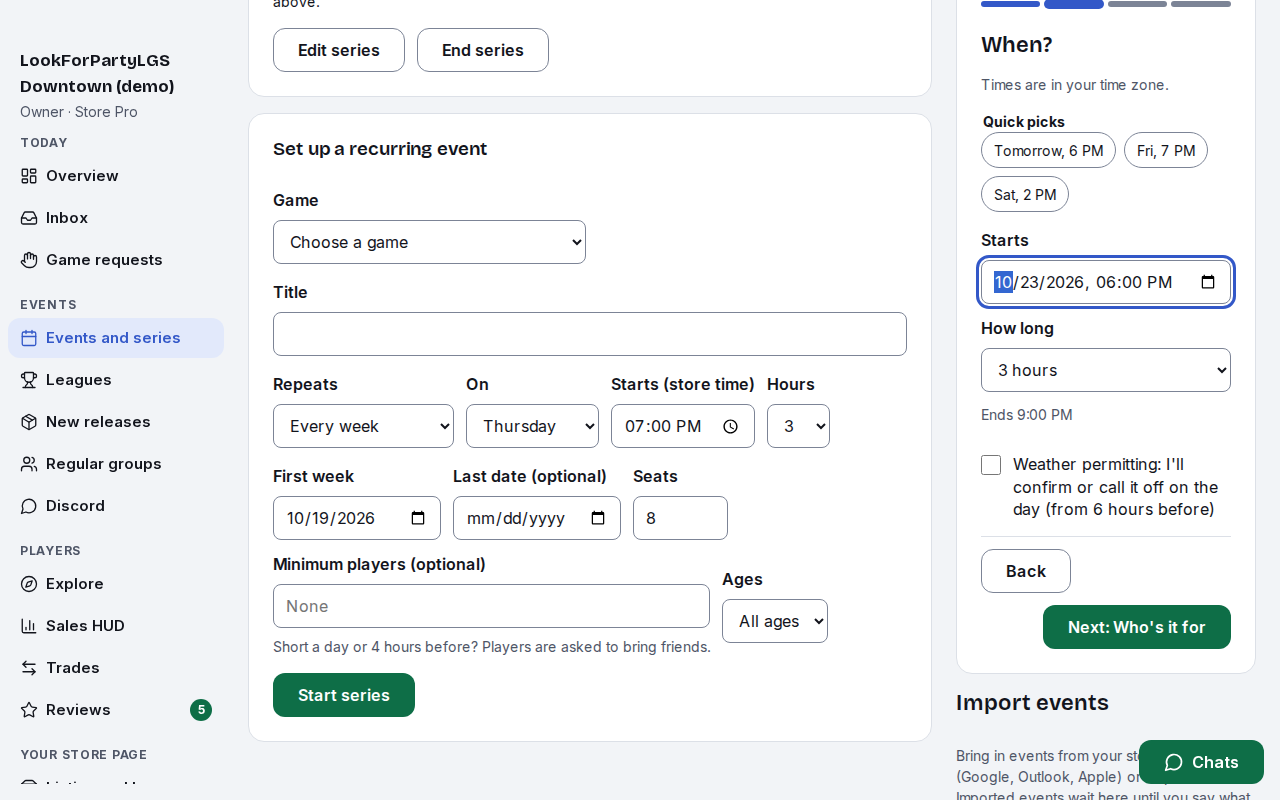
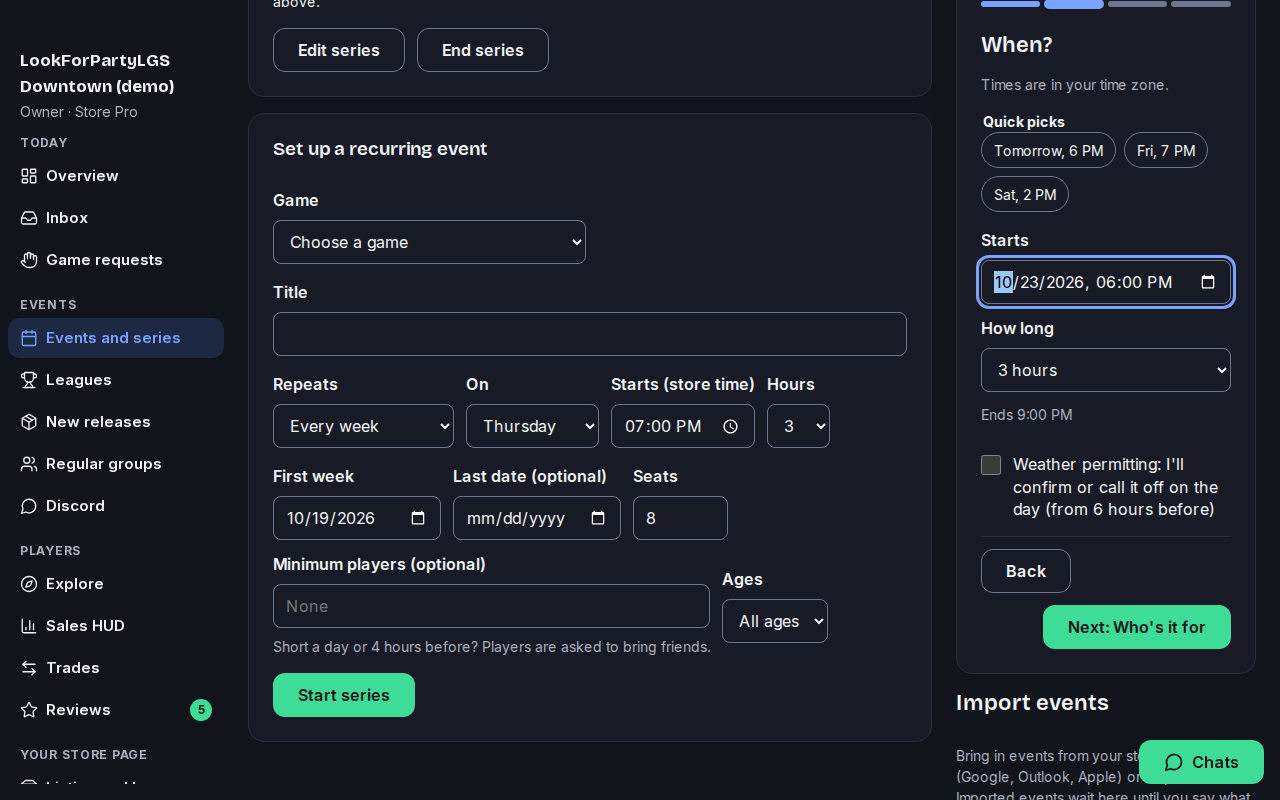
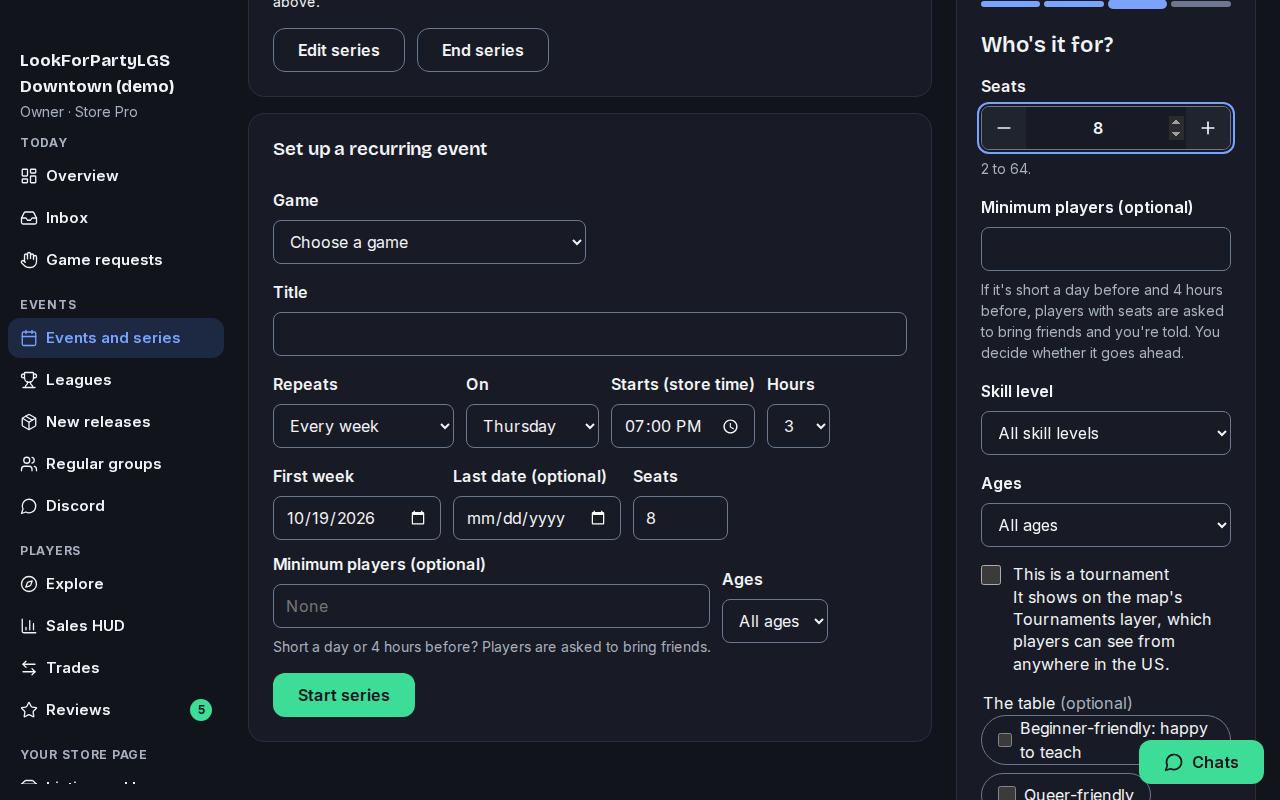
Set how many seats there are. You can also set the fewest players it needs to go ahead, the skill level and who it's for.
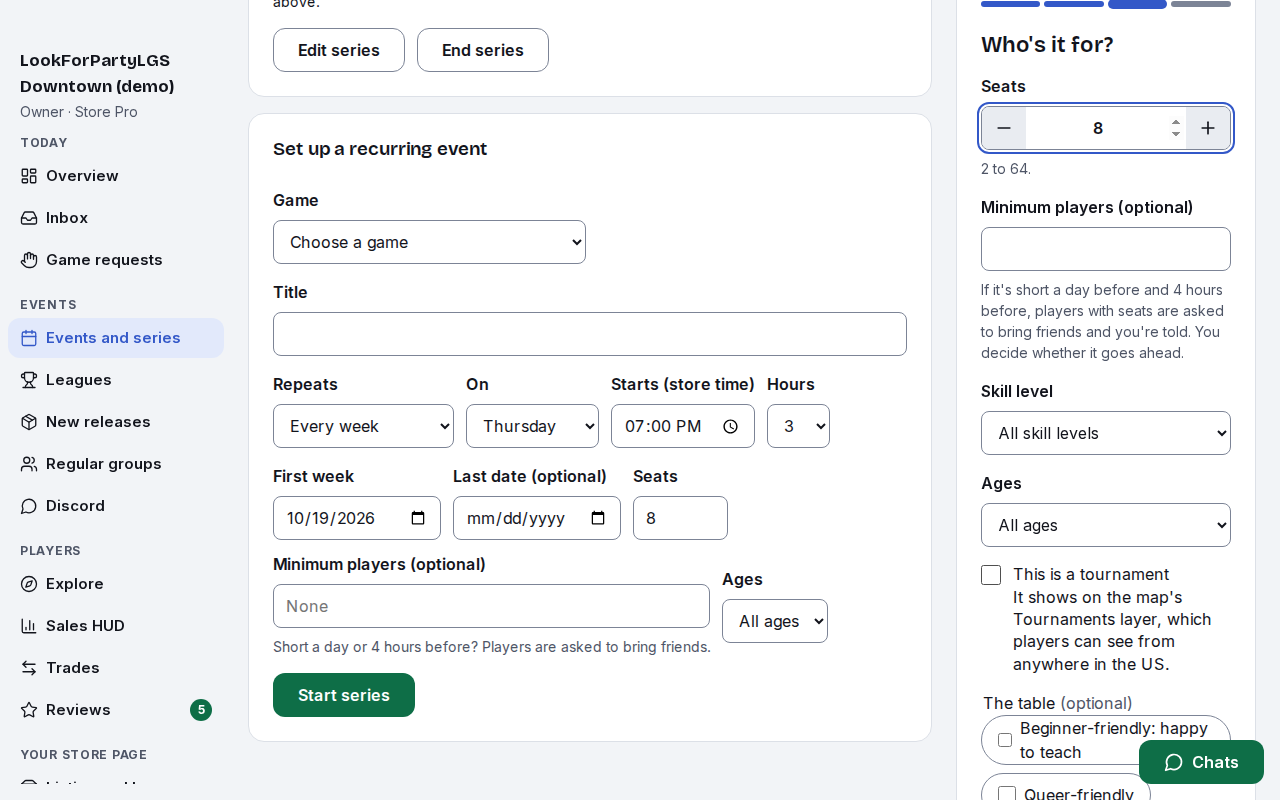
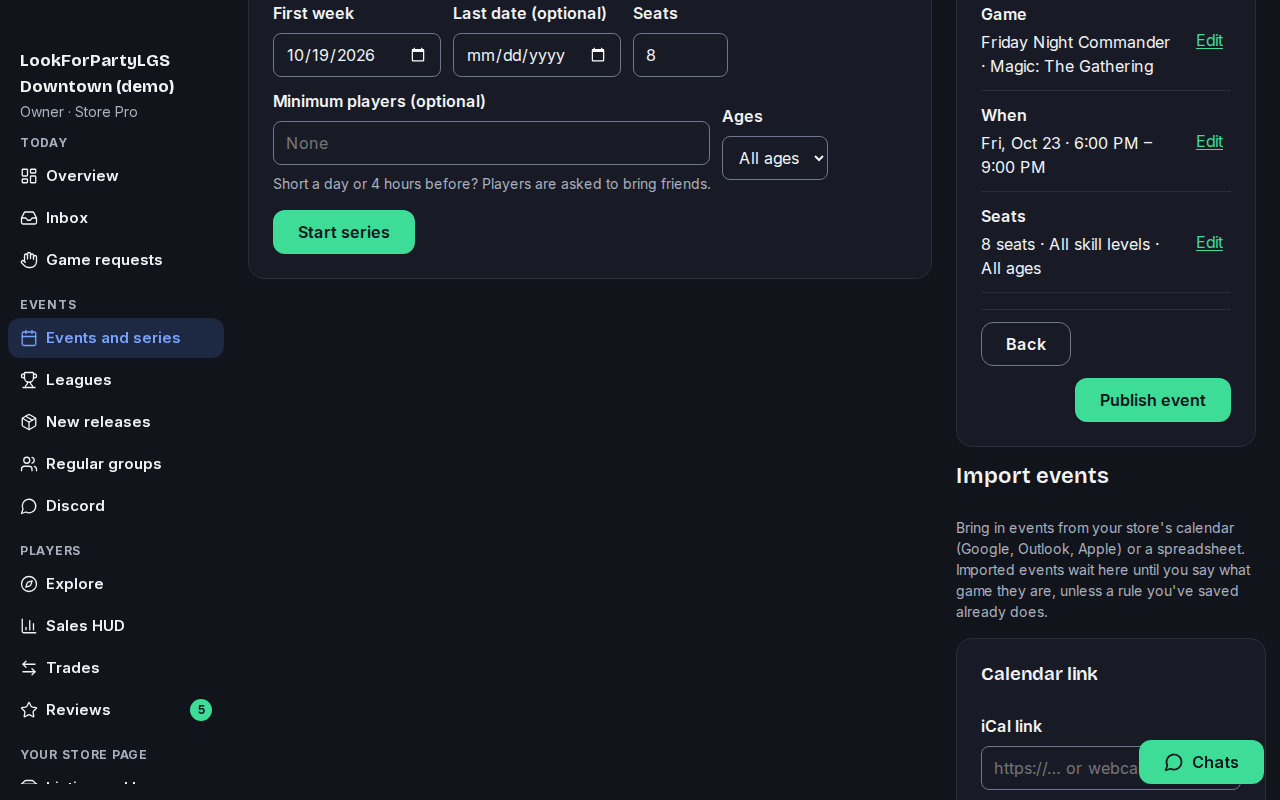
Check the summary, then press Publish event. Players near you can find it on Explore and on your store's page. On Store Basic and Store Pro, your followers also hear about it in their digest.
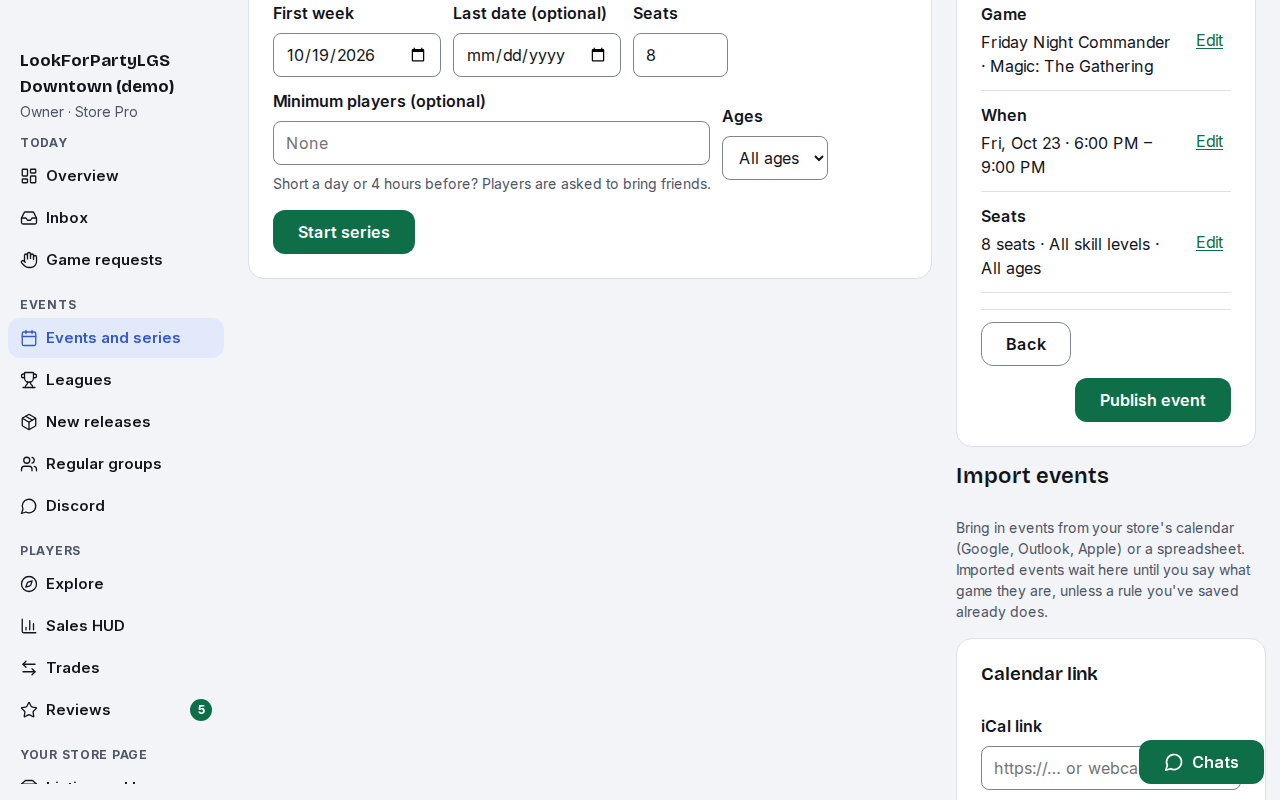
Your event joins the calendar on its day, with how many seats are taken, so you can see who's coming at a glance. Players near you can now find it and take a seat.
Next
Claim your store
Claim your store's listing so you can edit it, publish events as the store and add your staff. Listing and claiming are free.
Something not match what you see? Tell us and we'll fix the guide.