Report or block someone
Screenshots from
What it's for
If someone makes you uncomfortable or breaks the community guidelines, report them so our team can look into it. Or block them, so you stop seeing each other.
Who can use it
Players
On Web
How to do it
Open the person's player card by pressing their name, wherever you see it: at a game, in a chat, or when you search for them on Friends.
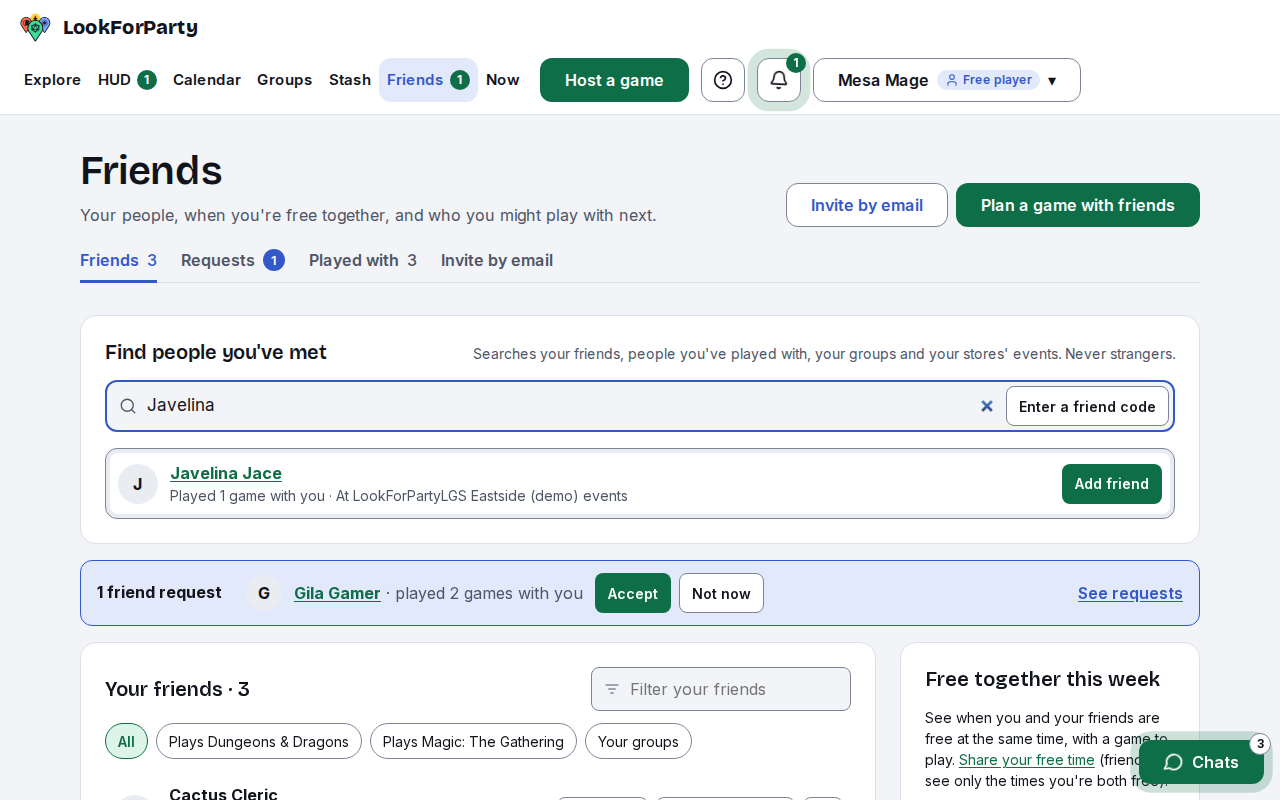
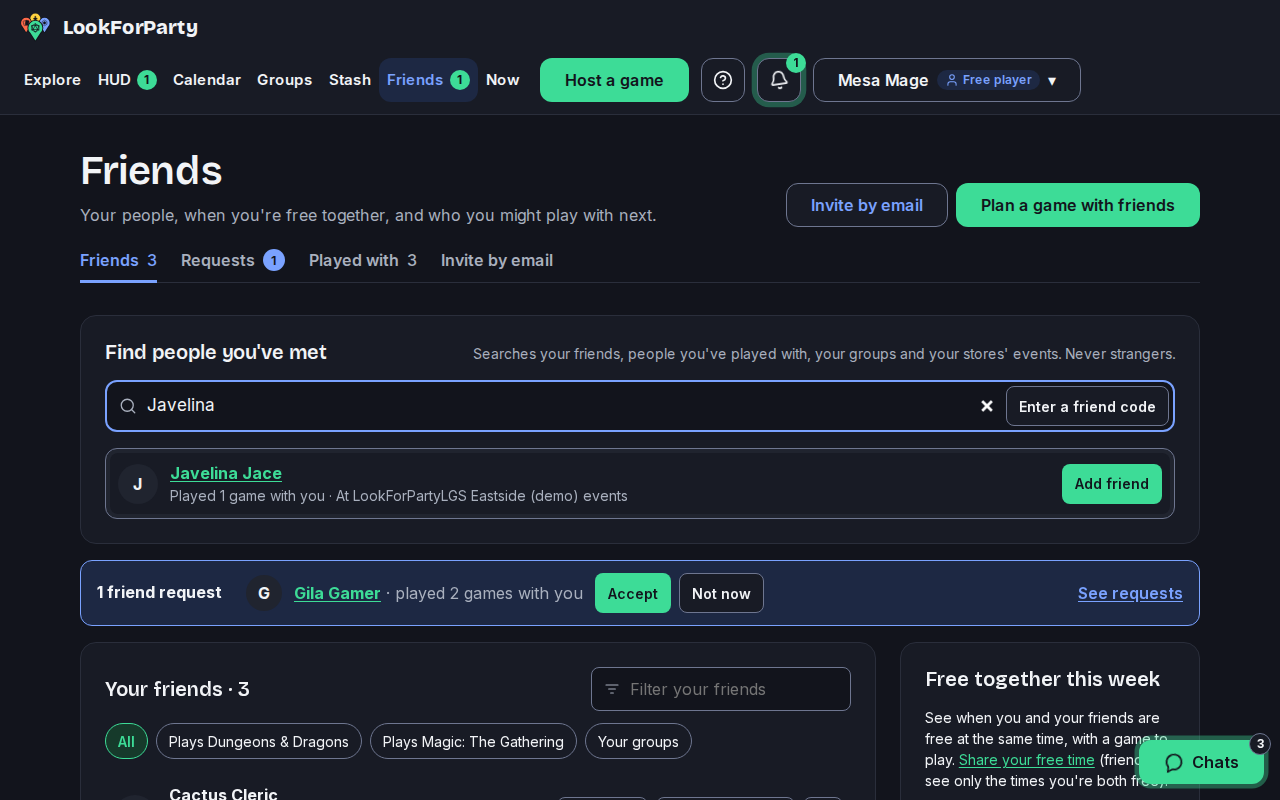
Report and Block are at the bottom of every player card.
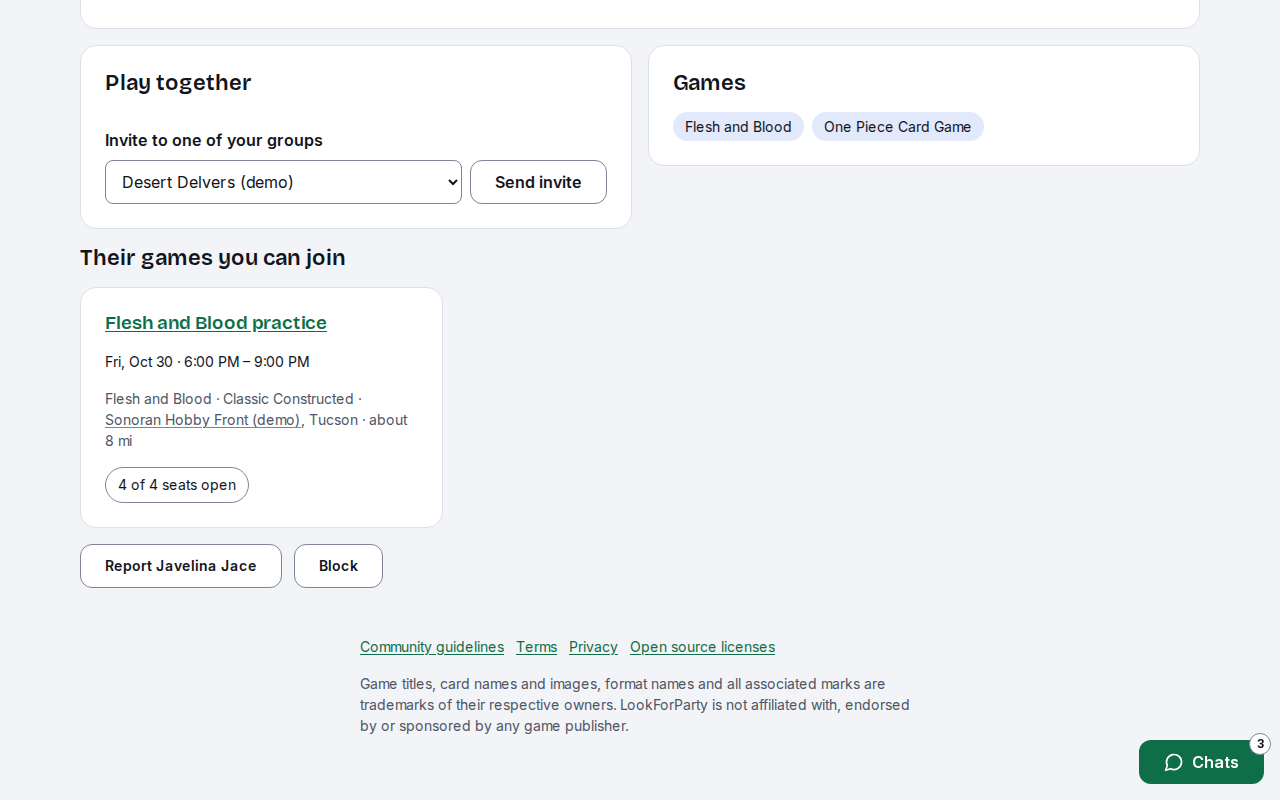
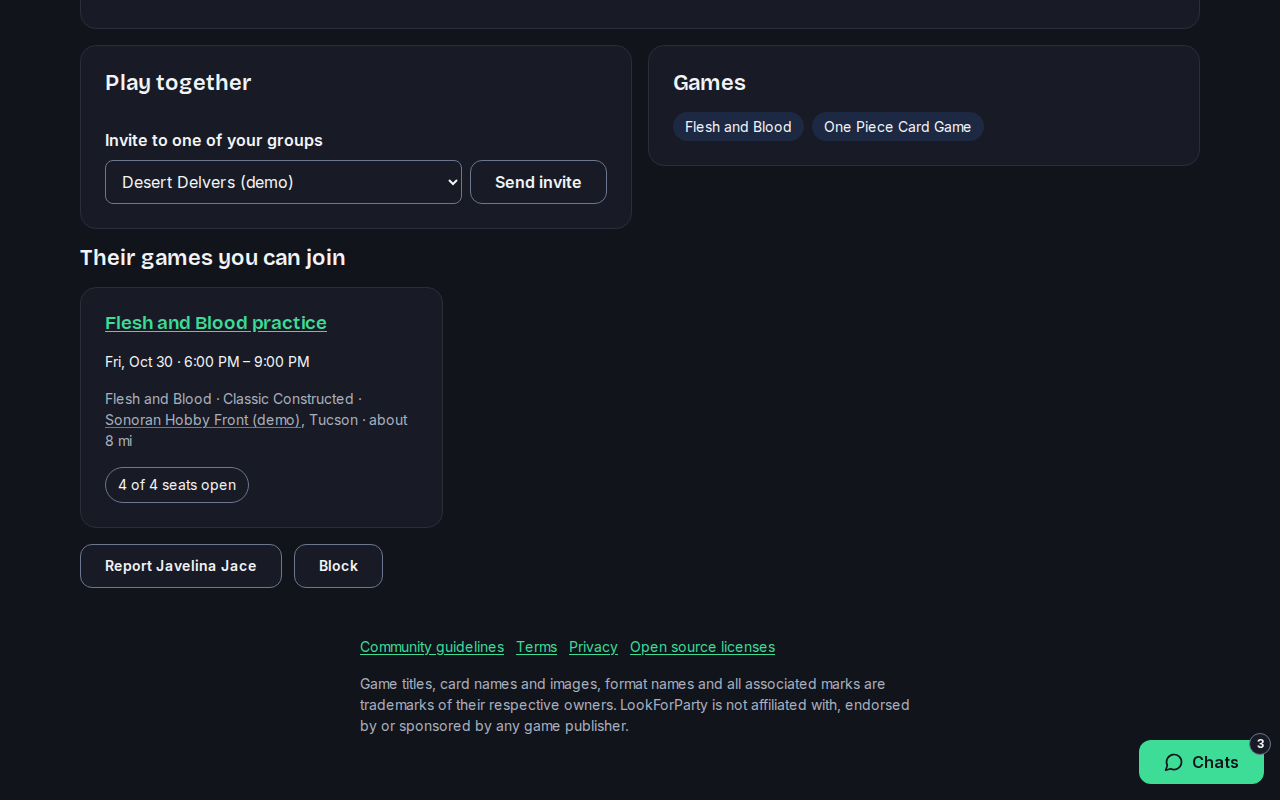
To report them, press Report, pick what's wrong and add anything else we should know. Then press Send report.
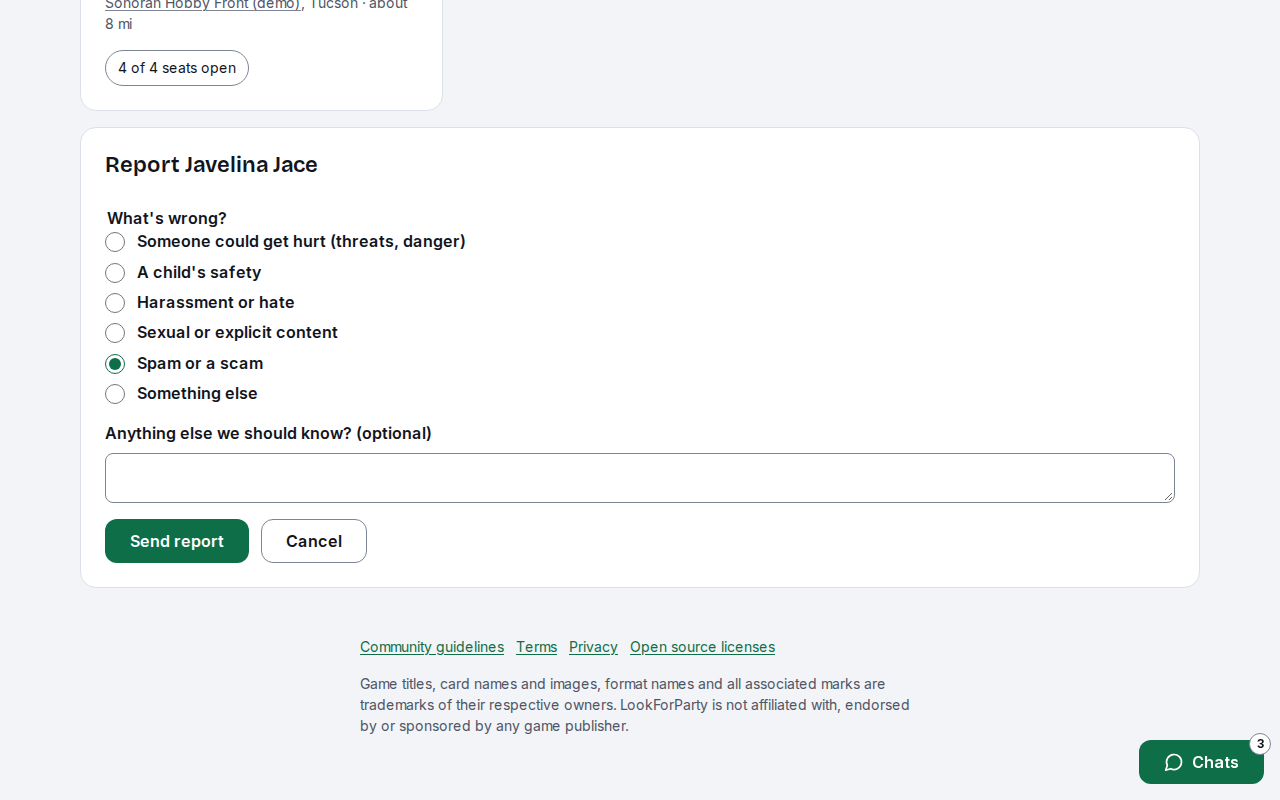
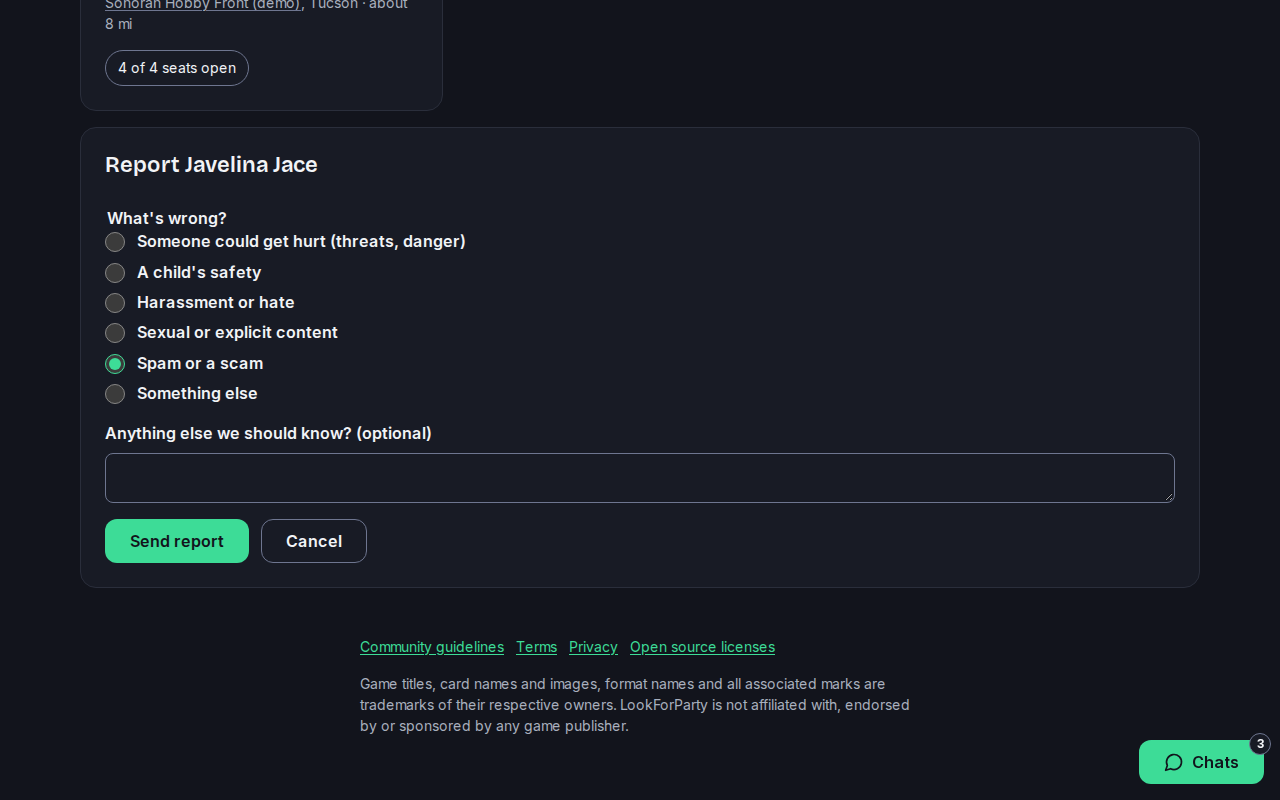
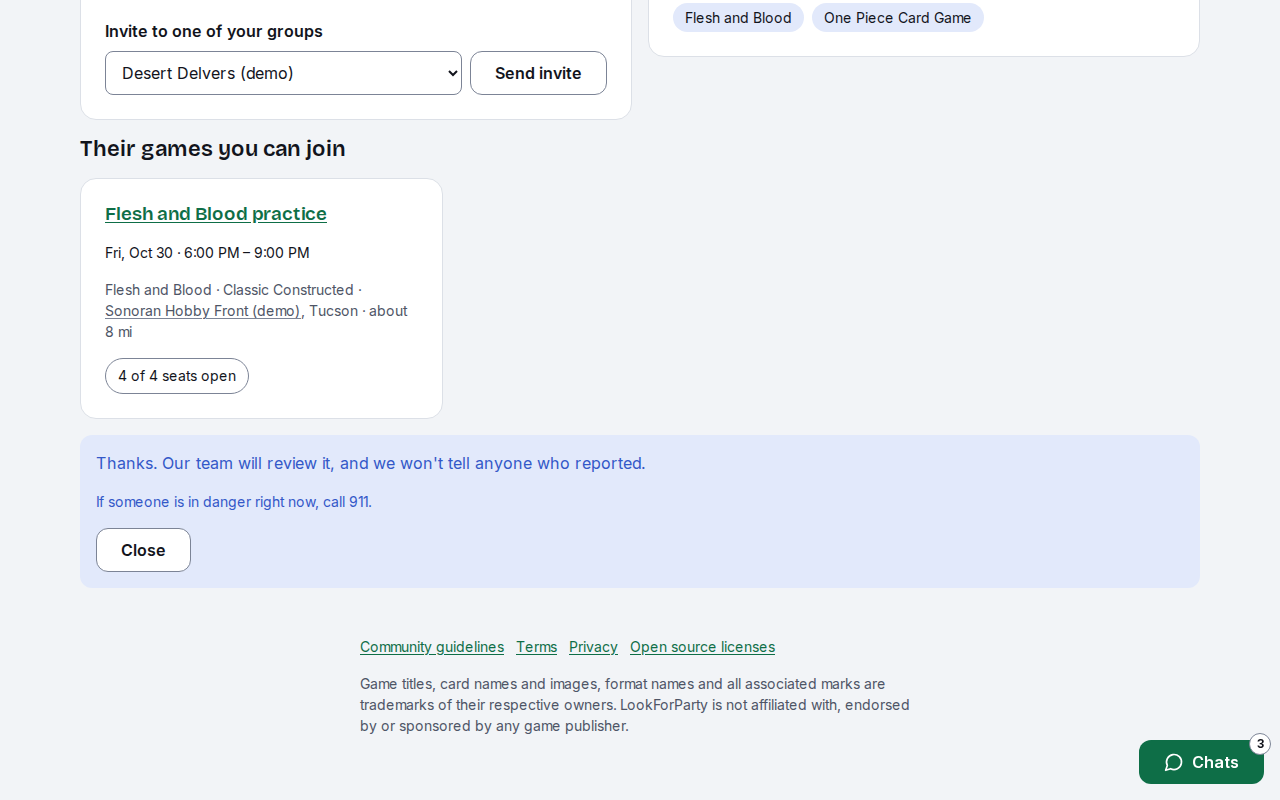
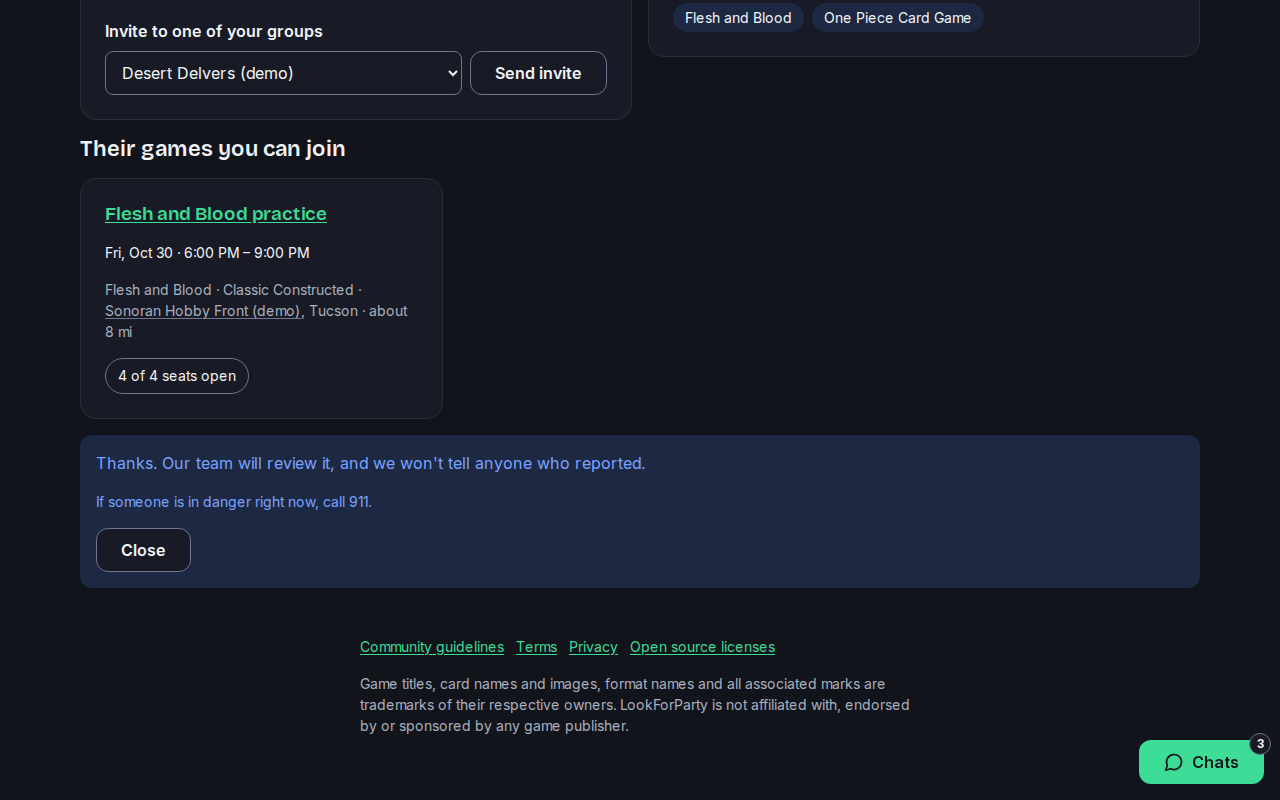
Our team reviews every report, and we never tell anyone who reported. If someone is in danger right now, call 911.
To block them, press Block. A block works both ways: you won't see each other's games, messages or cards, and any friendship ends. They aren't told.
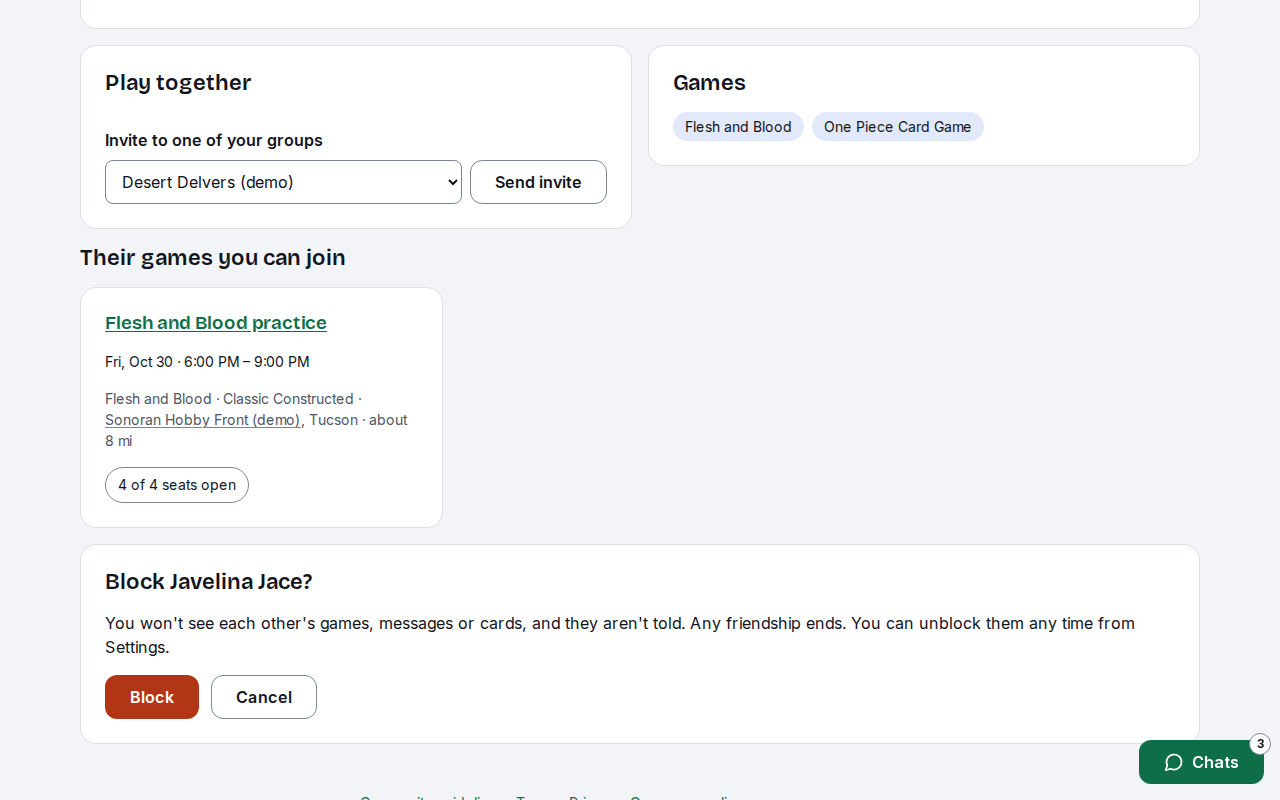
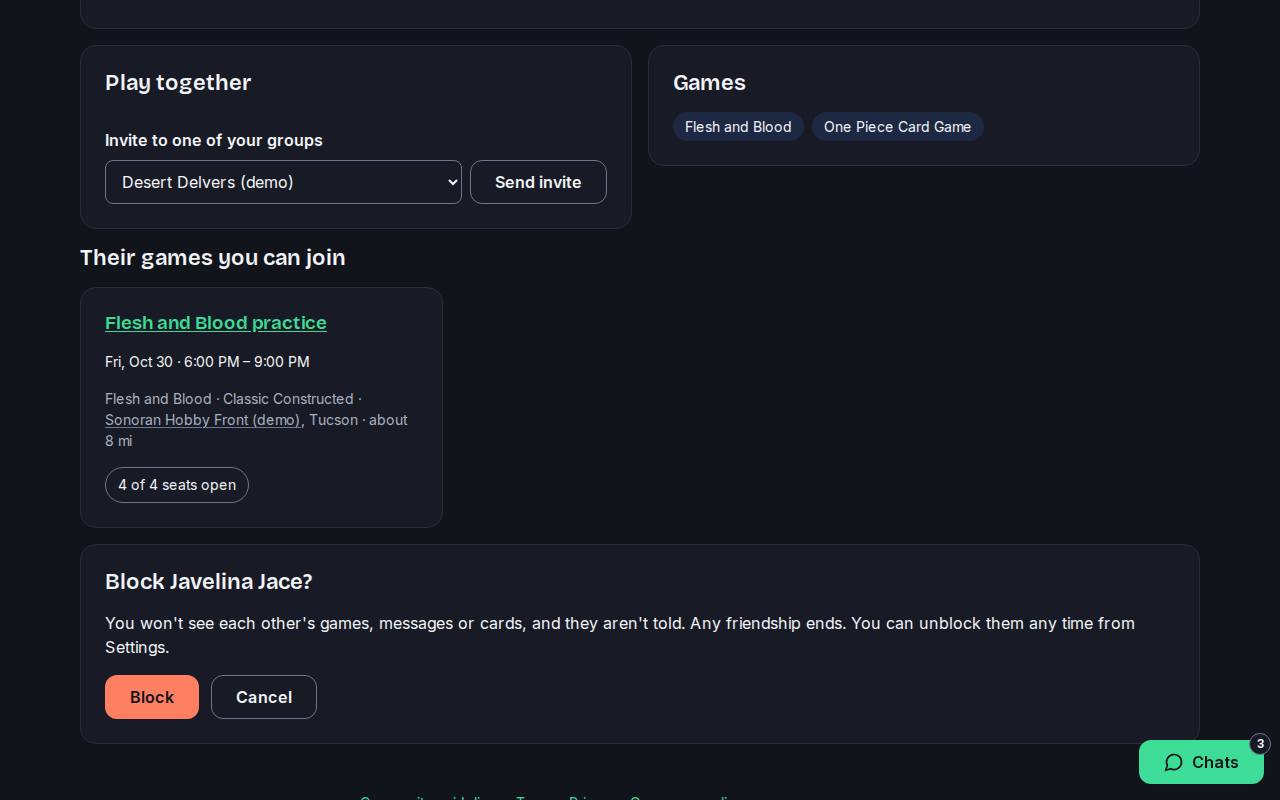
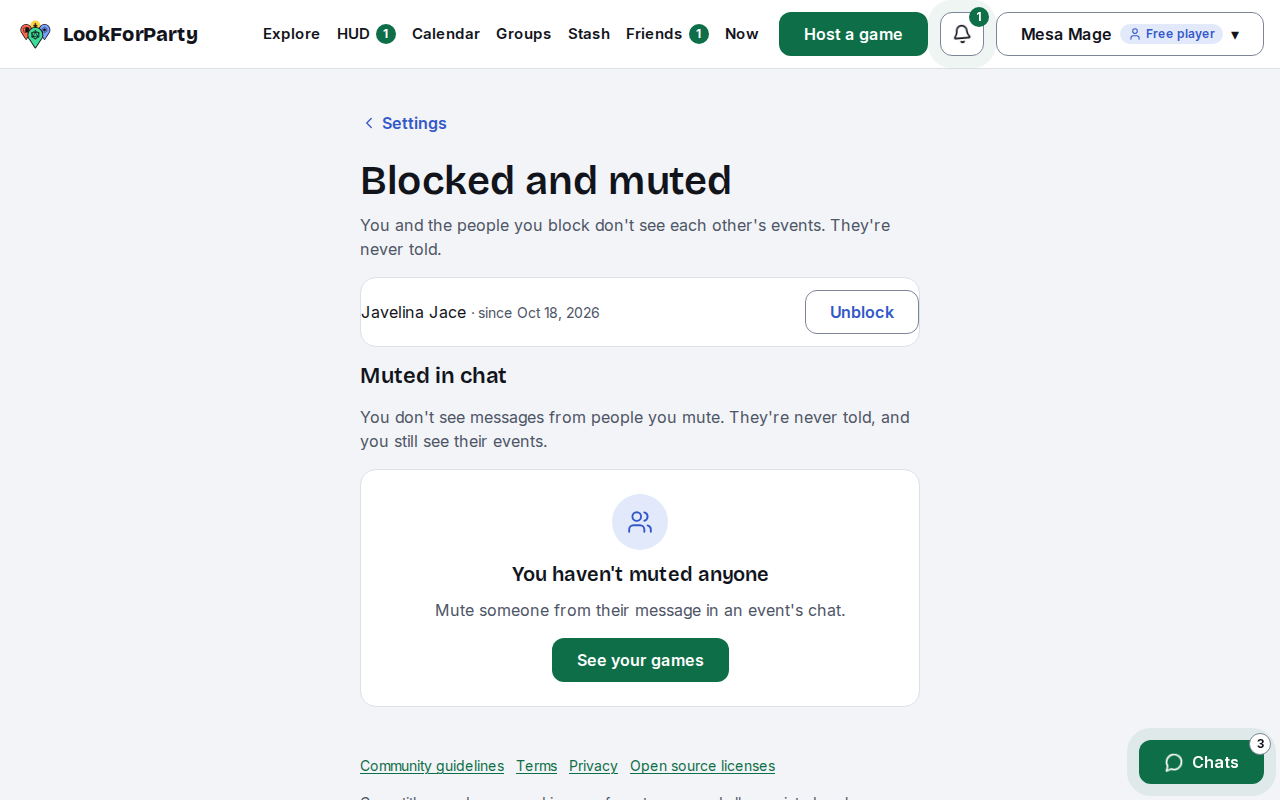
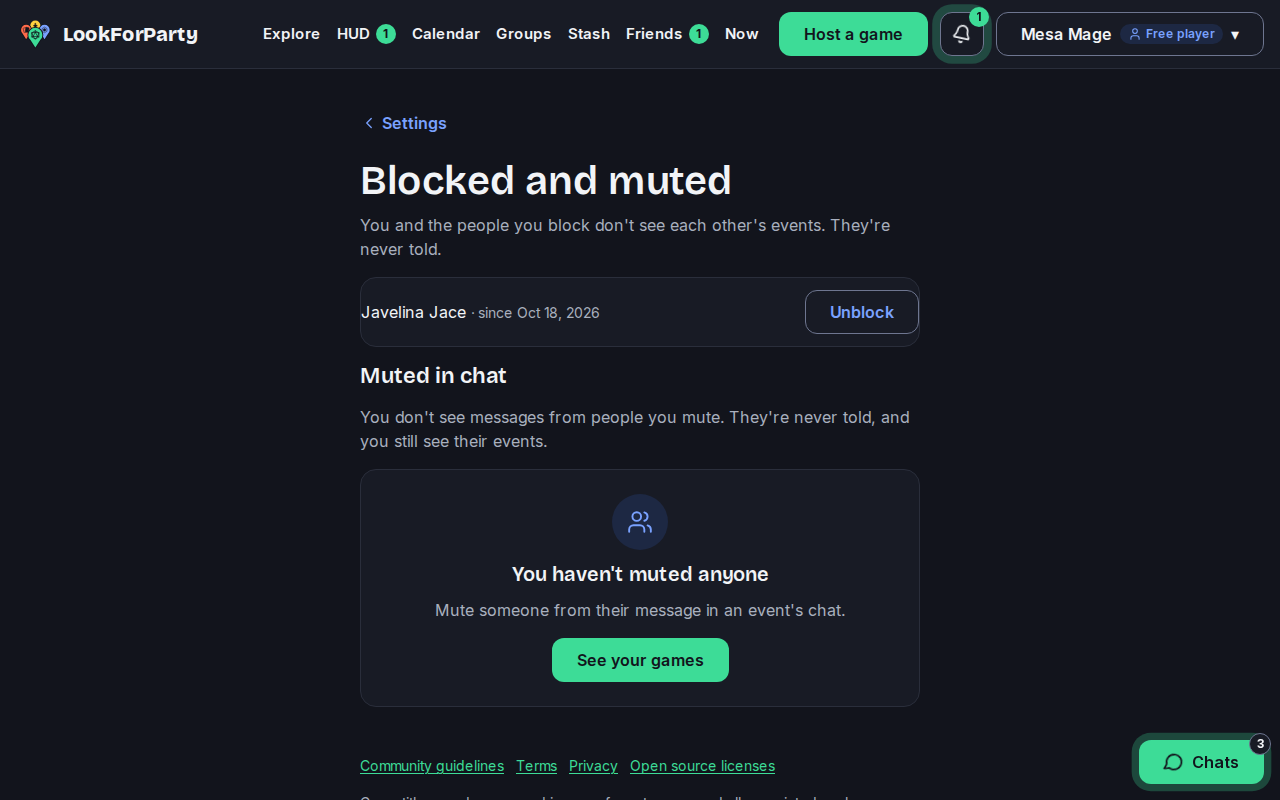
Press Block again to confirm. Changed your mind later? Open Settings, then Blocked and muted, and press Unblock.
Next
Invite a friend
Bring a friend to LookForParty with an email invite, and ask your friends to a game you're hosting.
Something not match what you see? Tell us and we'll fix the guide.