Invite a friend
Screenshots from
What it's for
Bring a friend to LookForParty with an email invite, and ask your friends to a game you're hosting.
Who can use it
Players
On Web
How to do it
Open Friends from the top bar. Friends are for adults, and you can ask anyone you've played a game with. To bring in someone who isn't on LookForParty yet, invite them by email.
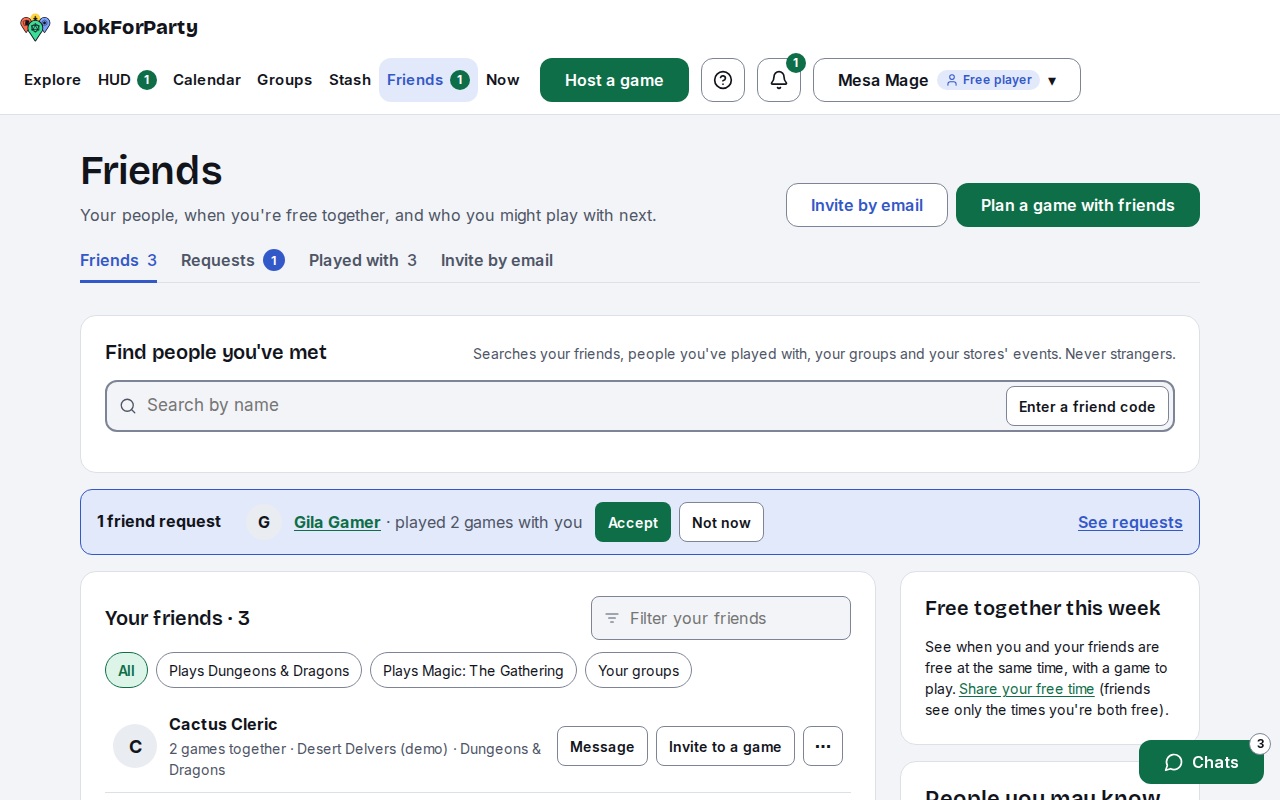
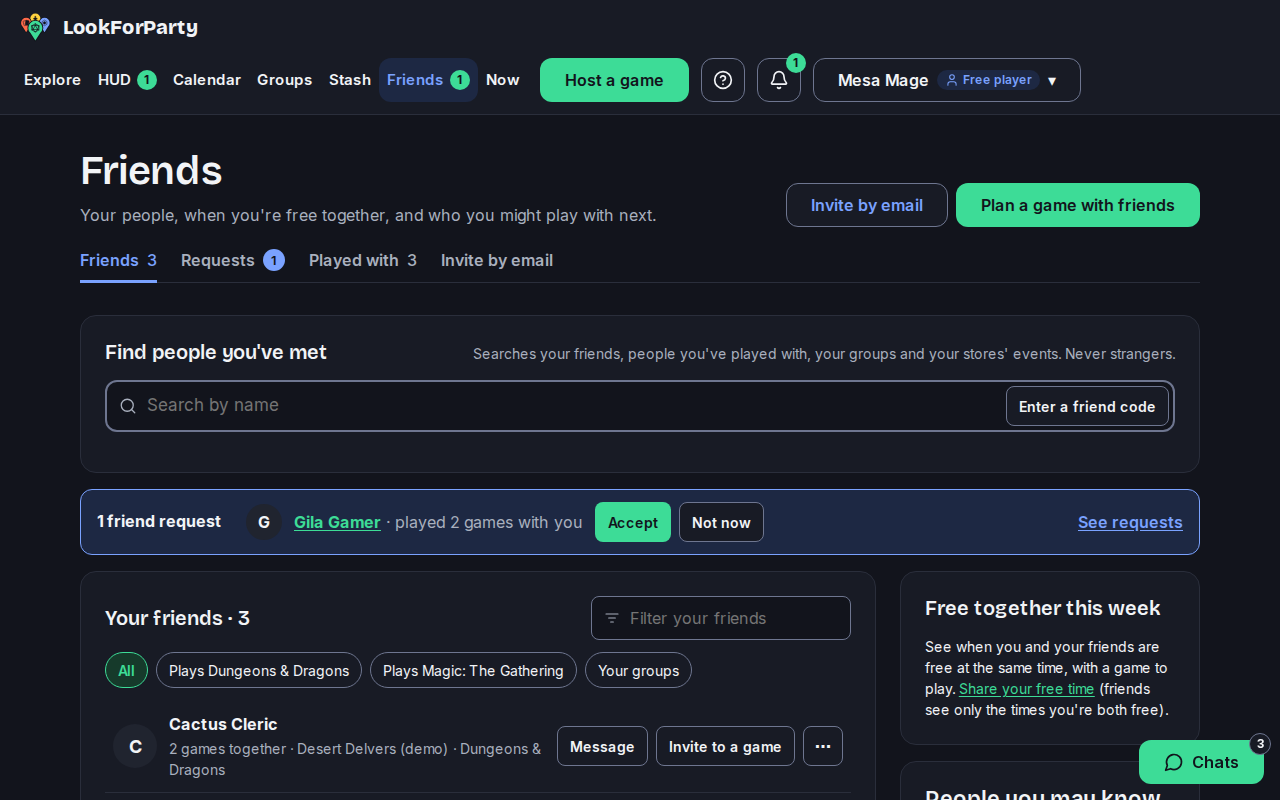
Open Invite by email, type your friend's email address and press Send invite.
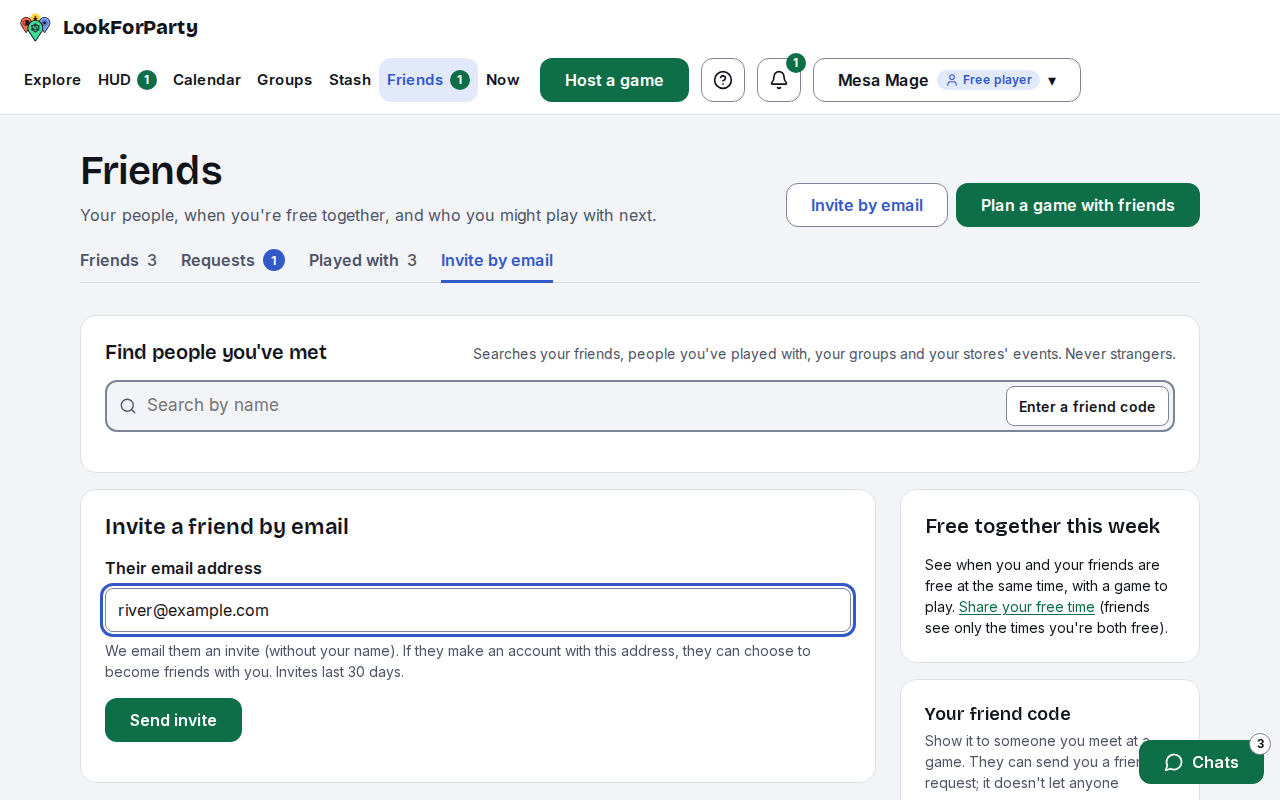
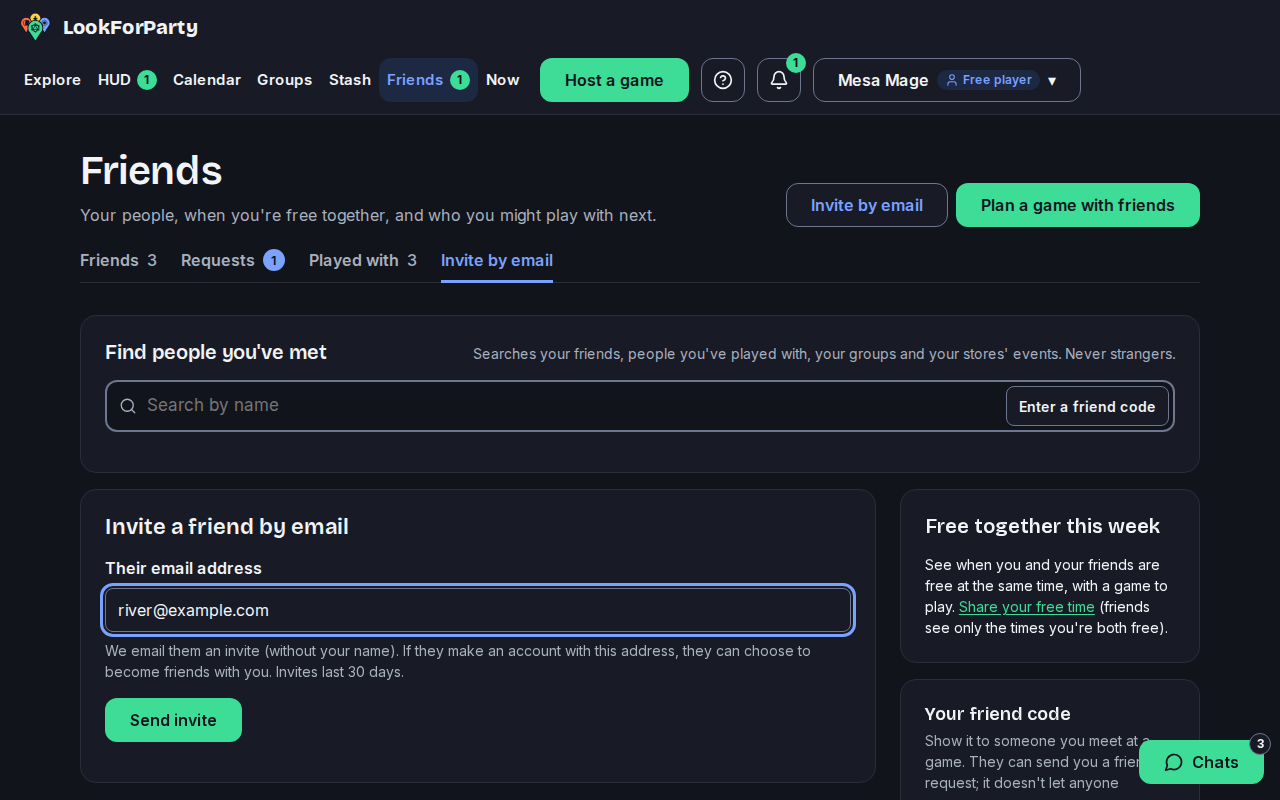
We email them an invite that doesn't name you. If they make an account with that address, they're asked whether to become friends with you, and nobody is told if they say no. You see the invite in your list, and it lasts 30 days.
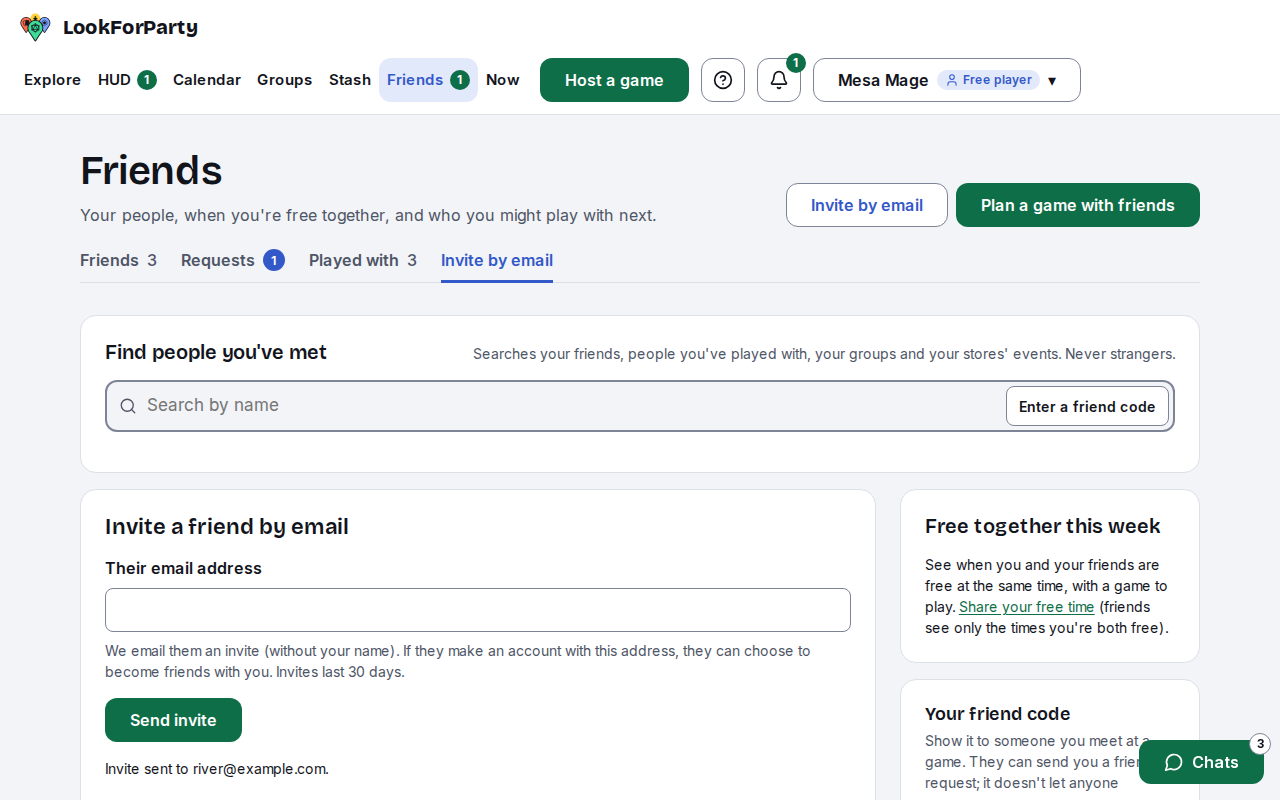
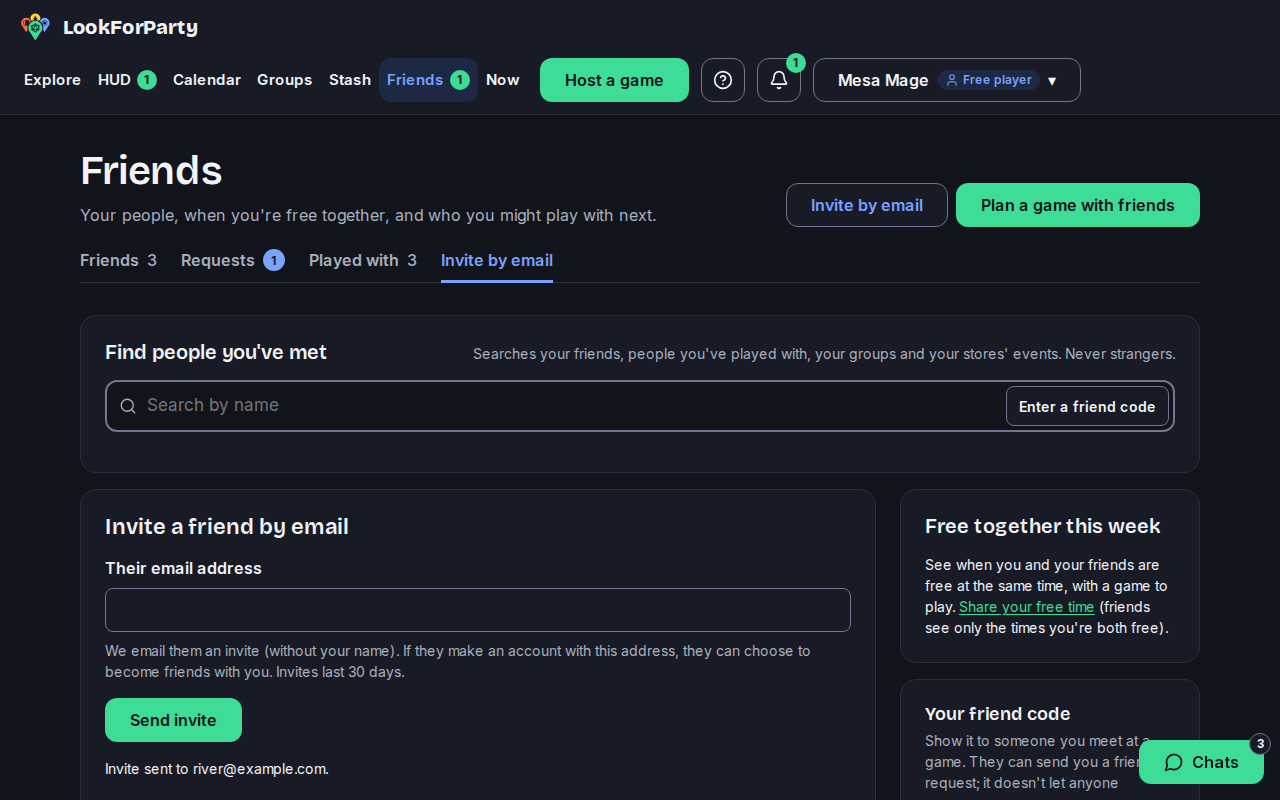
To ask friends to a game you're hosting, open the game's page and press Invite friends. At a store's game where you have a seat, it's called Bring a friend.
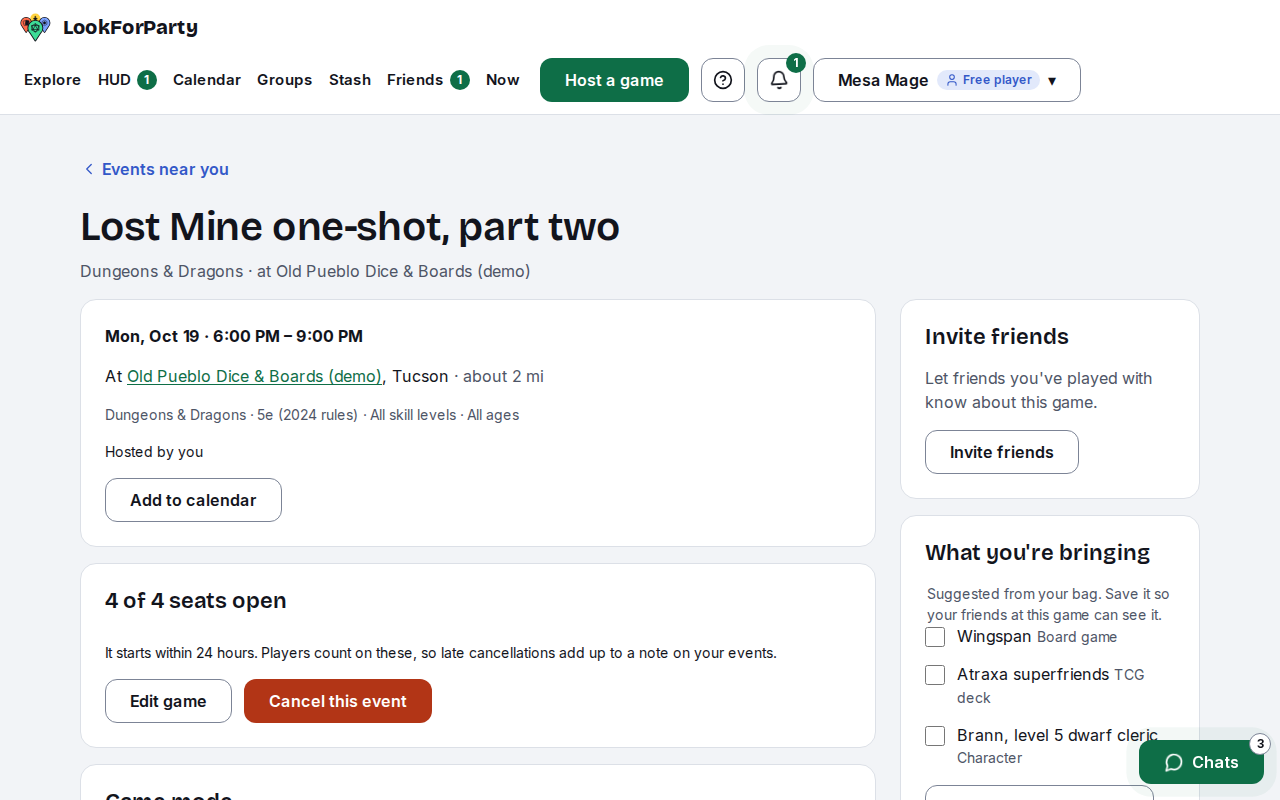
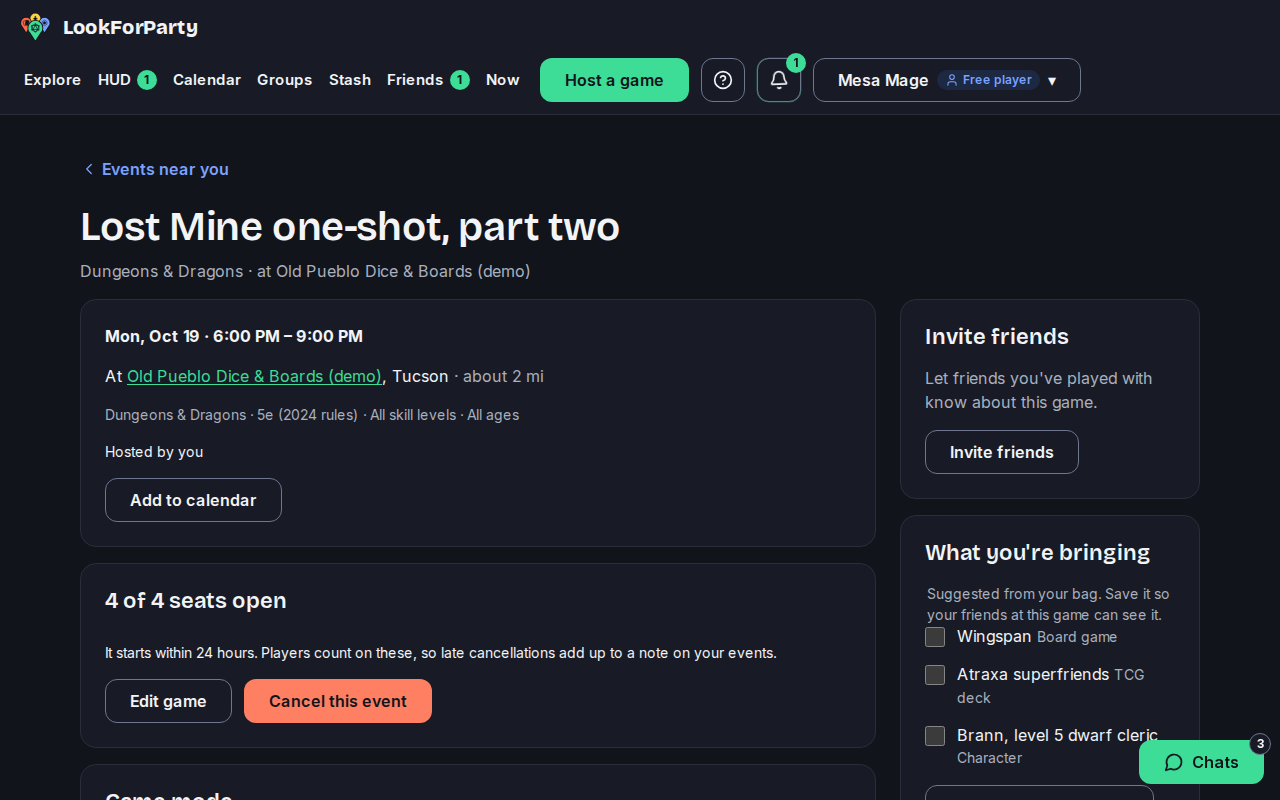
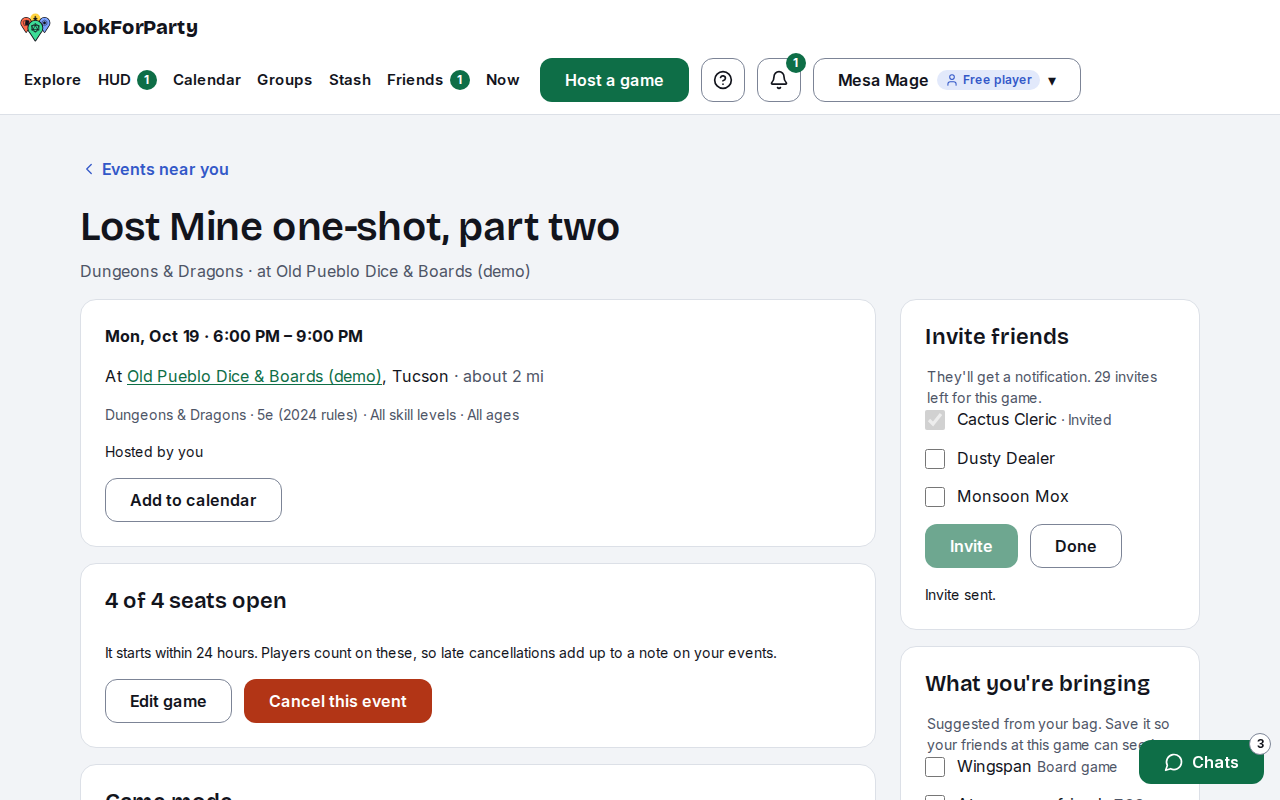
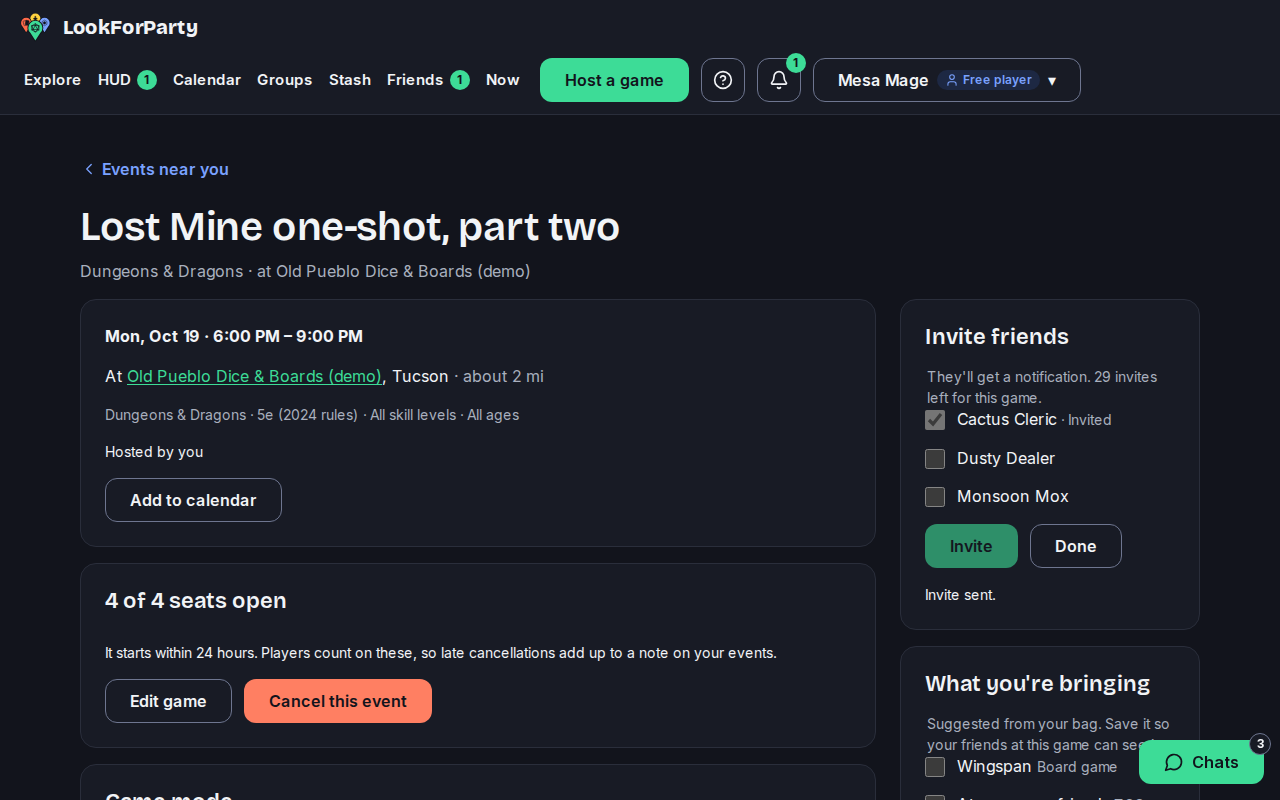
Tick the friends you want to ask and press Invite. The list shows friends you've played with, and friends who joined from your email invite.
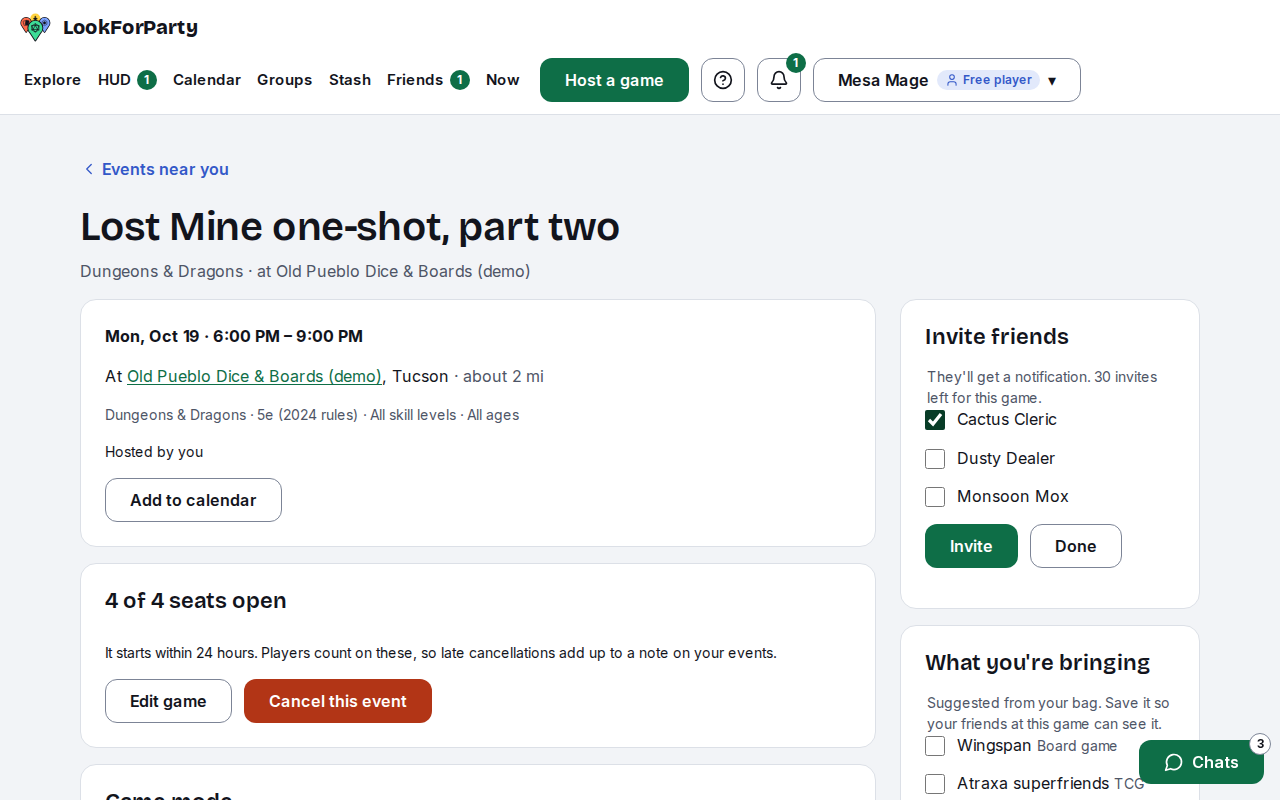
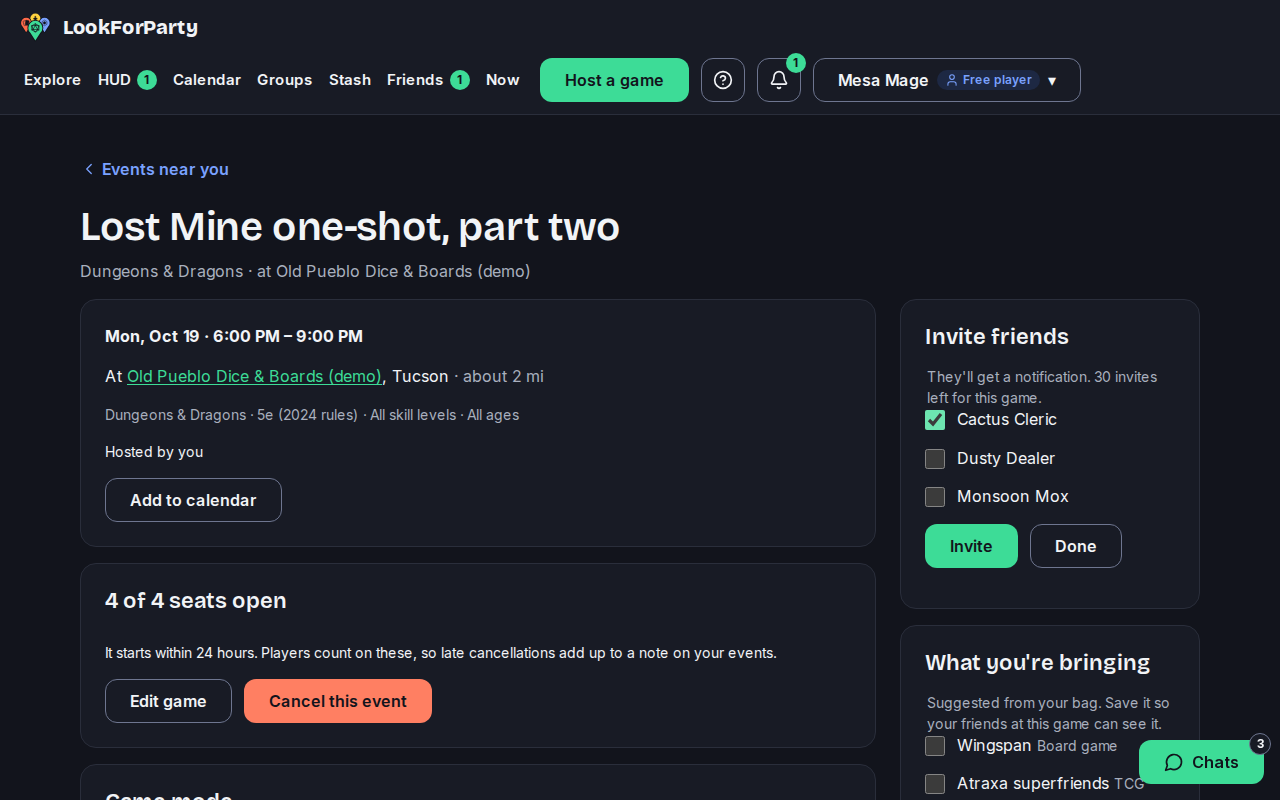
They get a notification and can take a seat the usual way, with an RSVP.
Next
Host a game at a store
Post a game at a local game store so players nearby can find it and take a seat. Players see the store, never where you live.
RSVP to a game
Take a seat at a game at a store, so the host knows you're coming and the game shows up in your upcoming games.
Something not match what you see? Tell us and we'll fix the guide.