Share Player Plus with the Family plan
Screenshots from
What it's for
The Family plan gives Player Plus to you, one other adult you invite, and every child whose account names either of you as their parent. One payment covers the whole family.
Who can use it
Parents, Players Needs Family plan
On Web
How to do it
Open the menu with your name and choose Your plan. The Family plan card is under your own plan. Press the button to get the family plan, yearly or monthly.
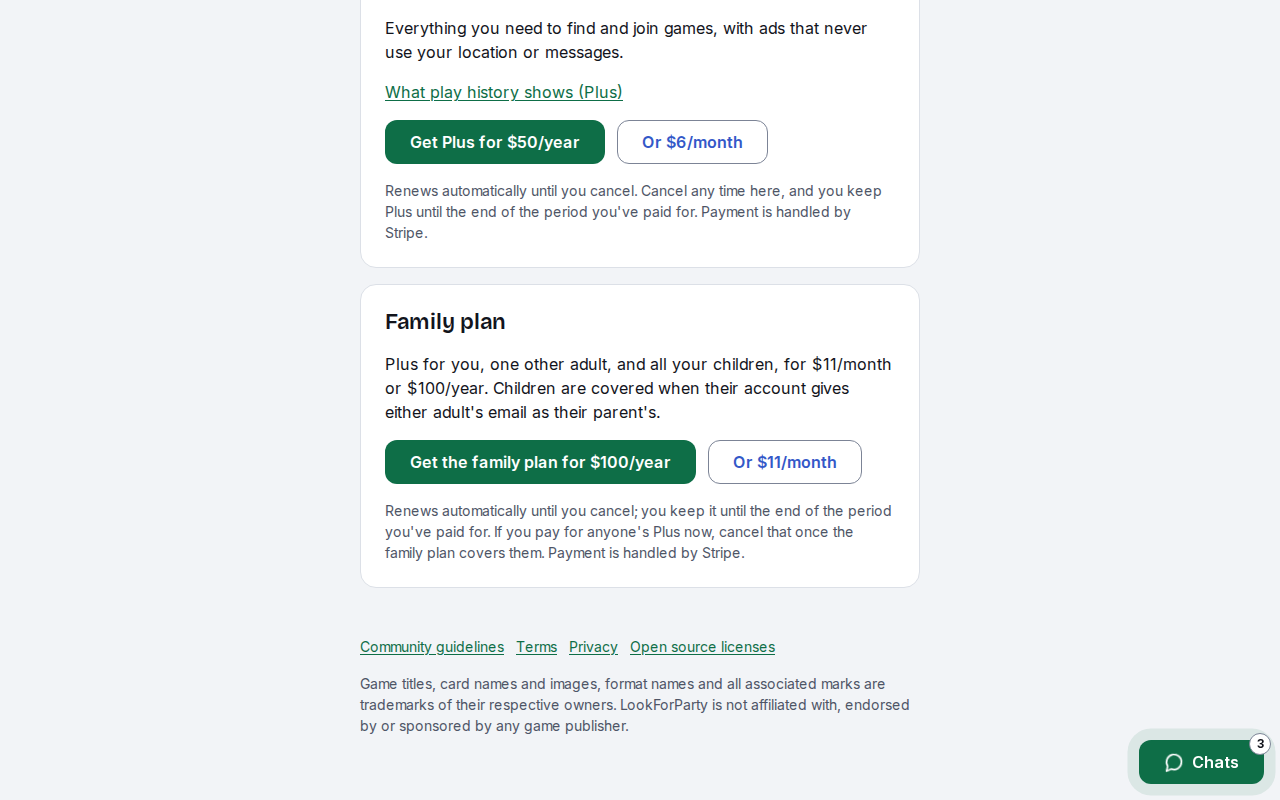
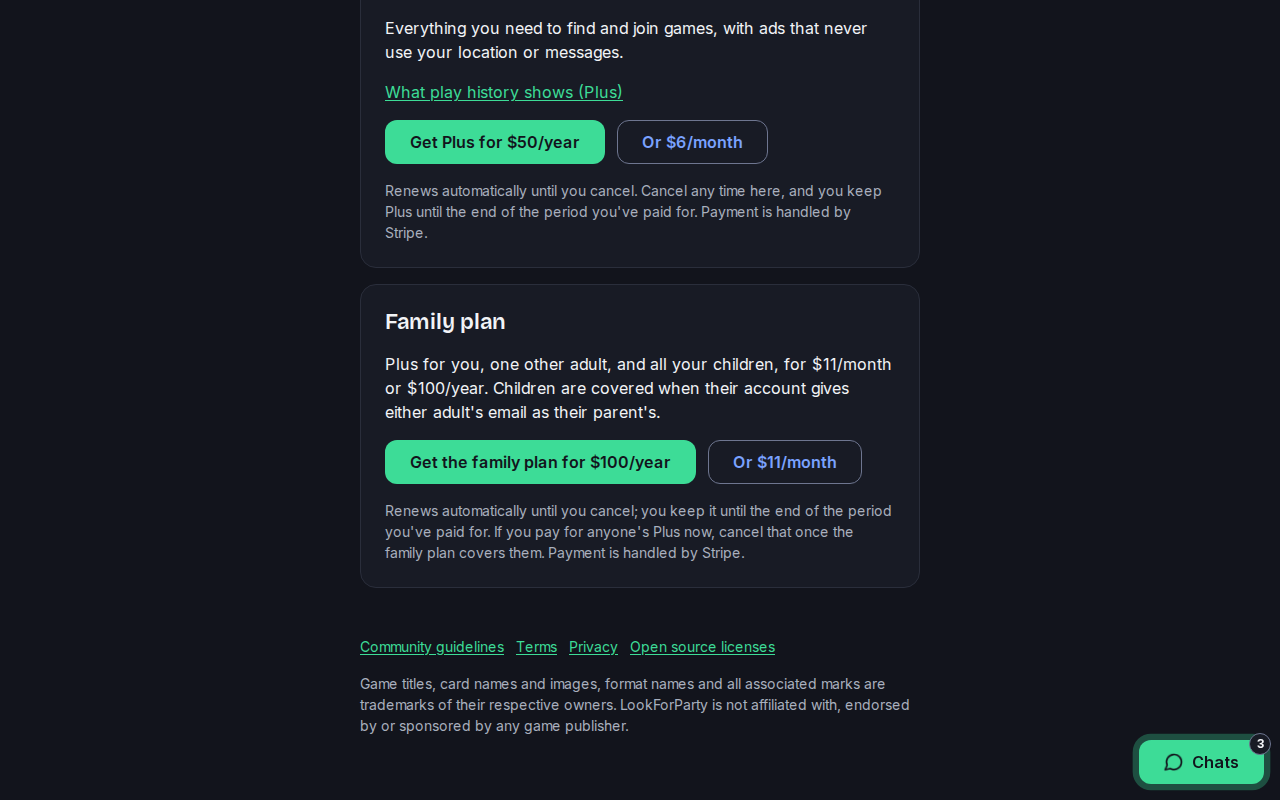
You pay on Stripe's secure checkout, then come back to LookForParty. We never see or keep your card details.
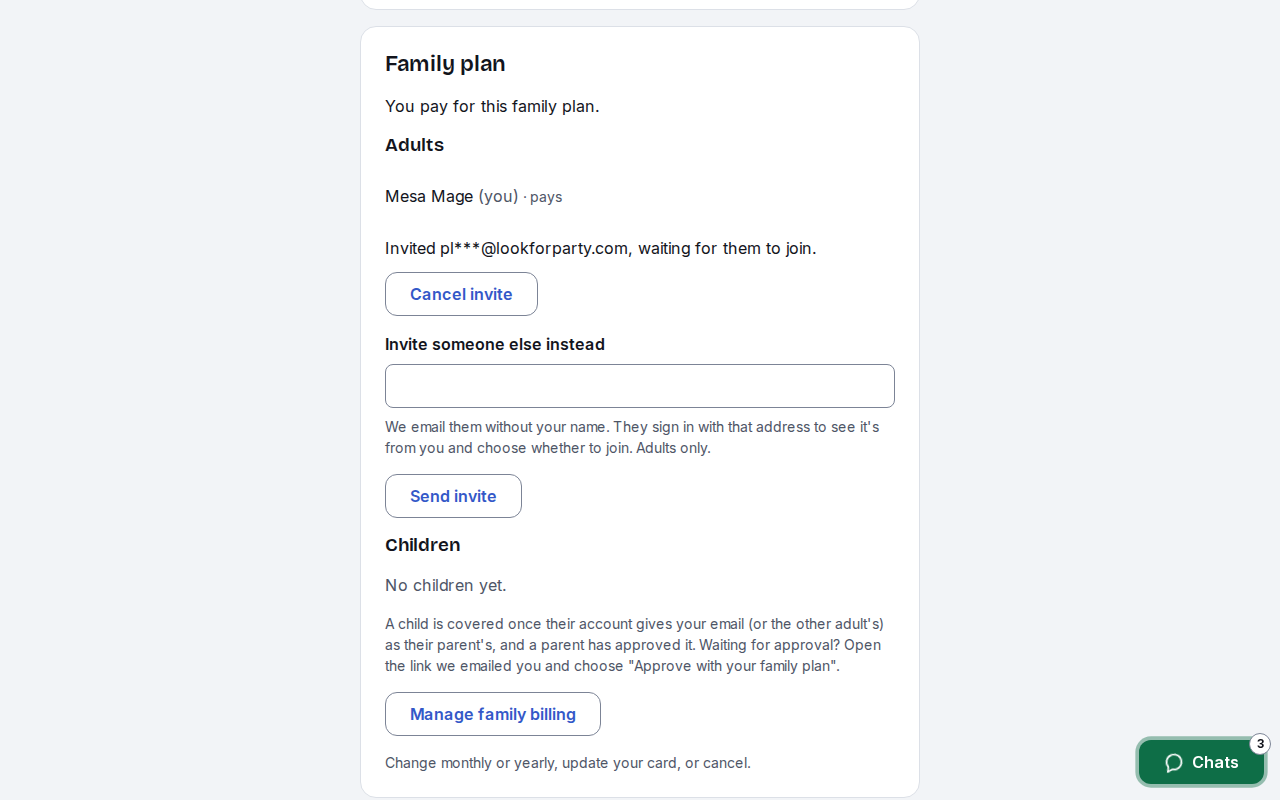
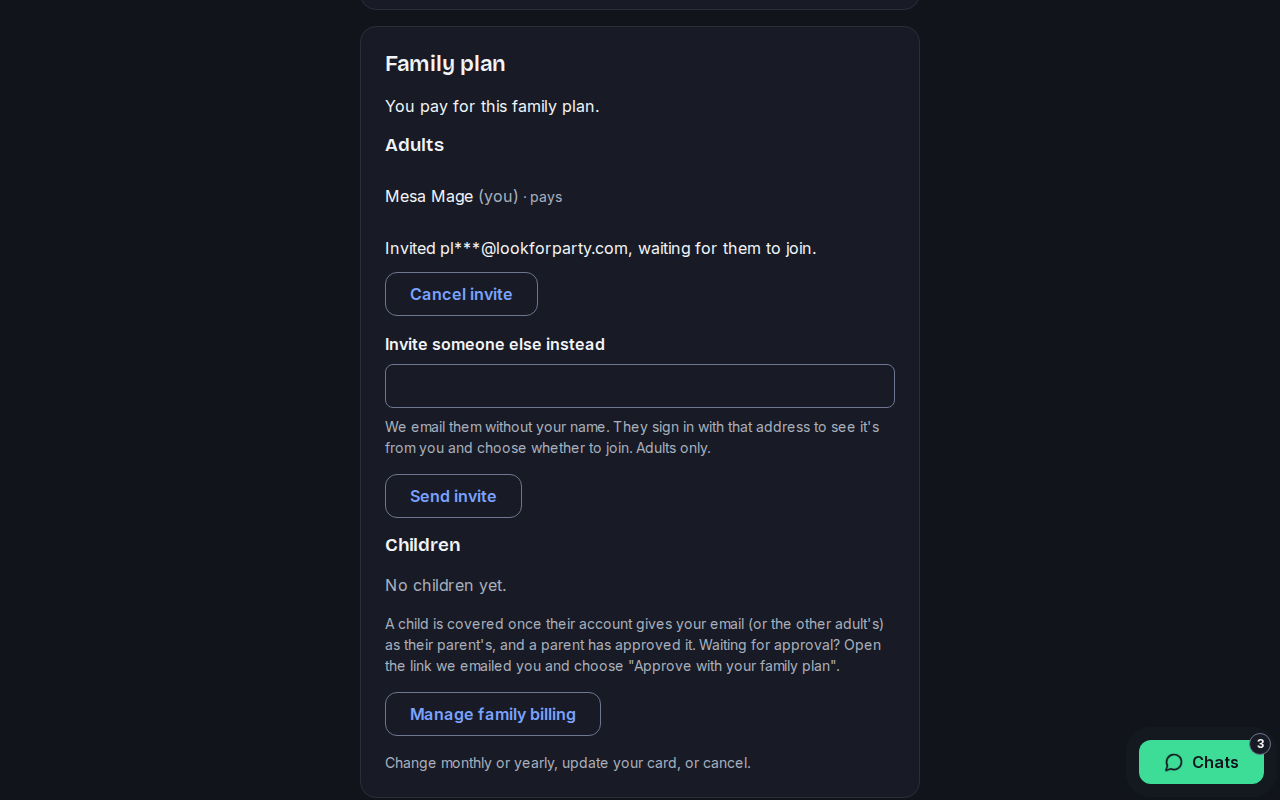
Once it's paid, the card lists who's on the plan. To add the other adult in your family, type their email under Add another adult and press Send invite.
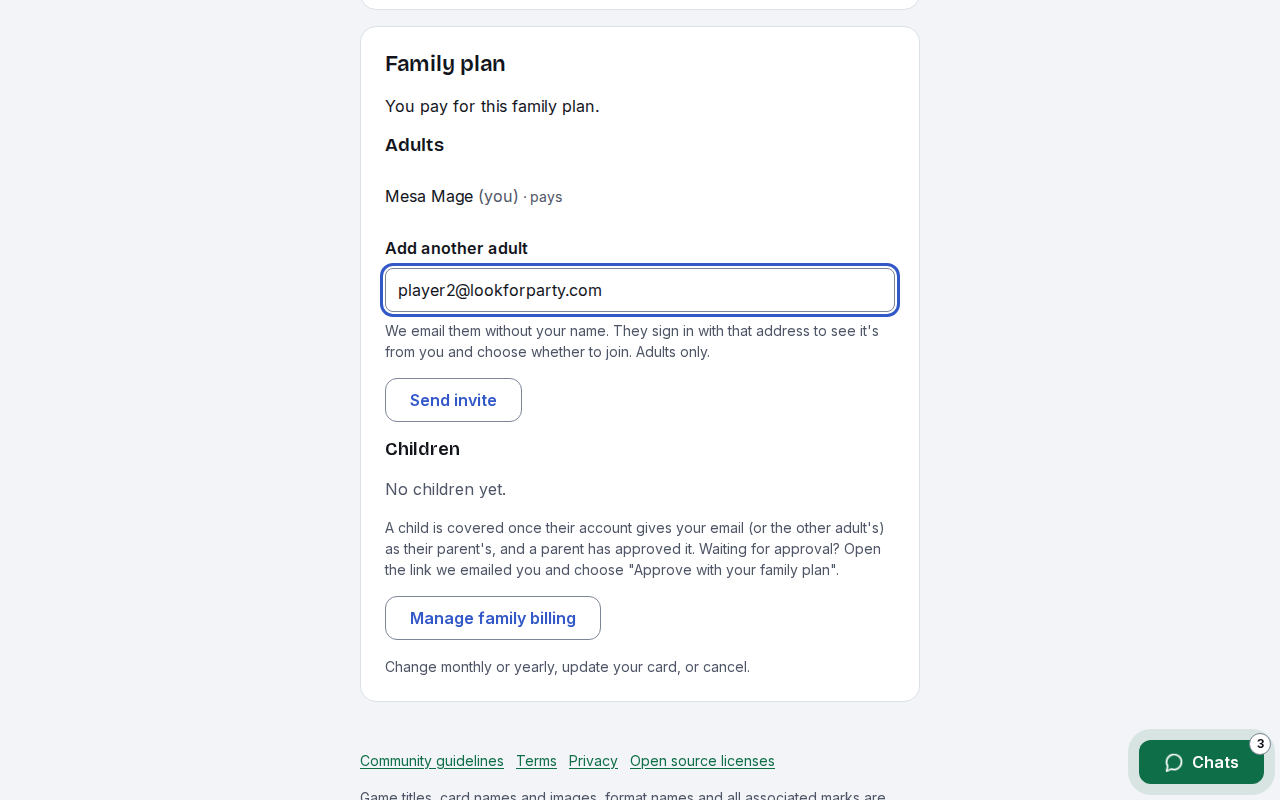
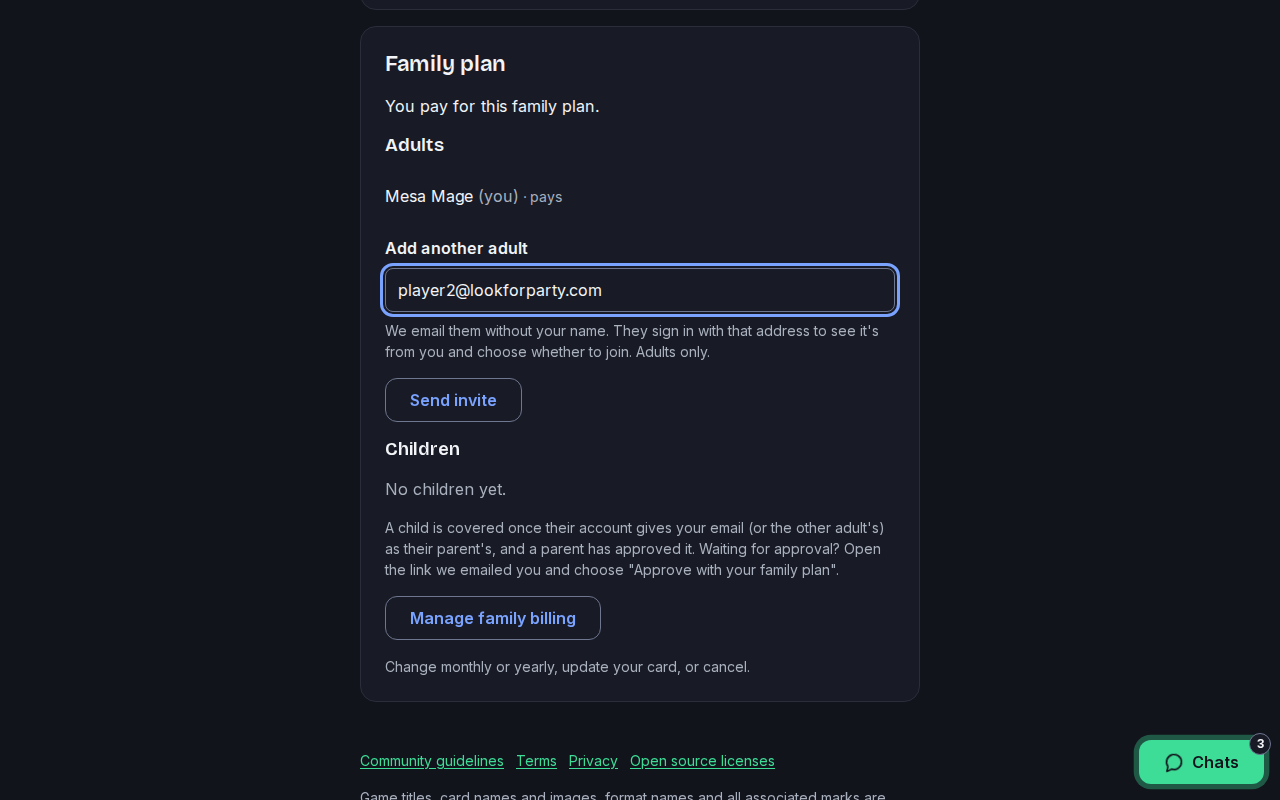
We email them without your name. The invite waits here until they answer, and you can cancel it or invite someone else instead.
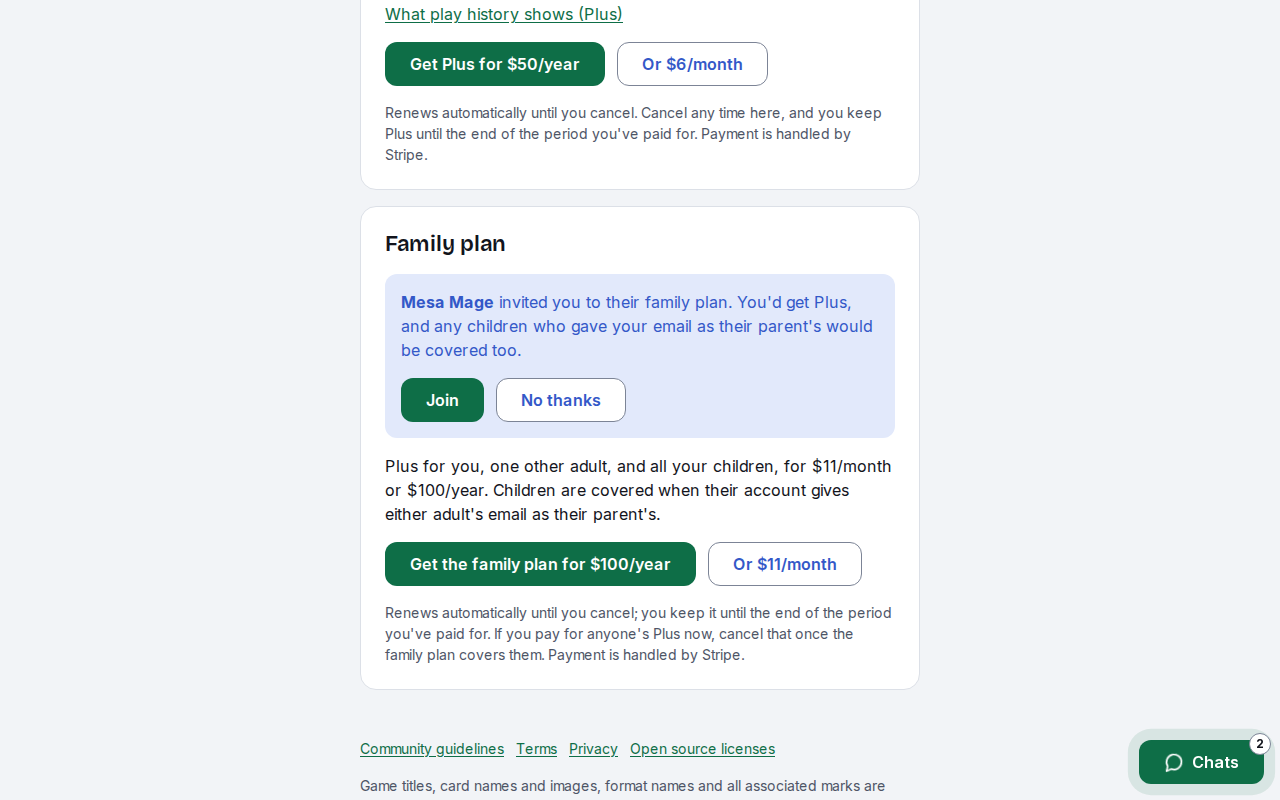
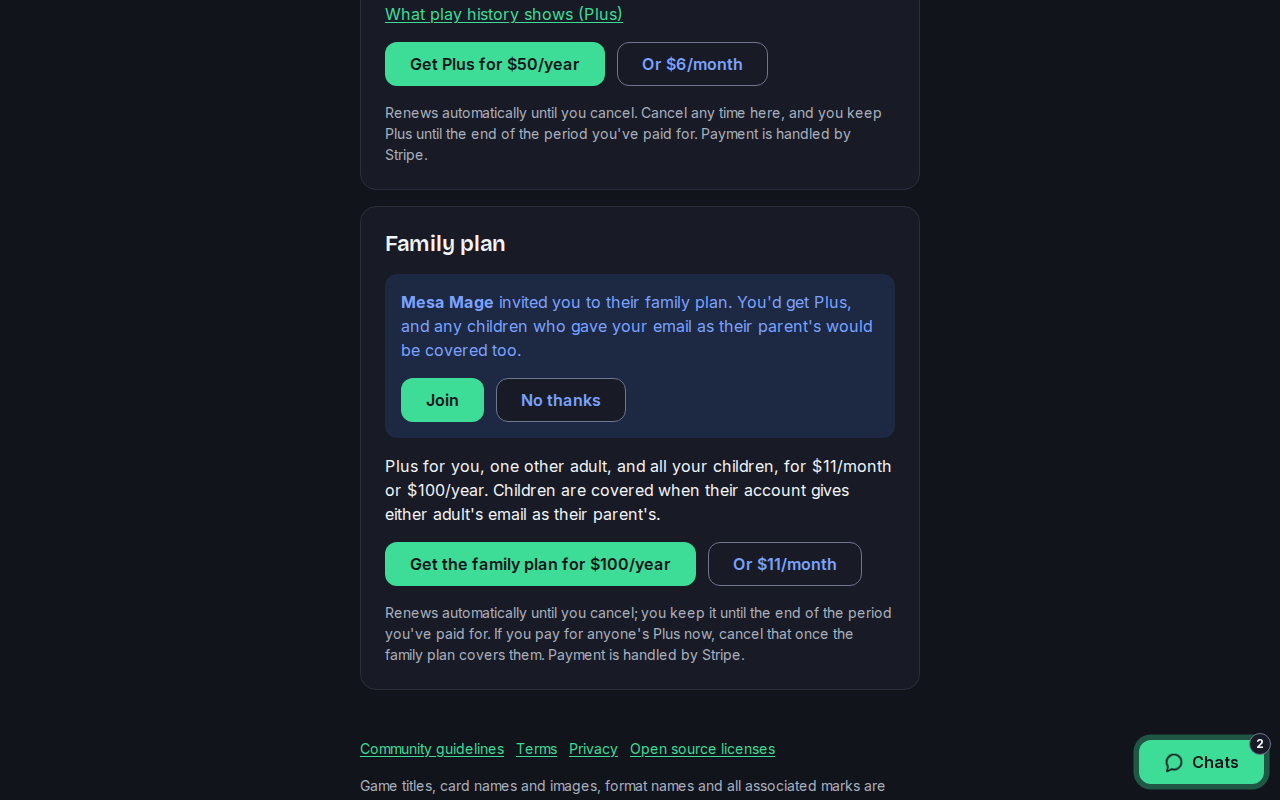
The other adult signs in with the address you invited and opens Your plan. They see who invited them and press Join. Now they have Player Plus too.
Children are covered when their account gives either adult's email as their parent's. When your child signs up, open the link we email you and press Approve with your family plan. There's nothing more to pay.
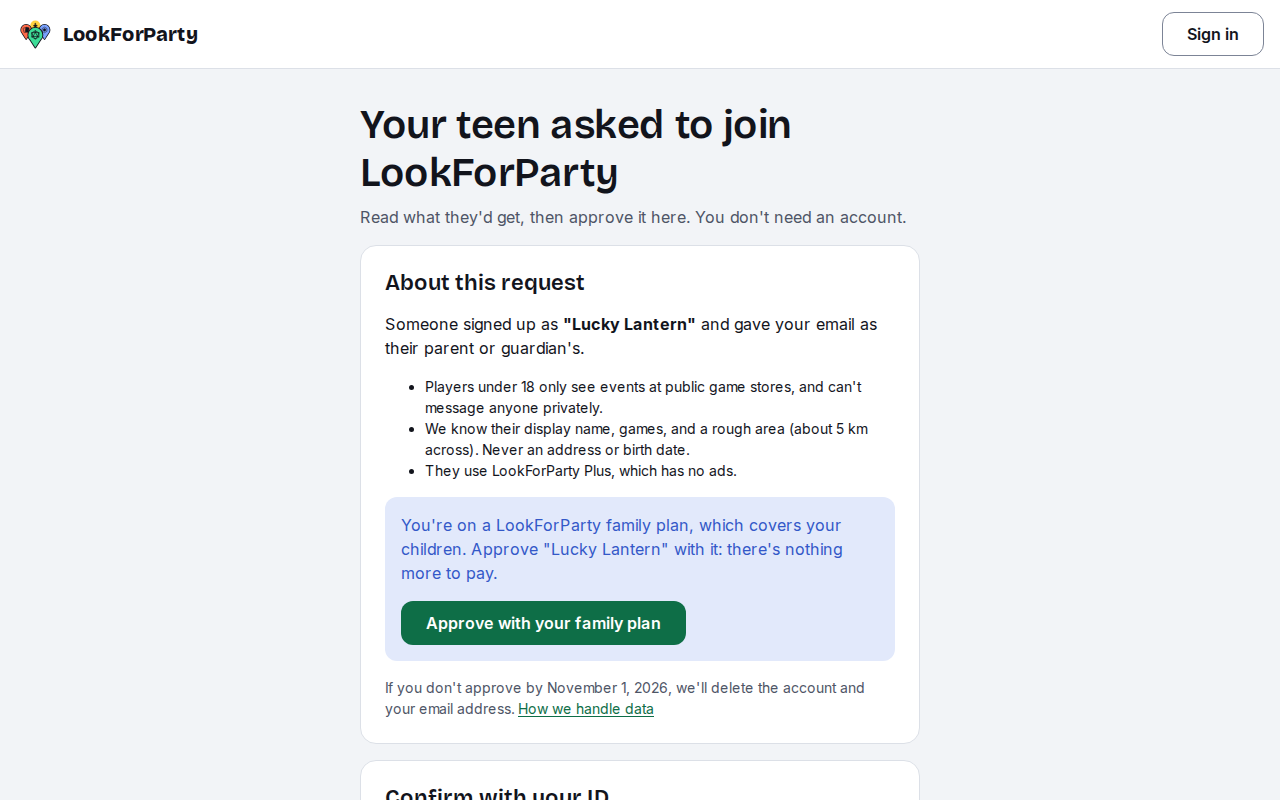
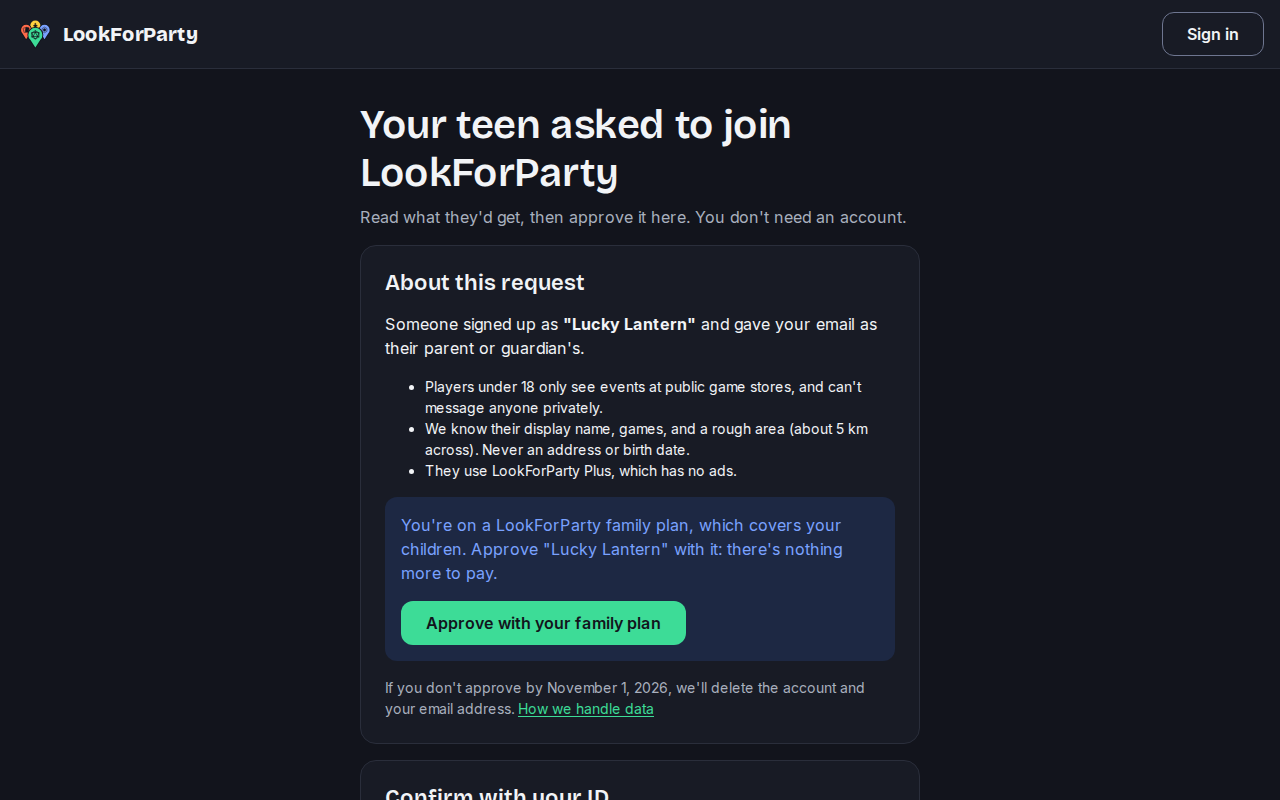
Your child then shows under Children on the plan. To switch between monthly and yearly, update your card or cancel, the adult who pays presses Manage family billing on Your plan.
Next
Approve your teen's account
Players under 18 need a parent or guardian to say yes before their account opens. Here's what your teen sees, and how you approve from the link we email you.
Create an account
Make your LookForParty account so you can find games near you, take a seat and host your own.
Something not match what you see? Tell us and we'll fix the guide.