Approve your teen's account
Screenshots from
What it's for
Players under 18 need a parent or guardian to say yes before their account opens. Here's what your teen sees, and how you approve from the link we email you.
Who can use it
Parents
On Web
How to do it
When your teen signs up and enters a birth date that makes them under 18, LookForParty asks for a parent or guardian's email. They type yours.
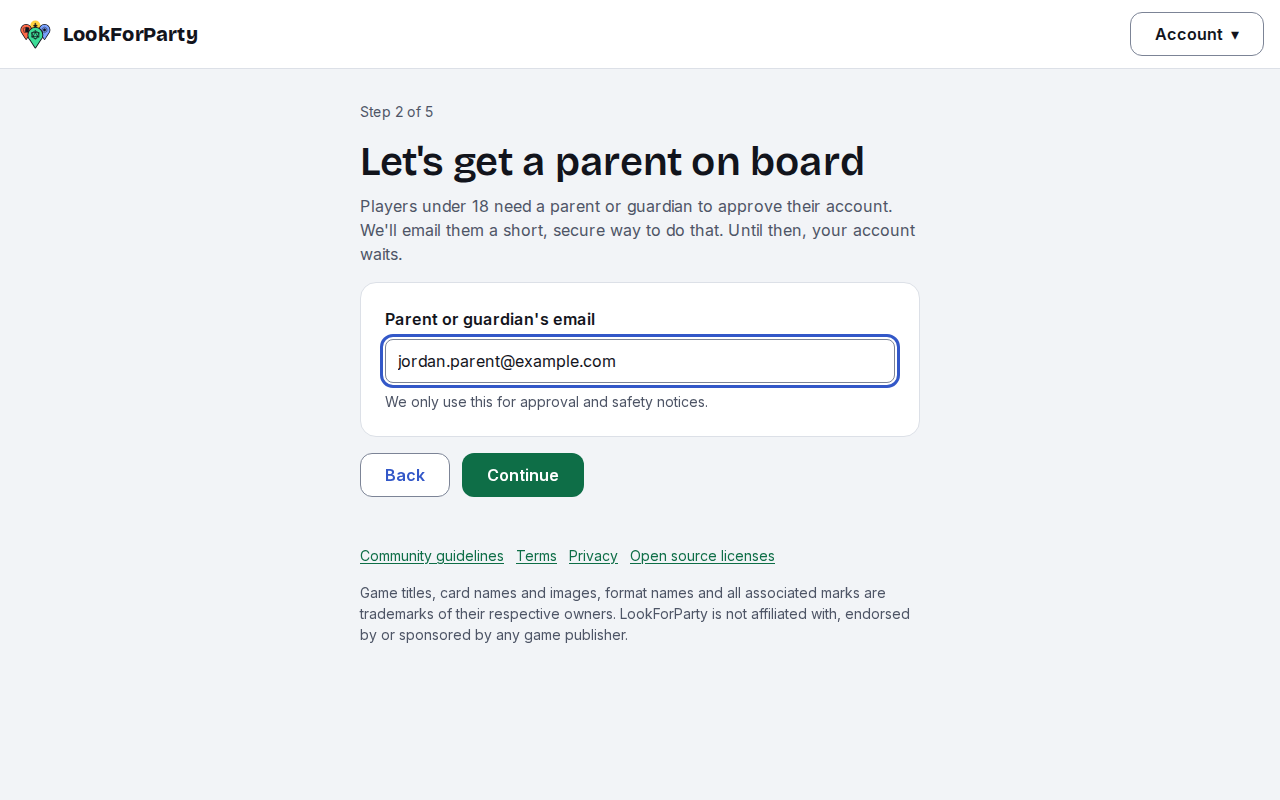
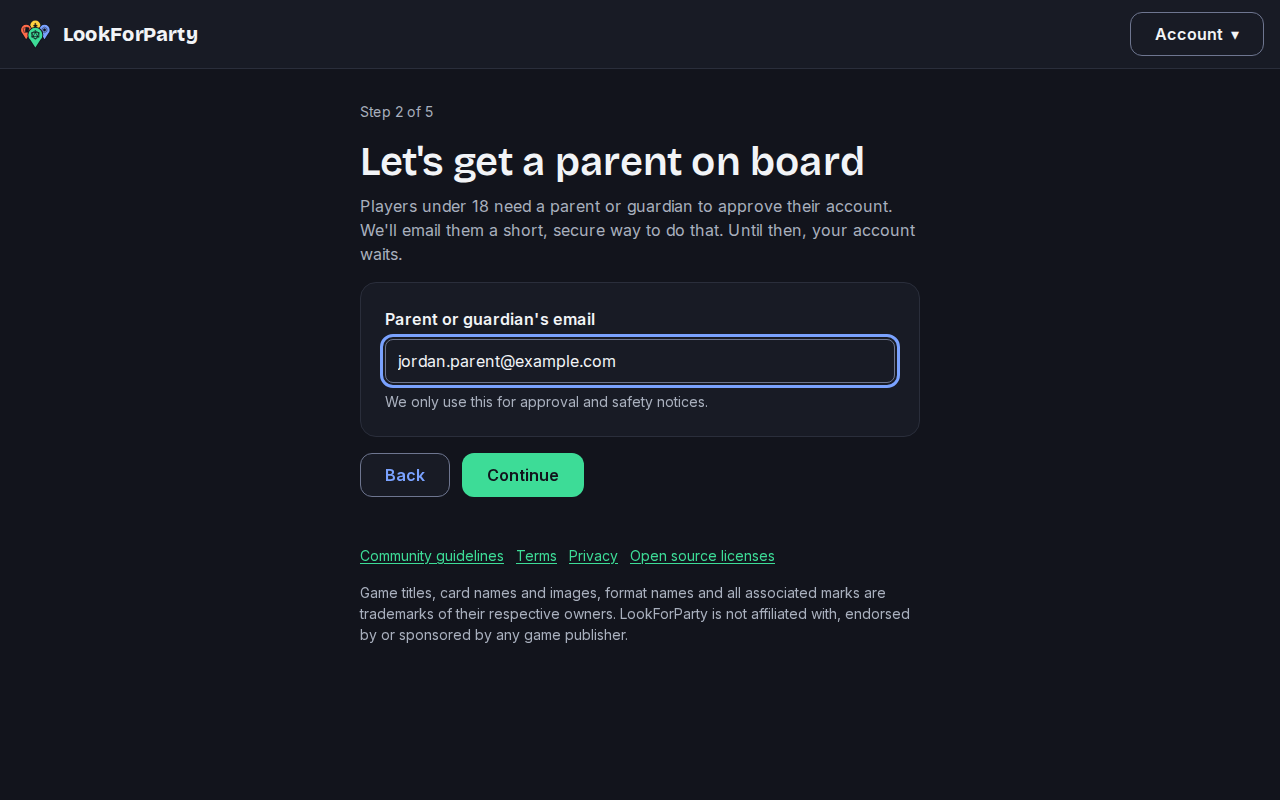
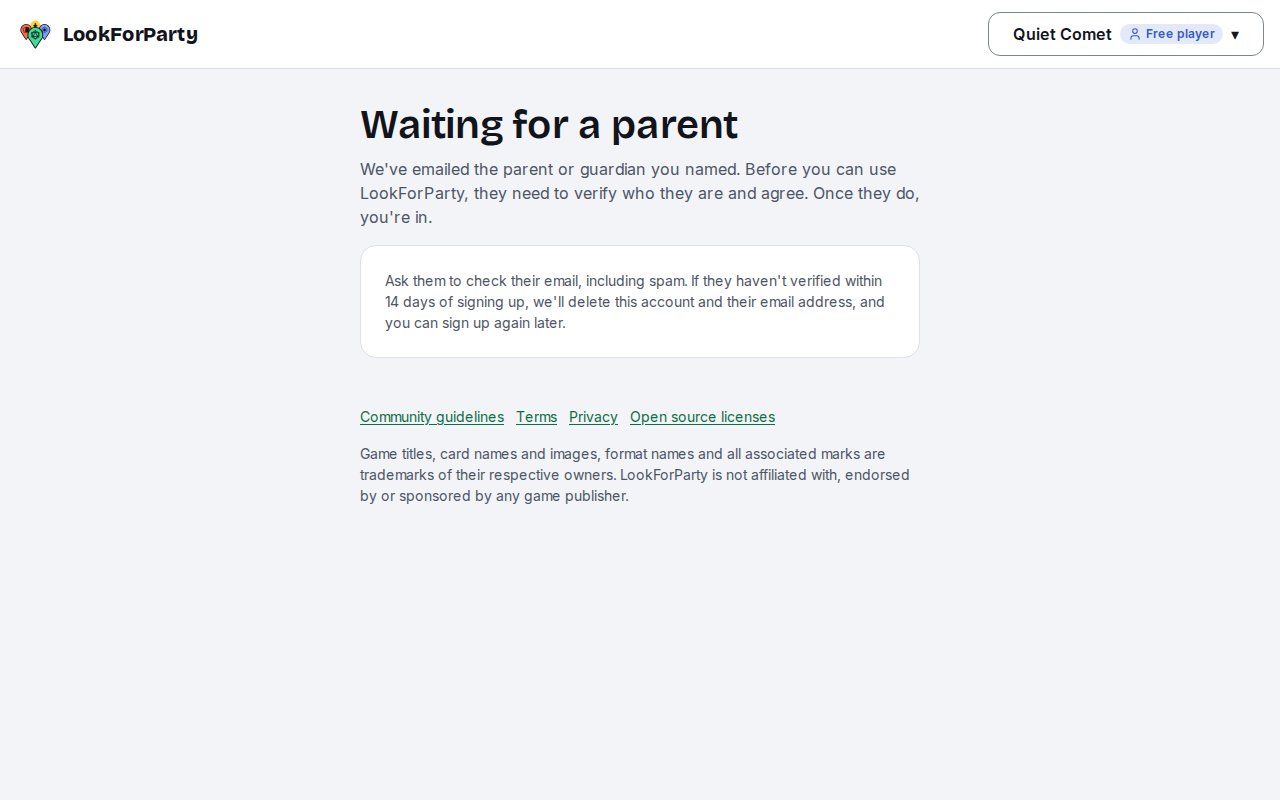
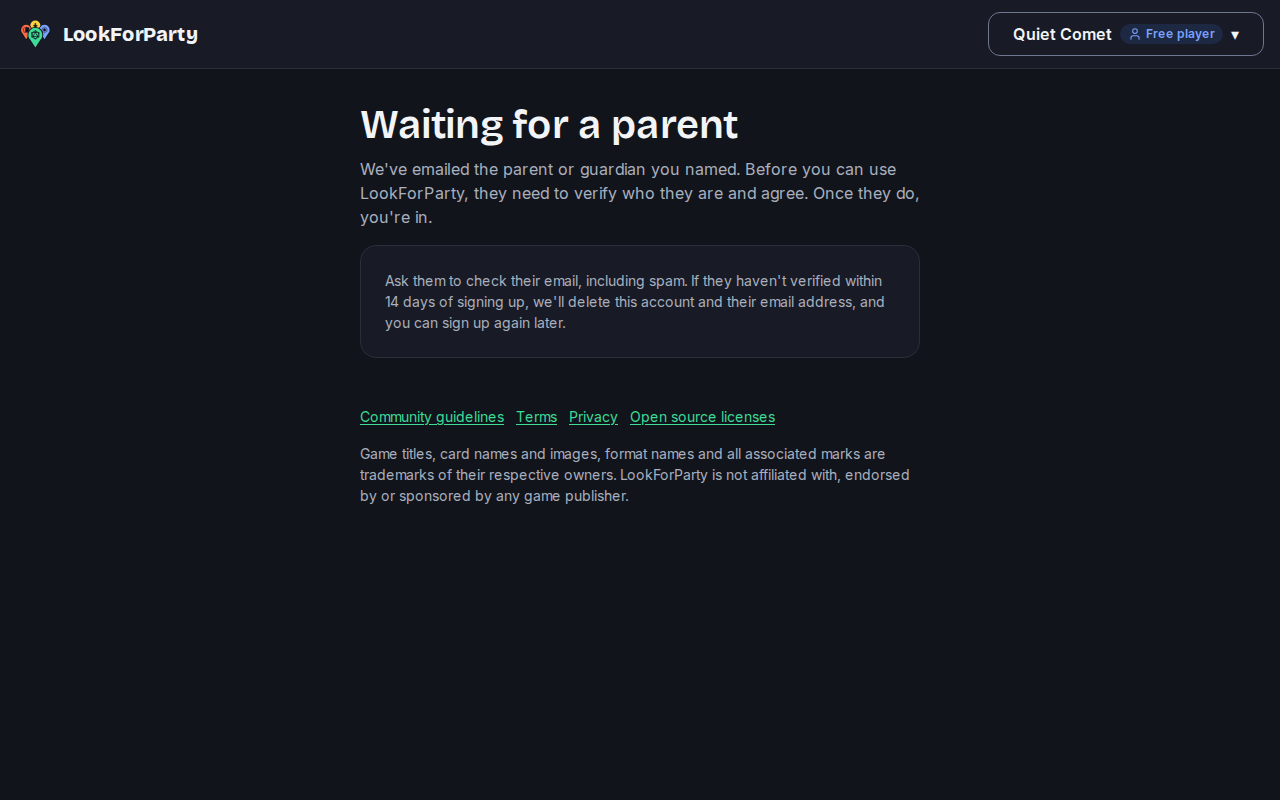
They finish their profile, and their account waits for you. Until you approve, they can't use LookForParty.
We email you a link. Open it: you don't need an account. The page tells you what your teen would get. Players under 18 only see events at public game stores, can't message anyone privately, and never see ads.
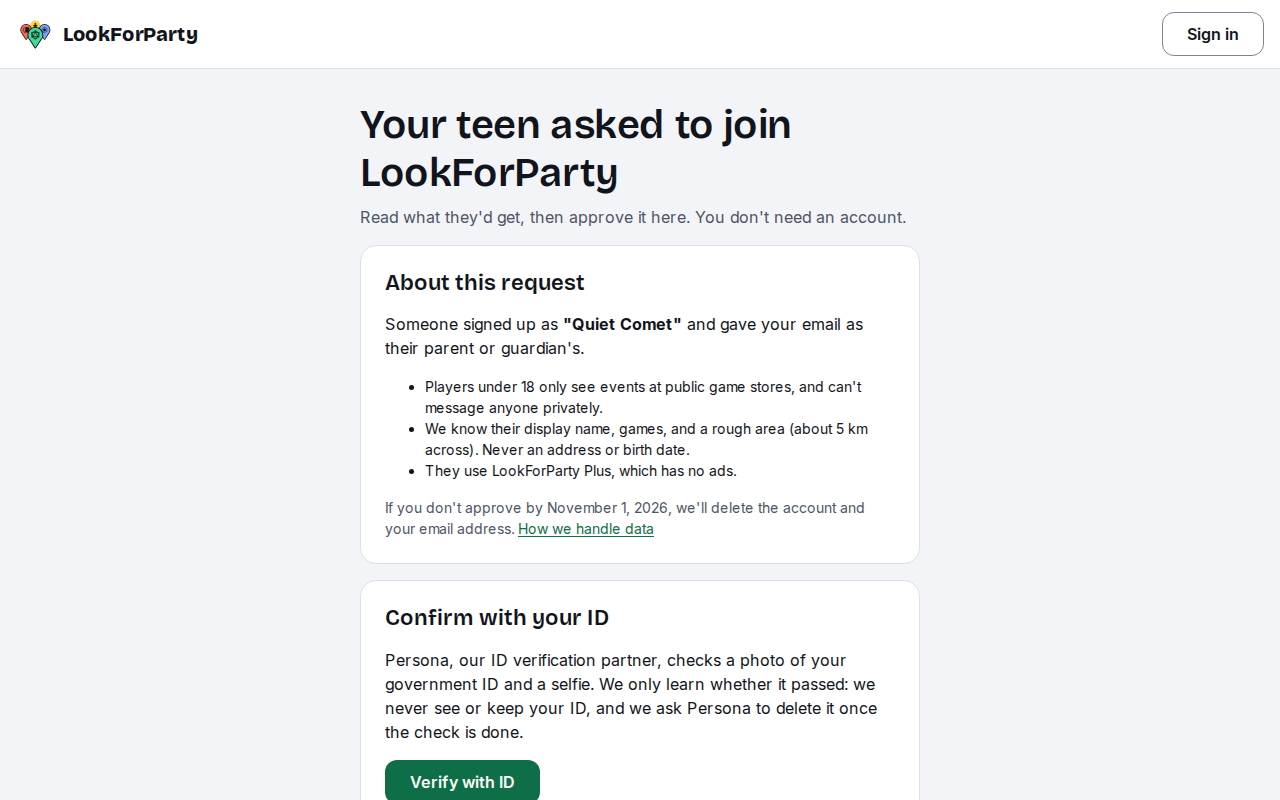
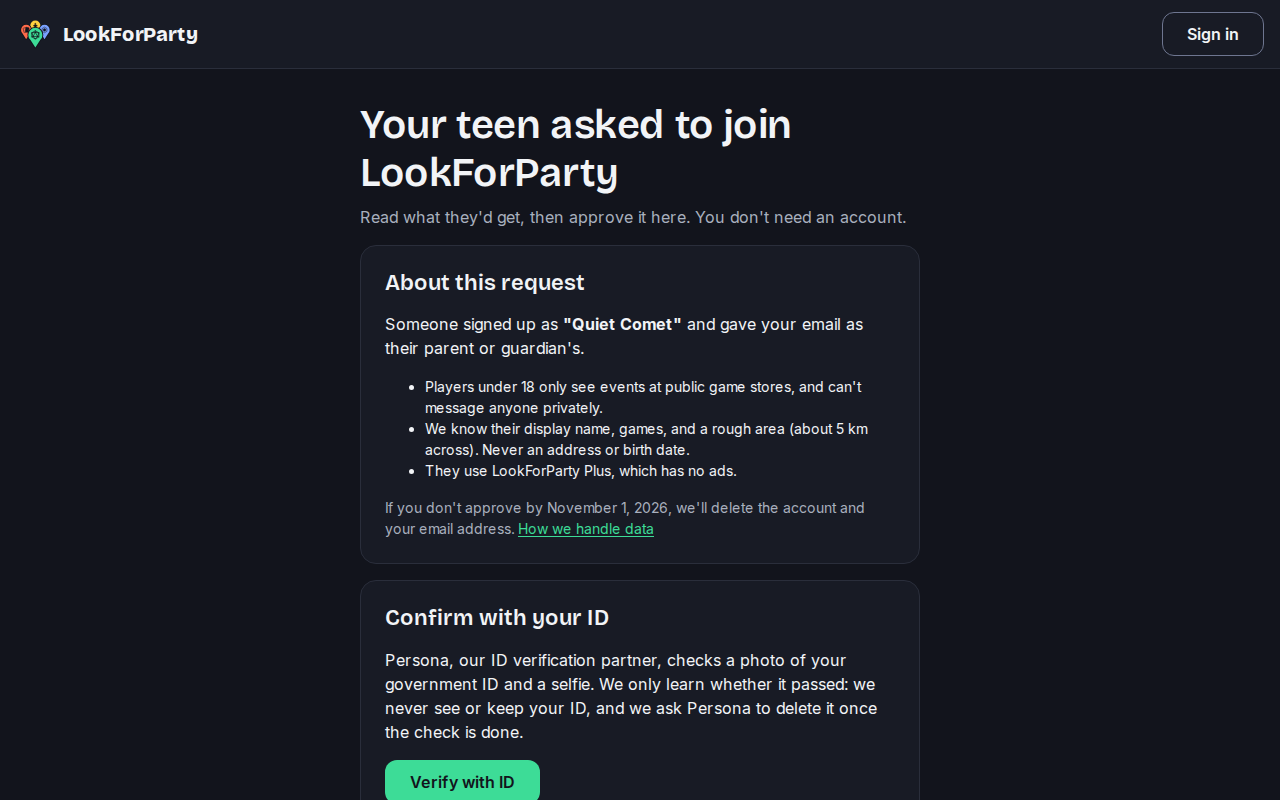
Confirm you're their parent in one of two ways: set up Player Plus for them and pay by card, or verify with your ID. To use your ID, press Verify with ID.
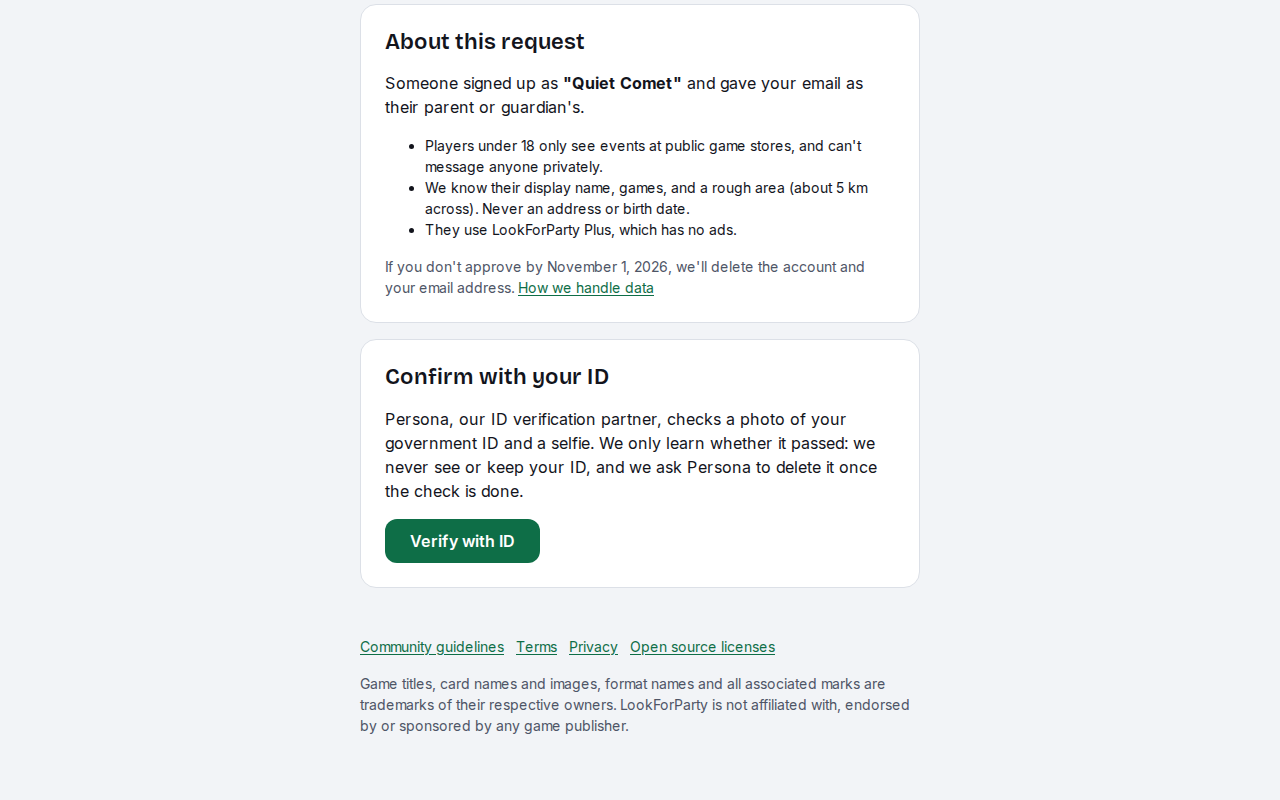
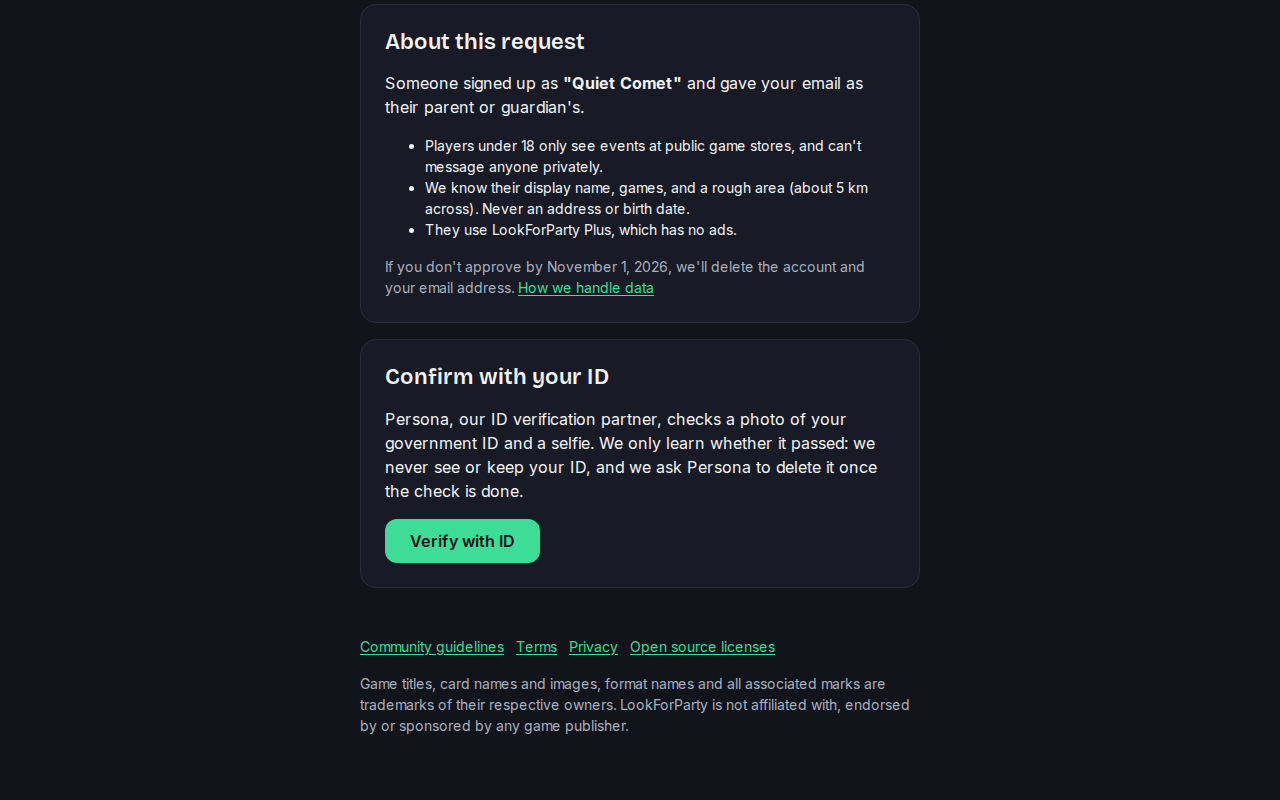
Persona, our ID verification partner, asks for a photo of your government ID and a selfie. LookForParty only learns whether the check passed: we never see or keep your ID.
When the check passes, you come back to the same page. One more step: players under 18 use Player Plus, so set it up for them to open their account. You pay on Stripe's secure checkout, and the receipt comes to you.
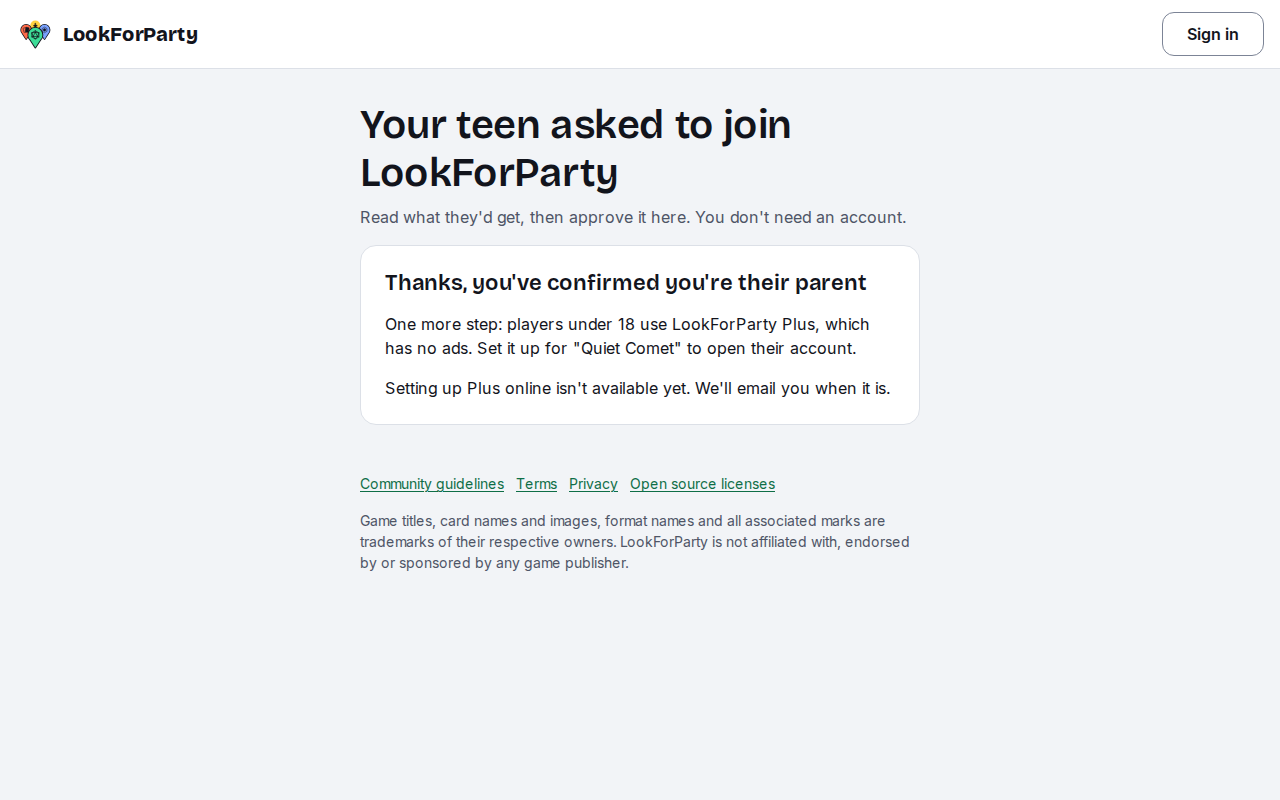
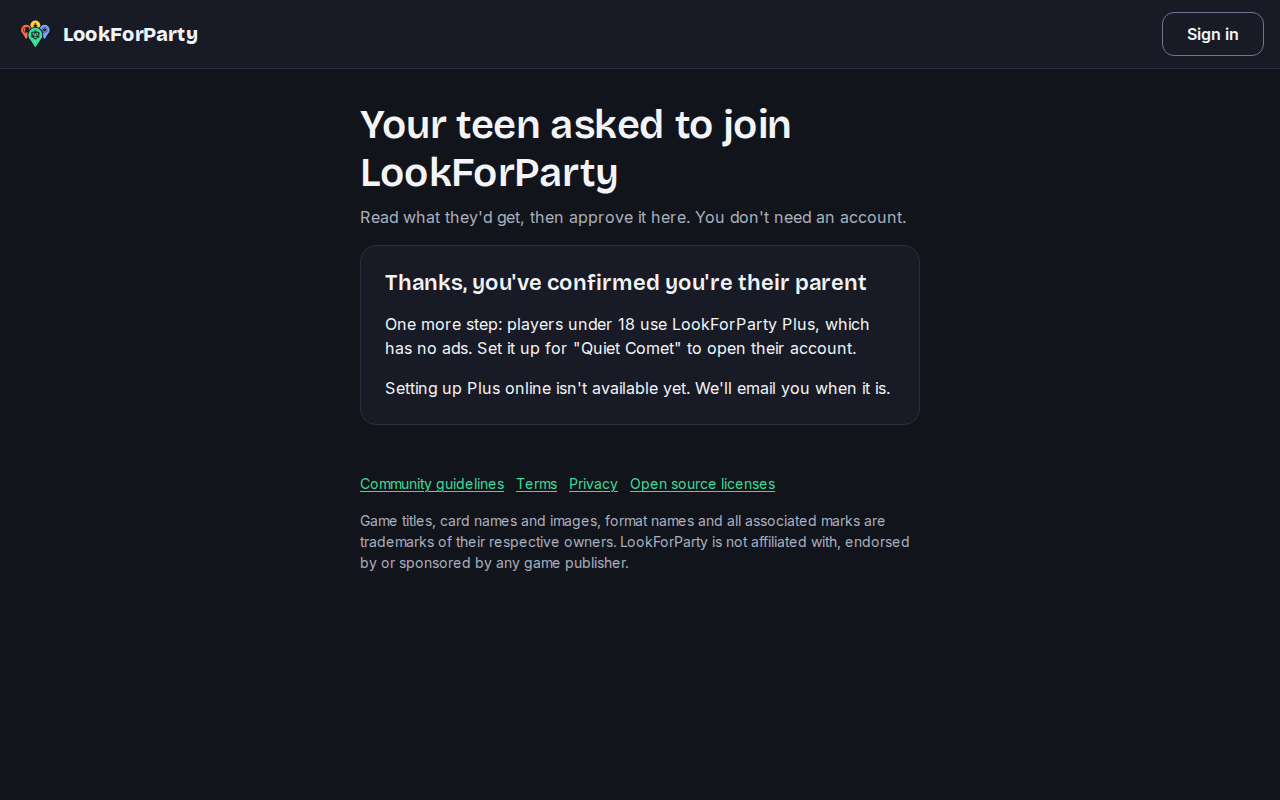
If you don't approve in time, we delete the account and your email address. The page shows the date. Your teen can sign up again any time.
Next
Share Player Plus with the Family plan
The Family plan gives Player Plus to you, one other adult you invite, and every child whose account names either of you as their parent. One payment covers the whole family.
Create an account
Make your LookForParty account so you can find games near you, take a seat and host your own.
Something not match what you see? Tell us and we'll fix the guide.