Find a game near you
Screenshots from
What it's for
Explore shows the games coming up at stores near you, on a map and in a list. Find a table that fits your games, your time and how far you want to go.
Who can use it
Players
On Web
How to do it
Open Explore from the top bar. It searches around the area you set, which is only ever a rough area, never your address. To change it, open More and pick Change your area.
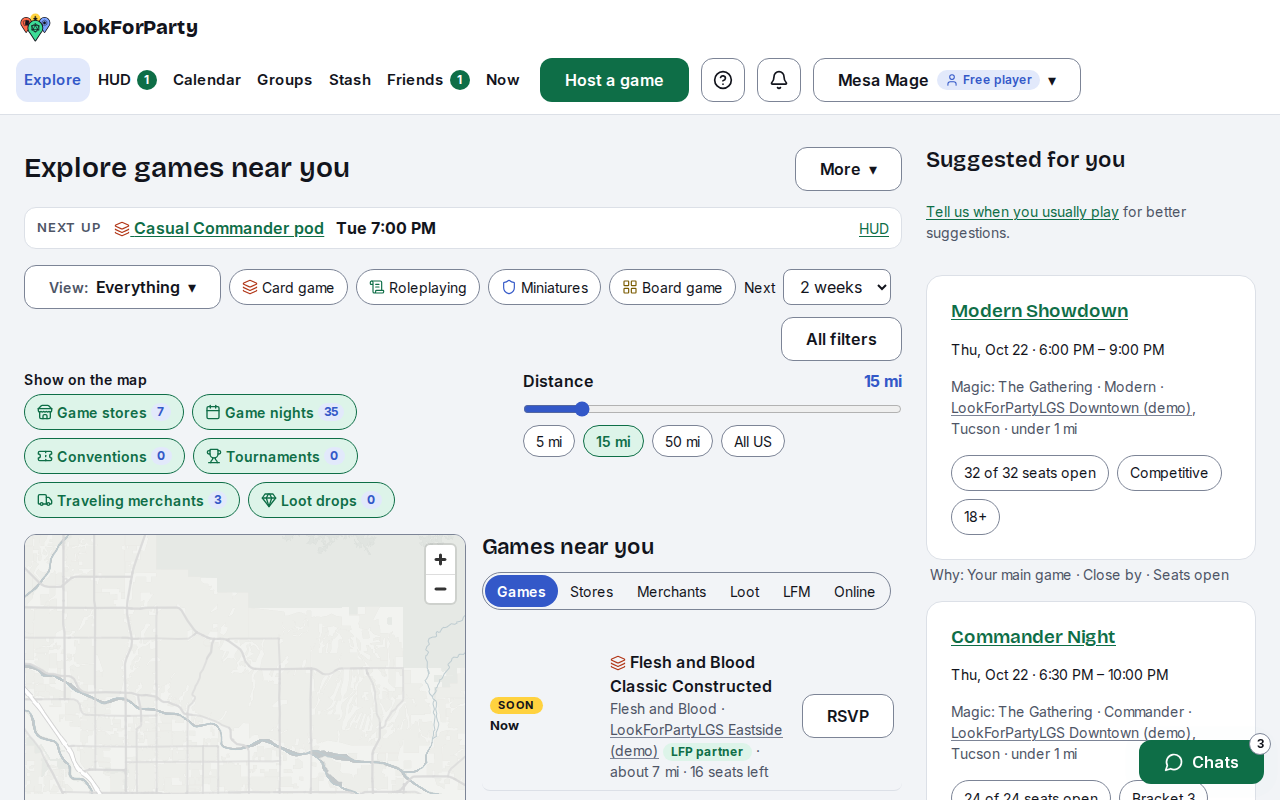
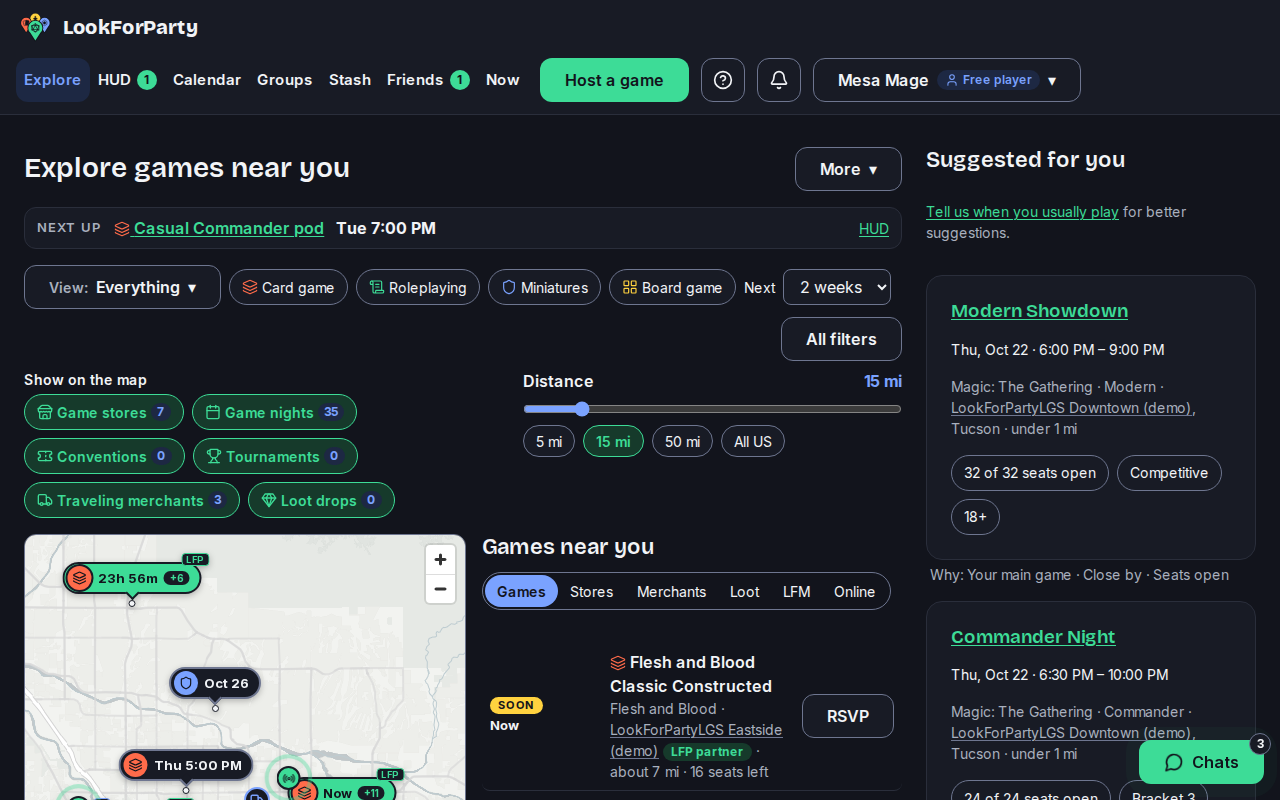
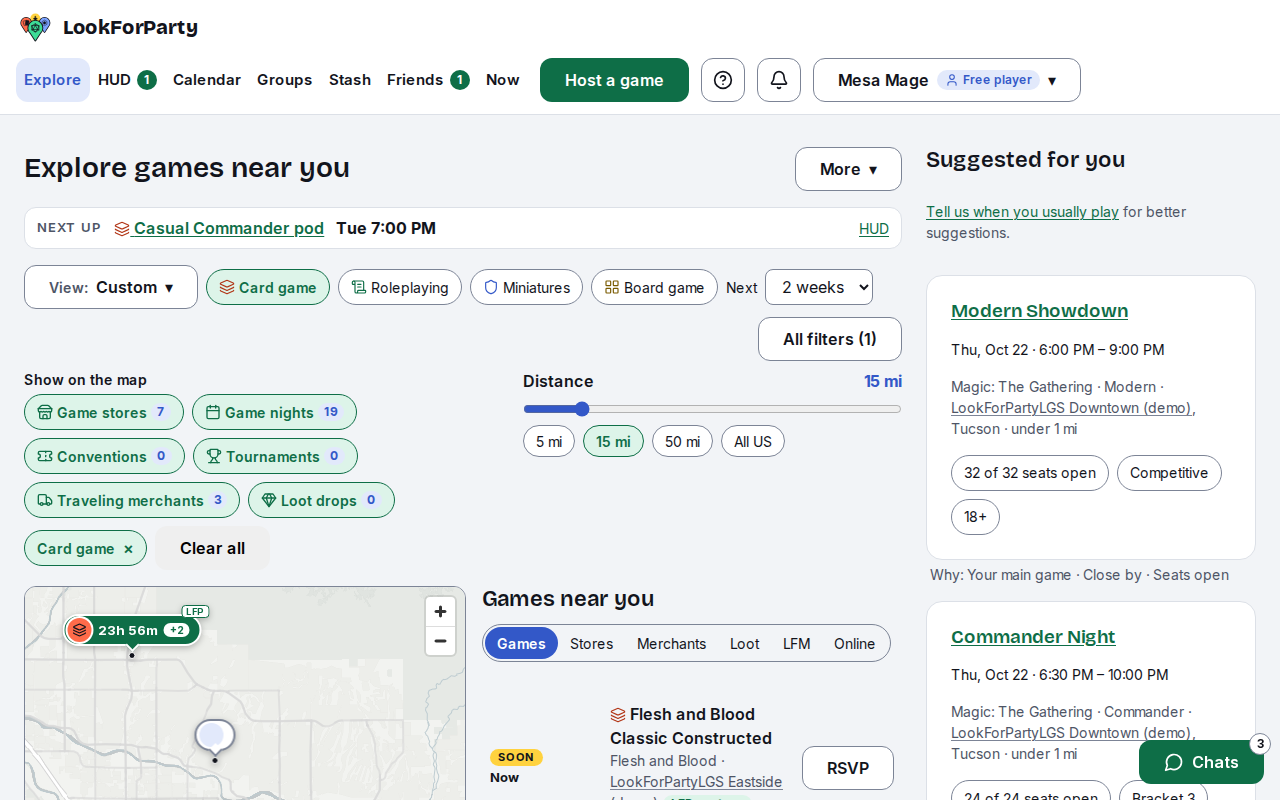
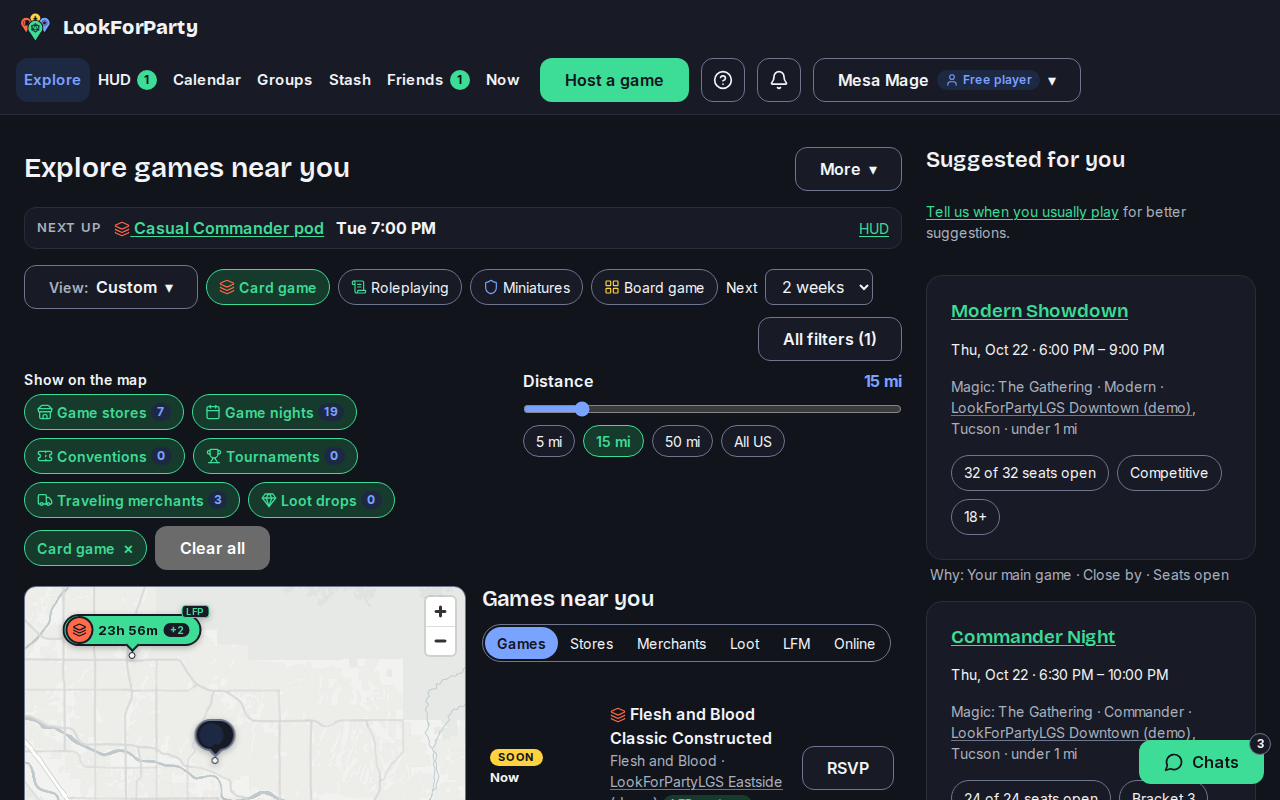
Pick the kind of game you want: card games, roleplaying, miniatures or board games. The map and the list update straight away, with a count of the games that match.
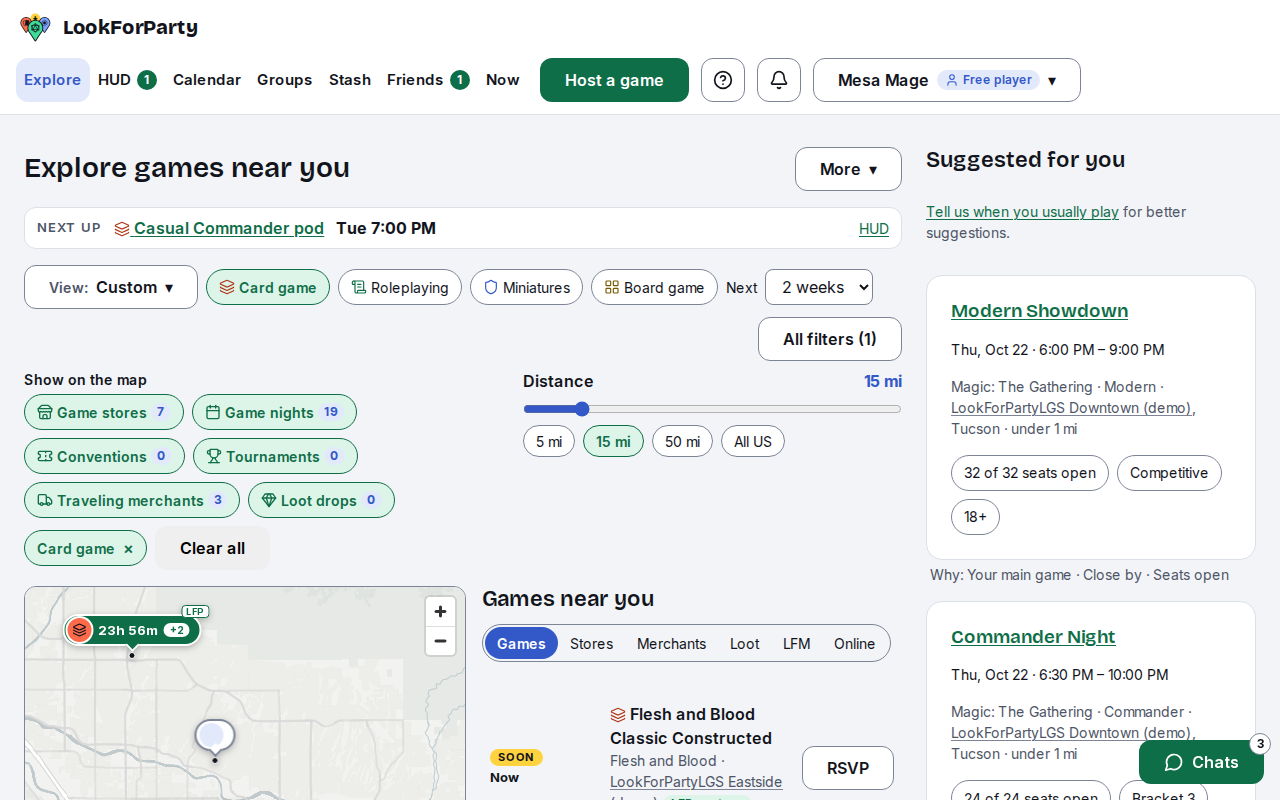
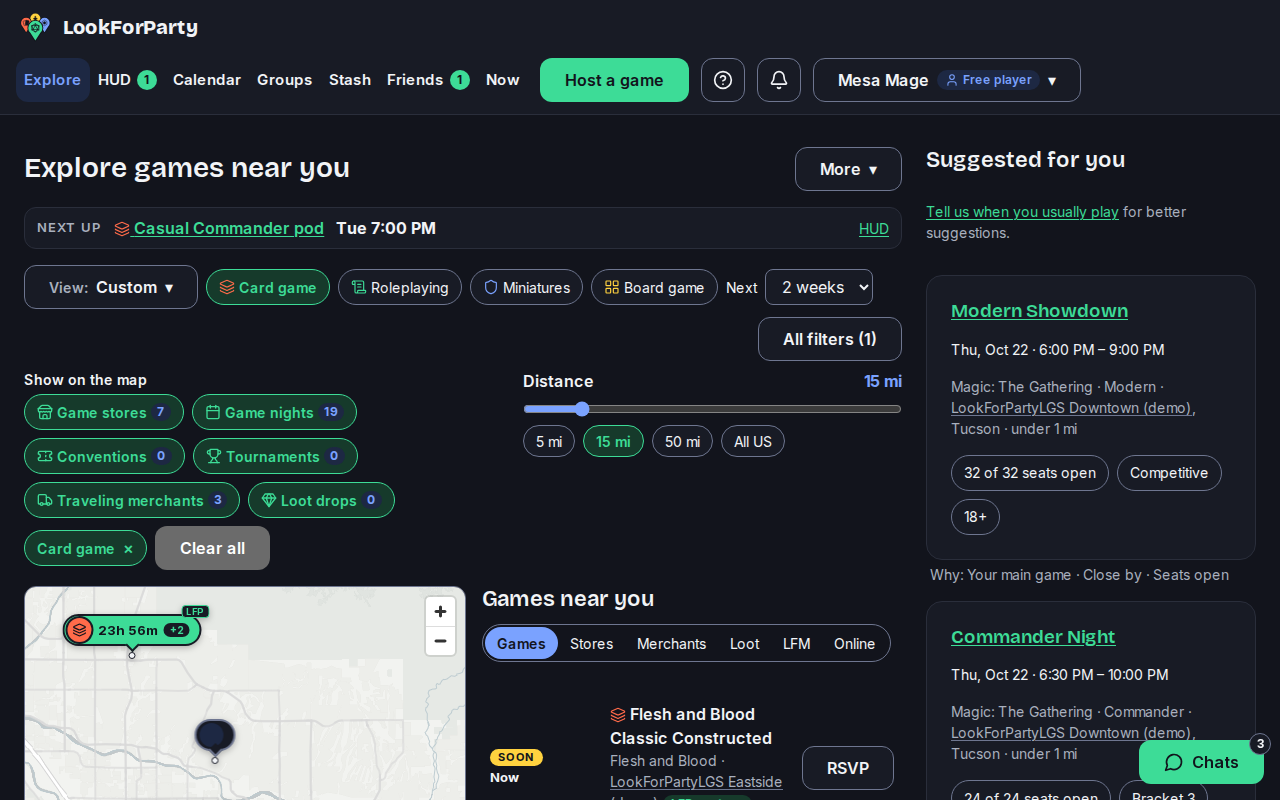
Slide Distance to look closer or further away, and use Next to choose how far ahead to look, from one day to 30 days.
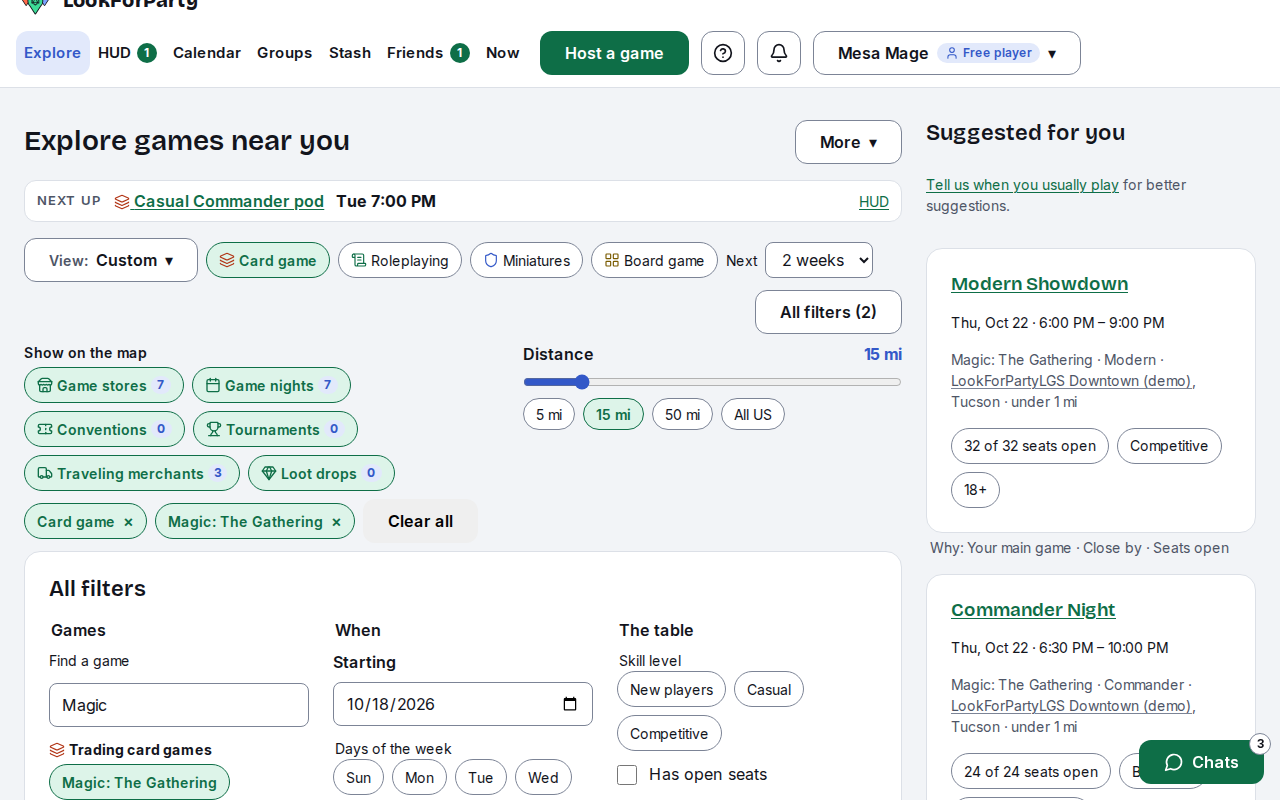
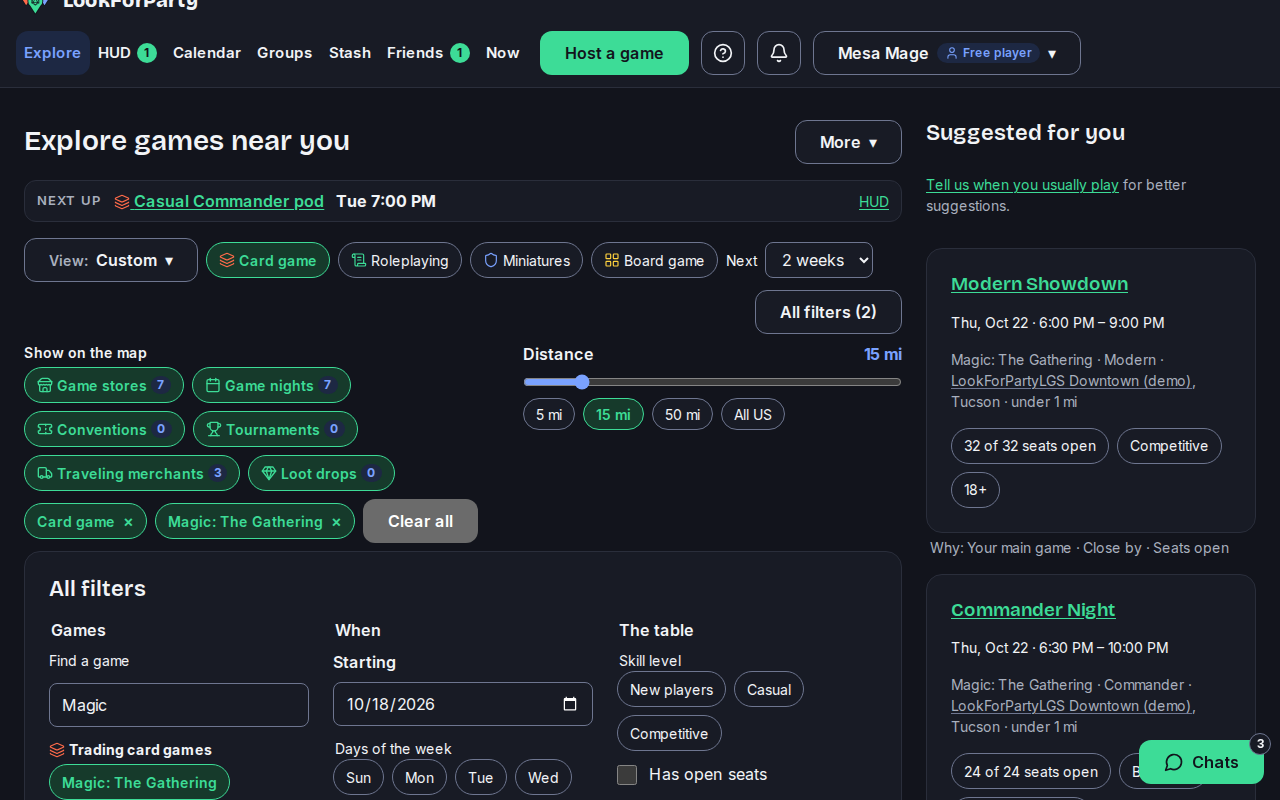
For more choices, press All filters. You can pick particular games and formats, and days and times. You can also choose a skill level, beginner-friendly tables and the kind of place. Press Show when you're done.
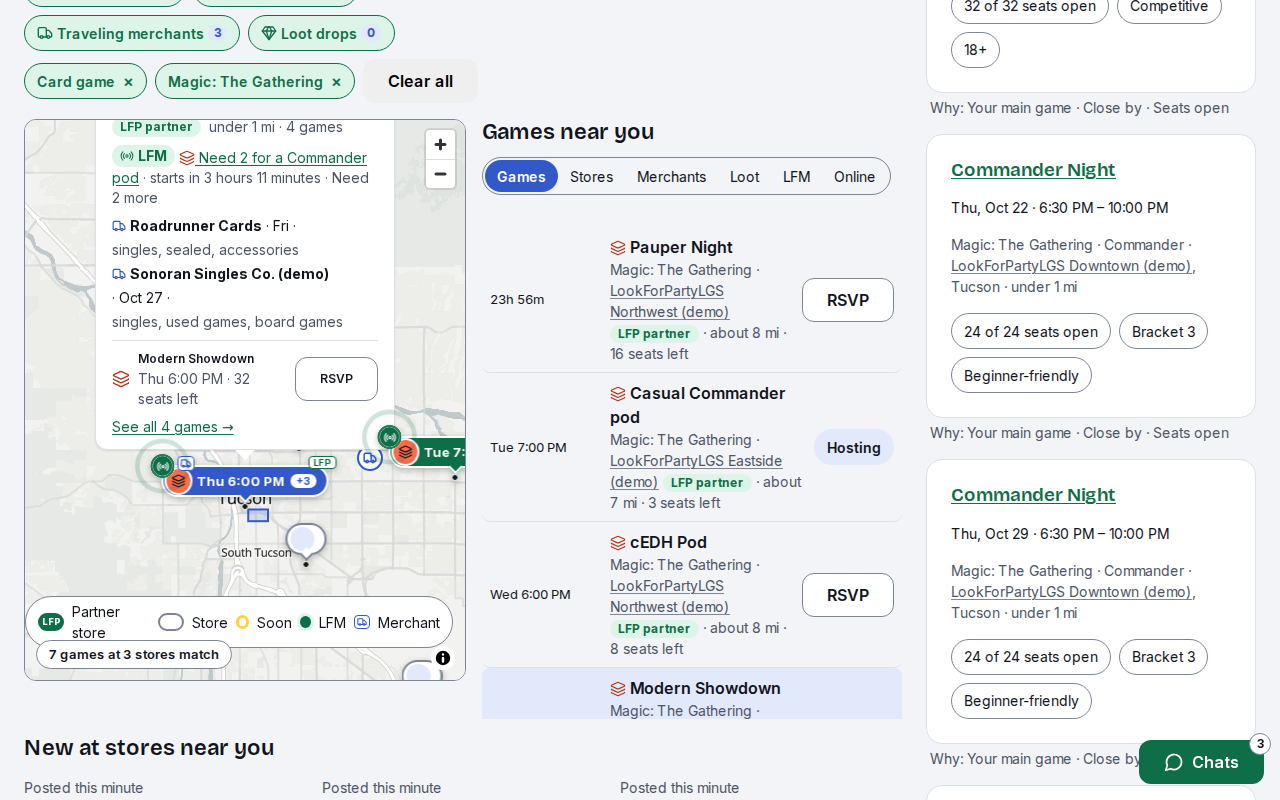
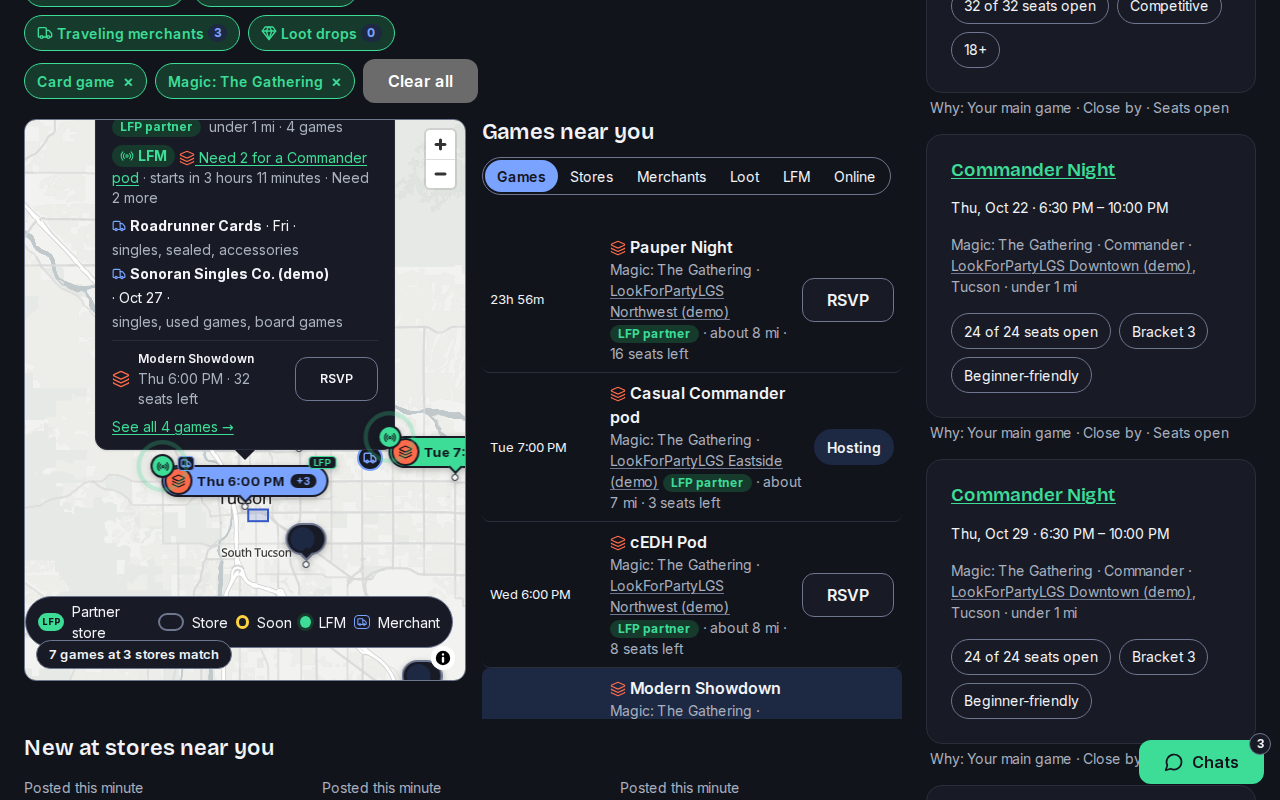
Each pin on the map is a store, showing when its next game starts. Press a pin to see that store's next game, RSVP to it, or see all of its games.
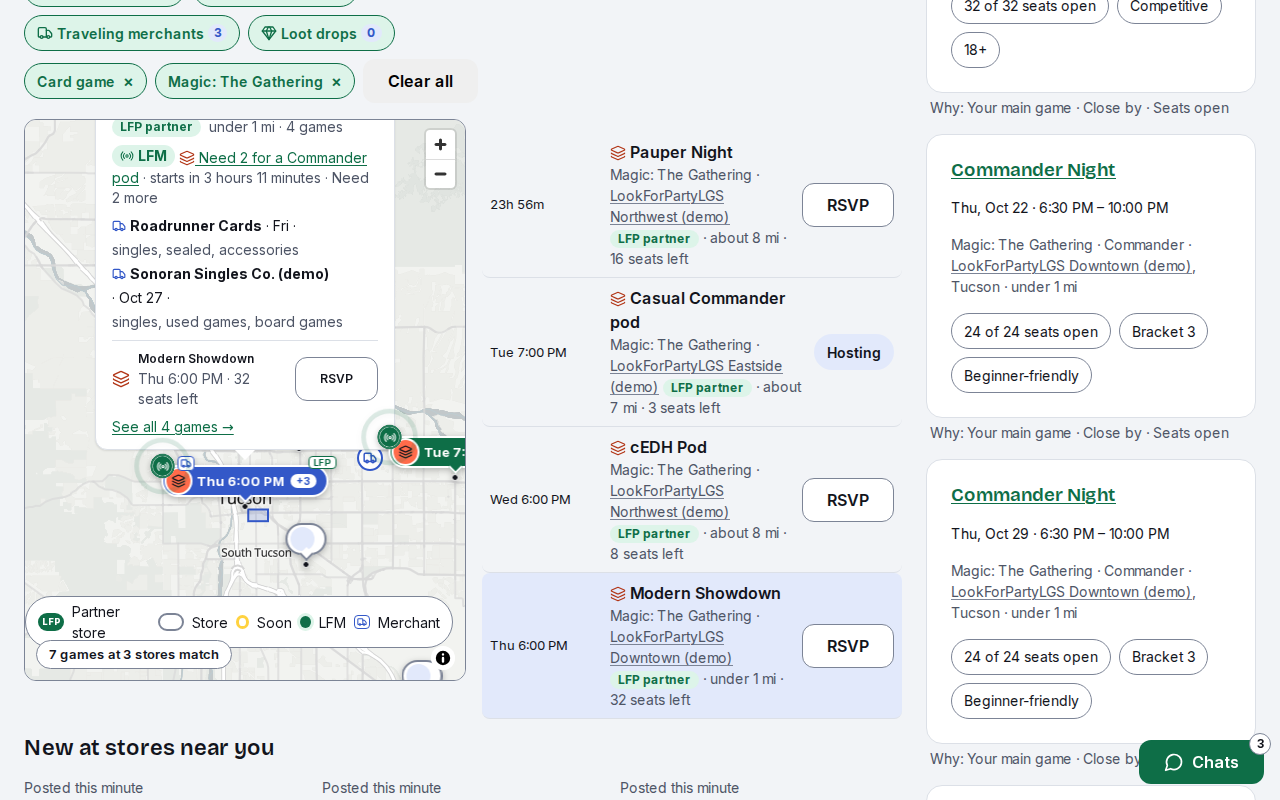
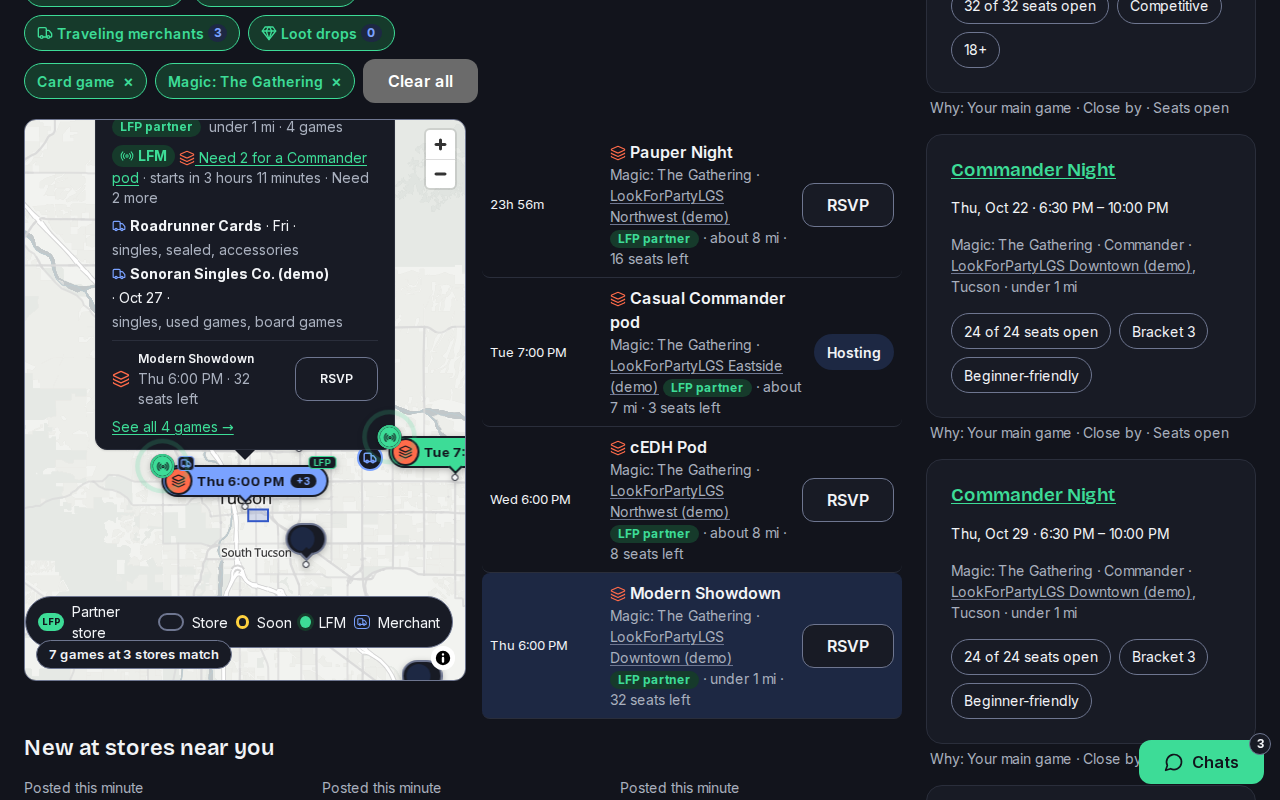
Beside the map, Games near you lists every matching game in time order. Each one shows the store, the distance and the seats left. Switch it to Stores, or to LFM for games that need a few more players soon.
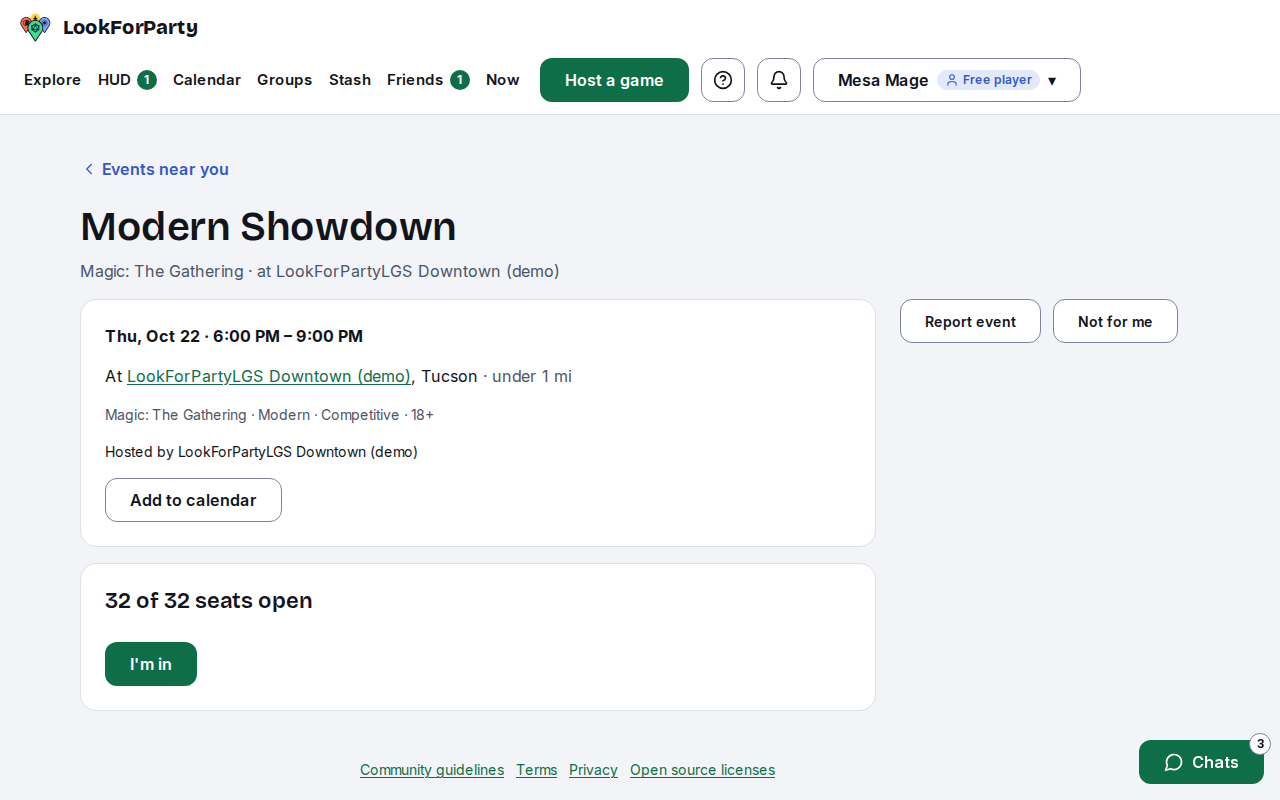
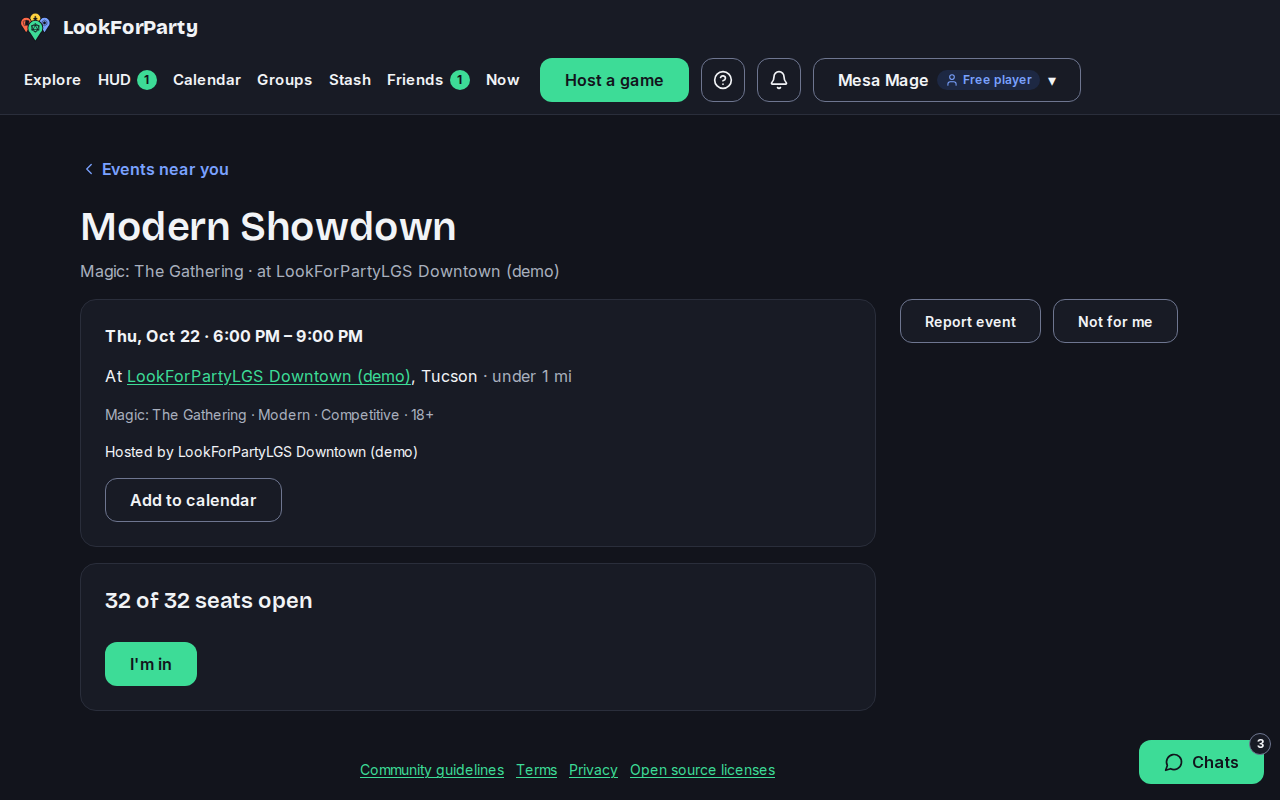
Press a game's name to open it. Its page has everything about it: when and where, who runs it, the format and the seats left.
Next
RSVP to a game
Take a seat at a game at a store, so the host knows you're coming and the game shows up in your upcoming games.
Host a game at a store
Post a game at a local game store so players nearby can find it and take a seat. Players see the store, never where you live.
Something not match what you see? Tell us and we'll fix the guide.