Host a game at a store
Screenshots from
What it's for
Post a game at a local game store so players nearby can find it and take a seat. Players see the store, never where you live.
Who can use it
Players
On Web
How to do it
Press Host a game in the top bar, from any page.
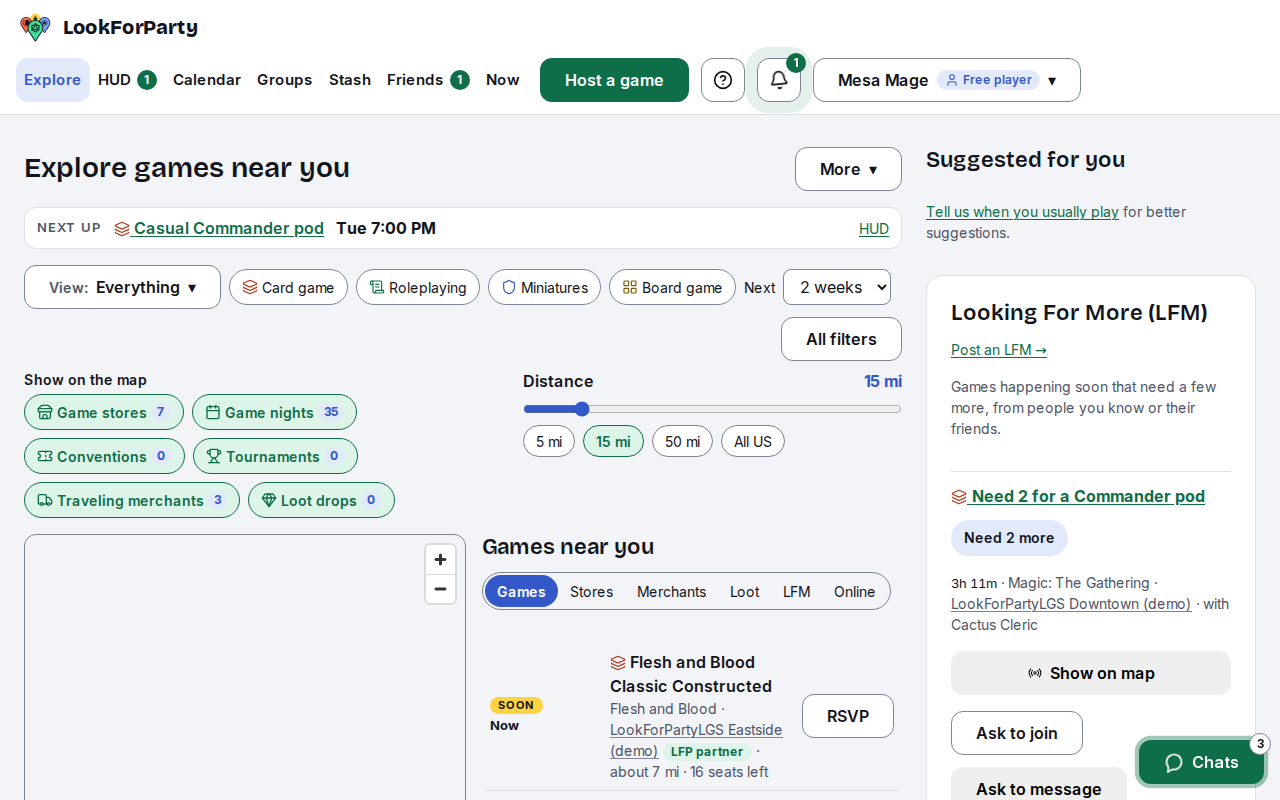
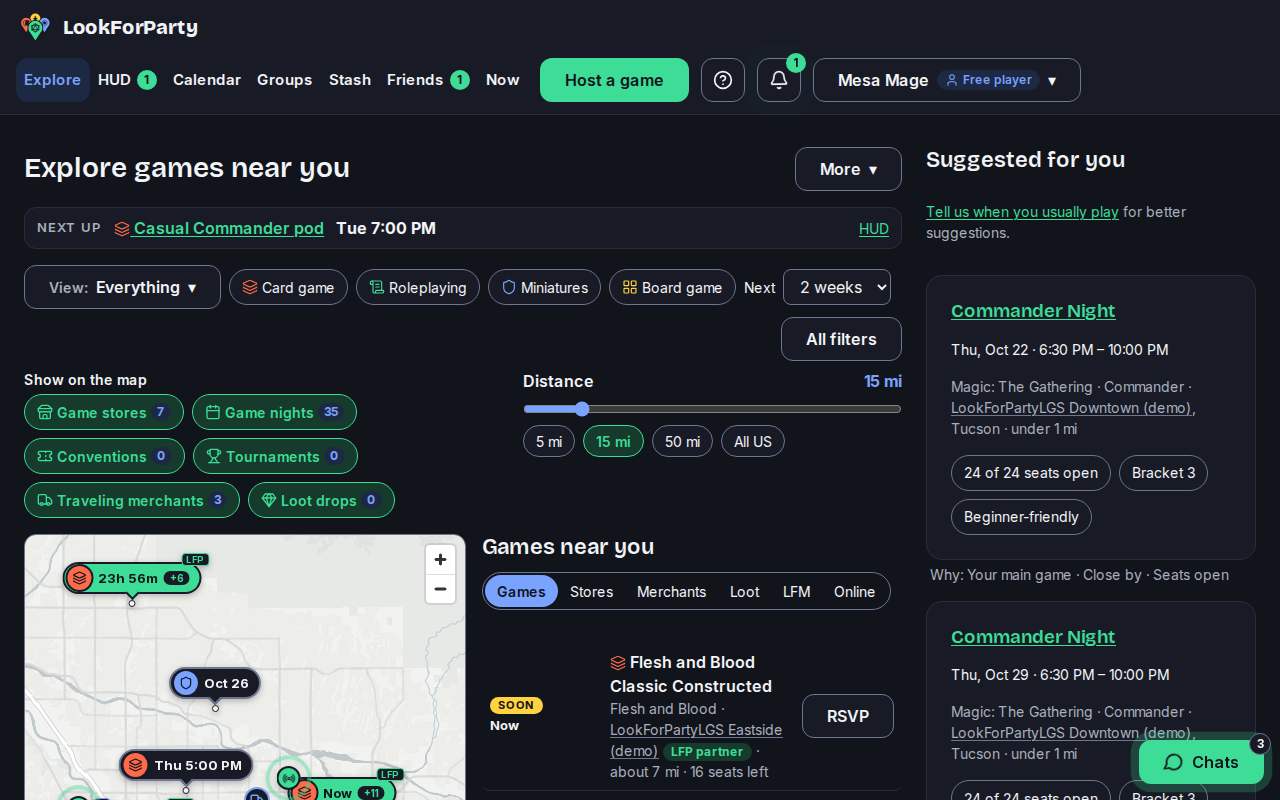
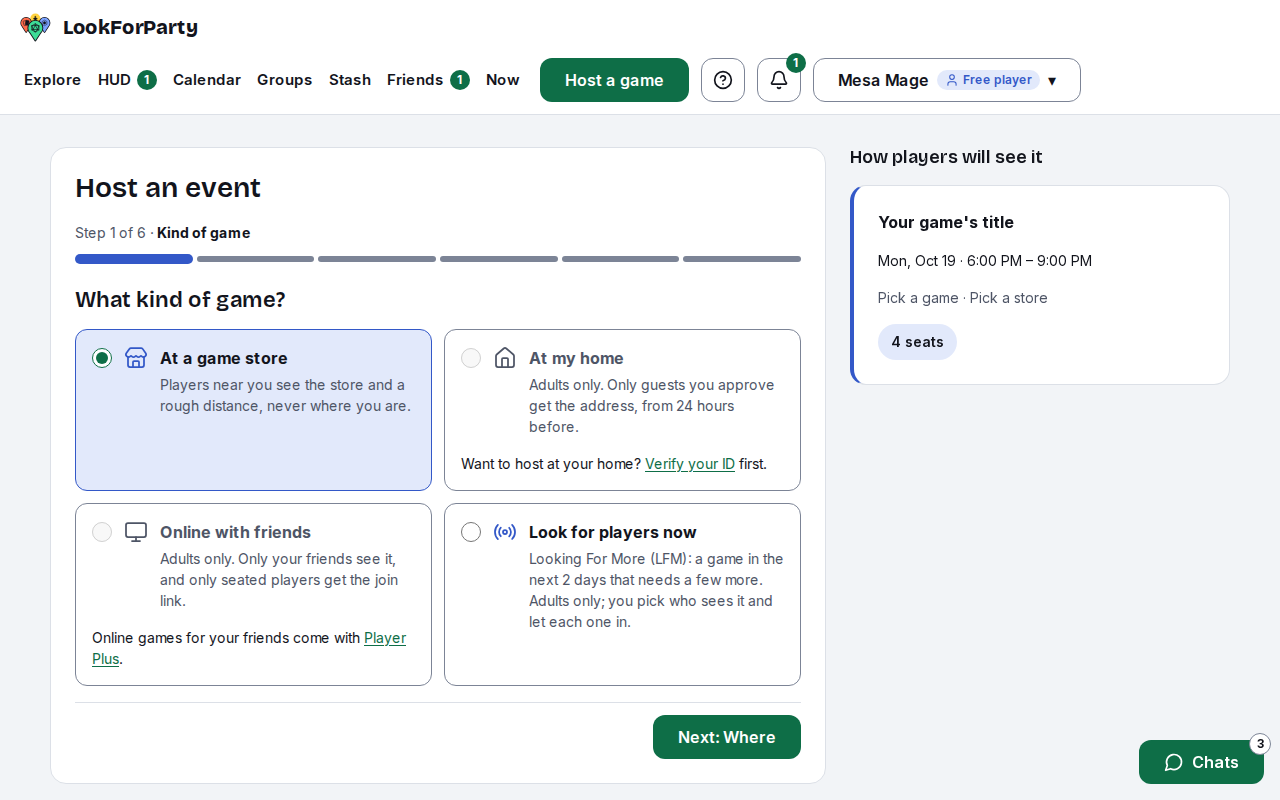
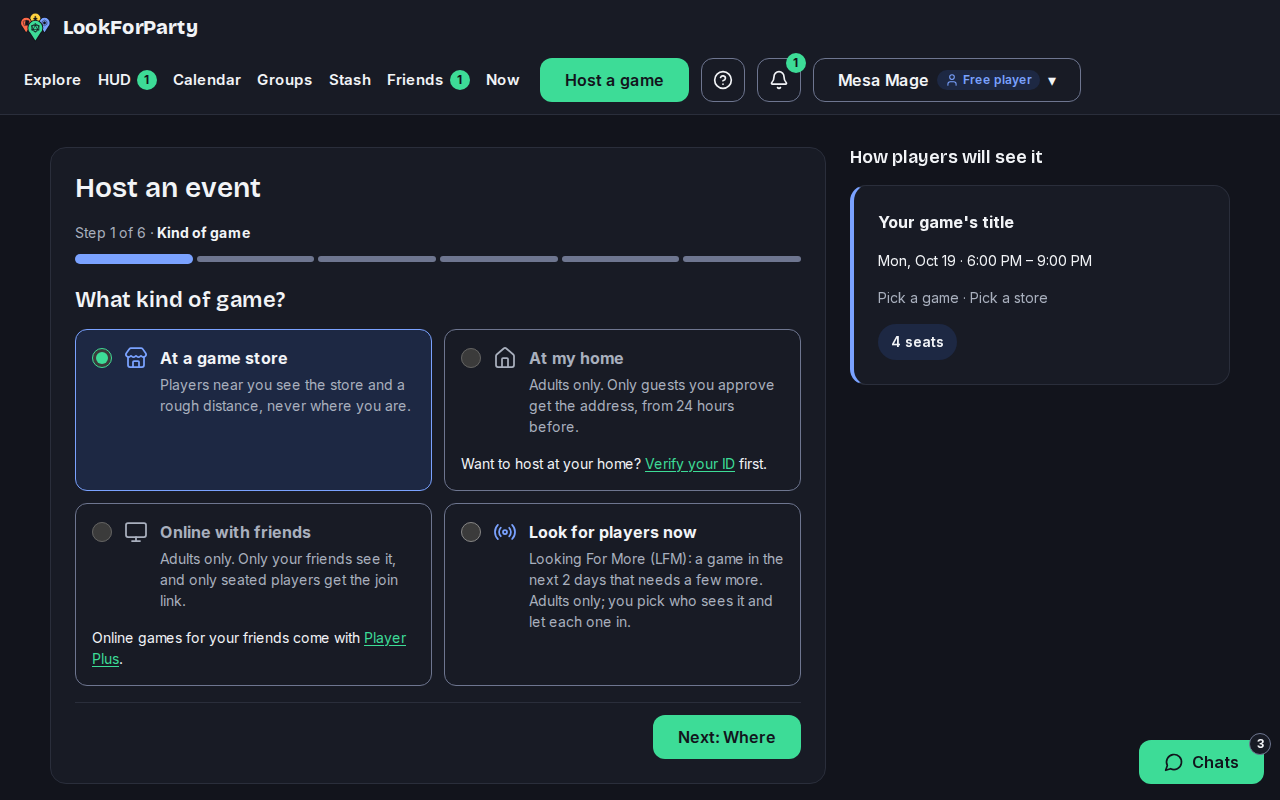
Choose At a game store, then press Next. The form goes one step at a time, and the preview beside it shows how players will see your game.
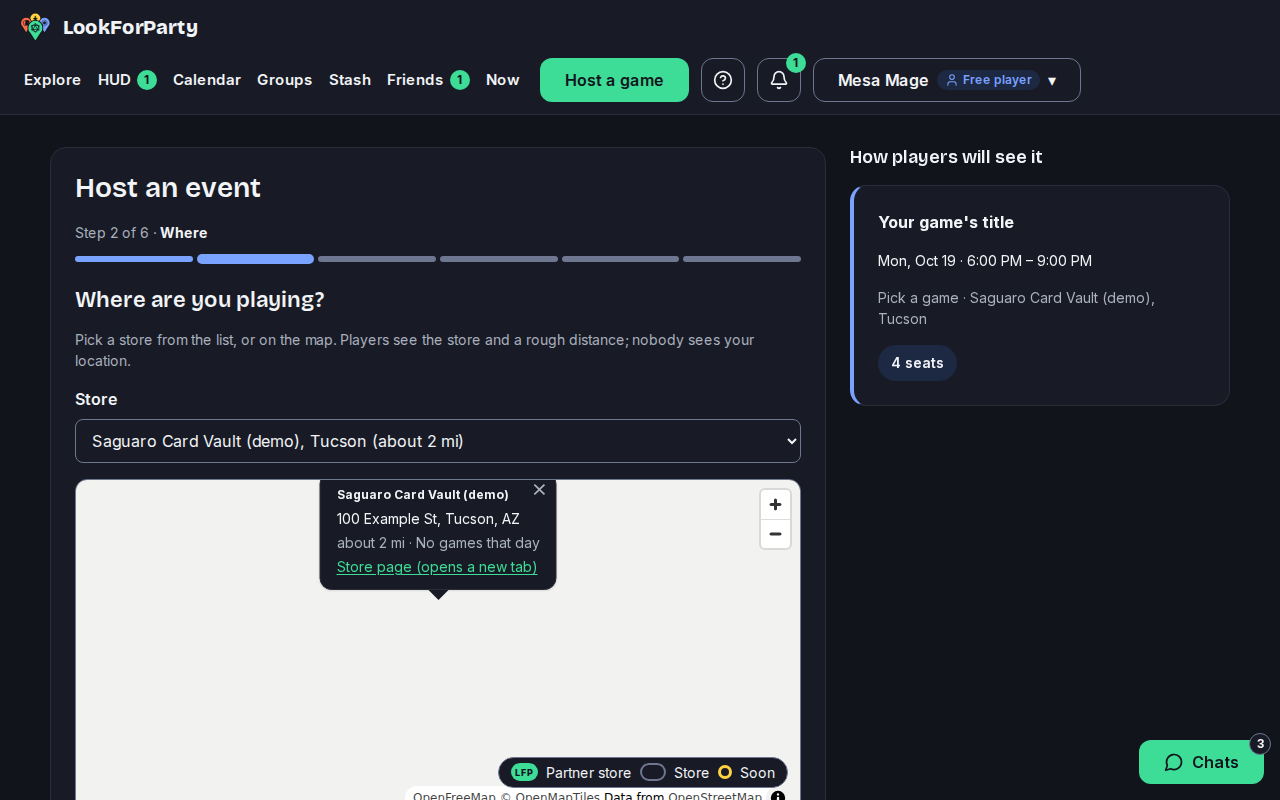
Pick the store, from the list or on the map. The numbers on the map's pins are games already on that day.
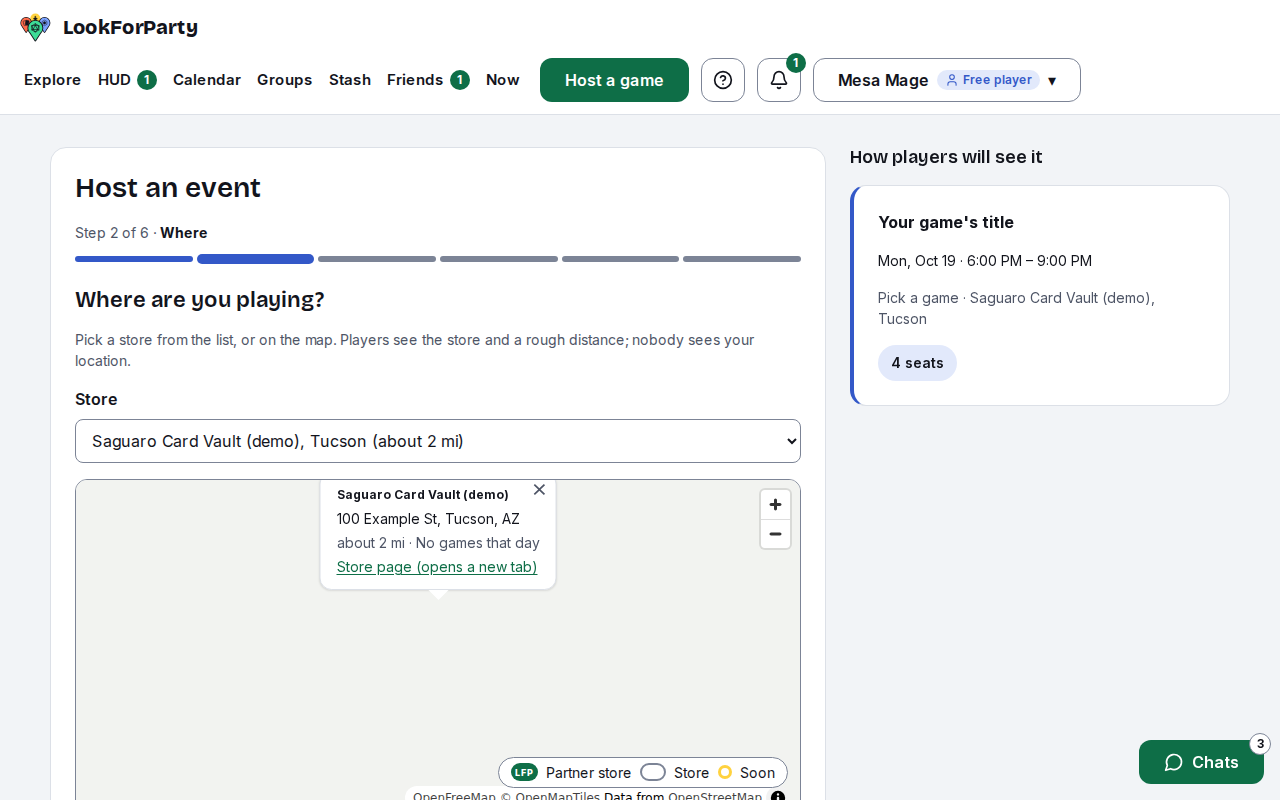
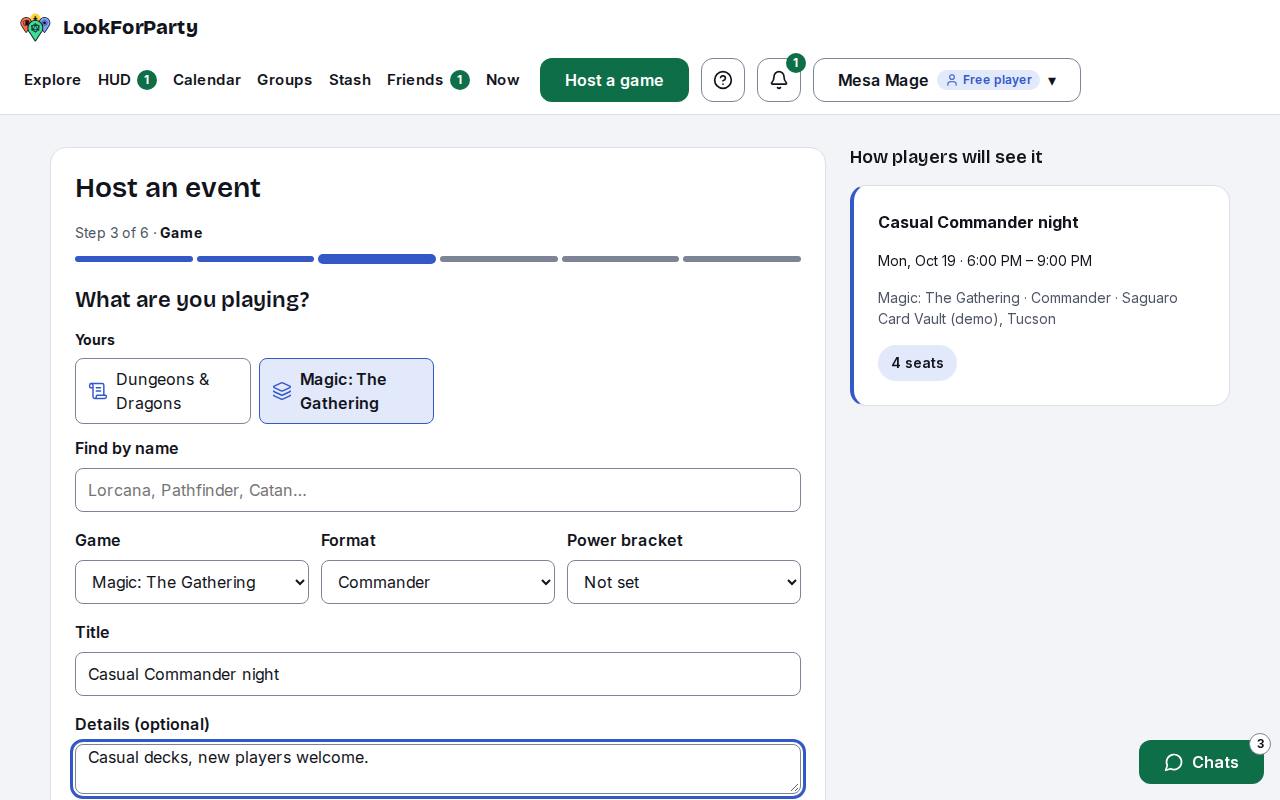
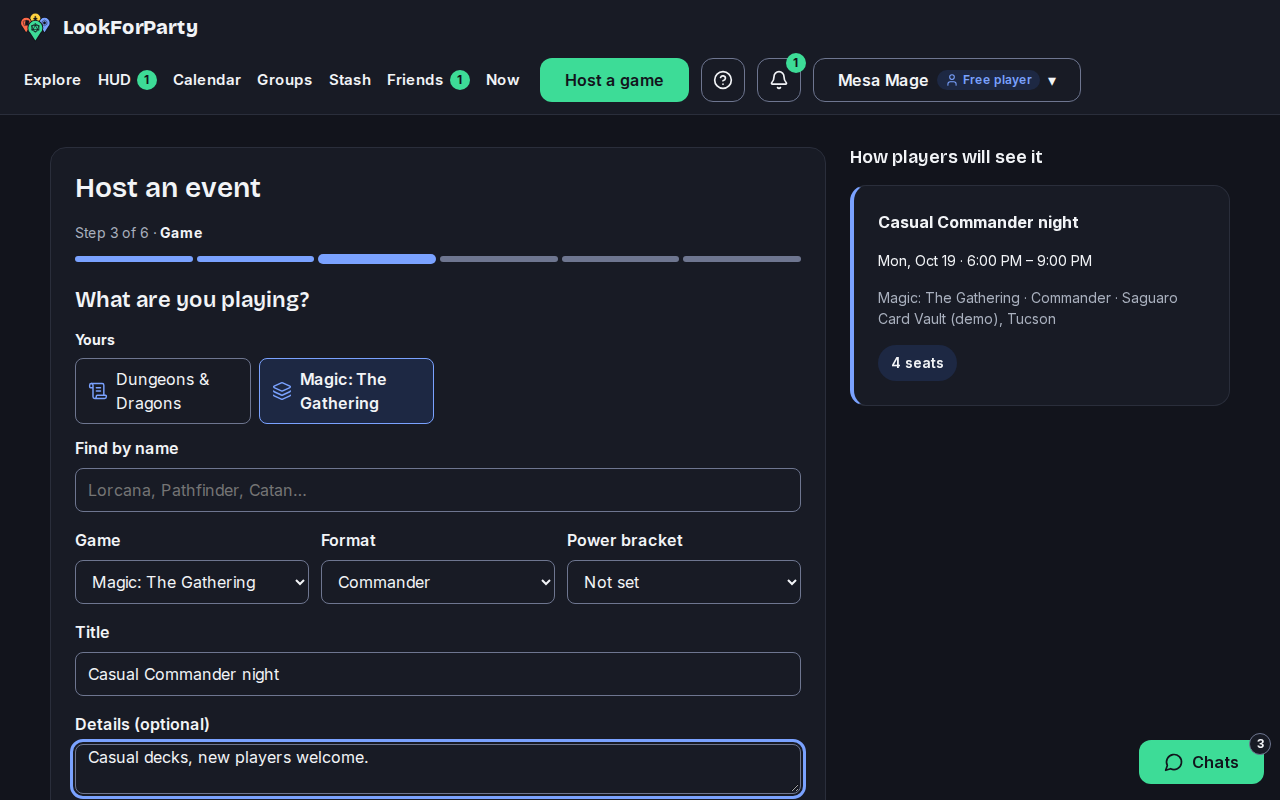
Choose the game, and the format if it has one, then give it a title. Add any details players should know, like power level or house rules. Leave out phone numbers and links: players can talk in the game's chat.
Pick when it starts, with a quick pick or the date and time, and how long it runs. You can make it repeat every week or every other week. Check with the store before you post, so you know they're open and have table space.
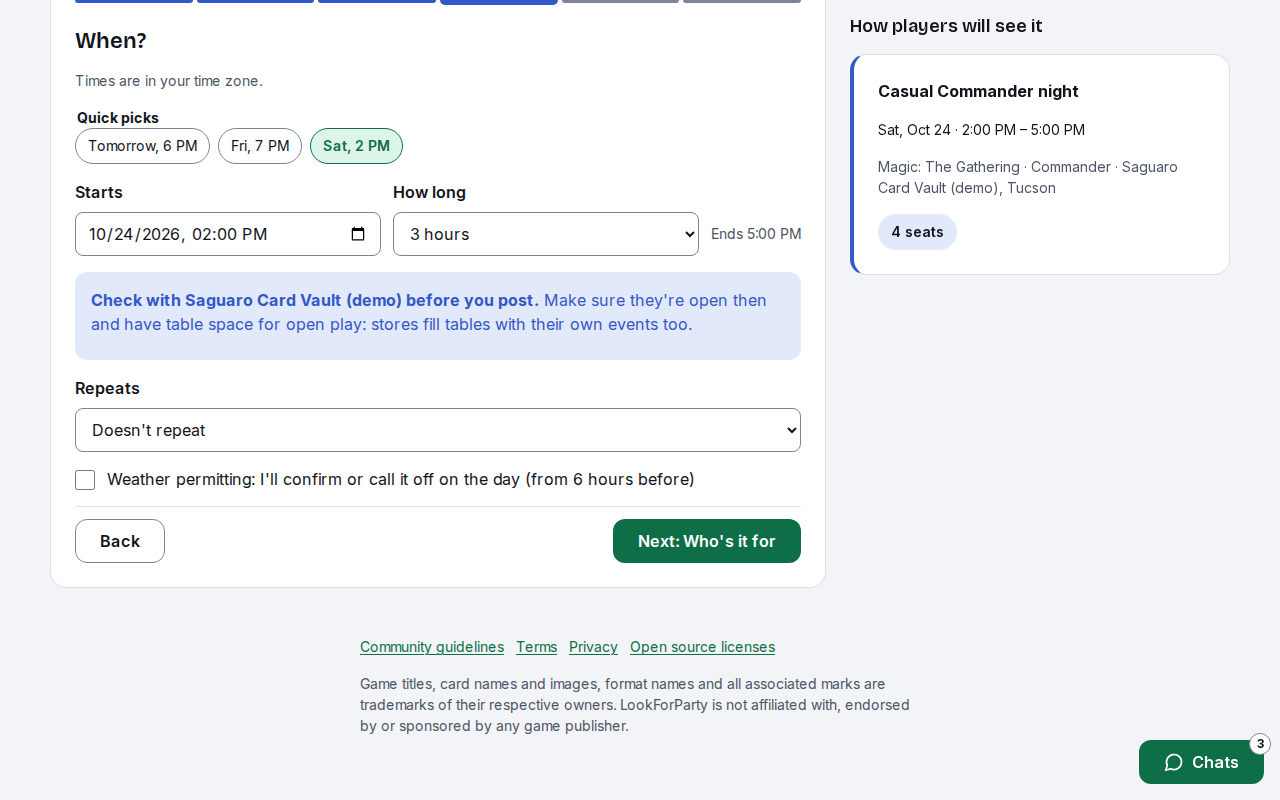
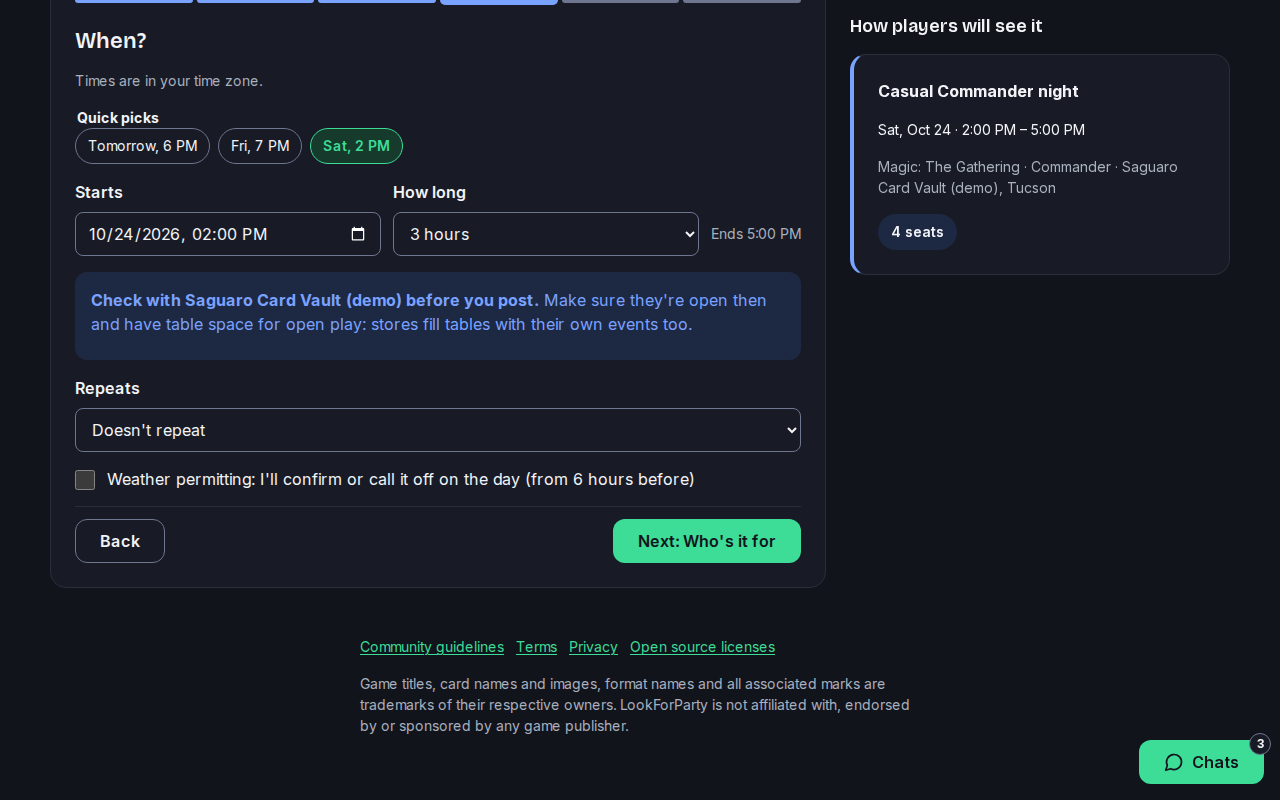
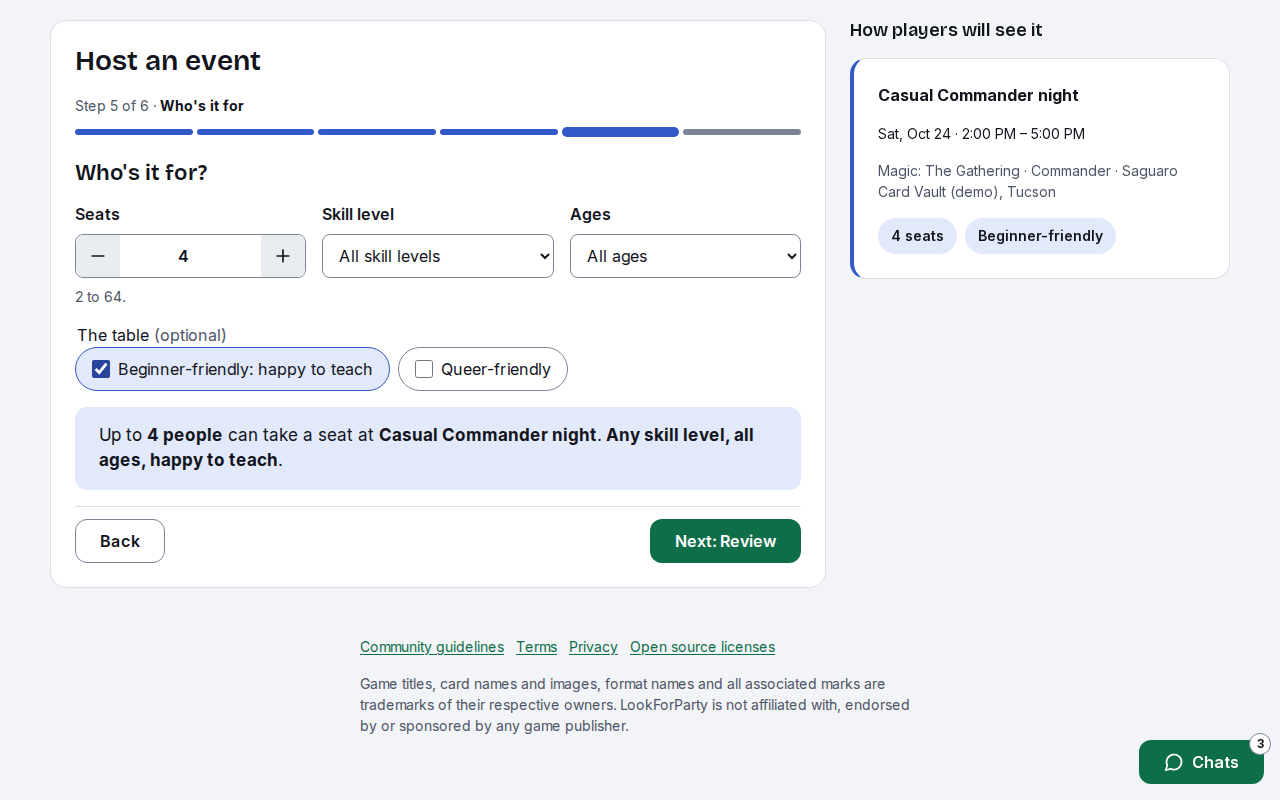
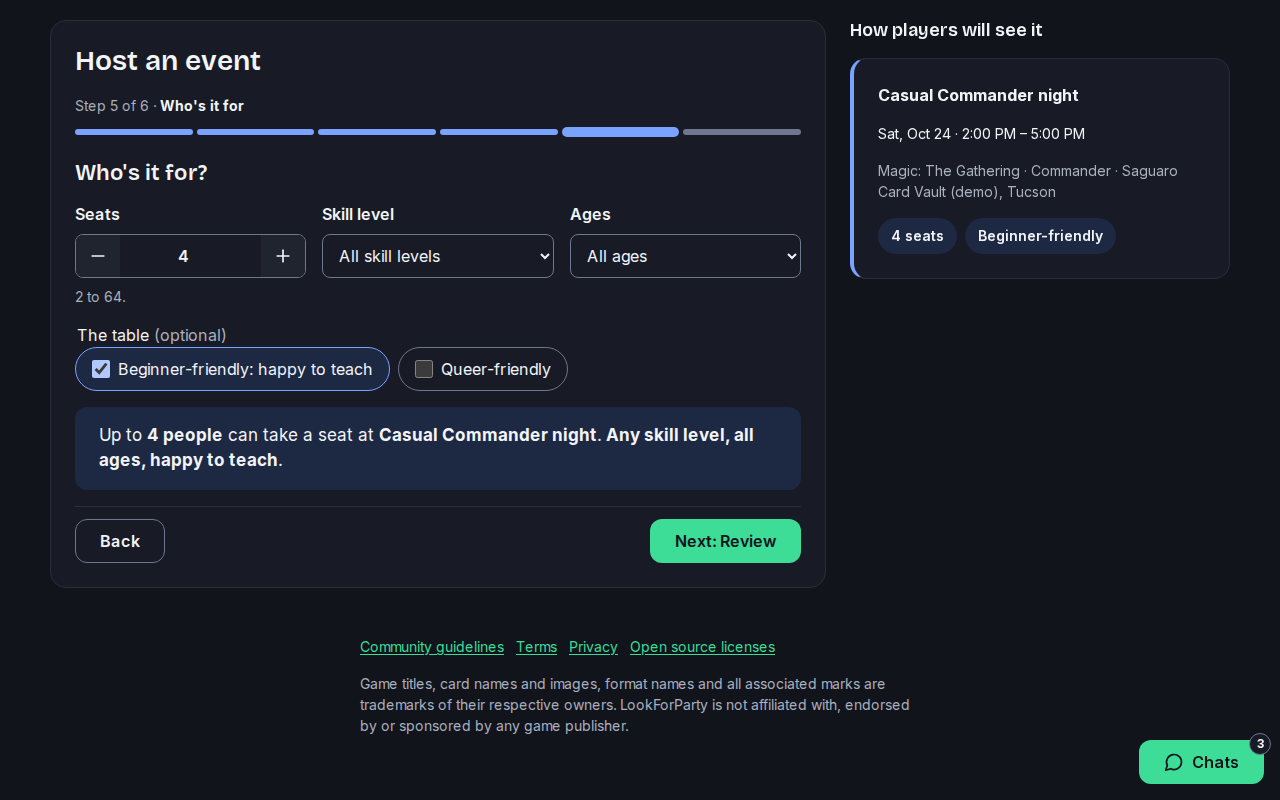
Set how many seats there are, the skill level and ages. Tick Beginner-friendly if you're happy to teach.
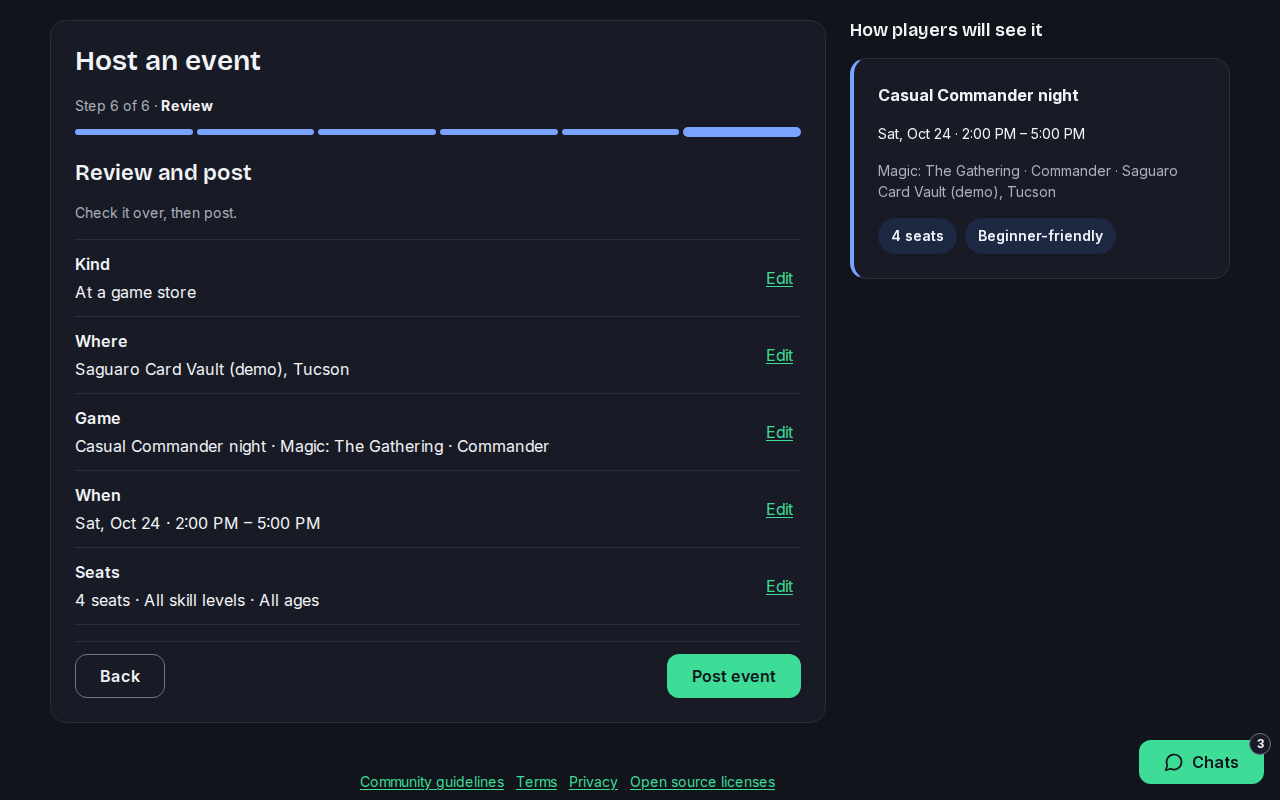
Check it over. Press Edit beside anything you want to change, then press Post event.
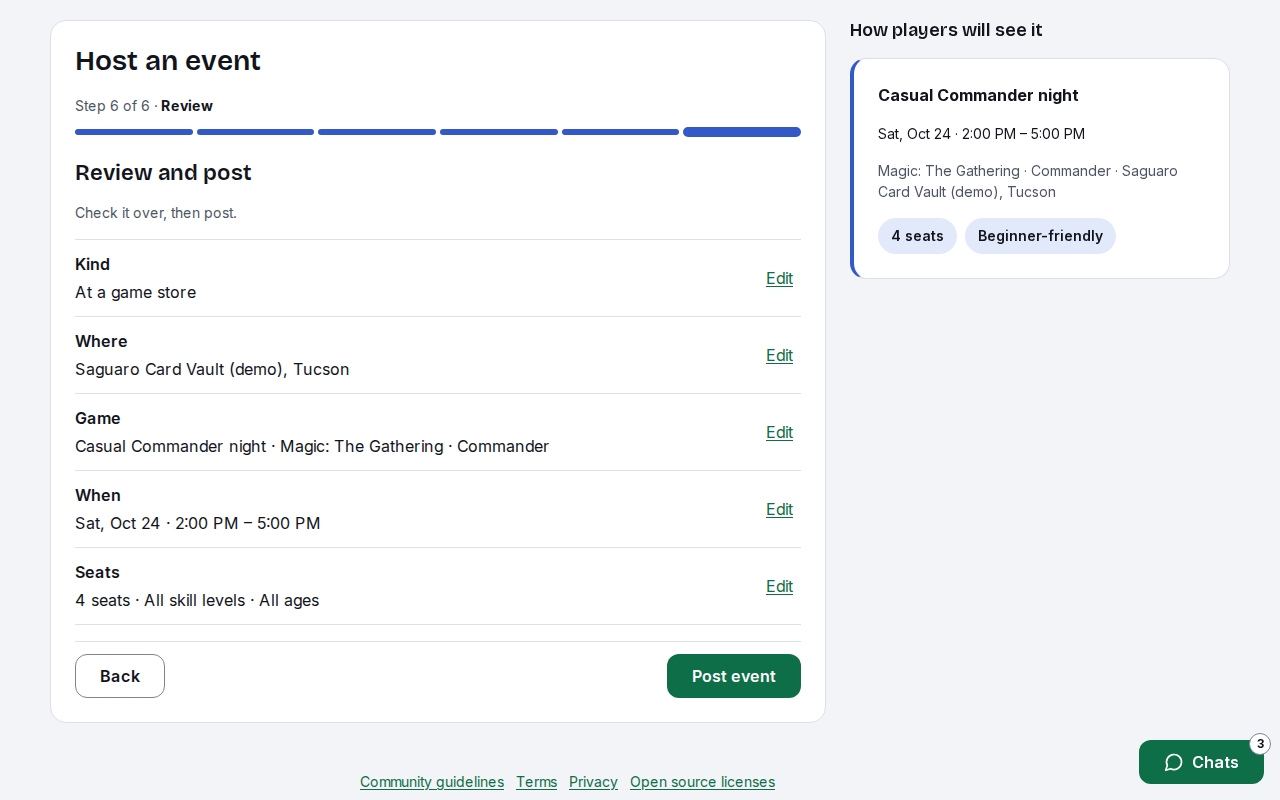
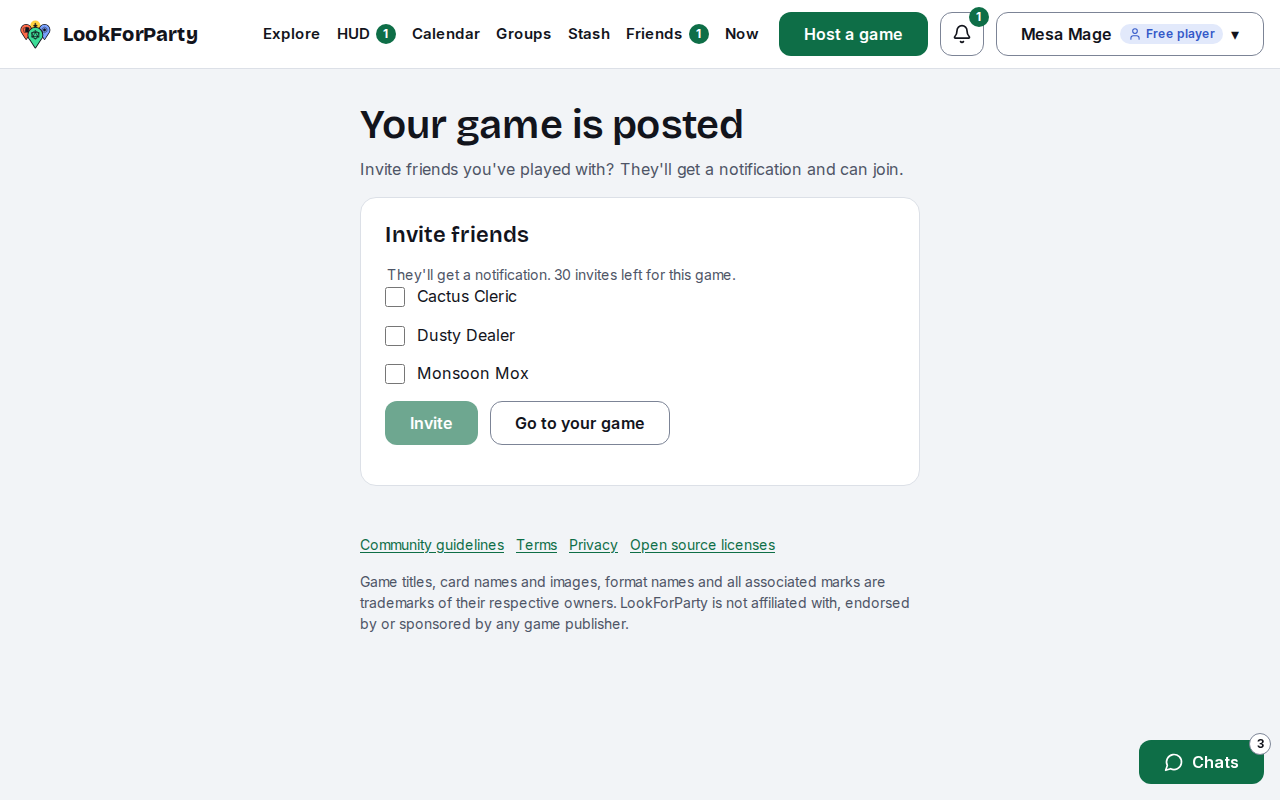
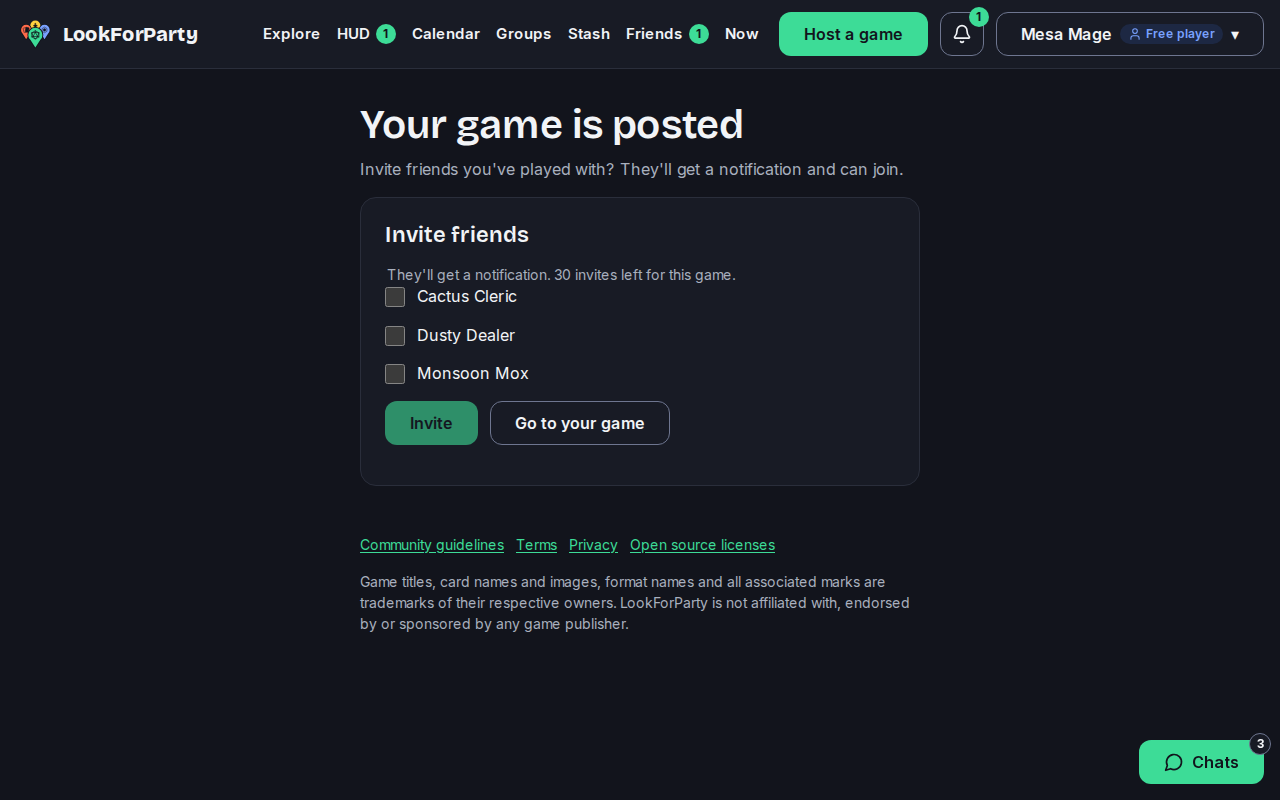
Your game is posted, and players near the store can find it on Explore. Invite friends you've played with, or go to your game's page to edit it, see who's coming and chat with them.
Next
Invite a friend
Bring a friend to LookForParty with an email invite, and ask your friends to a game you're hosting.
Find a game near you
Explore shows the games coming up at stores near you, on a map and in a list. Find a table that fits your games, your time and how far you want to go.
Something not match what you see? Tell us and we'll fix the guide.