Fill your tables
Screenshots from
What it's for
A tour of the store tools that bring players to your tables: seeing who's nearby, posting the right games, and keeping regulars coming back.
Who can use it
Stores, Store Basic, Store Pro, Store staff
On Web
How to do it
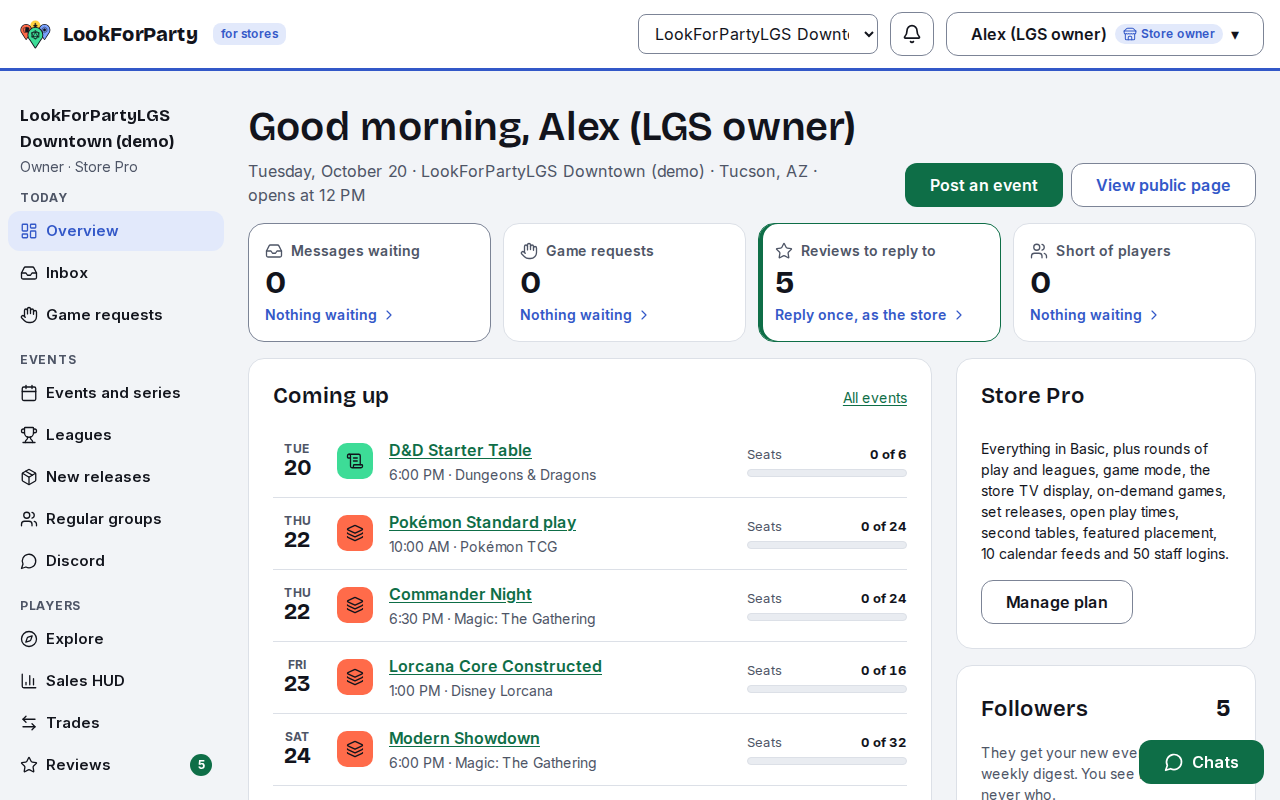
Overview shows your store today: what's on, how many seats are taken, and anything that needs you.
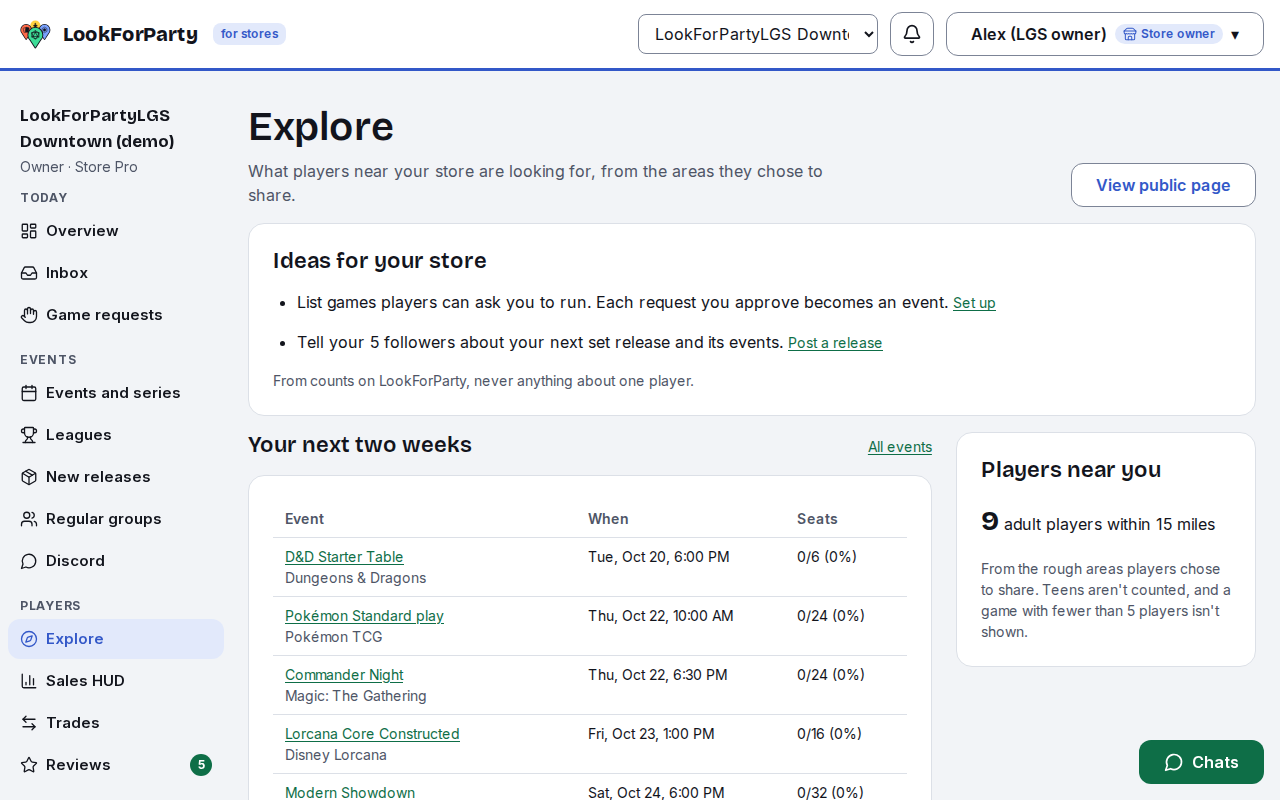
Explore shows the players near your store and the games they want to play, so you know what to run. Small numbers show as fewer than five, and you never see who.
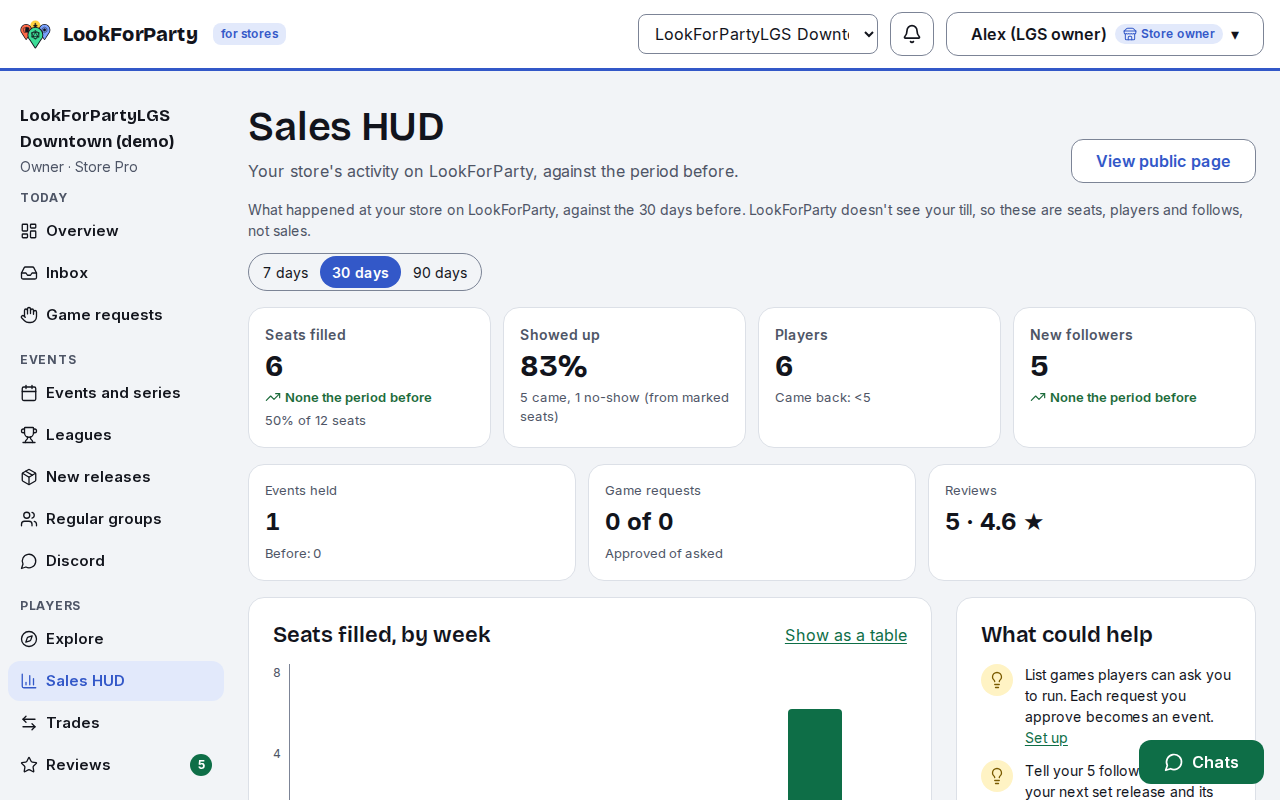
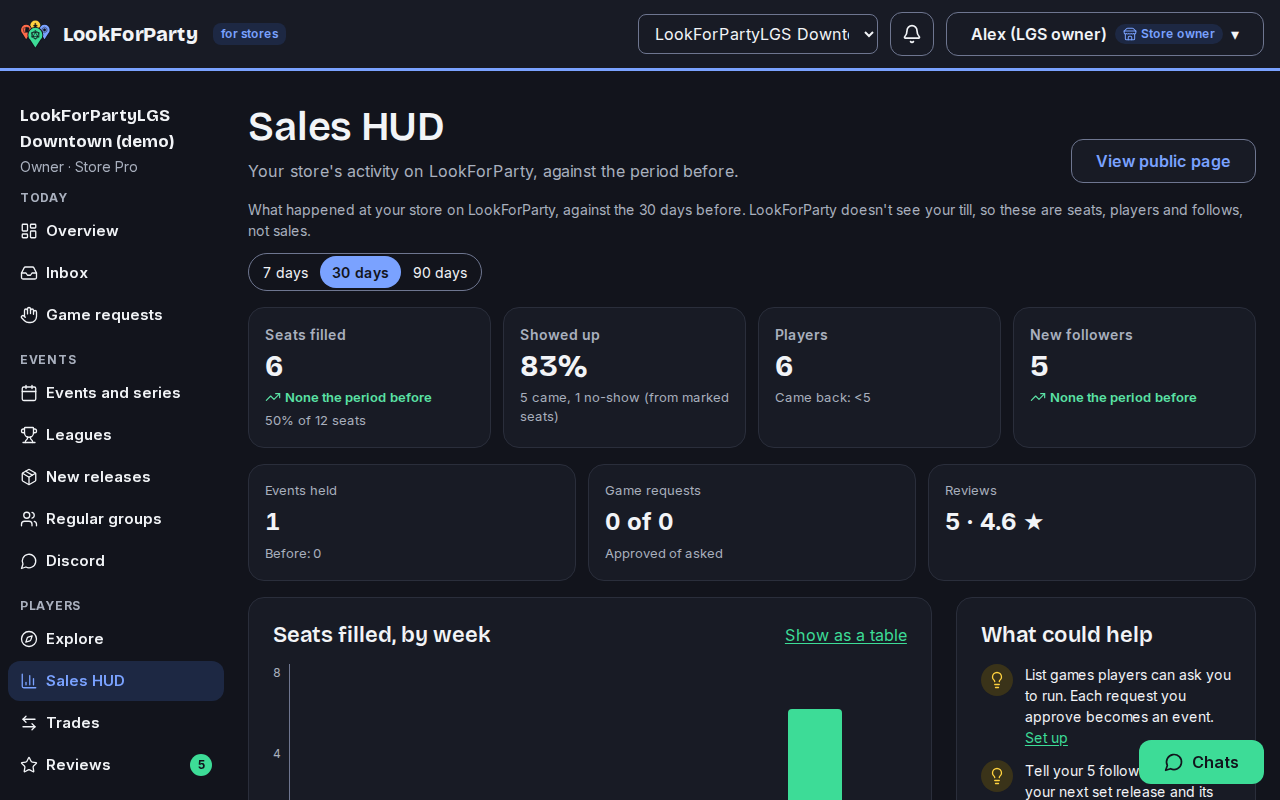
The Sales HUD compares your events, seats, players and followers with the period before, and suggests what to try next.
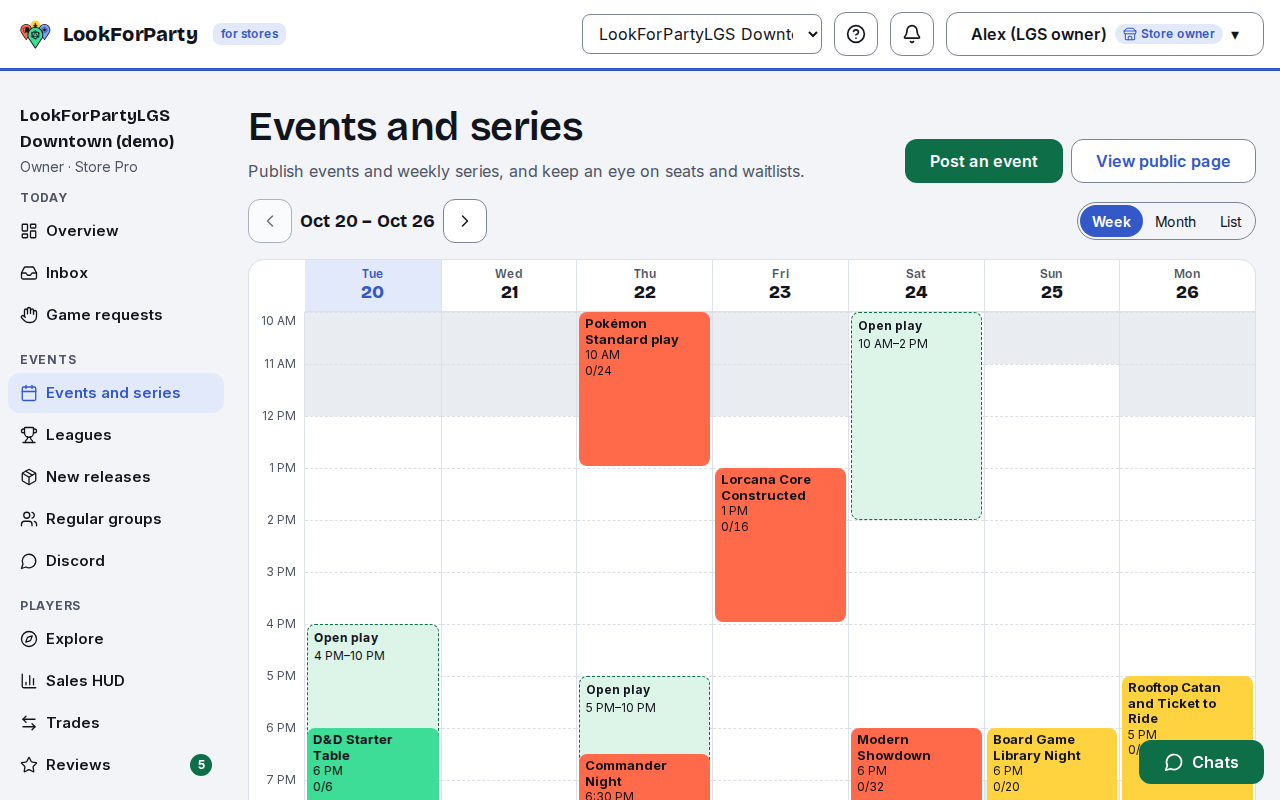
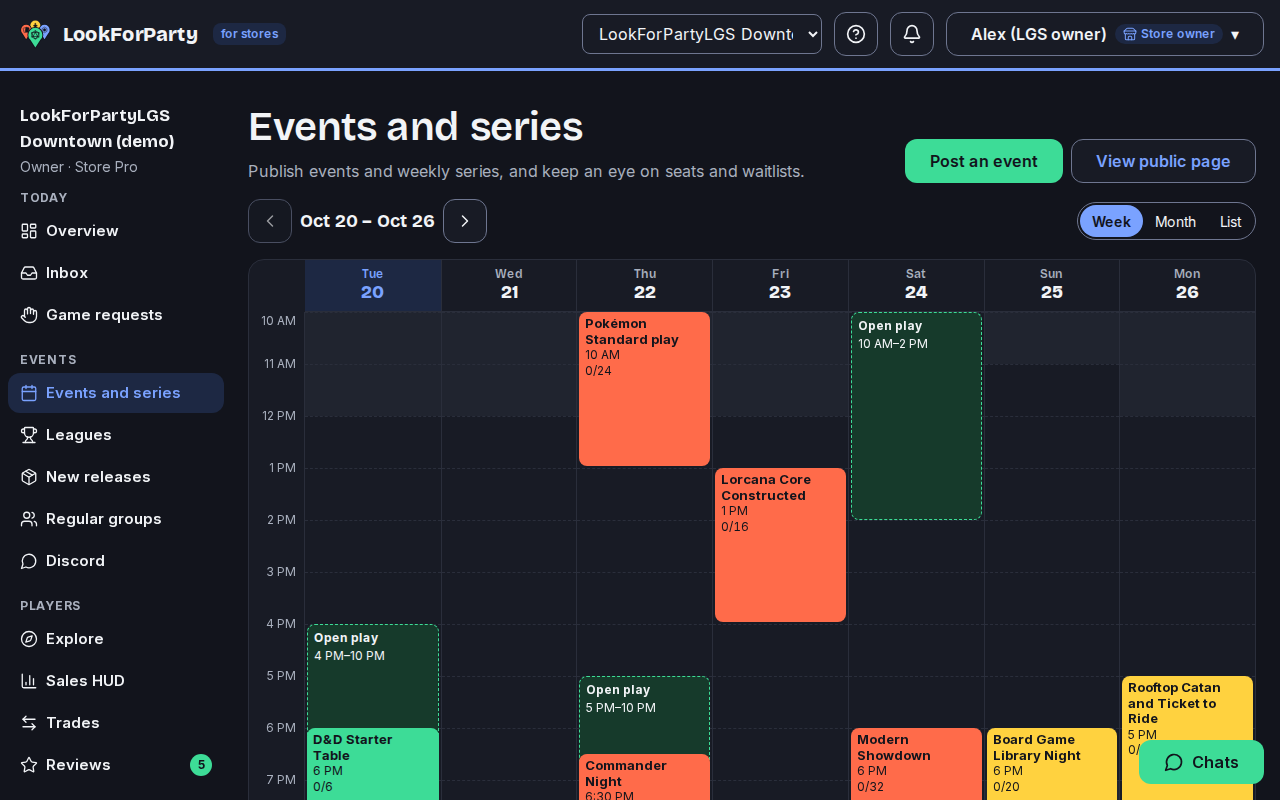
In Events and series, post a game with its seats, and the fewest players it needs. If it's short a day out, the players signed up are asked to bring friends. Store Basic and Pro add weekly series, and a digest to your followers.
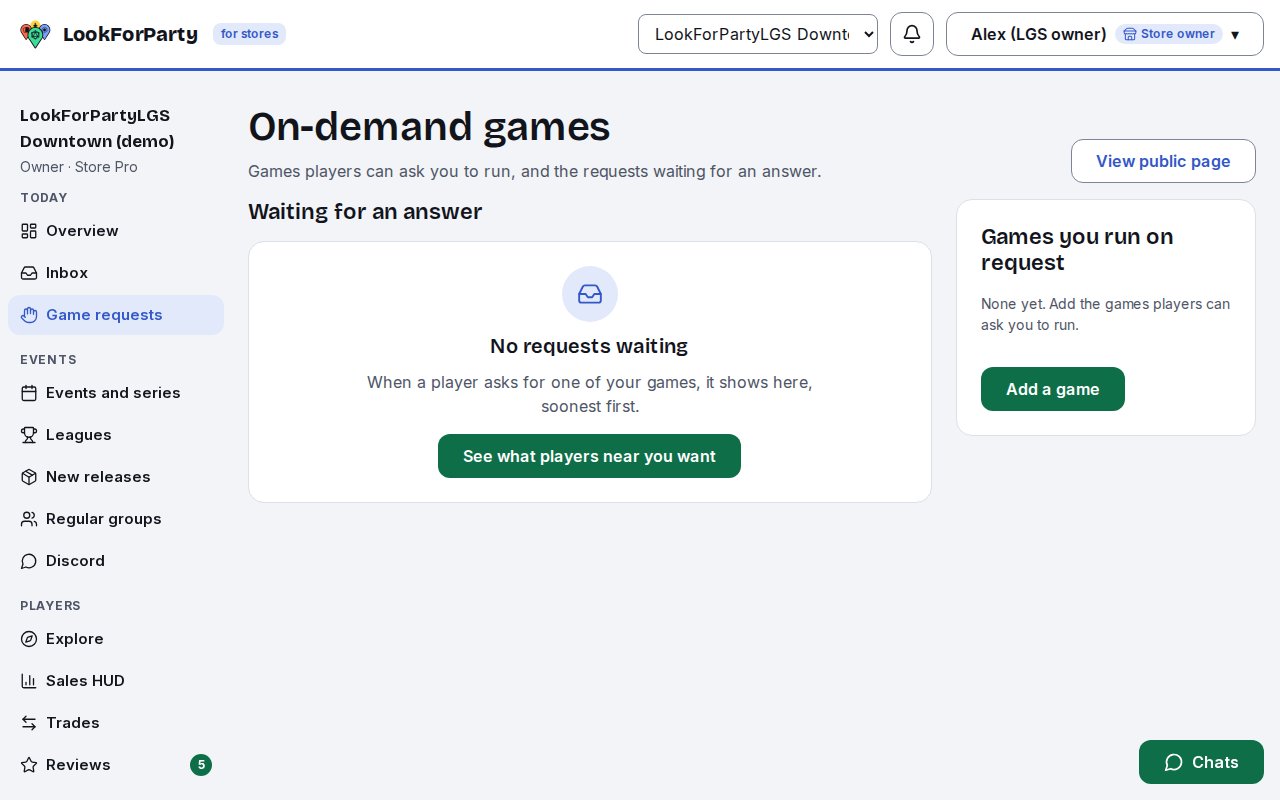
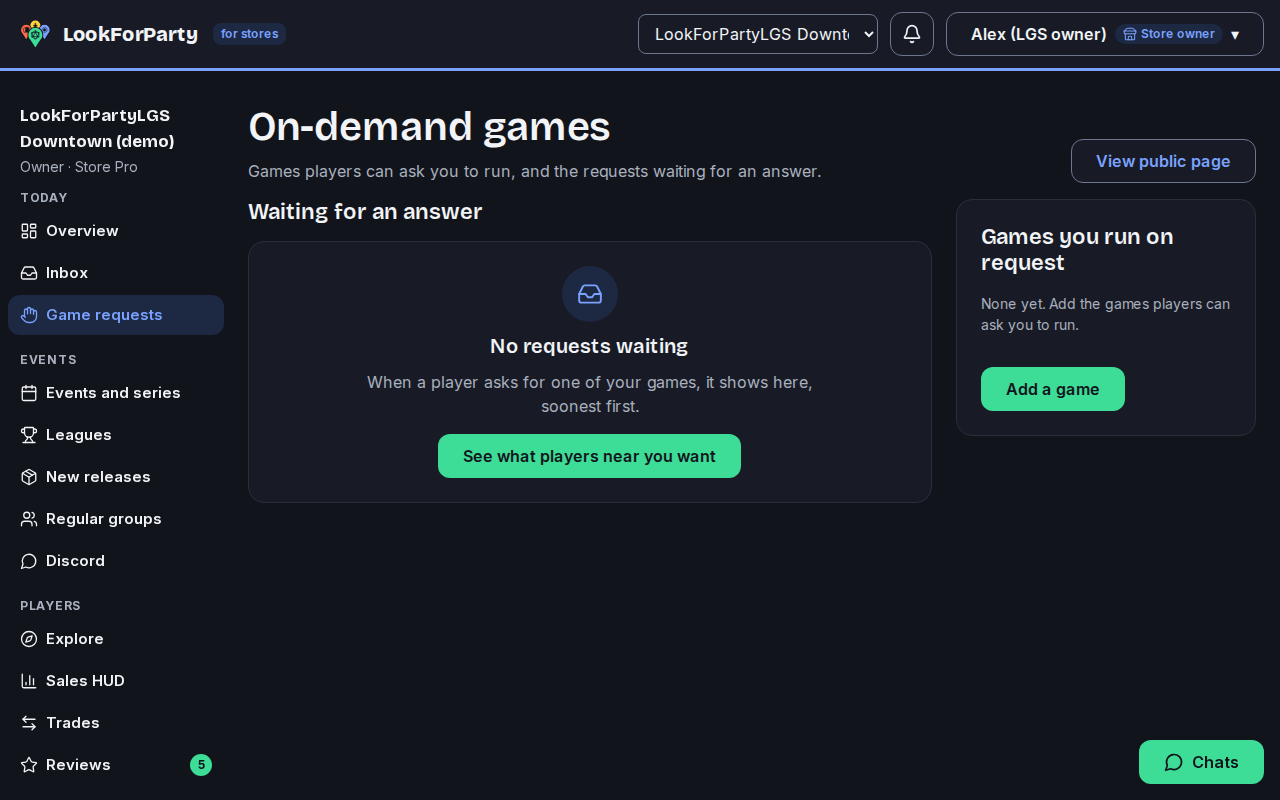
With Store Pro, players can ask for a game you run on request. Approve it, and it becomes one of your events with their seat already taken.
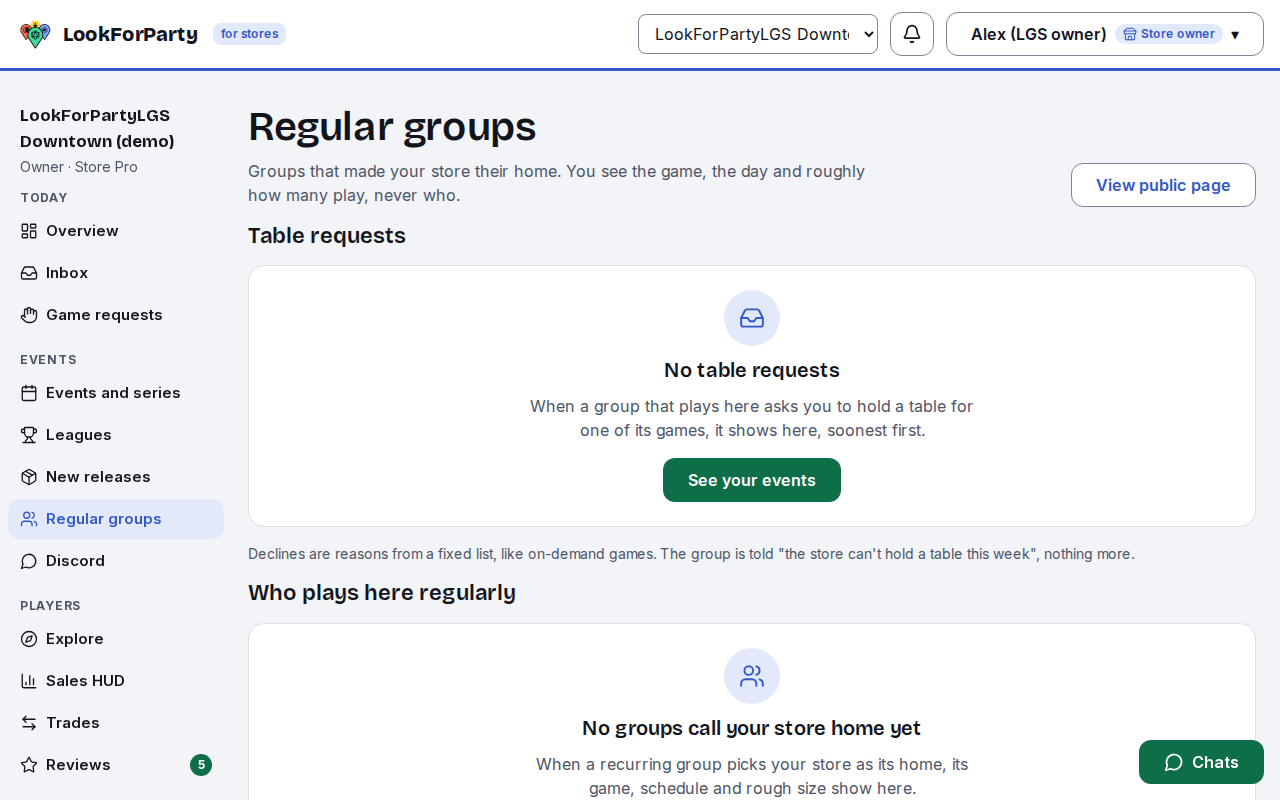
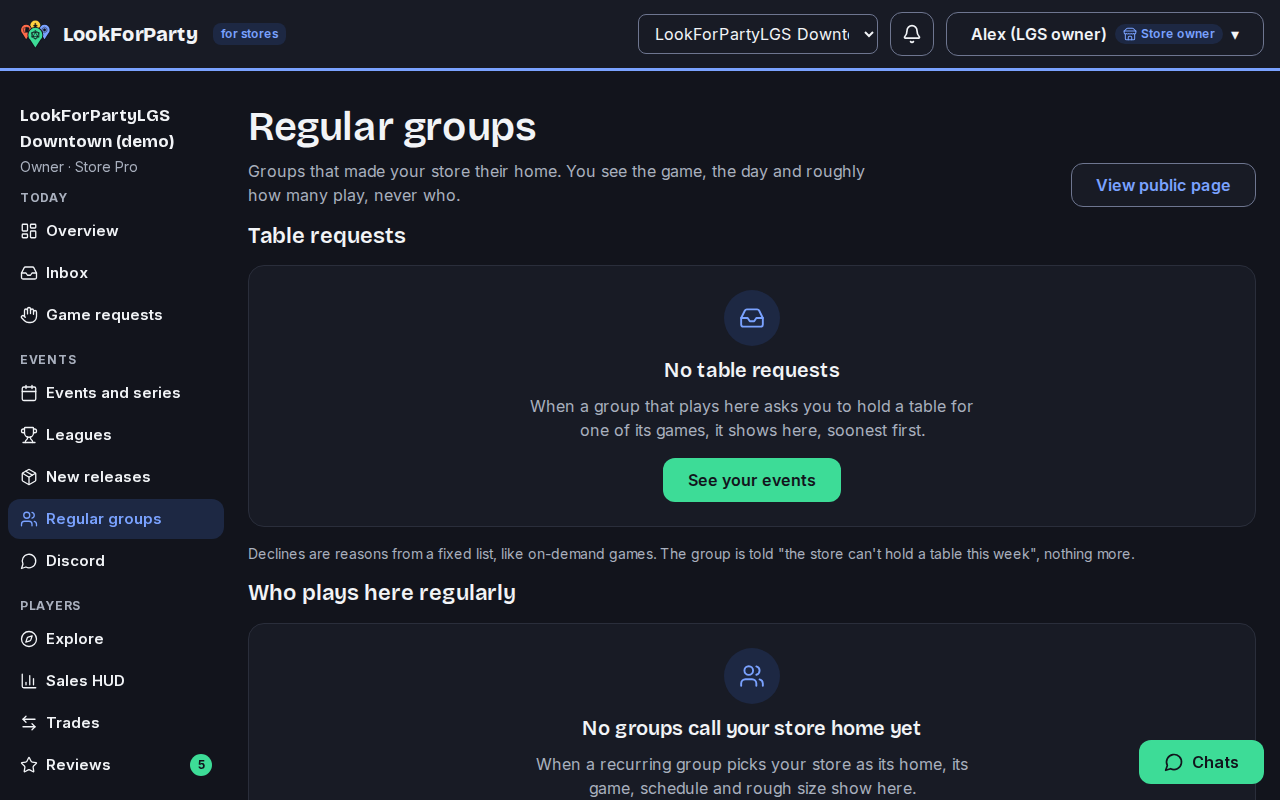
Regular groups can make your store their home, and with Store Pro you can hold tables for them.
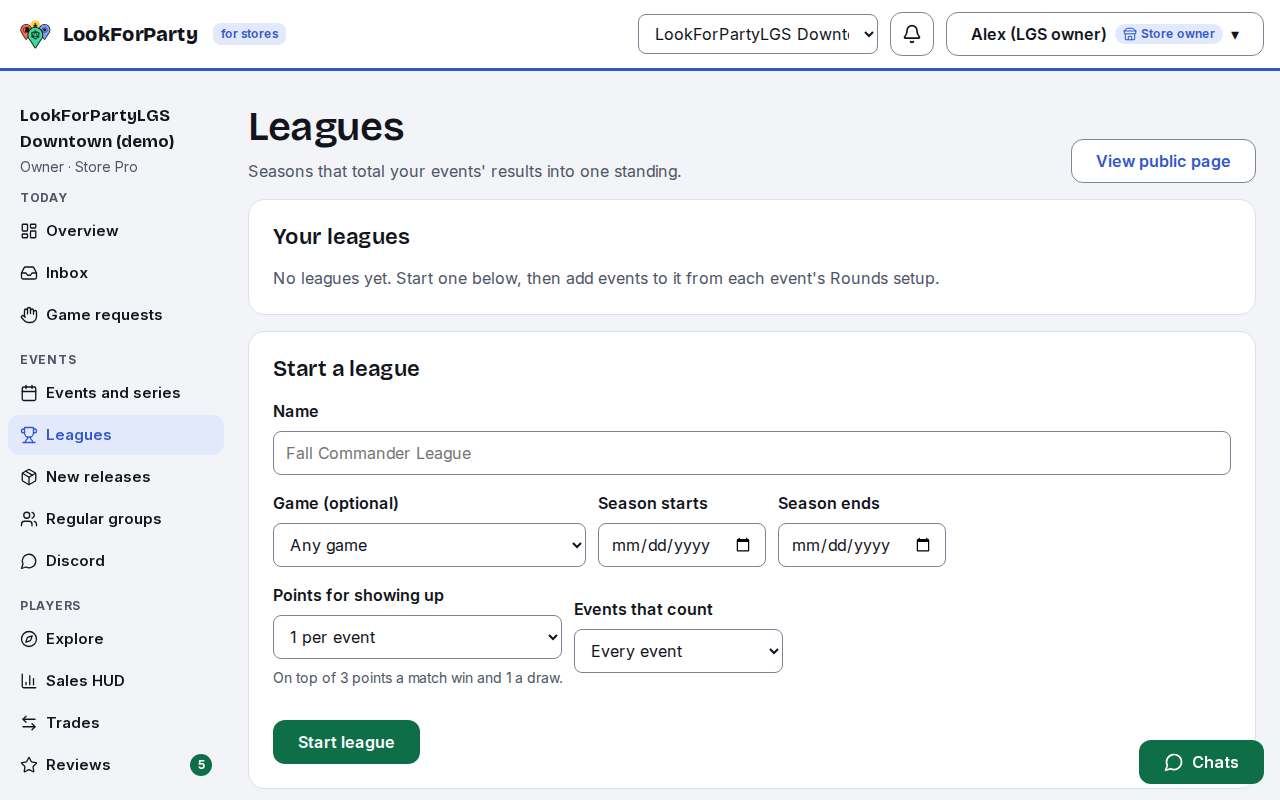
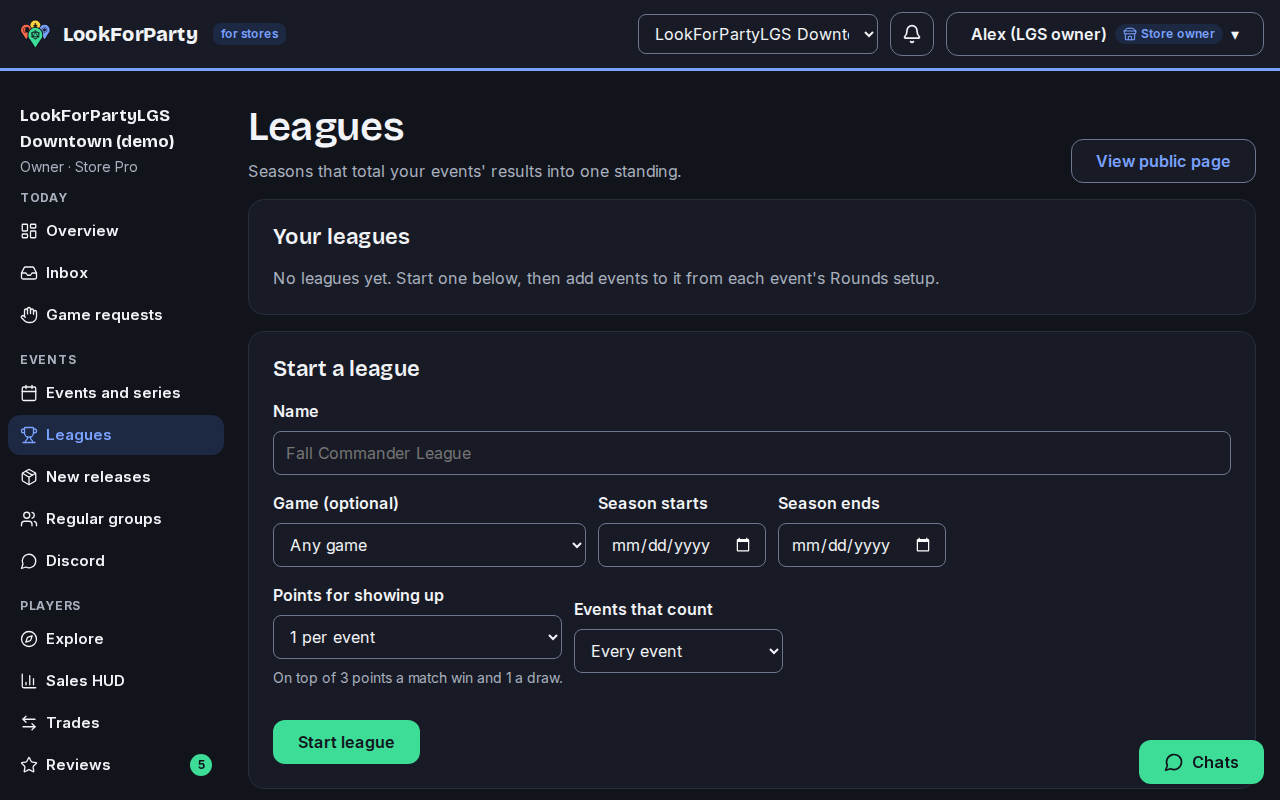
Leagues and rounds of play, with Store Pro, keep players coming back week after week, with standings everyone at the event can see.
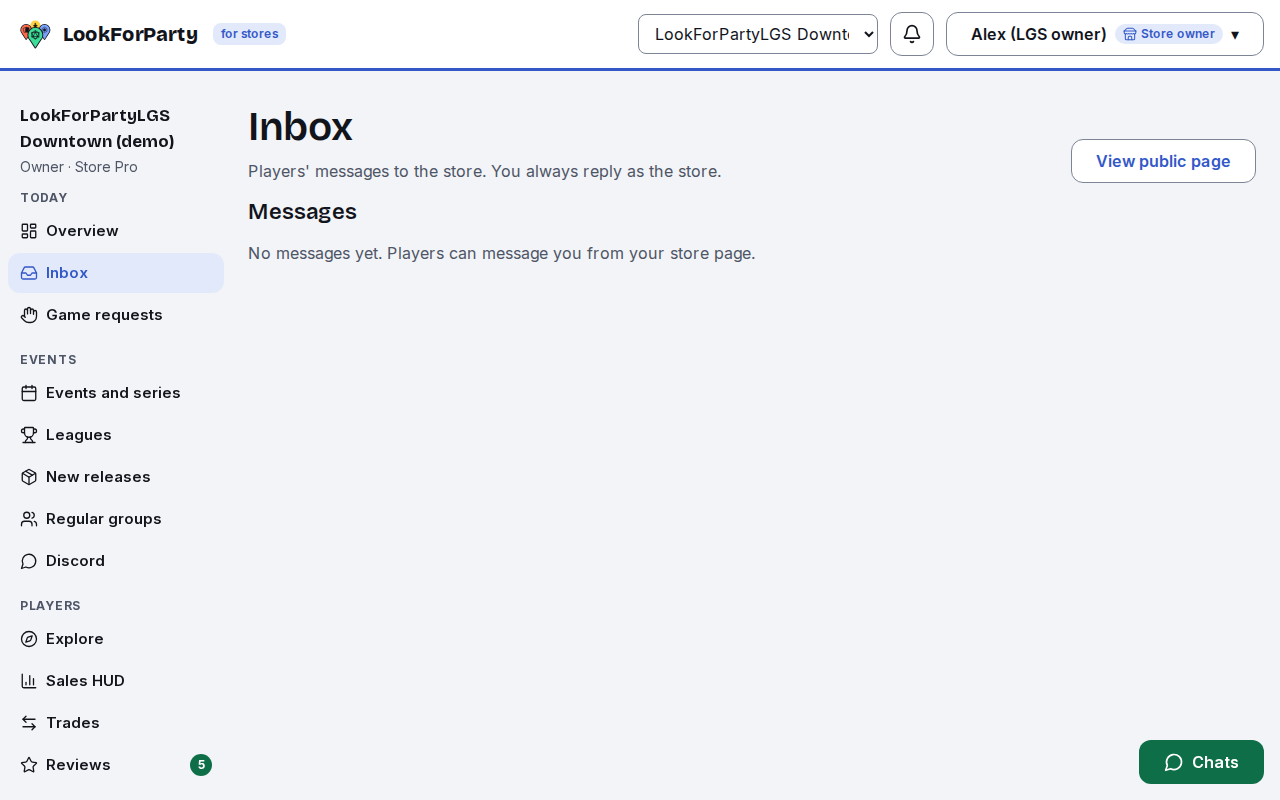
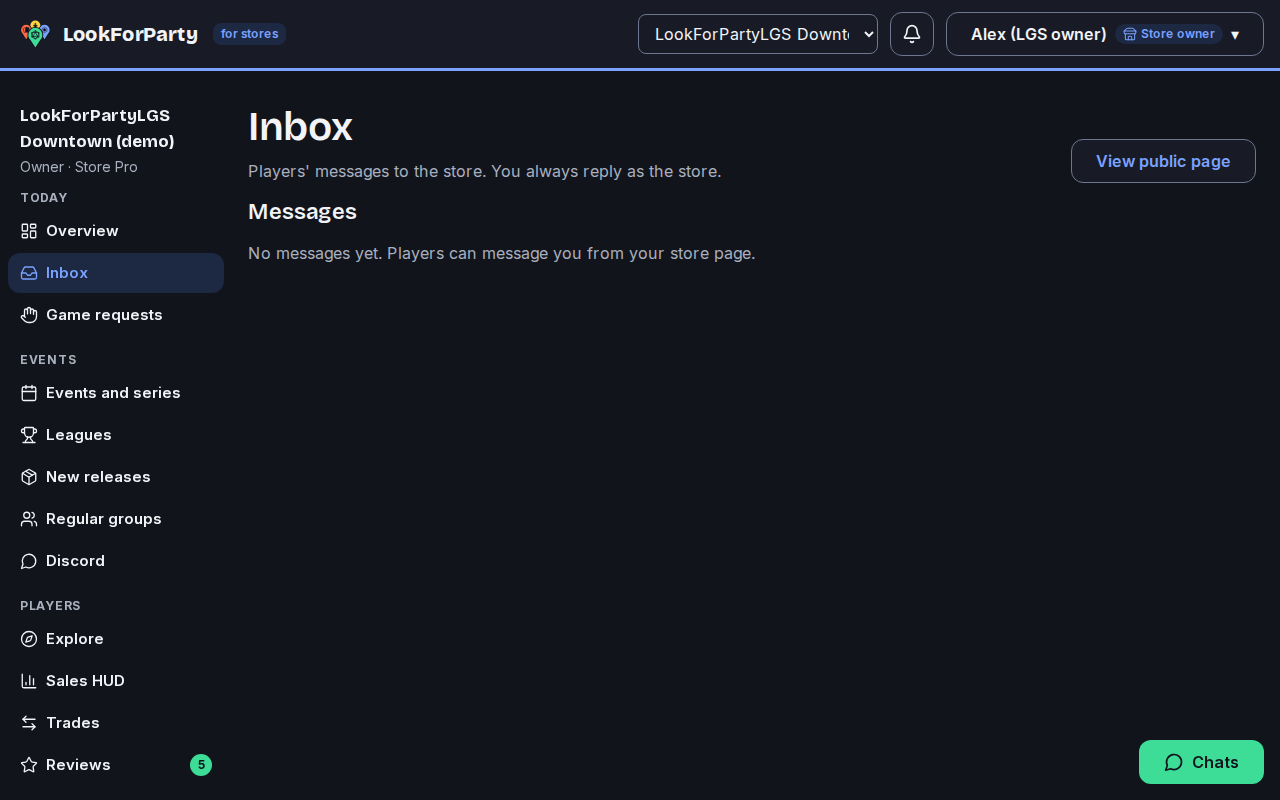
Players can message your store from its page, on every plan. Your staff answer from the Inbox, always as the store.
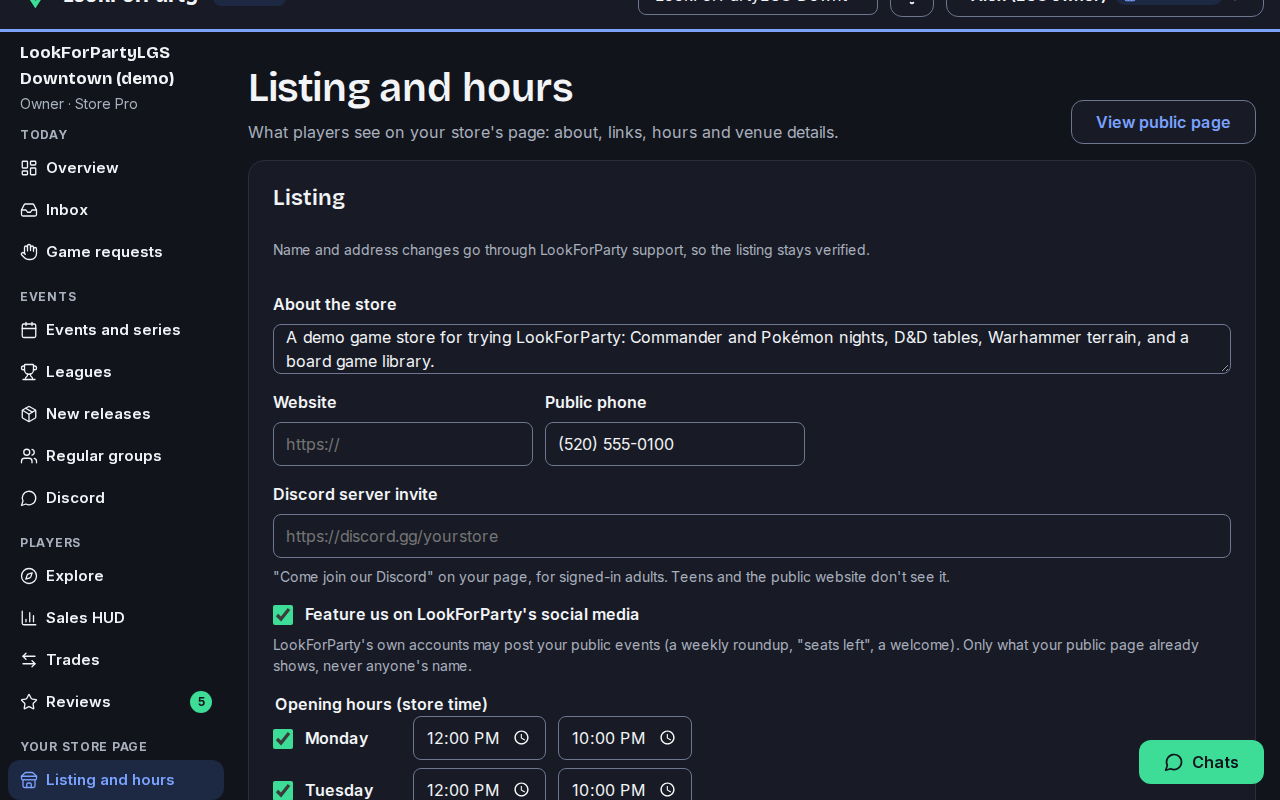
Keep your listing up to date: hours, what you sell and, with Store Pro, open play times. It's what players see on your page and on the map.
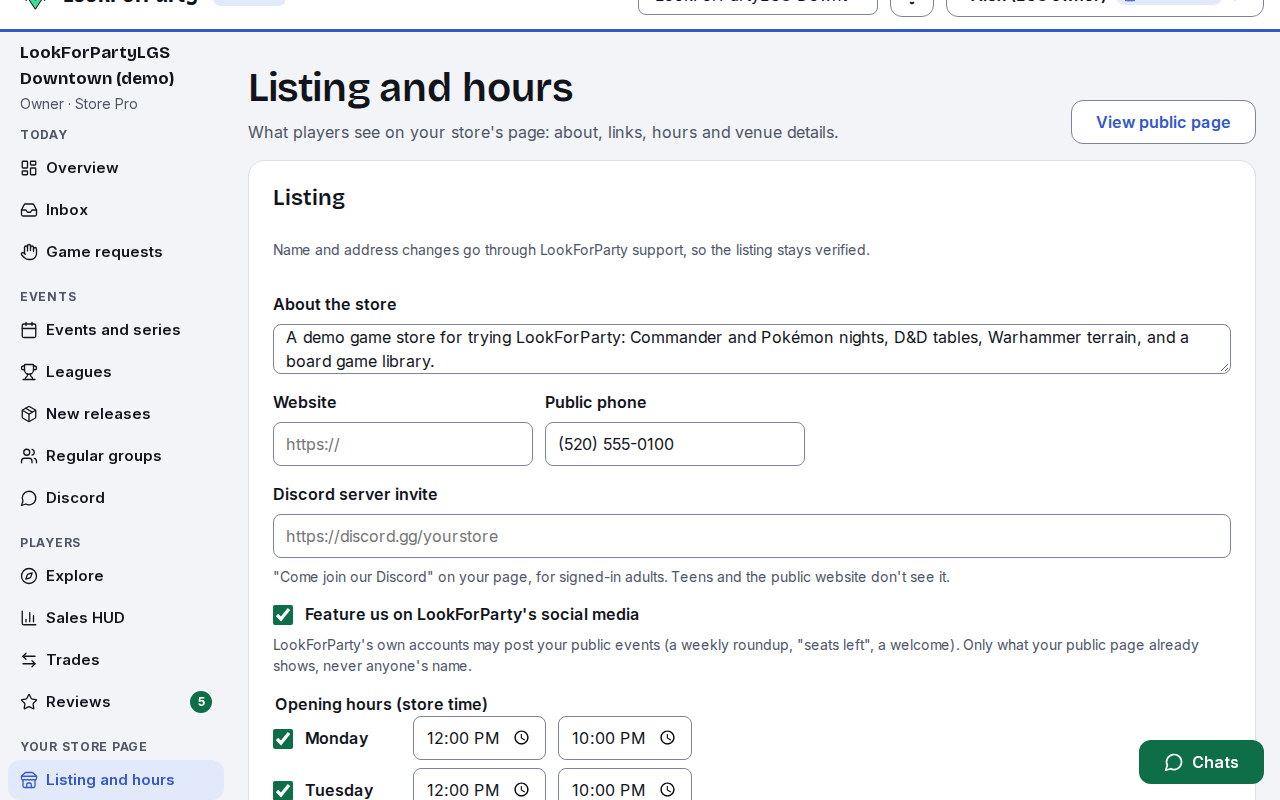
Next
Publish your store's events
Post your store's events so players nearby can find them and take a seat, then keep an eye on how many are coming. Events show the store as host, never the staff member who posted them.
Claim your store
Claim your store's listing so you can edit it, publish events as the store and add your staff. Listing and claiming are free.
List a vendor visiting your store
Tell nearby players when a traveling merchant or vendor is coming to your store, and what they're bringing. You can also see the stops merchants post at your store, and take one off your pin.
Something not match what you see? Tell us and we'll fix the guide.