Find traveling merchants near you
Screenshots from
What it's for
Traveling merchants are vendors who bring cards, sealed product and more to stores and events. See where they'll be selling near you, and when.
Who can use it
Players, Traveling merchants
On Web
How to do it
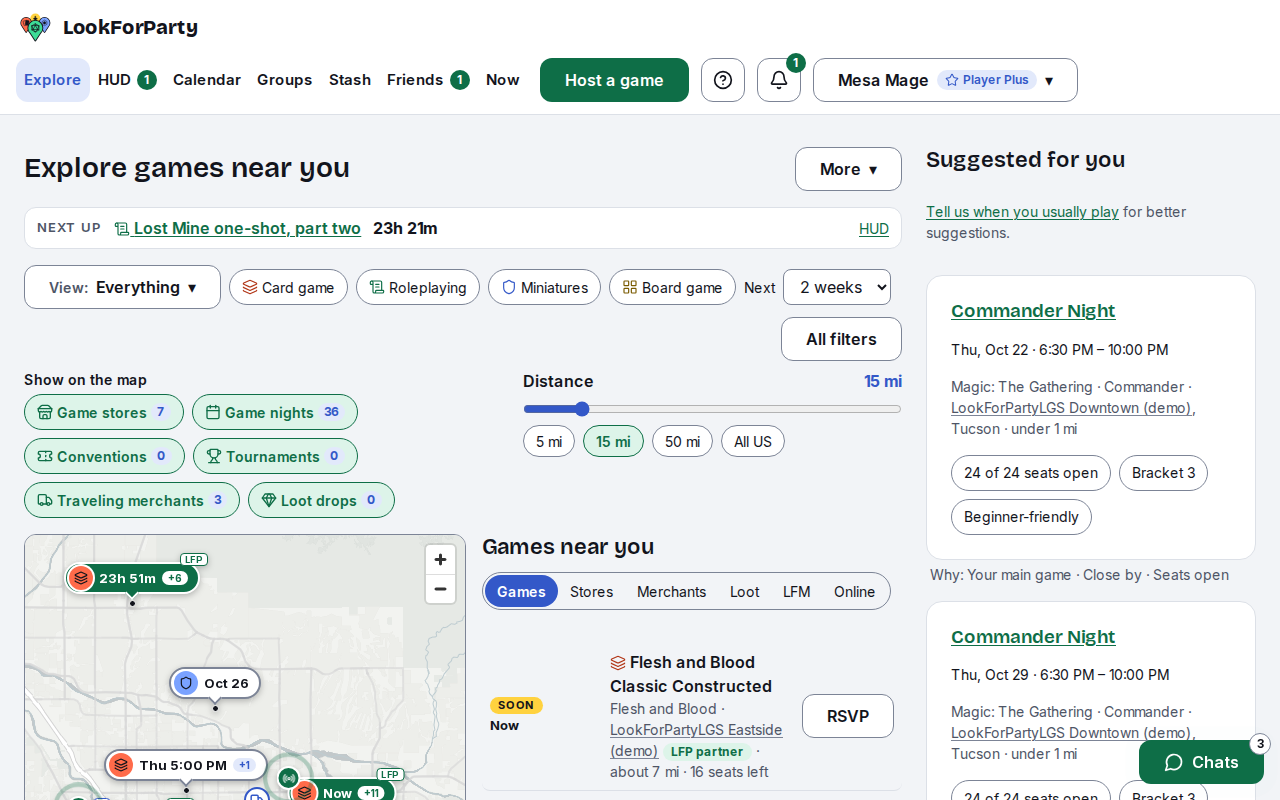
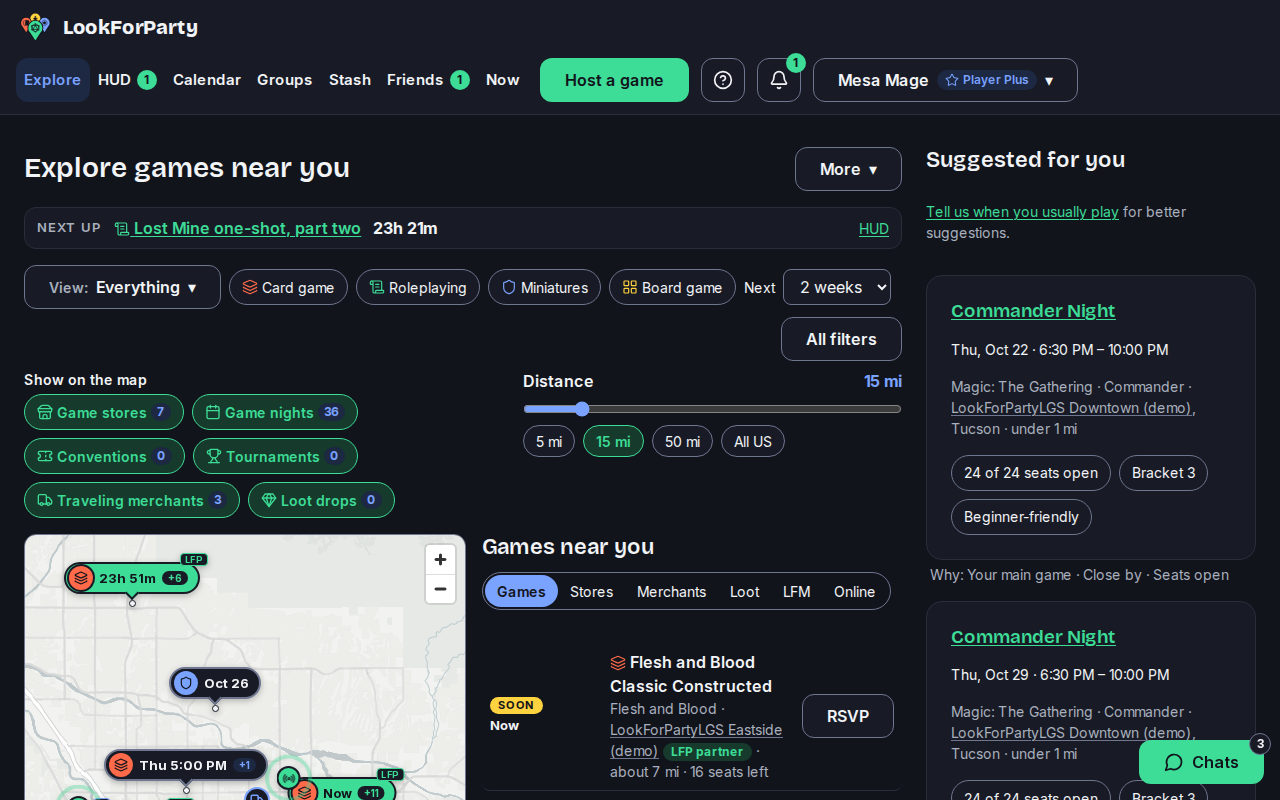
Open Explore. Above the map, Show on the map lists the map's layers. Traveling merchants is one of them, and it's on unless you turned it off.
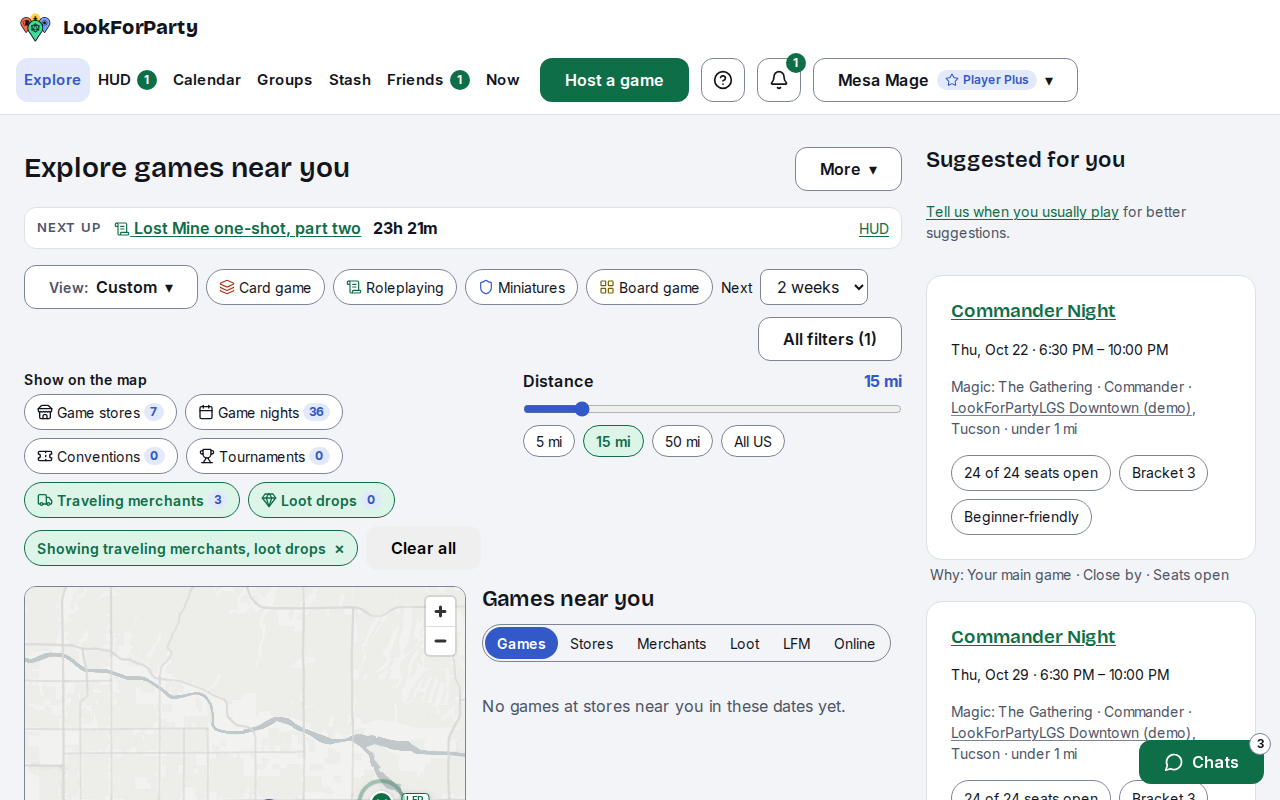
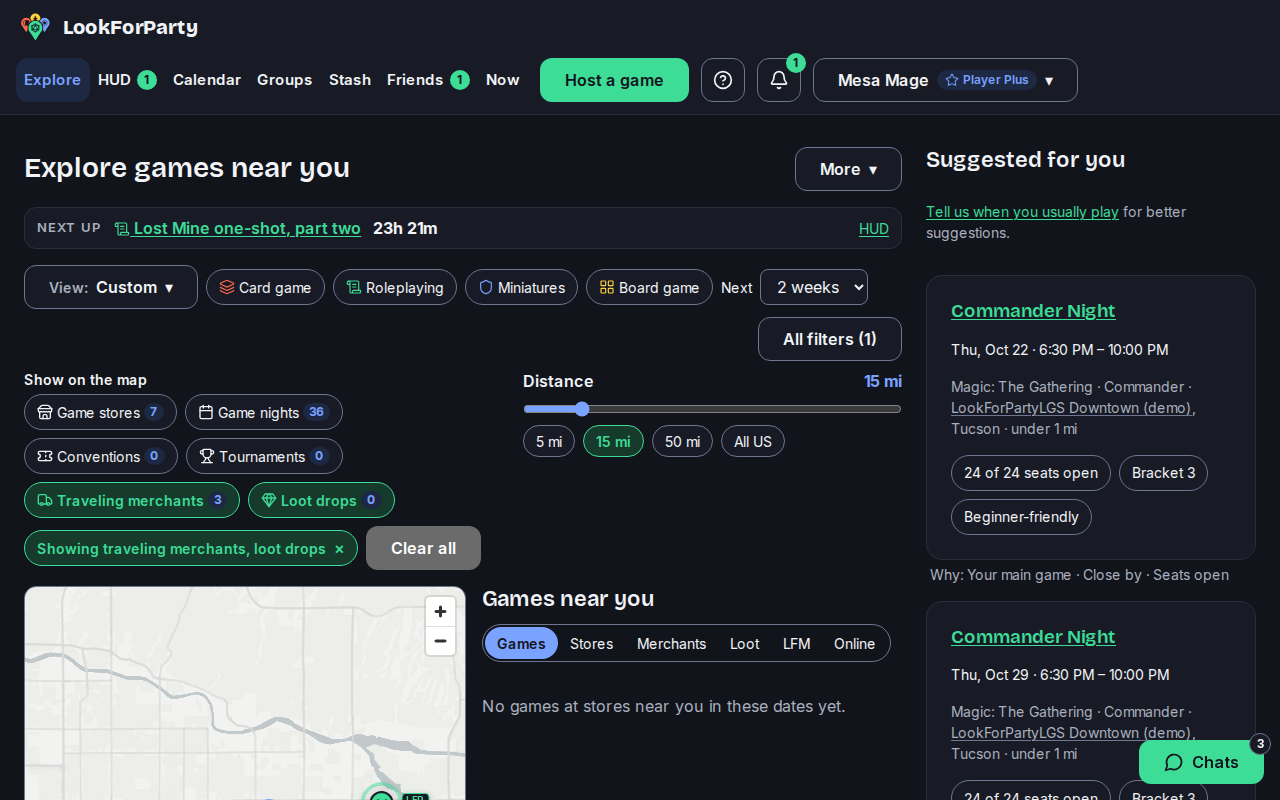
To see only merchants, turn the other layers off. The map then shows just the places where a merchant will be selling: a store's pin, or a truck badge at a public place like a mall.
Under the map, choose Merchants to list them, soonest first. Each one shows who's coming and on which days. It also shows what they're bringing, where, and roughly how far it is.
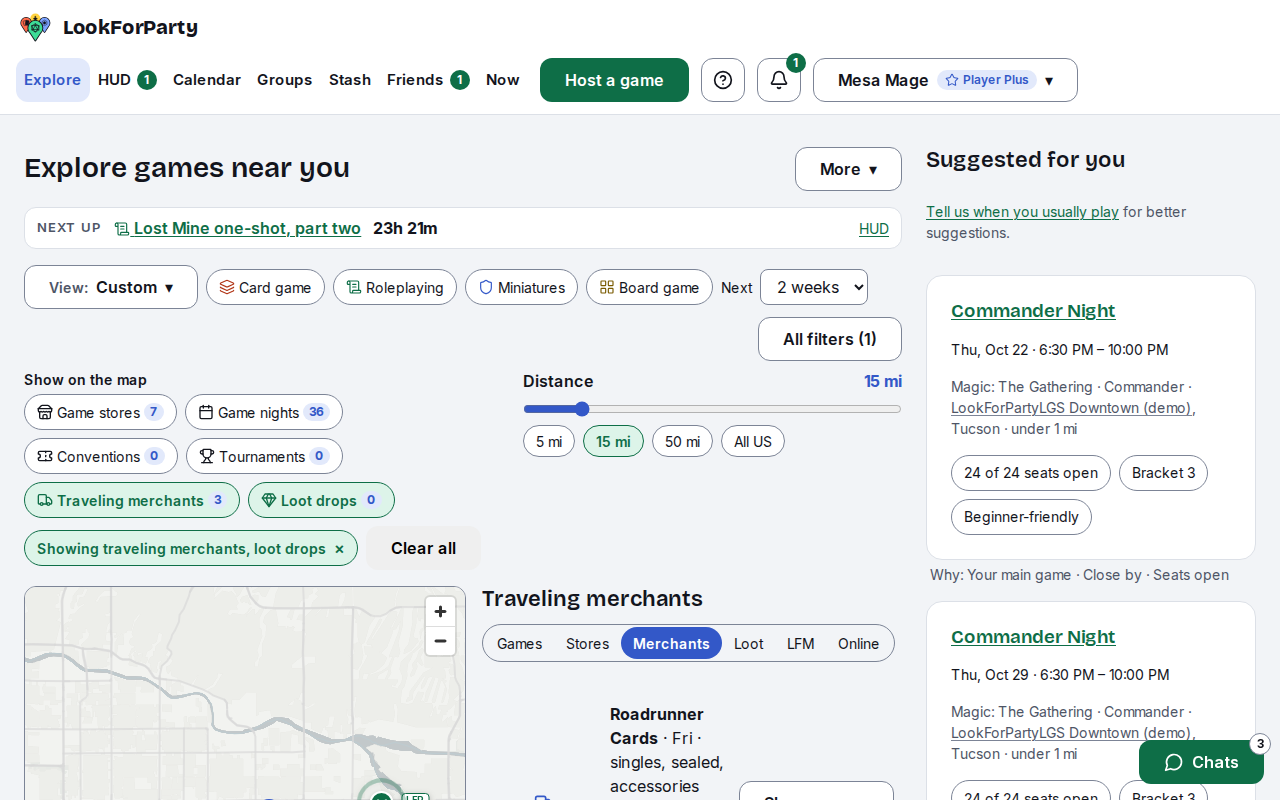
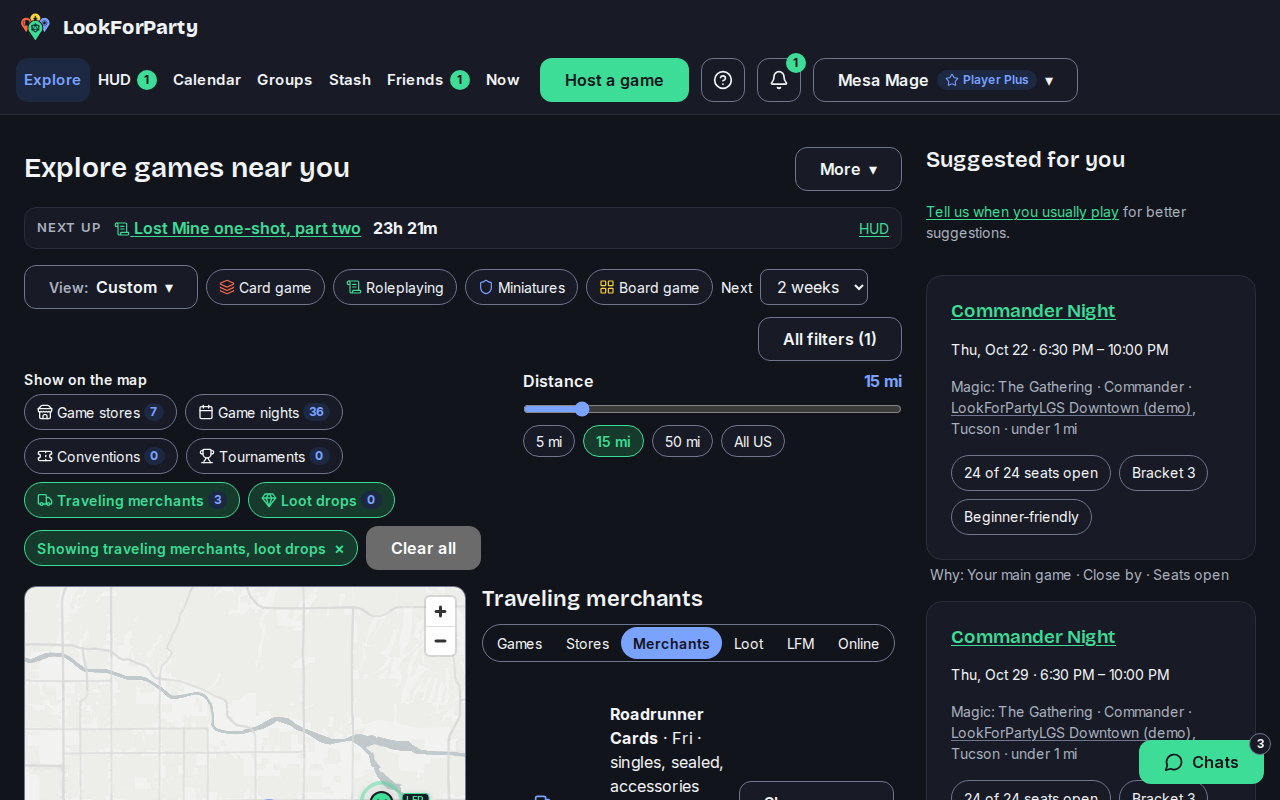
A merchant's own stop shows their gaming handle. A visit a store posted shows the vendor's business name. Press Show on map to find a store on the map.
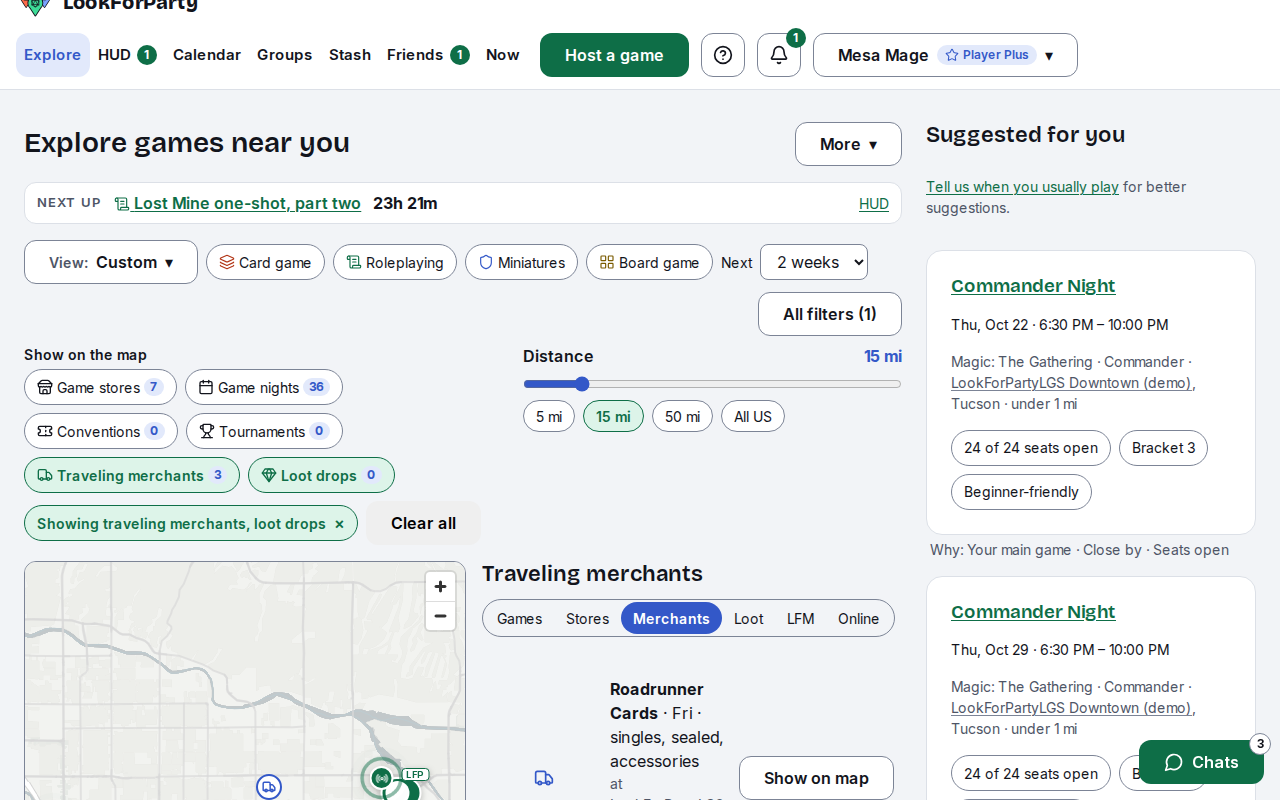
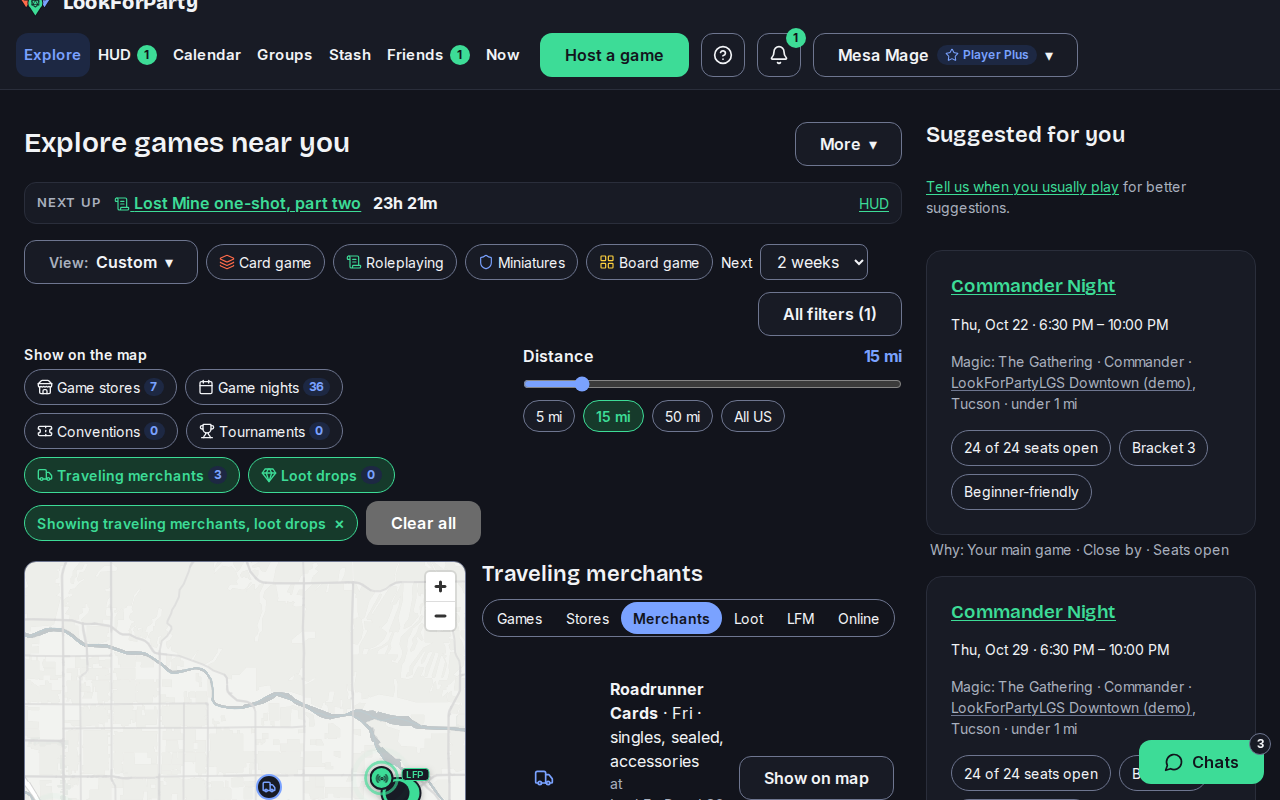
The store's card opens on the map, with the merchants visiting it. Tap the store's name to see its page, events and opening hours before you go.
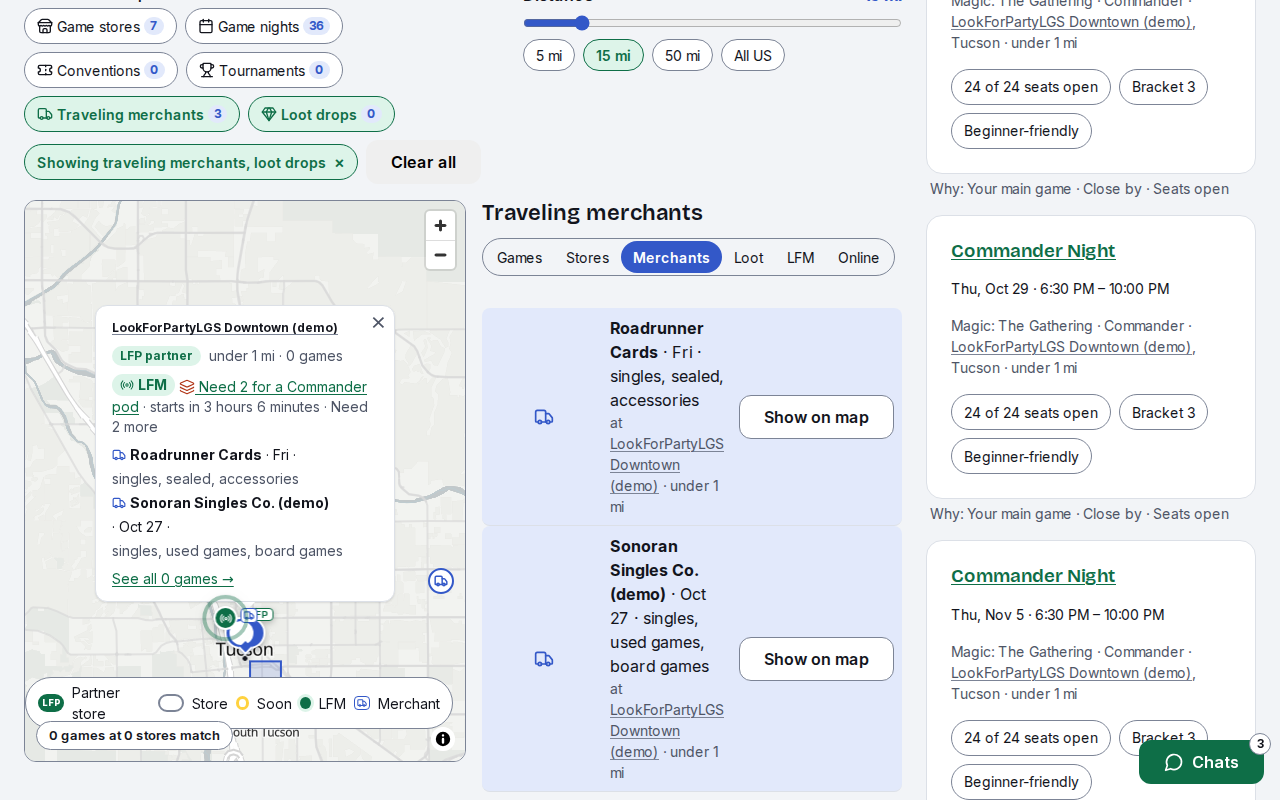
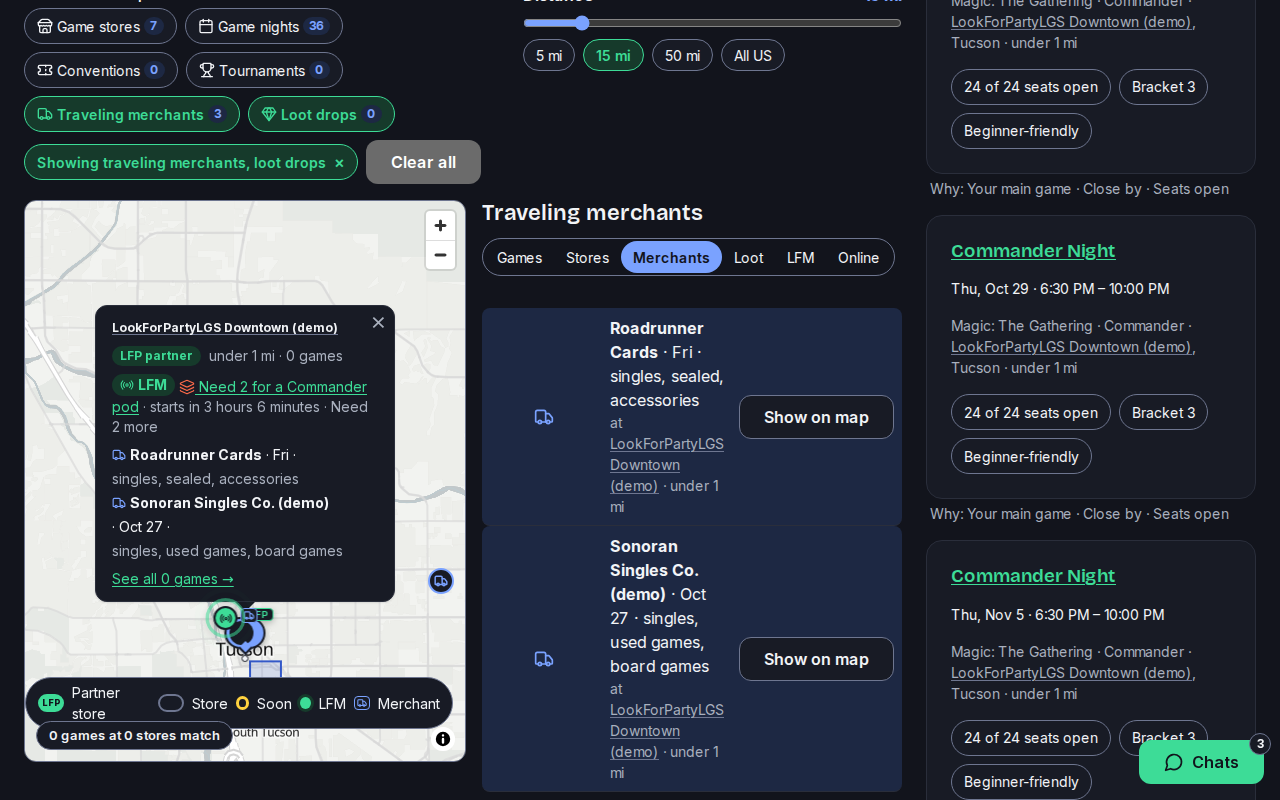
Merchants show from up to 100 miles away, even when the distance is set to All of the US. They show only for the dates the map covers. LookForParty never handles payment: you buy from the merchant in person.
Next
Post your stops as a traveling merchant
If you sell cards and games on the road, post where you'll be selling. Players near each stop can then find you on the Explore map.
Sell, buy or trade cards with Trades
Post what you want to sell (WTS), buy (WTB) or trade (WTT), so adults and stores near you can find it. Then talk it over in a trade chat.
List a vendor visiting your store
Tell nearby players when a traveling merchant or vendor is coming to your store, and what they're bringing. You can also see the stops merchants post at your store, and take one off your pin.
Something not match what you see? Tell us and we'll fix the guide.