Sell, buy or trade cards with Trades
Screenshots from
What it's for
Post what you want to sell (WTS), buy (WTB) or trade (WTT), so adults and stores near you can find it. Then talk it over in a trade chat.
Who can use it
Traveling merchants, Players
On Web
How to do it
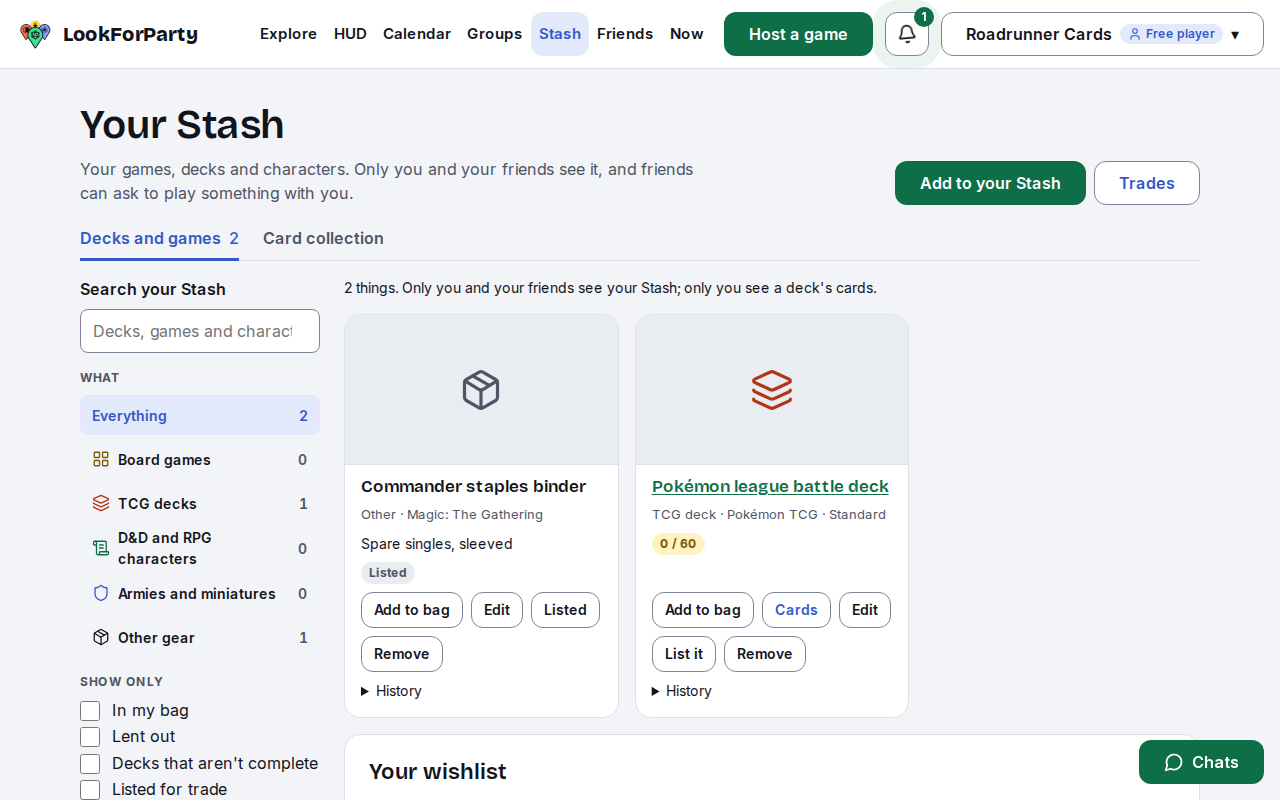
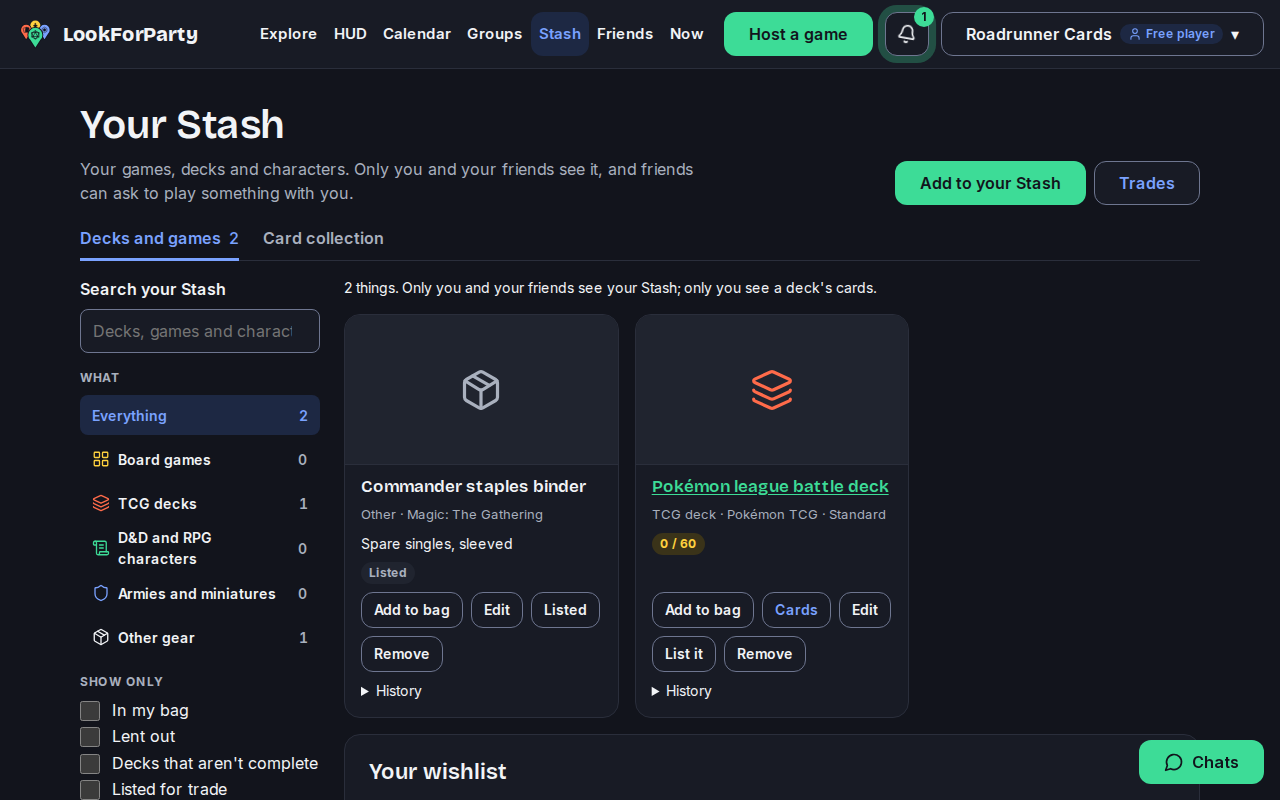
Trades start from your Stash. Find the deck, binder or game you want to sell or trade and press List it.
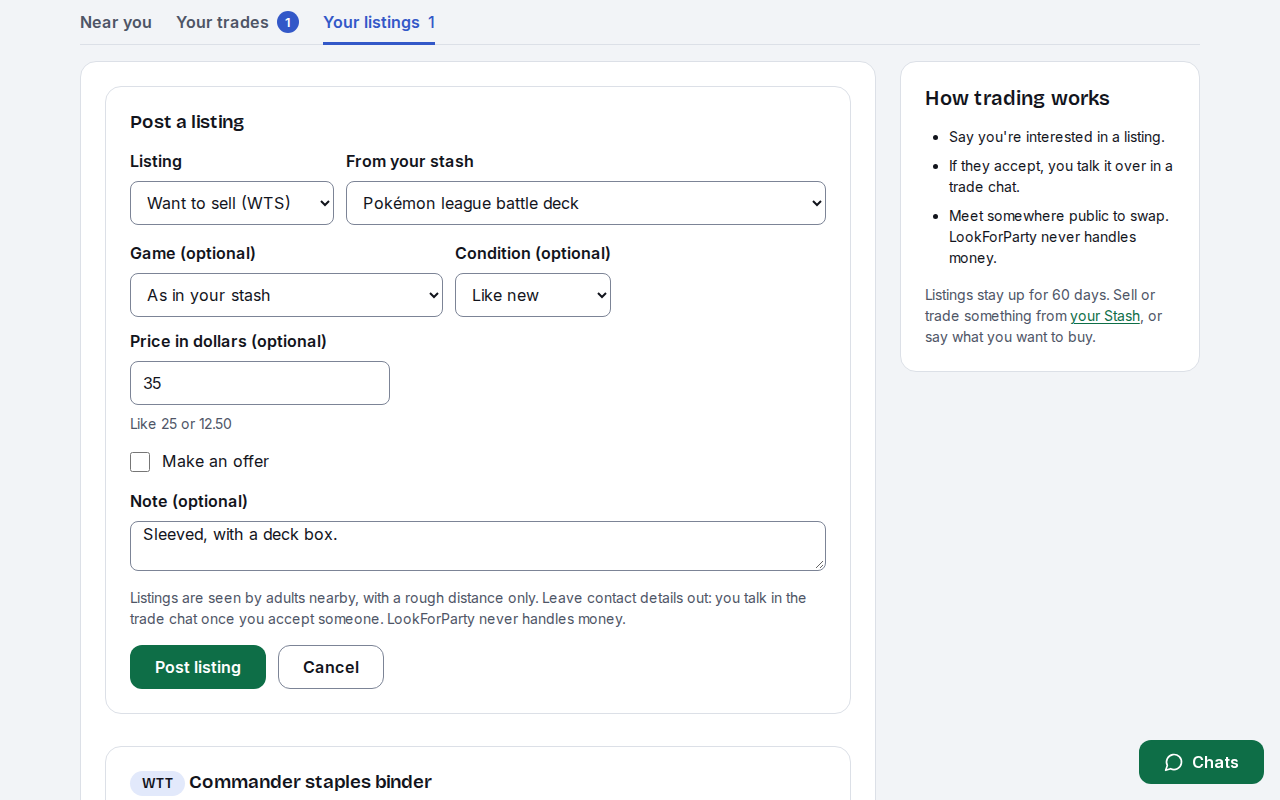
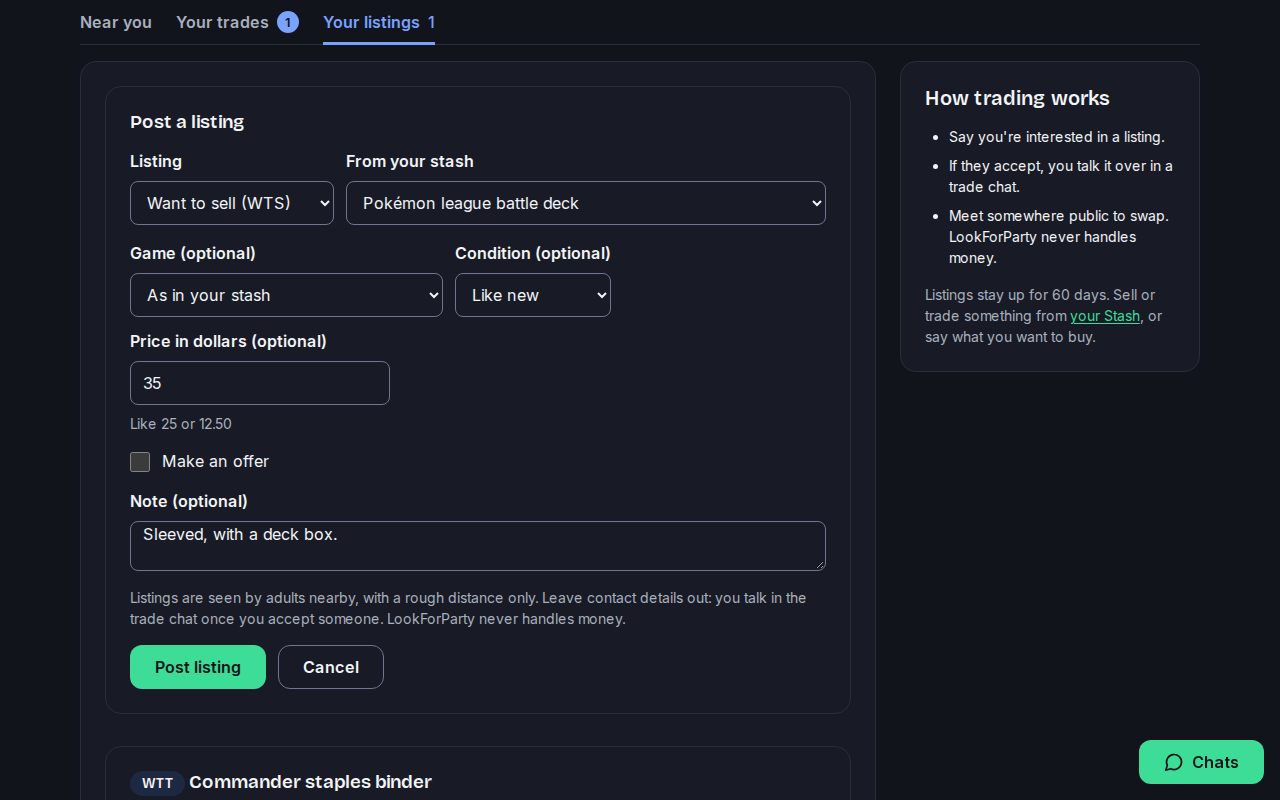
Pick Want to sell (WTS) or Want to trade (WTT). To say what you want to buy (WTB), use Post a listing on the Trades page instead. Add the condition, a price or Make an offer, and a short note (no contact details). The price is only shown on the listing: LookForParty never handles money. Press Post listing.
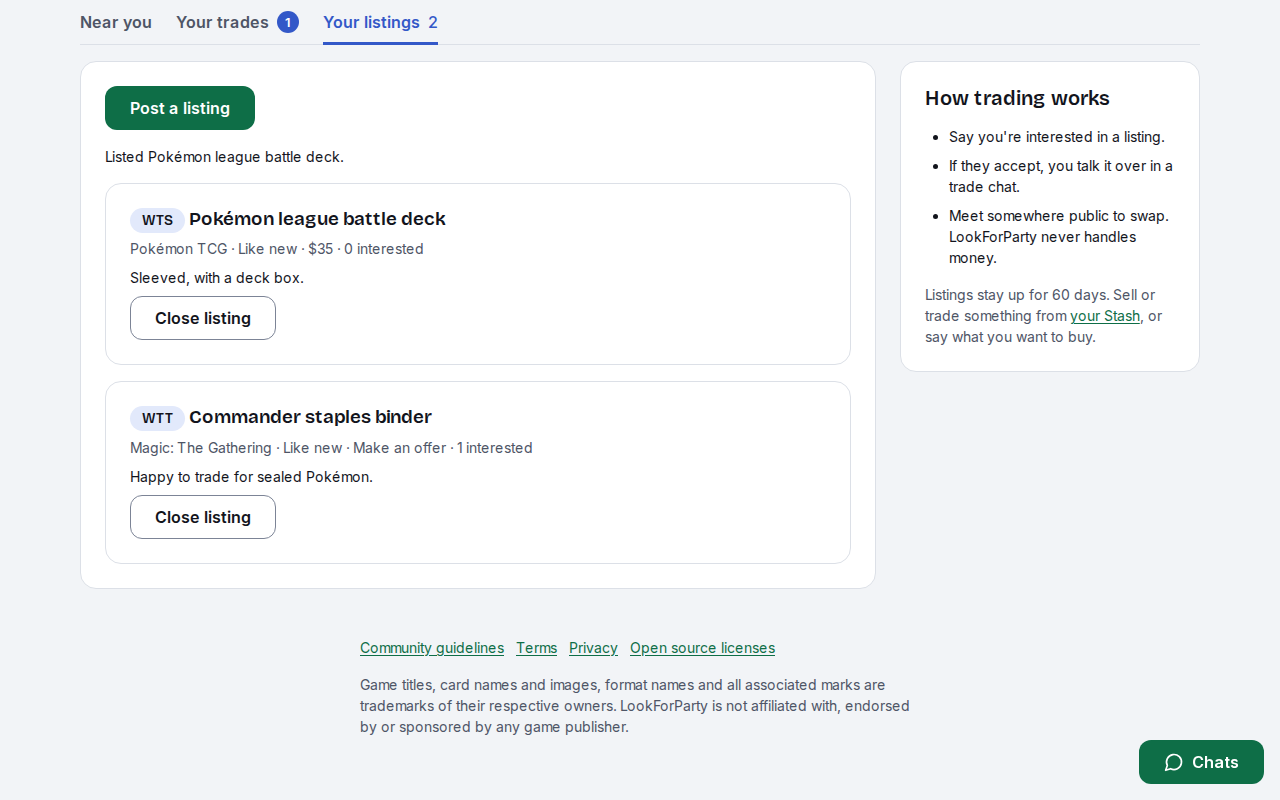
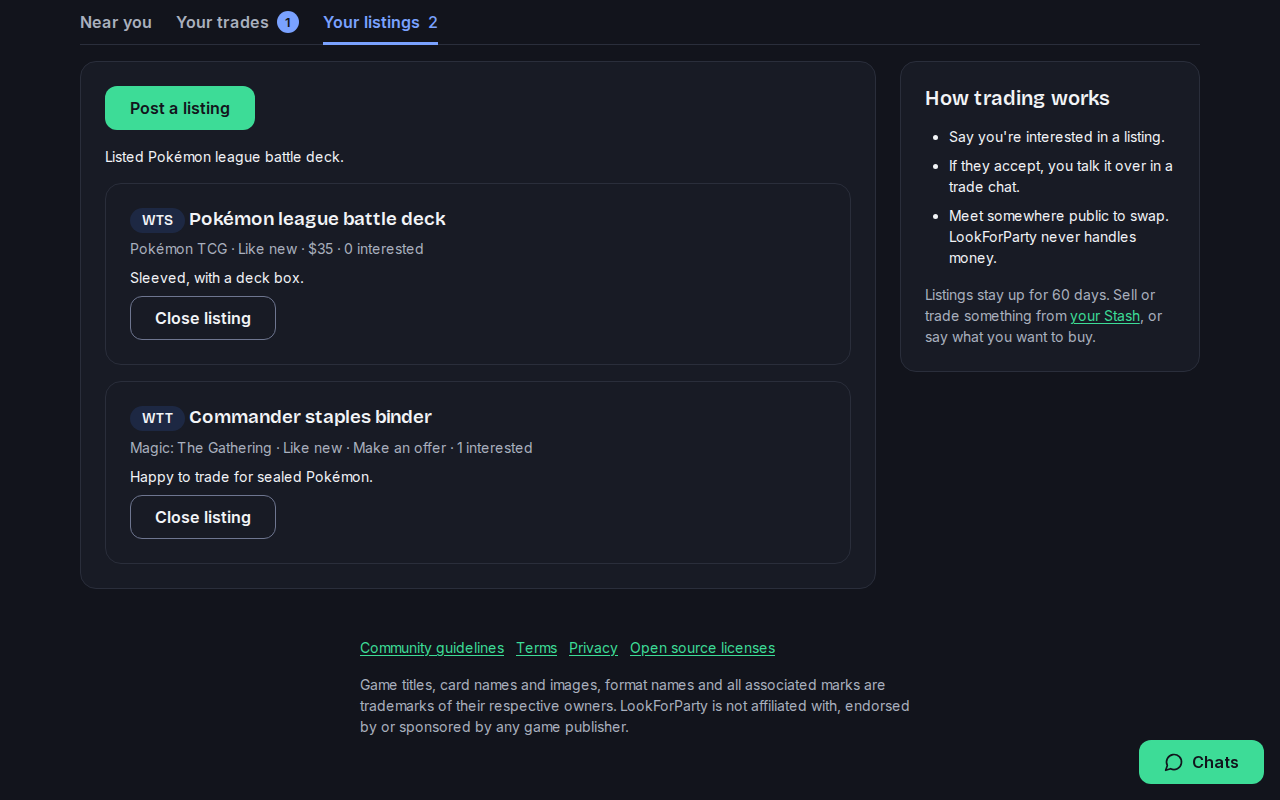
Your listing is up for 60 days, under Your listings, with how many people are interested. Press Close listing once it's gone.
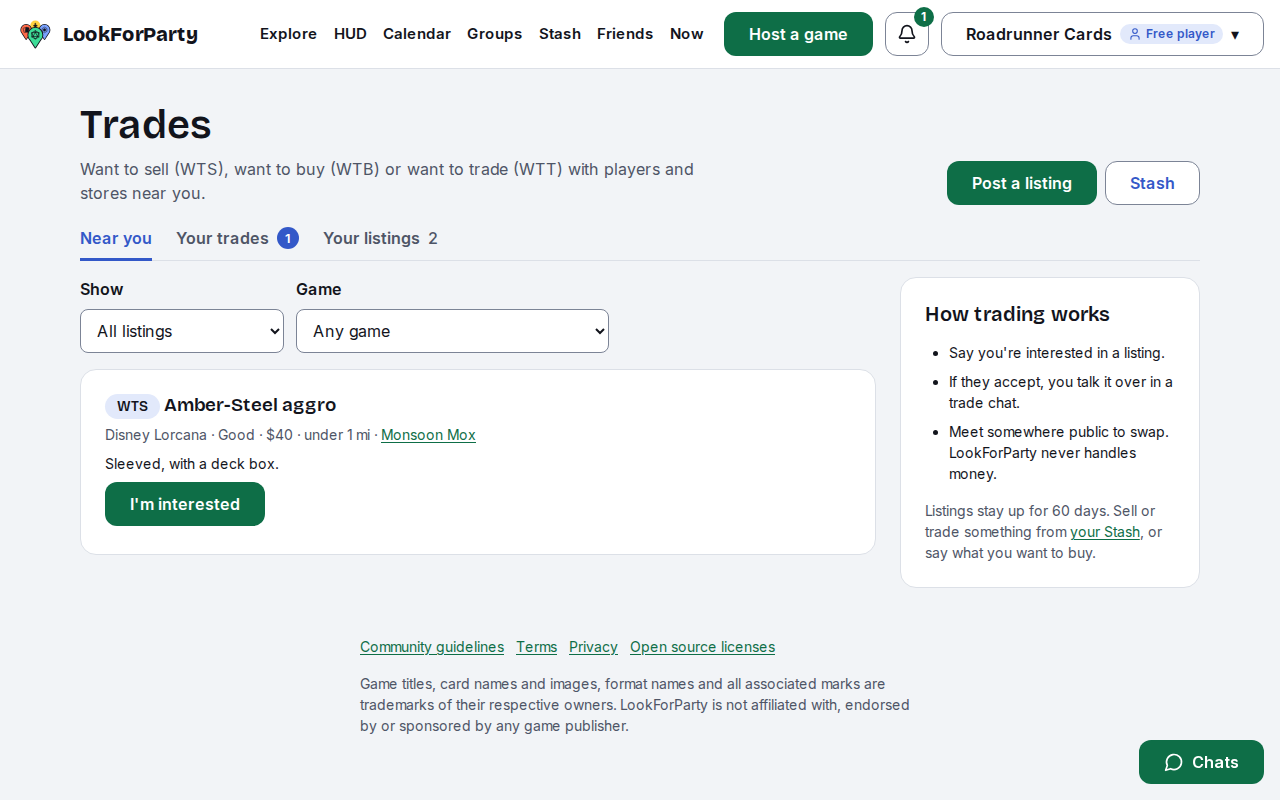
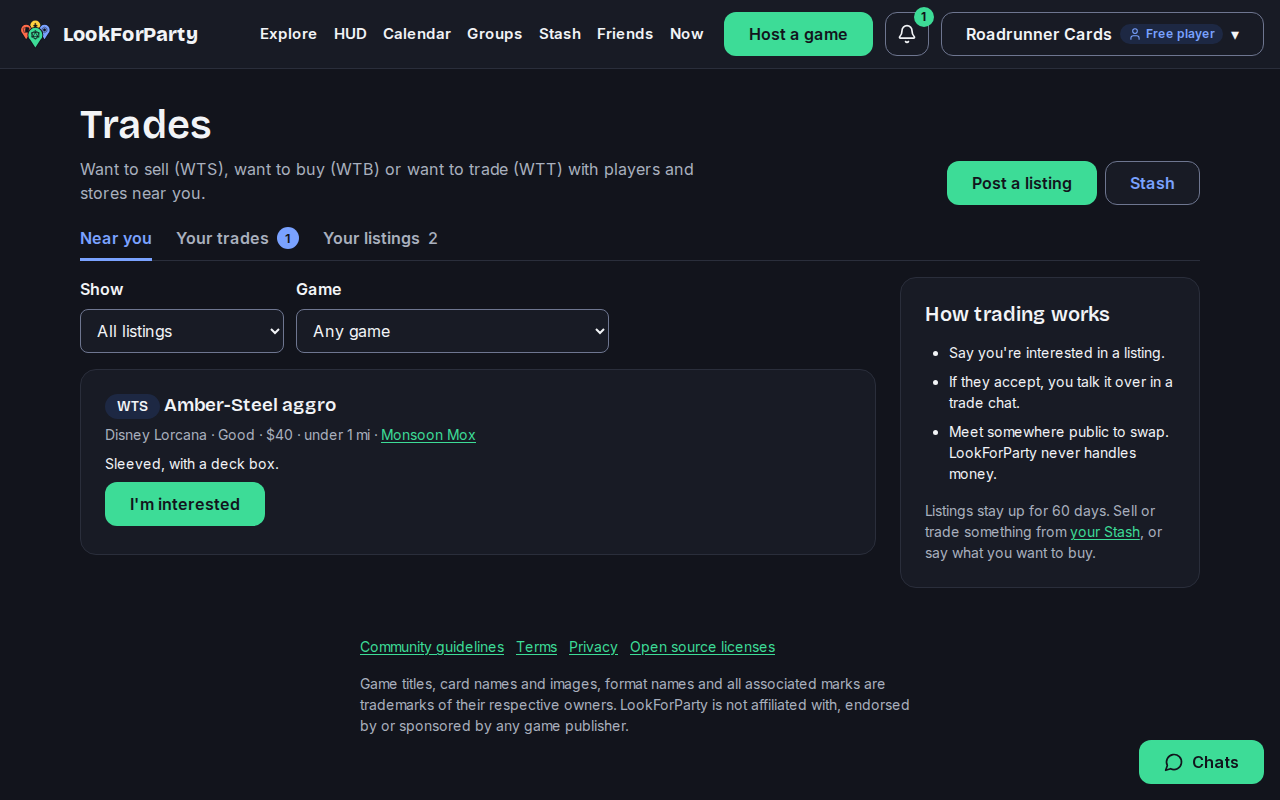
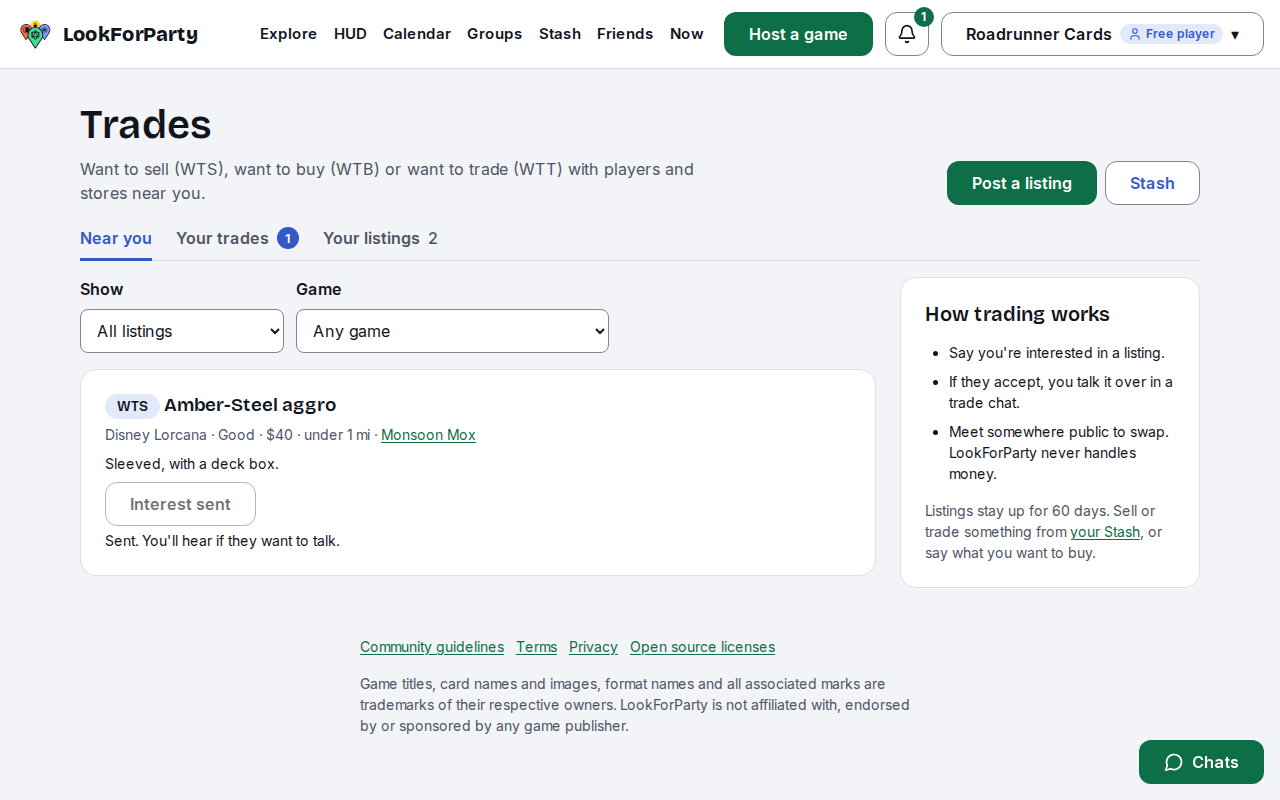
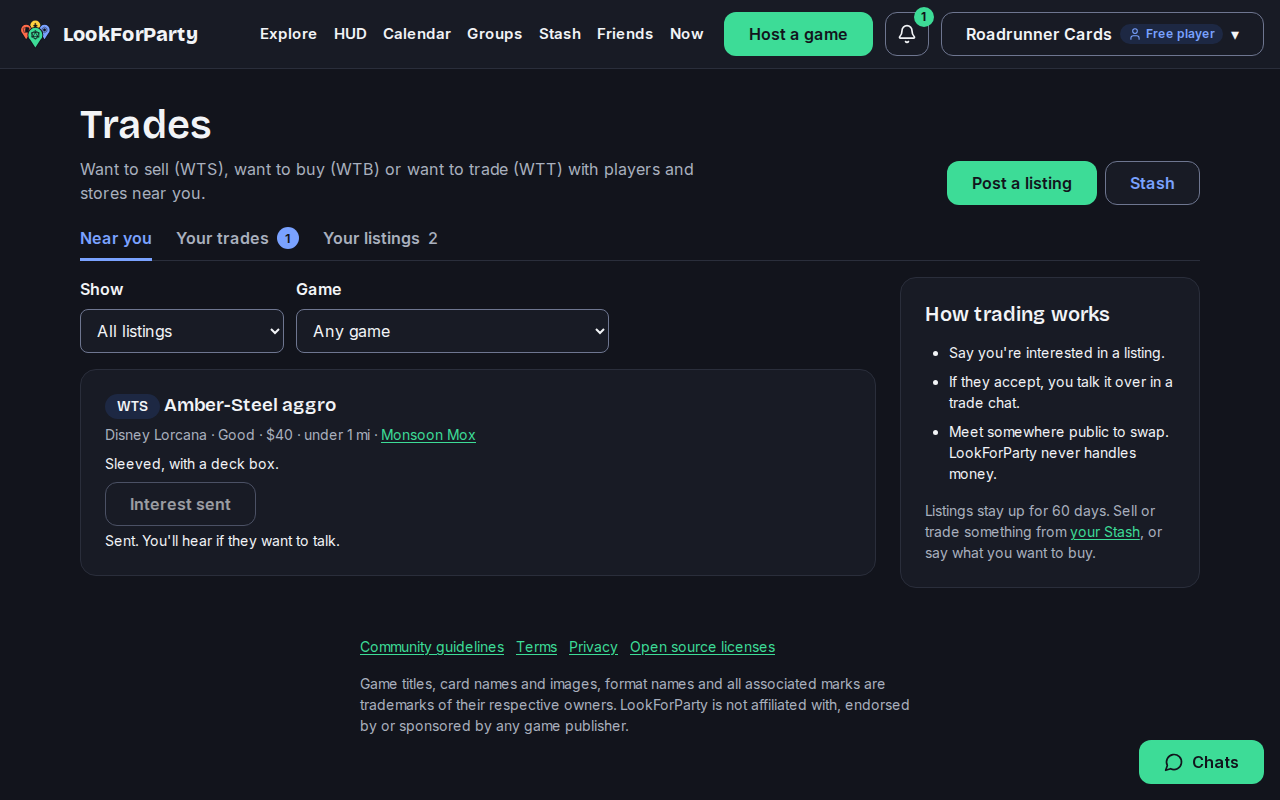
Near you shows other people's and stores' listings, with a rough distance and who posted them. Nobody sees where you are. Filter by kind or game, and press I'm interested on one you want.
The lister is told someone's interested. If they accept, a trade chat opens for the two of you. If they don't, you're not told.
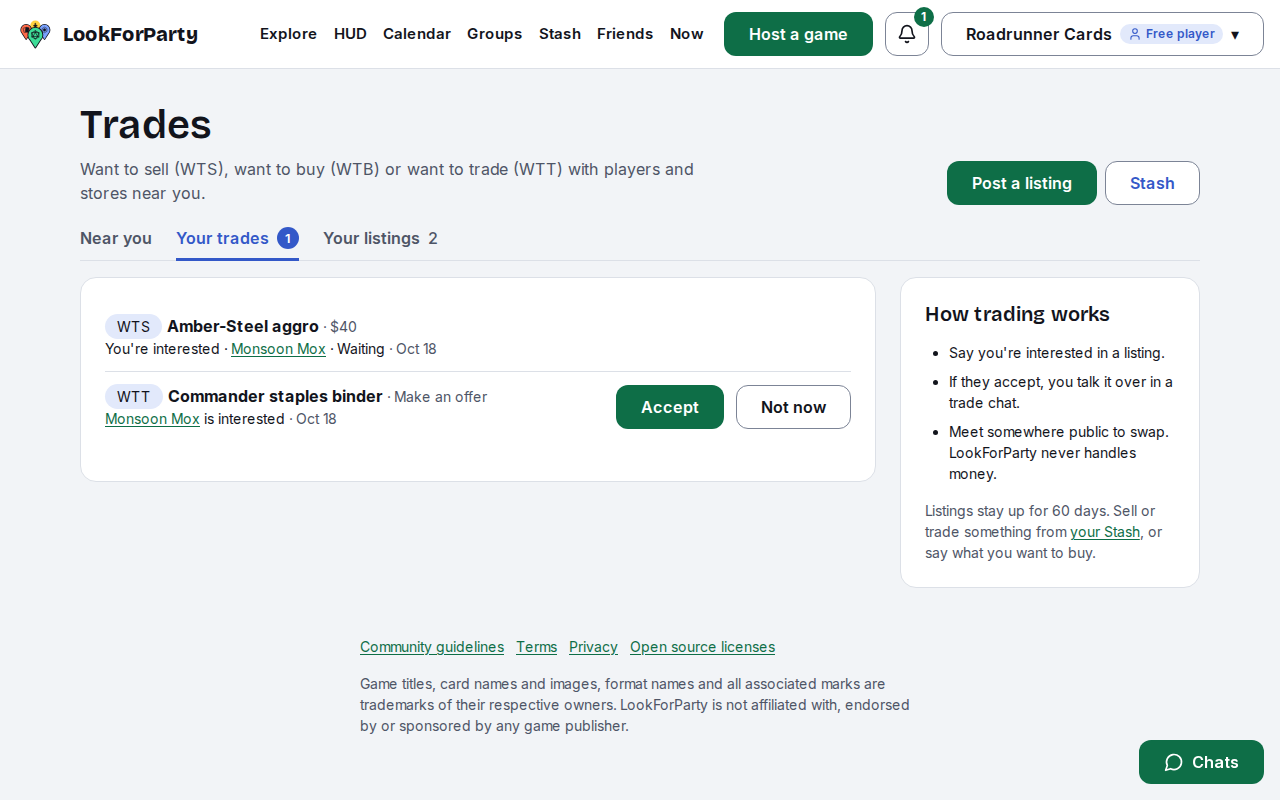
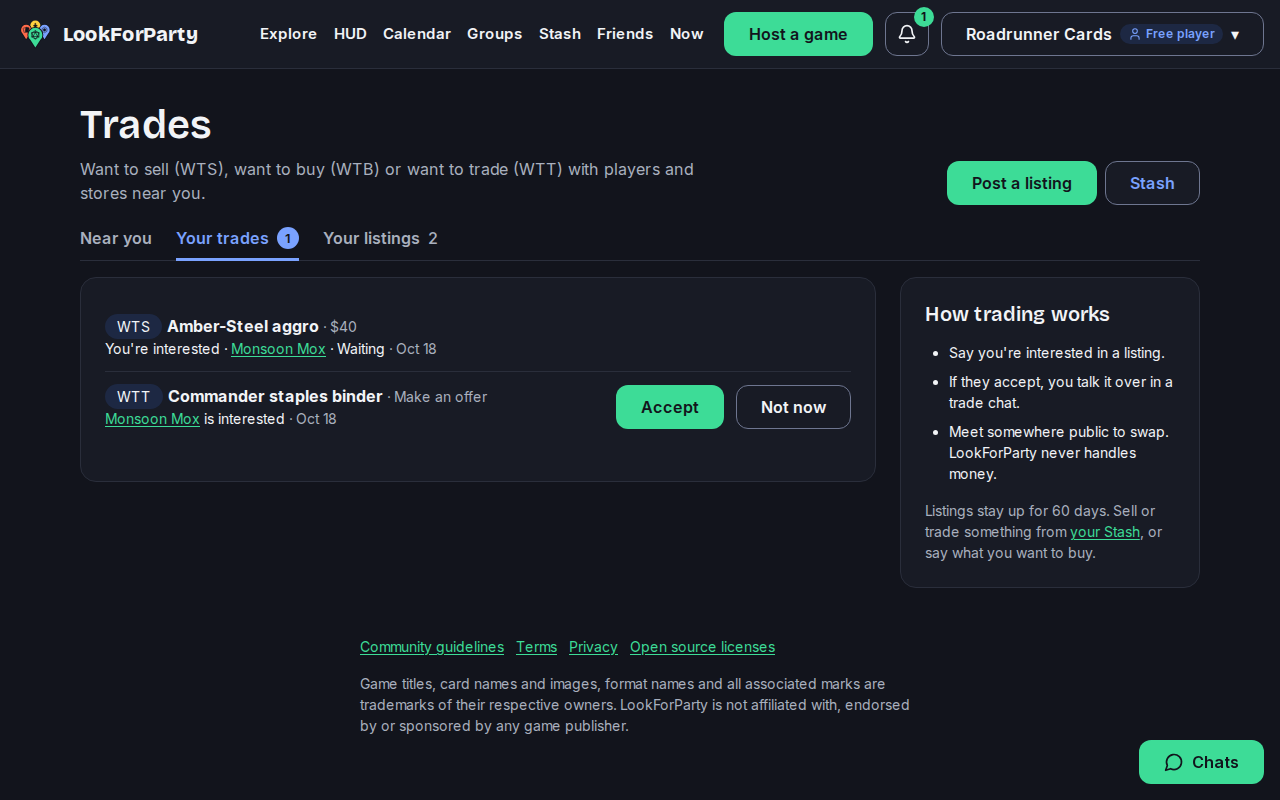
When someone's interested in your listing, it shows under Your trades. Press Accept to open a chat with them, or Not now to say no quietly.
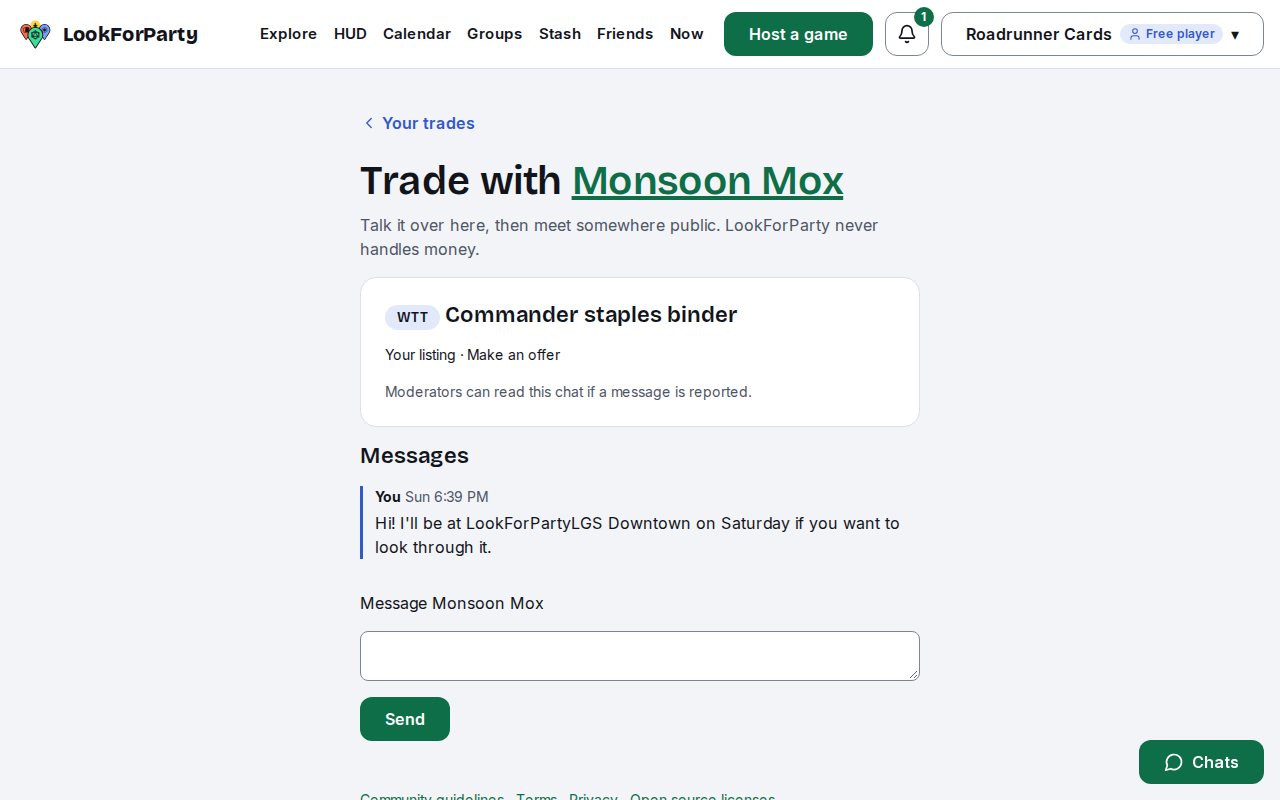
Once you accept, press Open chat. Talk over the details there, then meet somewhere public to swap. Moderators can read a trade chat if a message is reported.
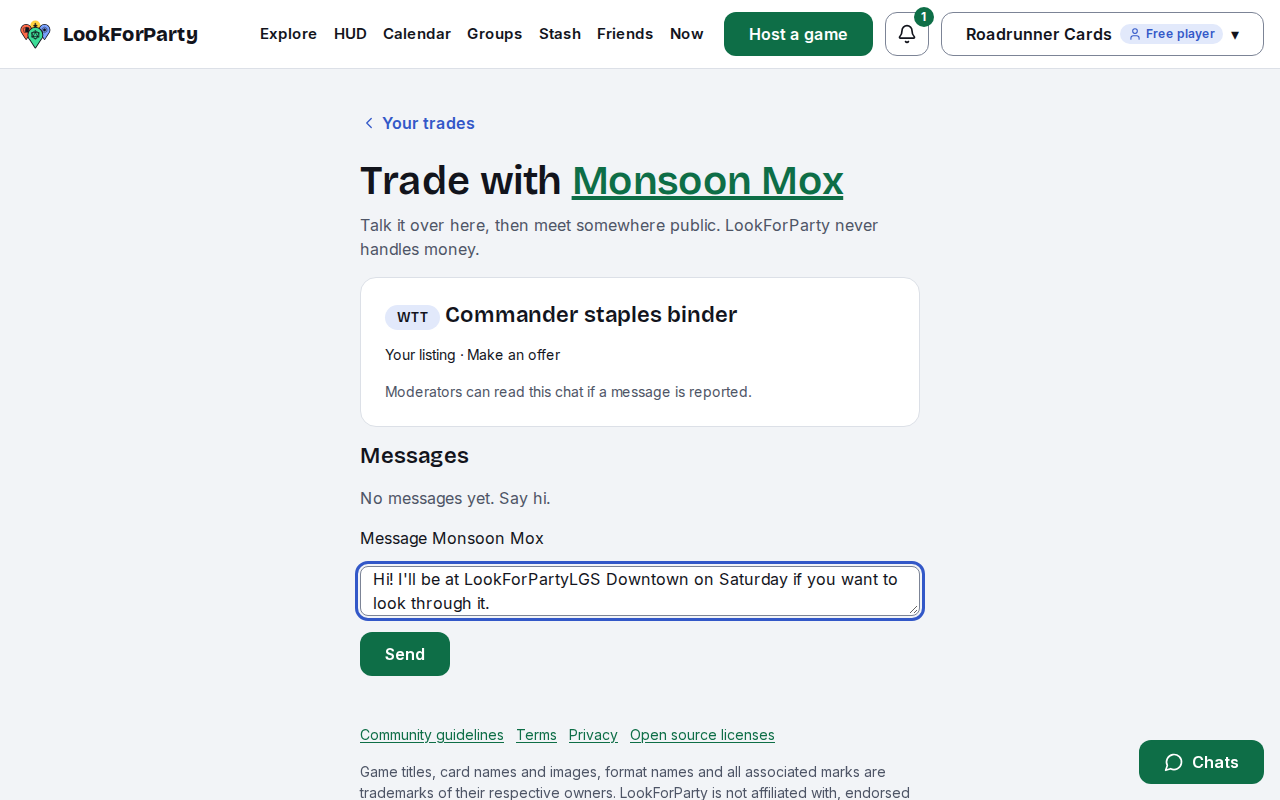
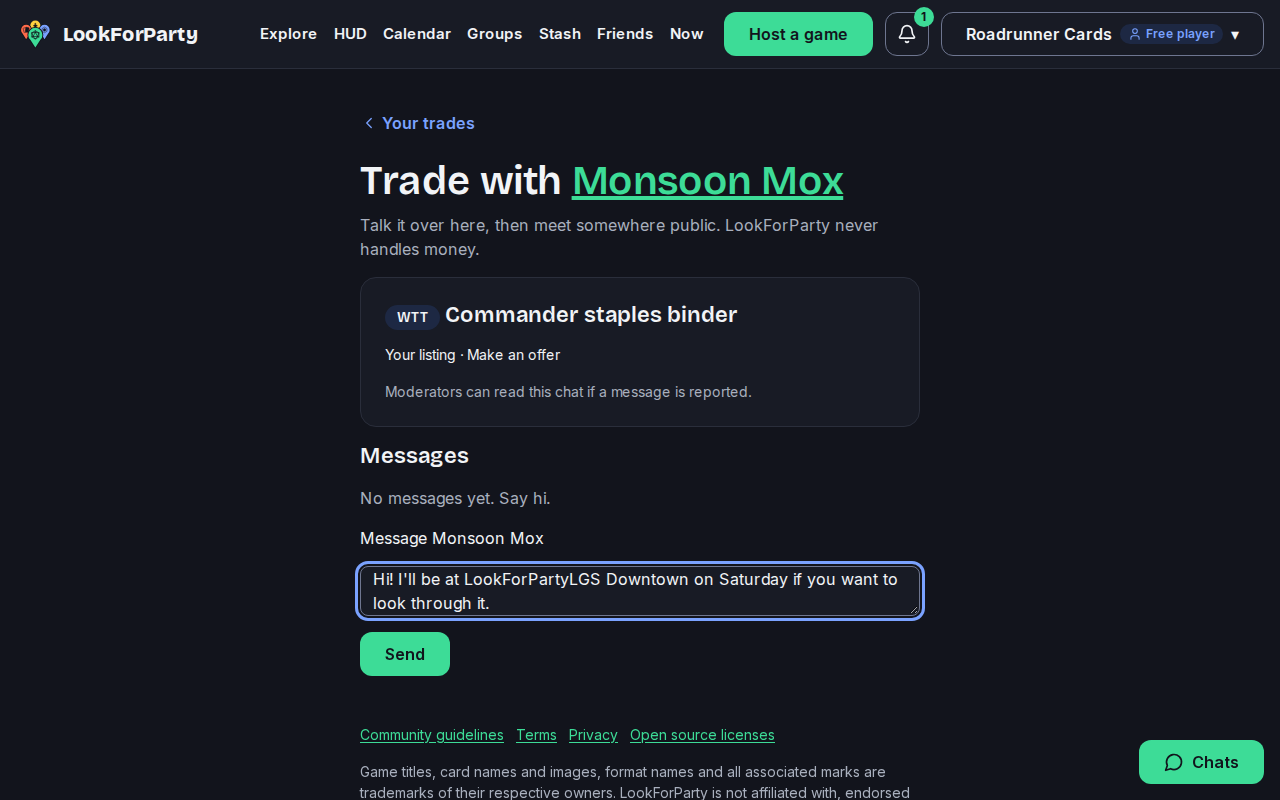
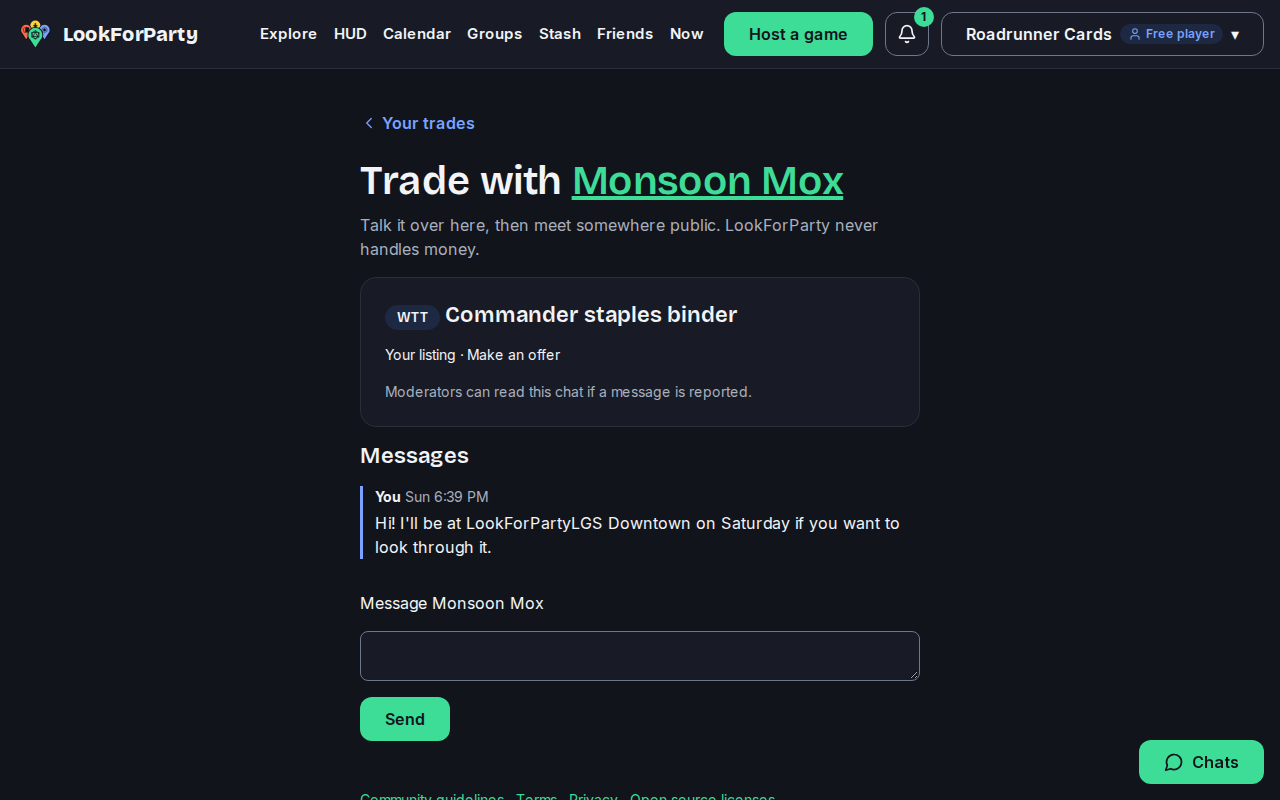
Press Send. Your messages stay in the trade chat, and you'll find it again under Your trades.
Next
Post your stops as a traveling merchant
If you sell cards and games on the road, post where you'll be selling. Players near each stop can then find you on the Explore map.
Find traveling merchants near you
Traveling merchants are vendors who bring cards, sealed product and more to stores and events. See where they'll be selling near you, and when.
Create an account
Make your LookForParty account so you can find games near you, take a seat and host your own.
Something not match what you see? Tell us and we'll fix the guide.